
fastly-object-storage-easy-ui
v1.0.4
Published
This project is an easy UI to interact with Fastly Object Storage. The app provides a user-friendly interface for creating a bucket, uploading, fetching, listing, and managing files stored in a Fastly S3-compatible storage bucket


Readme
Fastly Object Storage easy UI
This project is an easy UI to interact with Fastly Object Storage. The app provides a user-friendly interface for creating a bucket, uploading, fetching, listing, and managing files stored in a Fastly S3-compatible storage bucket.
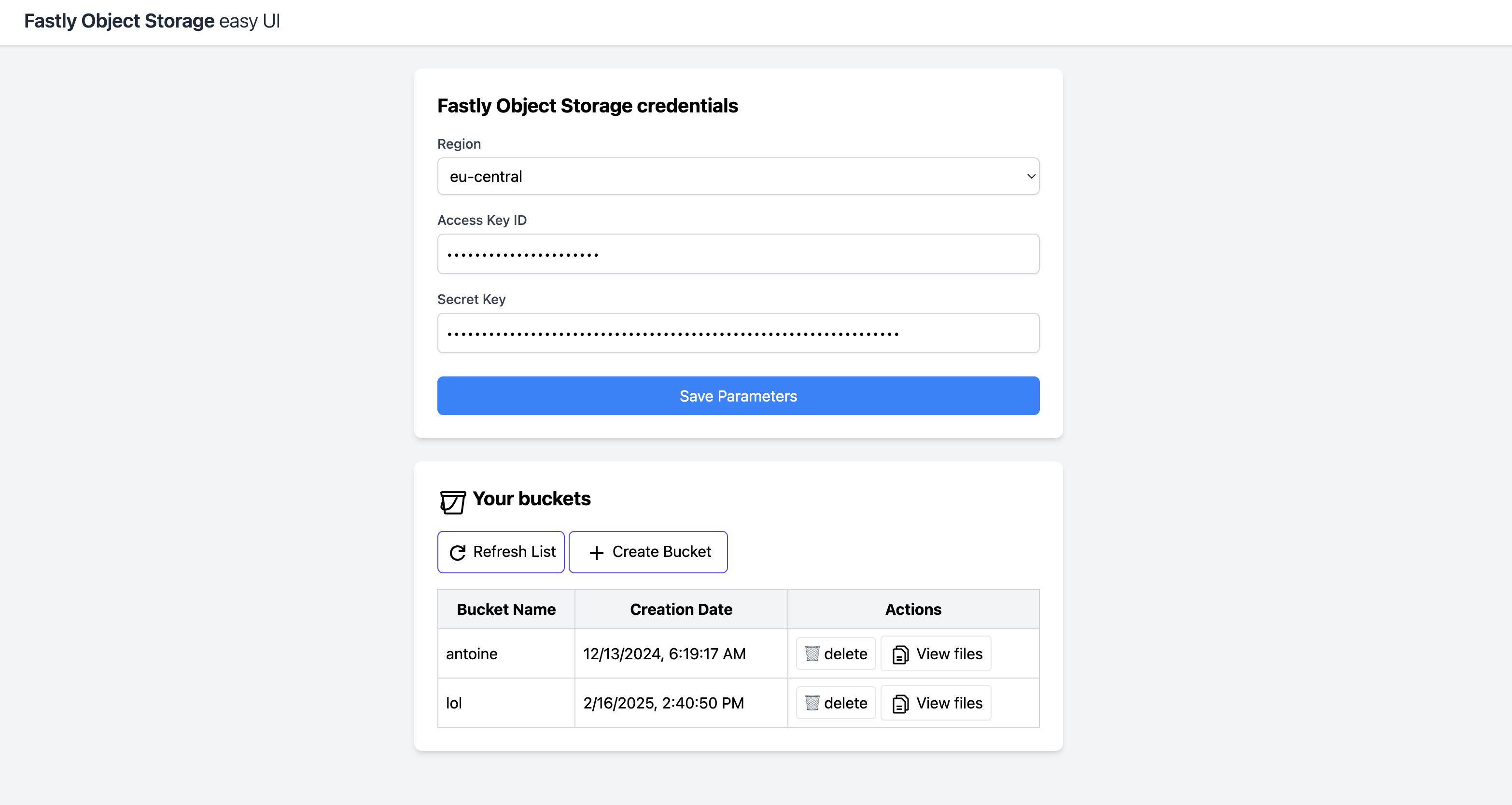
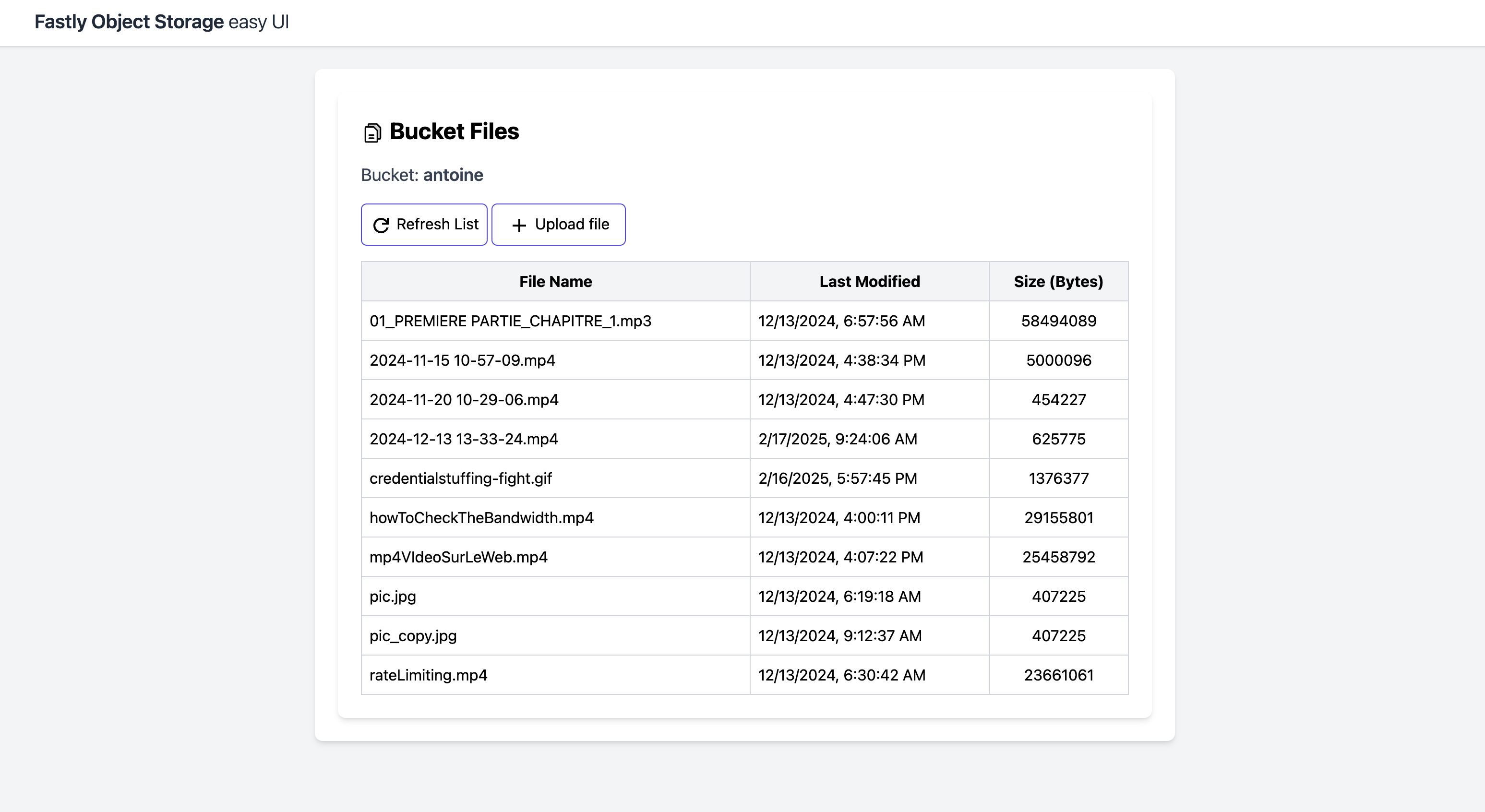
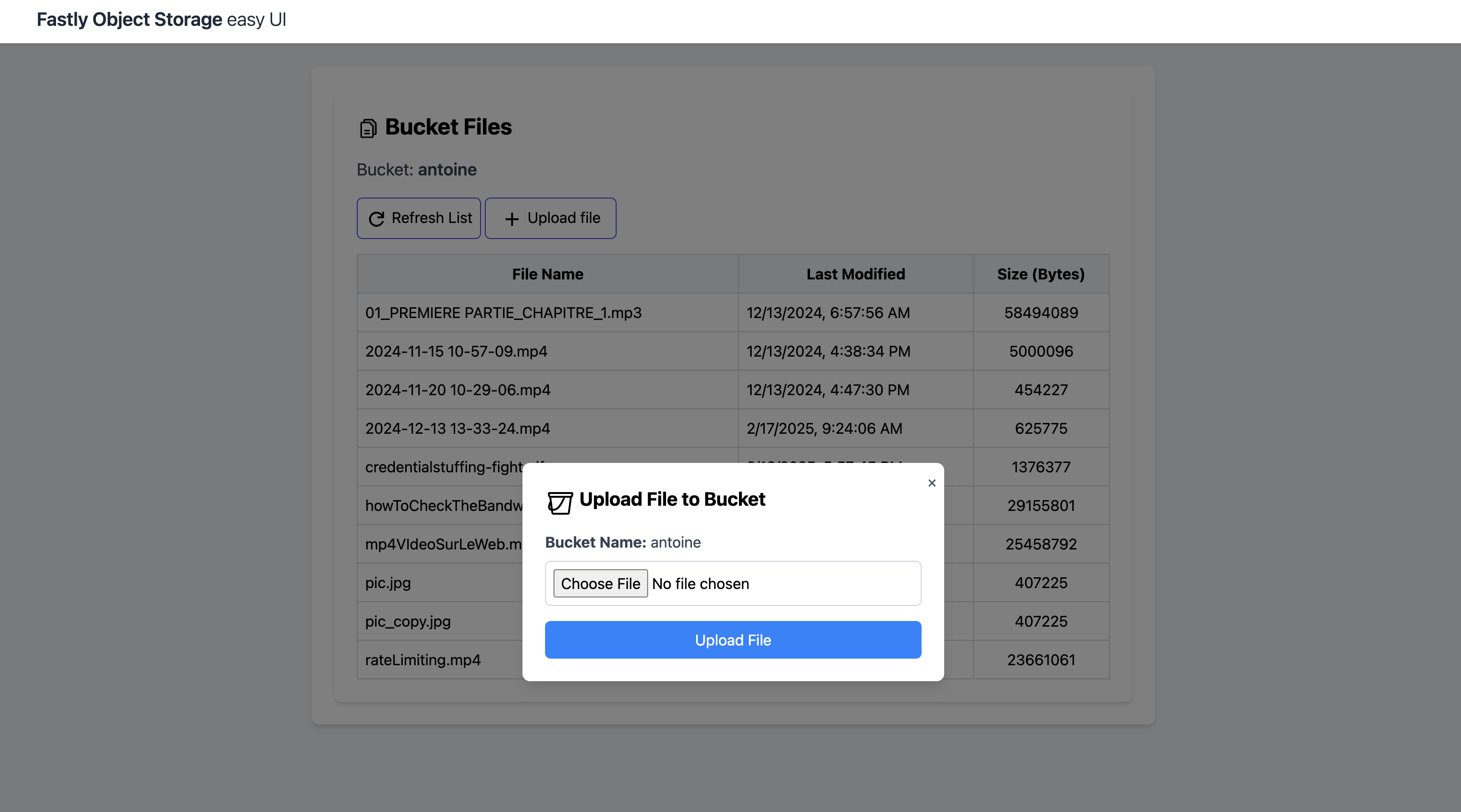
Features
- File Upload: Securely upload files to a Fastly Object Storage bucket.
- List Files: List all files in the bucket along with metadata such as size and last modified date.
Technologies Used
- Node.js: Backend runtime environment.
- Express: Web framework for creating API routes.
- AWS SDK for JavaScript v3: To interact with Fastly's S3-compatible storage API.
- Multer: Middleware for handling file uploads.
Getting Started
Prerequisites
- Node.js or Docker
- Fastly Object Storage credentials
Use with npm
Be sure you have Node.js installed on your machine, then run:
npx fastly-object-storage-easy-ui🐳 Docker
Use the prebuidl Docker image (built on linux/arm64/v8)
docker run -d -p 3099:3009 antoinebr/fastly-object-storage-easy-ui:latestAccess the app at http://localhost:3099/
Build the Docker app yourself
make build make runDev
You will need to have Node.js installed on your machine.
git clone https://github.com/Antoinebr/Fastly-Object-Storage-Demo.git cd Fastly-Object-Storage-Demo npm installRun Locally
npm run startAccess the app at http://localhost:3009.