
figma-developer-mcp-caching-dev-fork
v0.23.0
Published
Dev fork of Framelink's Figma MCP server with persistent caching until upstream merge.


Readme
Give Cursor and other AI-powered coding tools access to your Figma files with this Model Context Protocol server.
When Cursor has access to Figma design data, it's way better at one-shotting designs accurately than alternative approaches like pasting screenshots.
Demo
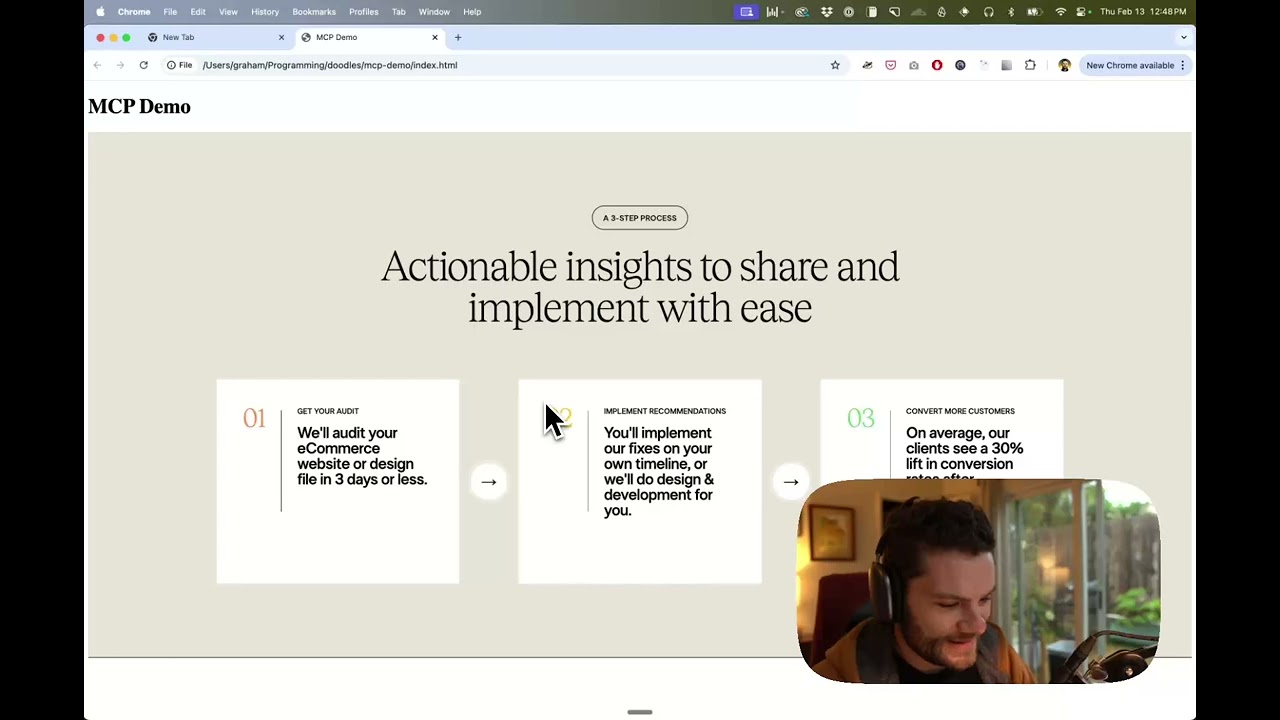
Watch a demo of building a UI in Cursor with Figma design data
How it works
- Open your IDE's chat (e.g. agent mode in Cursor).
- Paste a link to a Figma file, frame, or group.
- Ask Cursor to do something with the Figma file—e.g. implement the design.
- Cursor will fetch the relevant metadata from Figma and use it to write your code.
This MCP server is specifically designed for use with Cursor. Before responding with context from the Figma API, it simplifies and translates the response so only the most relevant layout and styling information is provided to the model.
Reducing the amount of context provided to the model helps make the AI more accurate and the responses more relevant.
Getting Started
Many code editors and other AI clients use a configuration file to manage MCP servers.
This caching fork, published as figma-developer-mcp-caching-dev-fork, can be configured by adding the following to your configuration file.
NOTE: You will need to create a Figma access token to use this server. Instructions on how to create a Figma API access token can be found here.
MacOS / Linux
{
  "mcpServers": {
    "Framelink MCP for Figma": {
      "command": "npx",
      "args": ["-y", "figma-developer-mcp-caching-dev-fork", "--figma-api-key=YOUR-KEY", "--stdio"]
    }
  }
}
Windows
{
  "mcpServers": {
    "Framelink MCP for Figma": {
      "command": "cmd",
      "args": [
        "/c",
        "npx",
        "-y",
        "figma-developer-mcp-caching-dev-fork",
        "--figma-api-key=YOUR-KEY",
        "--stdio"
      ]
    }
  }
}
If you prefer to manage credentials via environment variables (as recommended in the MCP client spec), place them in the env object alongside your server definition. Example Cursor configuration:
{
  "mcpServers": {
    "Framelink MCP for Figma": {
      "command": "npx",
      "args": ["-y", "figma-developer-mcp-caching-dev-fork", "--stdio"],
      "env": {
        "FIGMA_API_KEY": "YOUR-KEY",
        "FIGMA_CACHING": "{\"ttl\":{\"value\":30,\"unit\":\"d\"}}",
        "PORT": "3333",
      },
    },
  },
}
If you need more information on how to configure the Framelink MCP for Figma, see the Framelink docs.
Support for free Figma accounts: Persistent caching (optional)
To avoid hitting Figma's heavy rate limits, you can tell the MCP server to cache full file responses on disk by setting a FIGMA_CACHING environment variable that contains a JSON object.
FIGMA_CACHING='{ "ttl": { "value": 30, "unit": "d" } }'Put this var into your mcp config json, see example above.
cacheDir(optional) controls where cached files are written. Relative paths are resolved against the current working directory and~expands to your home directory. If you omit it, the server defaults to~/.cache/figma-mcpon Linux,~/Library/Caches/FigmaMcpon macOS, and%LOCALAPPDATA%/FigmaMcpCacheon Windows.ttlcontrols how long a cached file remains valid. It must contain avalue(number) and aunit(ms,s,m,h, ord).
When caching is enabled the server always fetches the full Figma file once, stores it on disk, and serves subsequent get_figma_data / get_raw_node requests from the cached copy until it expires. Delete the files inside cacheDir if you need to force a refresh. Leaving FIGMA_CACHING unset keeps the default non-cached behavior.
Subtree cache mode
If a Figma file is too large to load reliably with the default full-file cache, set cacheType to subtree and configure subtreeRootsByFile. In this mode, the server seeds and reuses only the configured subtrees instead of relying on one cached full-file payload. Each subtree root is just a regular nodeId from that Figma file.
"FIGMA_CACHING": "{\"ttl\":{\"value\":30,\"unit\":\"d\"},\"cacheType\":\"subtree\",\"subtreeRootsByFile\":{\"YOUR_FILE_KEY\":[\"10:20\",\"10:40\"]}}"Learn More
The Framelink MCP for Figma is simple but powerful. Get the most out of it by learning more at the Framelink site.