
flagpack-core
v2.1.0
Published
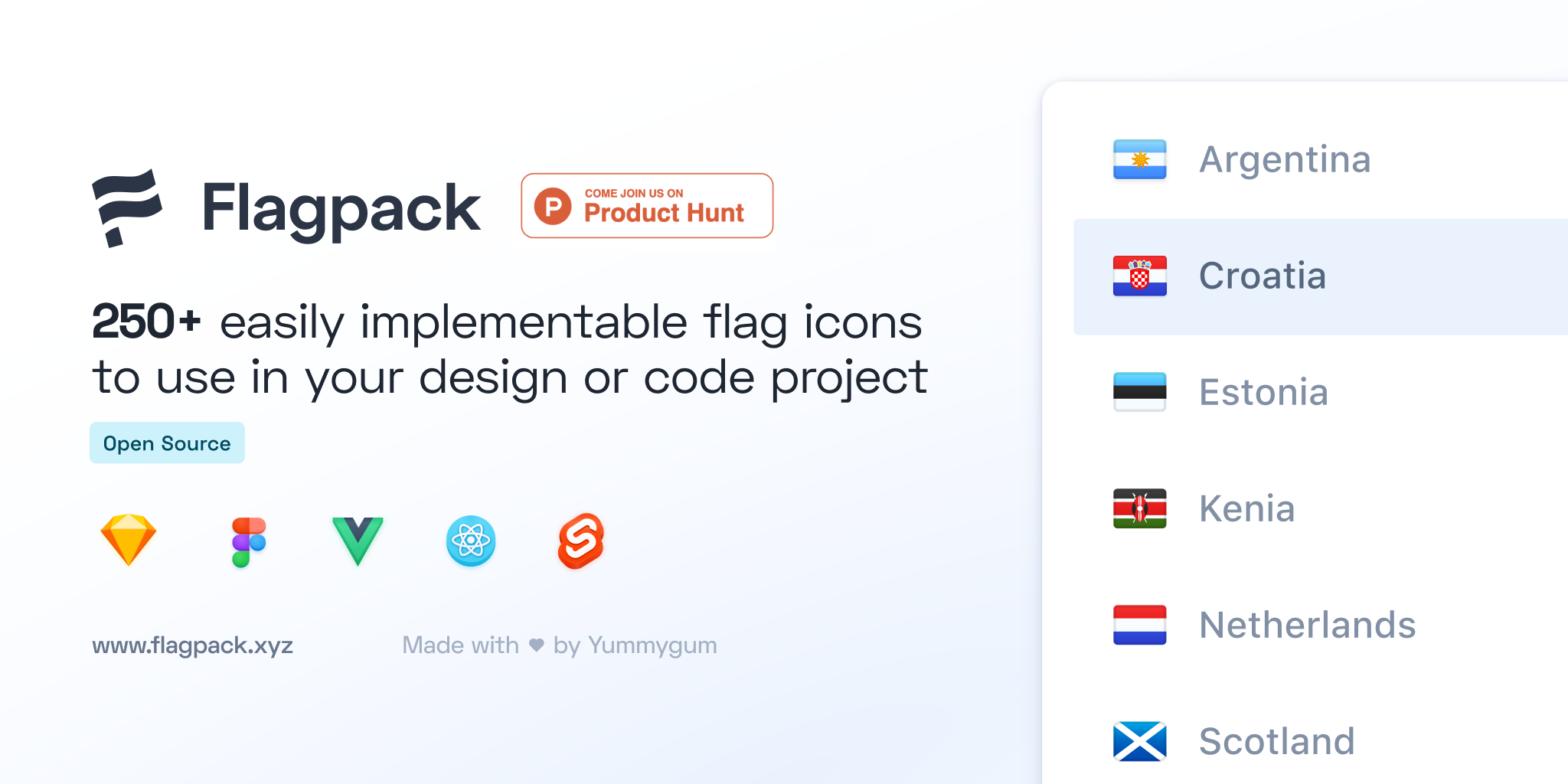
Flagpack contains 250+ flag icons to easily use within your code project. Flagpack is an open source project and available for JavaScript frameworks/libraries React, Vue and Svelte.


Readme
Flagpack
Flagpack contains 250+ flag icons to easily use within your code project. Flagpack is an open source project and available for JavaScript frameworks/libraries React, Vue and Svelte.
View documentation on flagpack.xyz
flagpack-core
Flagpack core has been created to provide and share the flag assets used in Flagpack. It also provides some logic to help with building on top of this package. For example, it can also be used to map over the countryCodeList.json to display all flags.
Installation
Flagpack is available as a ready-to-use package through our framework packages. See the repo for more information about installing those.
Installing flagpack-core
You can setup flagpack-core by cloning the repo through git clone
$ git clone https://github.com/Yummygum/flagpack-coreExample of running a test environment
Normally if you'll use any component the core will be automatically installed as peer dependency. If you want to test the core, you'll need to install one of the components and install the core as local module.
$ git clone https://github.com/Yummygum/flagpack-core
$ cd ./flagpack-core
$ npm link
Then move into your test project and install the local dependency by using npm link
$ npm link flagpack-coreFor more information on the use of installing a local package, we'd recommend checking the npm link documentation.
Use
With the release of Flagpack 2.0.0, Flagpack no longer serves all of the images in a single file. This is done to only serve the flags it requires, in other words: to preform 'treeshaking'. You'll have to import each flag separately, using the flags directory in flagpack-core. For an example to how to set this up dynamically, check out our react-flagpack package.
Flag Policy
Which flags should be included is an ongoing point of discussion within a project such as Flagpack. To provide some form of consistency, as of the 2.0 release Flagpack will be using the ISO 3166 standard as our baseline for our flag selection. In other words: Flagpack will provide flags for all ISO 3166 countries.
Exceptions
As ISO 3166 specifies countries, we ran into two exceptions to our rule. Luckily 3166 has different subsets to provide us with alpha-2 codes for these specific exceptions.
BES Islands
The Islands of Saba, Saint Eustasius and Bonaire are their own entity within the ISO standard, but don't have a shared flag. We chose to include them individually under the alpha-2 codes BQ-SA, BQ-BO and BQ-SE respectively. These codes are specified in ISO 3166-2:BQ.
Countries within The United Kingdom
To provide some clear distinction within the different countries within The United Kingdom, we've opted to included the flags of England, Scotland, Wales and Northern Ireland in Flagpack, along side the flag of the UK itself (alpha-2: GB-UKM). They use the alpha-2 codes of GB-ENG, GB-SCT, GB-WLS and GB-NIR respectively. These can be found in the ISO 3166-2:GB.
Future additions
With these changes also comes a bit of a change in suggested additions to Flagpack. If want you to suggest a flag to add to Flagpack, please keep the following things in mind:
- Flags in Flagpack must represent a country or location.
- Flags in Flagpack must be represented in the ISO 3166 standard or a subset thereof.
Based on interest and feasibility a suggestion for a flag could be taken into consideration. However, we offer no guarantees of which flags will be added in future versions of Flagpack.
Building
You'll need an .env file with a SPREADSHEET_KEY and API_KEY to be able to build the generateCodeList.js script to make the request to the GoogleAPI to fetch the flags data.
If you just want to make changes to the generateFlags.js, the .env is not needed, just use the current countryCodeList.json.
# install dependencies
npm install

# build for prod
npm run build

# build with watcher for dev
npm run dev
Releasing
To release a new version you'll need to make sure all changes commits are done and pushed. After that you'll need to decide which release type you want to use. The release types are; patch (0.0.1), minor (0.1.0), or major (1.0.0).
npm version <release_type>This will update the version number in the package.json, and will add a git tag automatically. Next you'll need to push the git tag to the remote.
git push --tags origin masterAfter that you'll need to publish to npm.
npm publishWhen you're confident with the release, make sure the version tag is also released at GitHub.
Support
Releases
You can find a changelog of Flagpack's releases on the Releases page on GitHub.
Contribute
If you're interested in contributing to this project, great! Please see the contributing document.
License
Flagpack is an open source project published under a MIT license.