
flowscreen
v0.1.6
Published
Beautiful, production-ready error and state screens for React and Next.js.
Downloads
344

Maintainers
 hamzauguz
Readme
FlowScreen
🚫 Your error pages are ugly. Fix them in 3 seconds.
One component. Zero CSS. Production-ready UI.⚡️


⚡ 1 line is all it takes
<FlowScreen template="error-cloudflare" code="503" />That’s it. Your ugly error page is now production-ready.
✨ No CSS · ⚡ Works instantly · 🧩 Drop-in component · 🛡 SSR safe · 🚀 Next.js ready
npm install flowscreenPreview
Install
npm install flowscreenQuick Start
import { FlowScreen } from "flowscreen/react";

export default function Page() {
  return <FlowScreen template="error-cloudflare" code="503" />;
}
Works instantly with no provider and no backend setup.
Examples
Error Screen
Code drives default title/description; override with title and description props.
<FlowScreen
  template="error-modern"
  code="500"
  title="Something went wrong"
  description="Please try again later."
  button={{ label: "Reload", onClick: () => window.location.reload() }}
/>
Empty State
No code required. Suited for dashboards and SaaS tables when there’s no data.
<FlowScreen
  template="empty-basic"
  title="No results found"
  description="Try adjusting your filters."
  button={{ label: "Clear Filters", onClick: resetFilters }}
/>
Maintenance Screen
Fits scheduled downtime or feature flags. SSR-safe.
<FlowScreen
  template="maintenance-under-construction"
  code="503"
  title="Scheduled Maintenance"
  description="We'll be back at 02:00 UTC."
/>
Hide fields (optional)
Omit title or description when the template supports it.
<FlowScreen template="error-cloudflare" code="404" hideTitle hideDescription />Templates
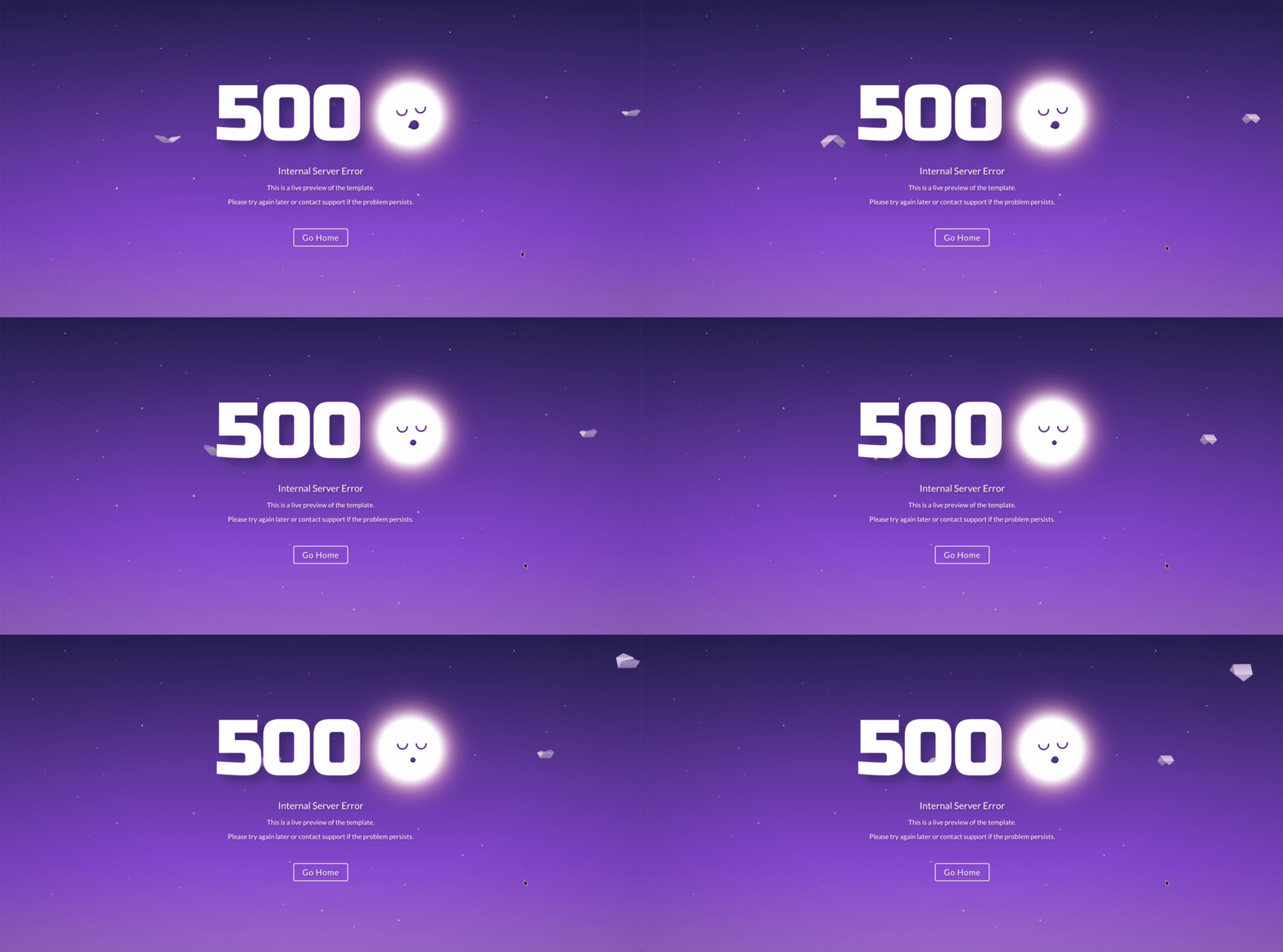
error-sleeping-moon
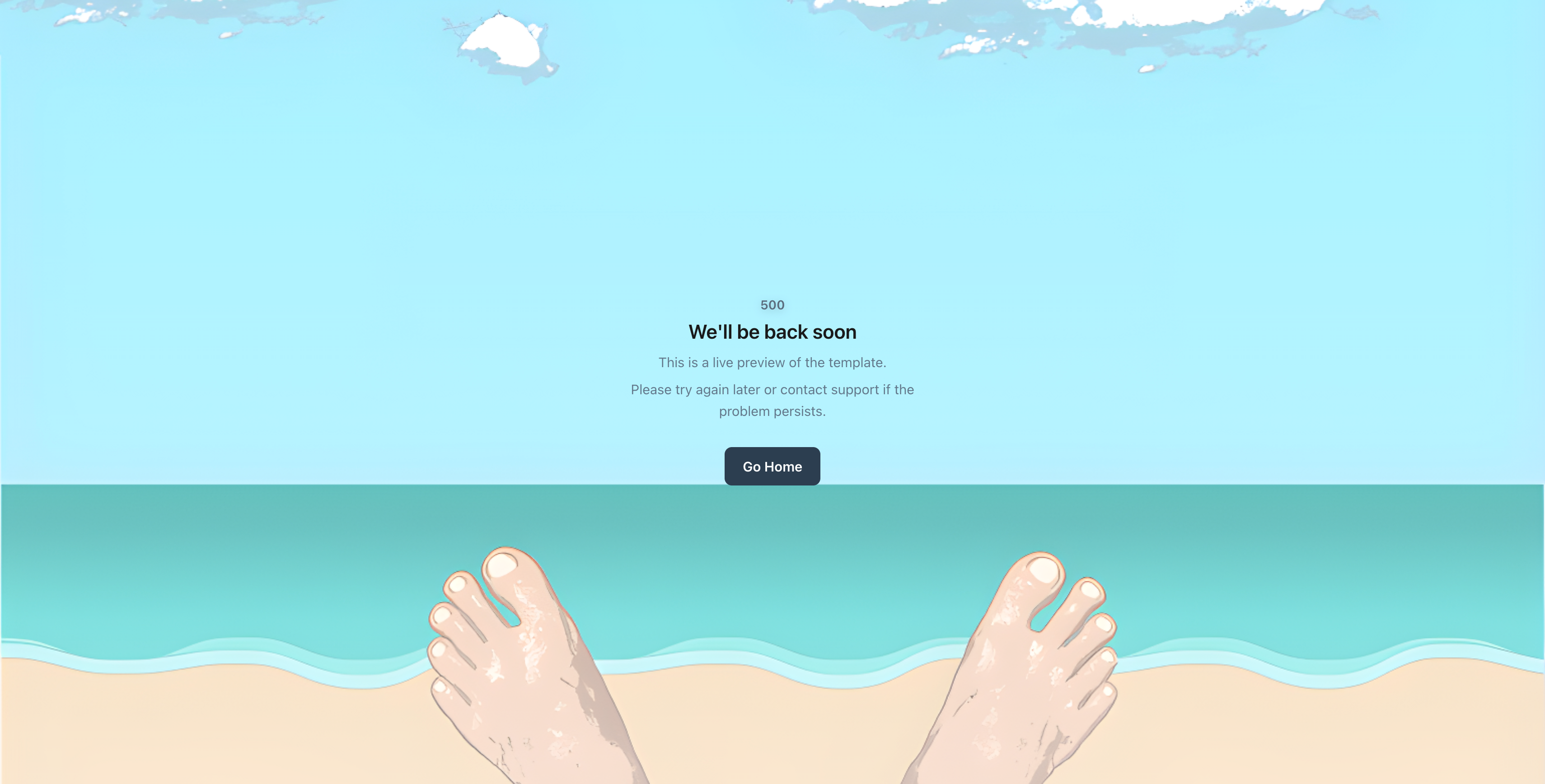
error-cloudflare
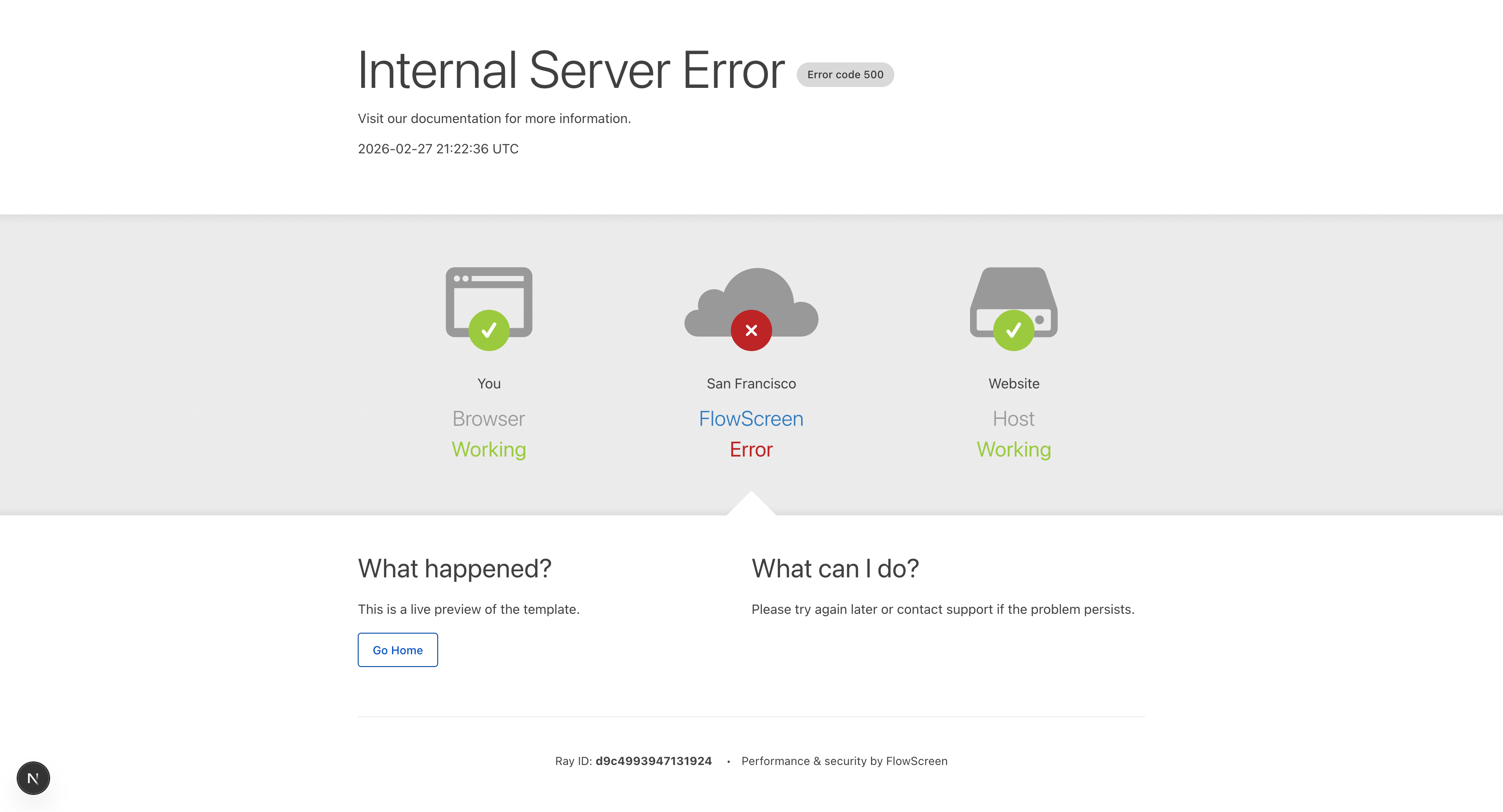
error-parallax
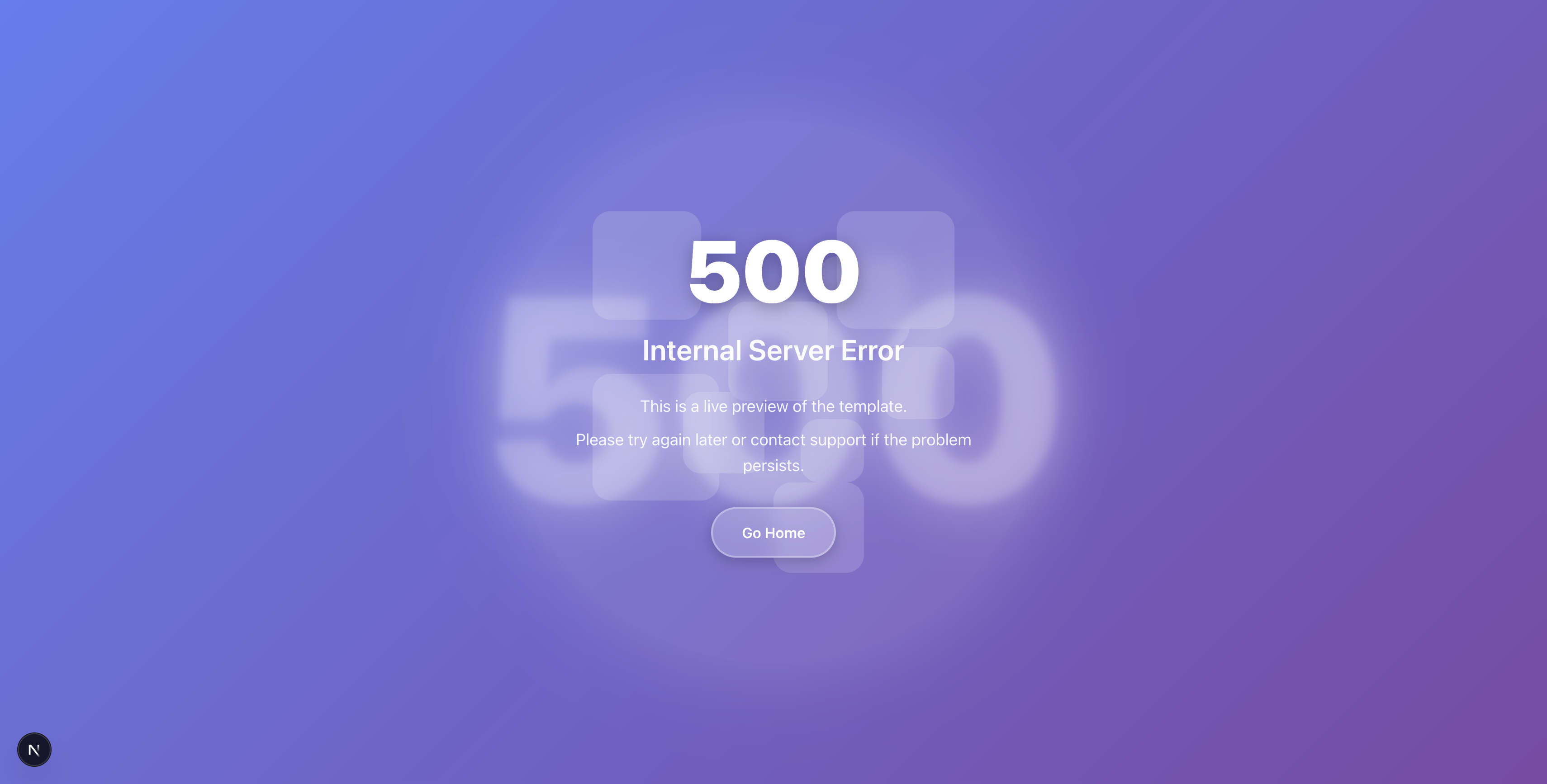
error-mailchimp-pro
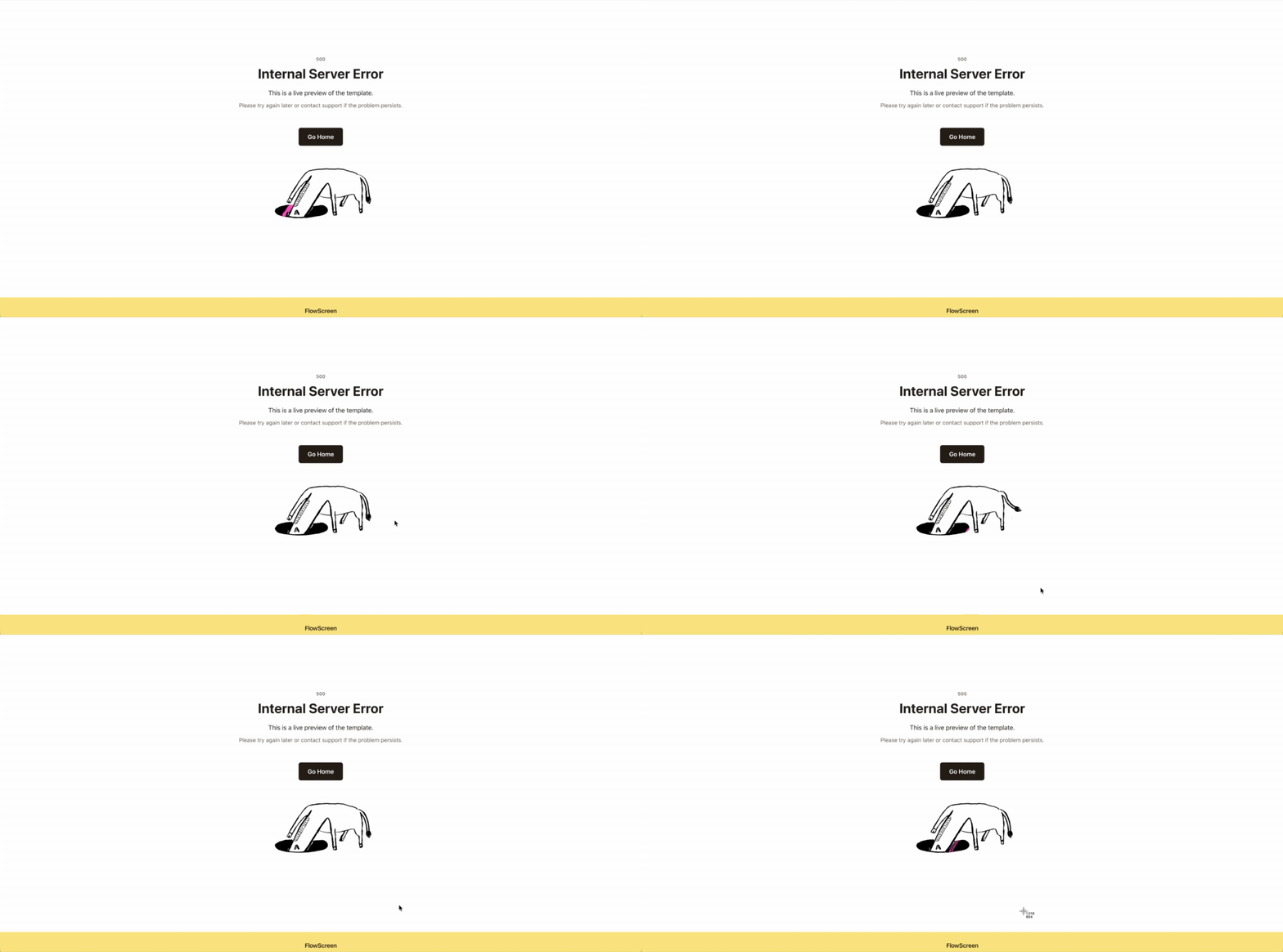
error-amazon
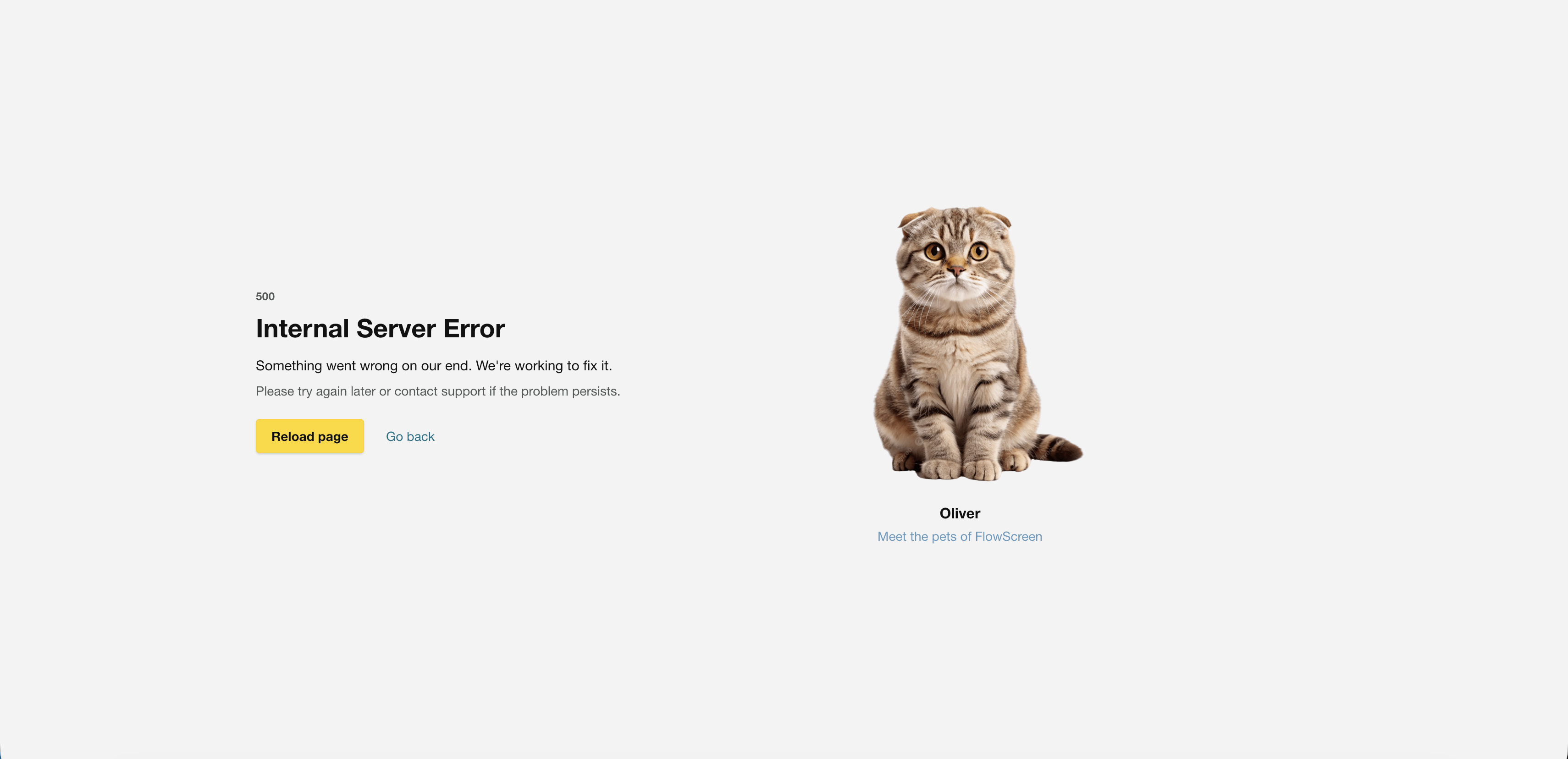
Available Templates
basicerror-cloudflareerror-minimalerror-modernerror-classicerror-parallaxerror-animatederror-sad-bearerror-character-illustrationerror-sleeping-moonerror-amazonerror-mailchimperror-mailchimp-proempty-basicempty-no-resultsempty-inside-outempty-not-found-666maintenance-basicmaintenance-under-constructionmaintenance-offlinemaintenance-electric-promaintenance-playful-road
Template categories
- Error → HTTP errors (4xx, 5xx)
- Empty → No-data states (tables, search, dashboards)
- Maintenance → Downtime or feature-flag screens
Features
- Works instantly in free mode
- No backend required
- SSR compatible
- Next.js ready
- Templates bundled in SDK
- Zero CSS setup
- Theme system
- Safe fallback behavior
Who is this for?
- SaaS applications
- Dashboards
- Developer tools
- Internal admin panels
- Products needing production-ready error states
Architecture
App → FlowScreen SDK → Render (no network)Key points:
- The SDK never fetches templates.
- Templates are bundled in the SDK.
- No backend is required to render screens.
Theming
theme.typography controls visual tokens (e.g. code size, title size). Use classNames to override specific elements with your own CSS.
<FlowScreen
  template="error-modern"
  code="503"
  theme={{
    fontFamily: "Inter",
    typography: {
      code: { fontSize: "6rem" },
      title: { fontSize: "2rem" },
    },
  }}
/>
Docs
See full documentation at https://flowscreen.io/docs/get-started.
Next.js and local file: dependency
Next.js 16 (Turbopack) has a known limitation resolving local packages and subpath exports.
Use:
transpilePackages: ["flowscreen"]- and, if needed,
turbopack.root
Or use:
next build --webpack
Contributing
See CONTRIBUTING.md.
Build
npm run buildSecurity
See SECURITY.md.
License
See LICENSE in this repository.