fta-model
v1.0.6
Published
Vue2组件:基于joint.js的FTA模型可视化

Maintainers
 superlucifer
Readme
fta-model
Vue2组件:基于 jointJs 的FTA(故障树分析)模型可视化组件
安装
npm install fta-model --save说明 :bulb:
本组件基于 jointJs 实现,使用前请先引入 jointJs 的相关依赖,具体包括以下文件:
- joint.js
- graphlib.core.js
- dagre.js
- directed-graph.js
引入步骤
将node_modules/fta-model/src下的libs目录,复制到项目的public/js目录下。
在public/index.html的 head 标签中添加以下代码:
<script src="<%= BASE_URL %>js/libs/joint.js"></script>
<script src="<%= BASE_URL %>js/libs/graphlib.core.js"></script>
<script src="<%= BASE_URL %>js/libs/dagre.js"></script>
<script src="<%= BASE_URL %>js/libs/directed-graph.js"></script>
验证是否引入成功:在上一步添加的代码后加入以下代码,运行项目,打开控制台查看打印内容,打印值不为undefined即表示引入成功。
<script>
    console.log('window.graphlib:', window.graphlib)
    console.log('window.dagre:', window.dagre)
    console.log('window.joint:', window.joint)
</script>
使用
# 全局引入 main.js
import FtaModel from 'fta-model'
Vue.use(FtaModel)

# 局部引入 page.vue
import { FtaModel } from 'fta-model'
export default {
  components: { FtaModel }
}
# page.vue
# 注意:FtaModel组件或者其父元素需要设置宽高,否则无法显示
<fta-model :data="graphData" style="width: 800px; height: 600px" />属性
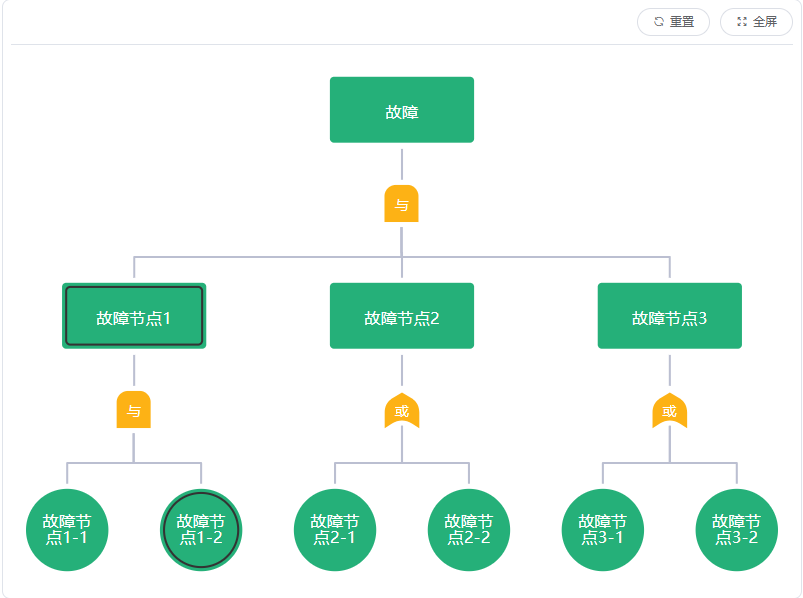
| 属性名 | 类型 | 默认值 | 可选值 | 说明 | | ------------- | -------- | ------ | ------ | ----------------------------------------------------------- | | data | array | [] | - | 故障模型数据(树状),数据结构参见data数据项 | | showCaseState | boolean | false | - | 显示用例配置状态(黑色内边框) | | caseStateFunc | function | null | - | 用例配置状态判断方法(不传则使用内置判断逻辑) |
data数据项
| 属性名 | 类型 | 值范围 | 说明 | | ------------- | ------ | ------ | ------------------------------------------ | | parentId | string | - | 父节点id,为0标识根节点 | | nodeId | string | - | 节点id | | nodeType | string | H/I/L | 节点类型,H-根节点,I-中间节点,L-叶子节点 | | faultName | string | - | 节点名称 | | subsetLogic | string | AND/OR | 子集组合逻辑,AND-与,OR-或 | | children | array | - | 子集 | | caseCount | array | - | 节点绑定用例数量 | | terminalCount | array | - | 适配终端数量 |
事件
| 事件名 | 参数 | 说明 | | ----------- | ---------------- | ---------------------------------------------------------------------------- | | ready | - | 渲染完毕,只触发一次,此时可通过refs获取实例 | | render-done | - | 更新渲染完毕,不要在该事件回调中调用更改节点的相关方法,否则会无限触发该事件 | | node-click | {nodeId,nodeRaw} | 节点点击时触发事件(点击空白处也会触发,相应参数为空) |
方法
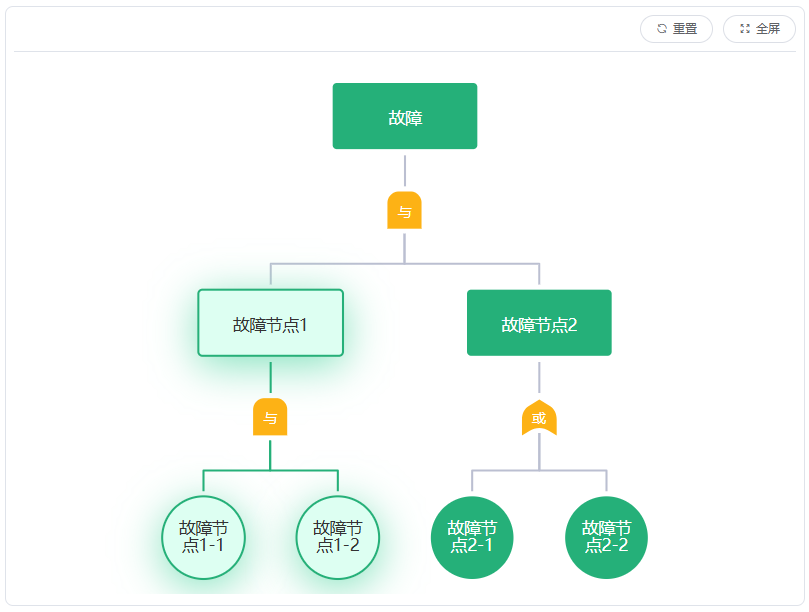
| 方法名 | 参数 | 说明 | | --------------- | ------- | ------------------------------------------ | | setHighlight | nodeId | 高亮节点及其子节点,只能存在一个高亮的分支 | | removeHighlight | - | 移除高亮 | | centerElement | nodeId | 节点居中 | | setDiagnose | nodeIds | 设置诊断节点 | | removeDiagnose | nodeIds | 移除诊断节点,nodeIds可不传,默认移除所有 | | setFault | nodeIds | 设置故障节点 | | removeFault | nodeIds | 移除故障节点,nodeIds可不传,默认移除所有 | | setGray | nodeIds | 设置灰色节点 | | removeGray | nodeIds | 移除灰色节点,nodeIds可不传,默认移除所有 |
示例
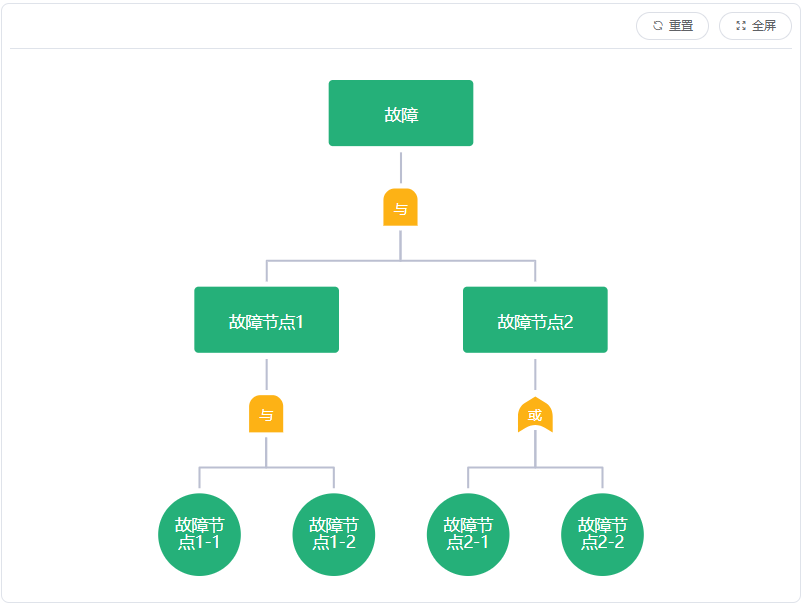
基础样式
默认
高亮
诊断样式
默认
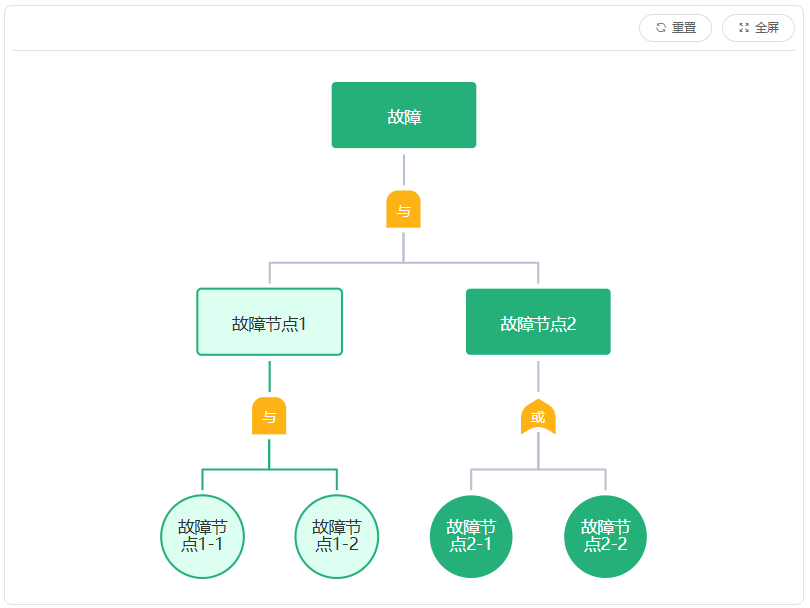
高亮
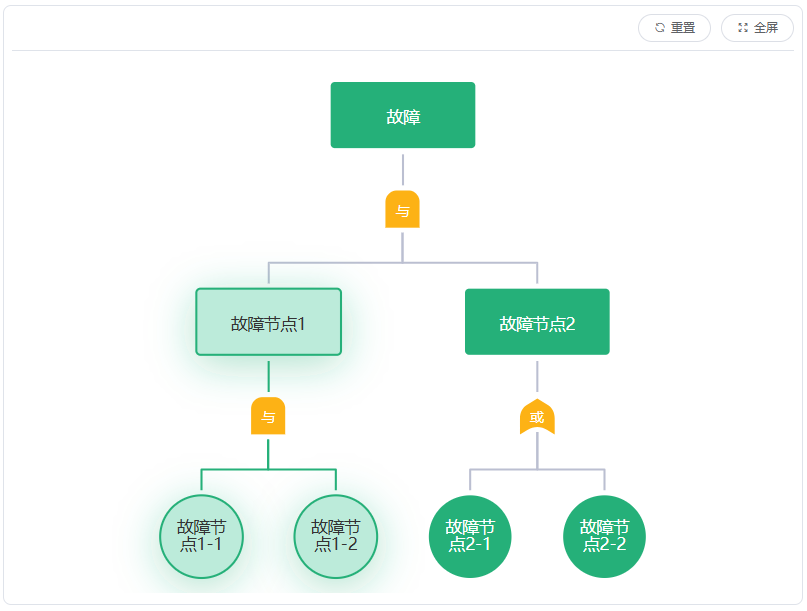
故障样式
默认
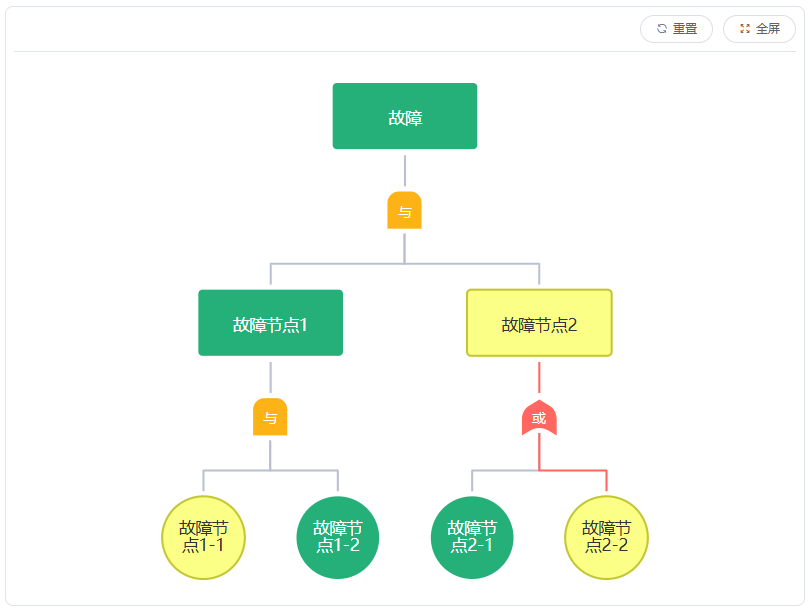
高亮
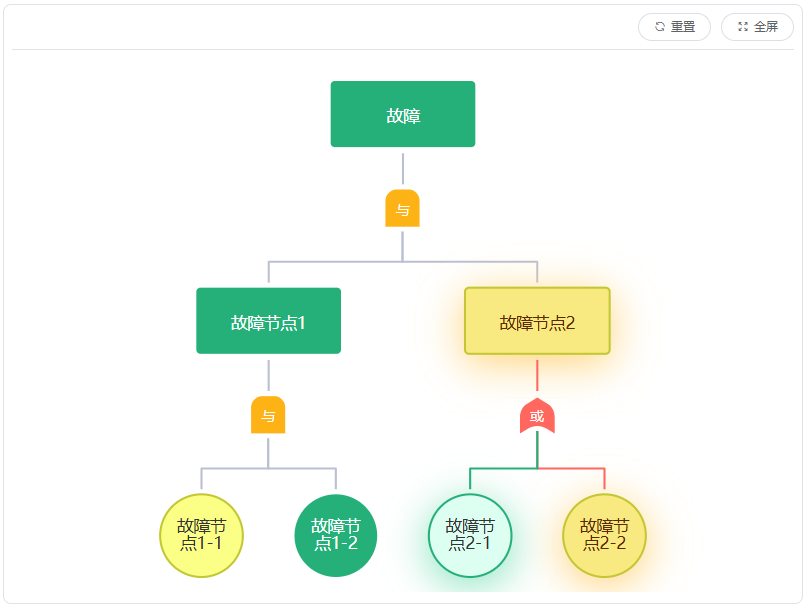
灰色样式
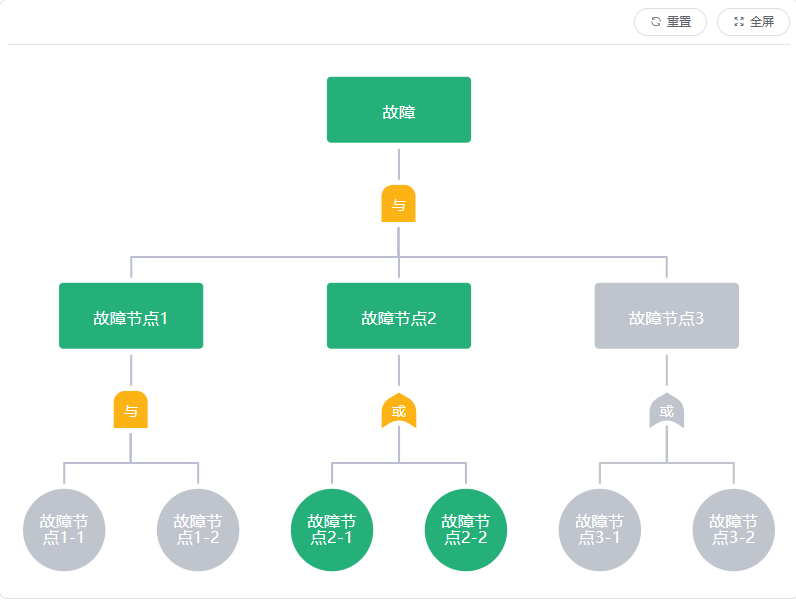
显示用例配置状态