
gallery-slider-ui
v1.0.7
Published
This is a package where users add photos as a prop and get an image player.

Maintainers
 swabhiman
Readme
gallery-slider-ui
gallery-slider-ui is a smooth and beautiful image and video slider component for React. This package provides an easy-to-use slideshow that requires minimal setup, making it perfect for portfolios, galleries, and other image-centric applications.
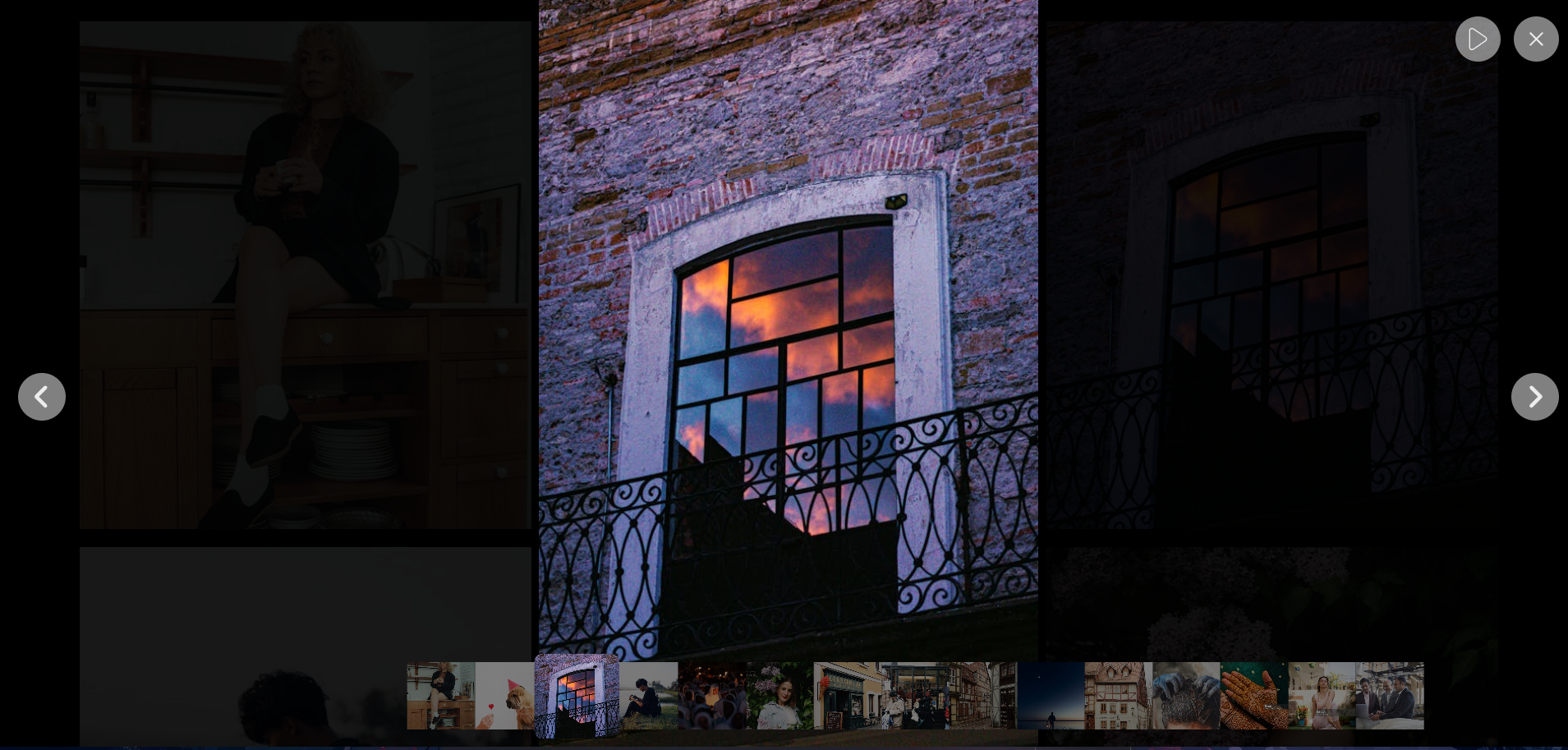
Features
- Simple and intuitive API
- Supports both images and videos
- Smooth animations and transitions
- Lightweight and fast
- Fully responsive
Installation
To install gallery-slider-ui, use npm or yarn:
npm install gallery-slider-uior
yarn add gallery-slider-uiUsage
Import and use the Gallery component in your React application:
Example
import React from 'react';
import { Gallery } from "gallery-slider-ui";
import './App.css';

const galleryItems = [
  {
    src: "download.jpg",
    type: "image",
    title: "Sample Image",
  },
  {
    src: "test.jpg",
    type: "image",
    title: "Sample Image",
  },
  {
    src: "download.jpg",
    type: "image",
    title: "Sample Image",
  },
];

function App() {
  return (
    <>
      <Gallery items={galleryItems} />
    </>
  );
}

export default App;
Props
| Prop | Type | Required | Description |
|-------|--------|----------|-------------|
| items | Array | Yes | An array of objects containing images/videos with src, type, and title. |
Gallery Item Format
Each object in the items array should follow this structure:
{
  src: "image_or_video_url",
  type: "image" | "video",
  title: "Optional Title"
}
Example with Videos
const galleryItems = [
  { src: "image1.jpg", type: "image", title: "First Image" },
  { src: "video.mp4", type: "video", title: "Sample Video" },
  { src: "image2.jpg", type: "image", title: "Second Image" }
];

<Gallery items={galleryItems} />
License
IST License
Contributing
Contributions are welcome! Feel free to submit issues or pull requests.
Contact
For support, please contact [[email protected]] or open an issue on GitHub.