
games-of-life
v1.0.0
Published
Create any Game of Life variation


Readme
games-of-life
Create any Game of Life variation

Hexagonal Demo
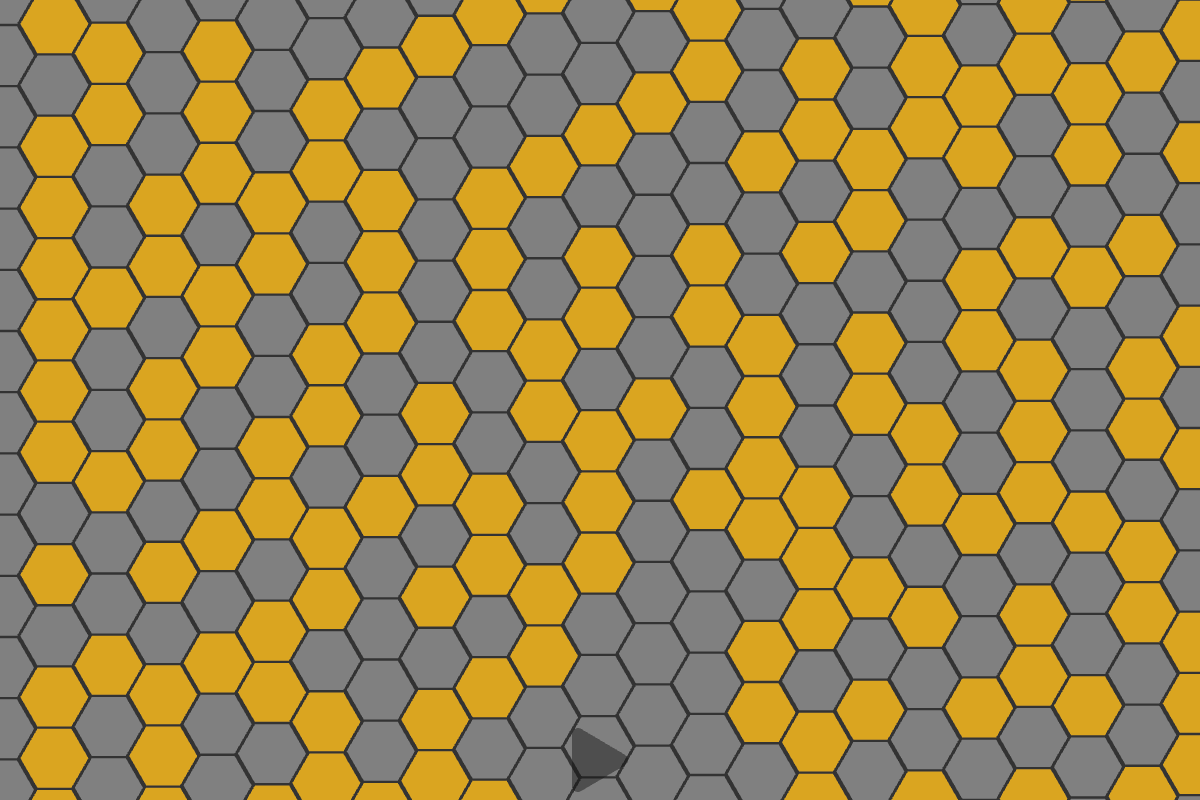
I created this hexagonal Game of Life demo to show that this package generalizes the Game of Life in any of its variations. Click the image below to try it!
Installation
With npm do
npm install games-of-lifeYou can also use a CDN by adding this to your HTML page
<script src="https://unpkg.com/games-of-life"></script>Idea
On May 30th, 2015, I participated in a Coderetreat at Milan XPUG.
We had so much fun coding implementations of the Game of Life.
As a mathematician, I think it is a very interesting problem. I couldn't resist generalizing it and trying to solve it in any of its variations.
Let's start with some abstractions.
The function getNeighboursOf, which returns the set of cells adjacent to a given cell, defines the shape of a Game of Life universe.
In fact, since
getNeighboursOf(cell1) = getNeighboursOf(cell2) ⇒ cell1 = cell2it can be said that the set of neighbours of a cell is dual to the cell itself, hence the definition of the getNeighboursOf function is equivalent to the definition of the space of a Game of Life universe. Note that it defines the concept of nearness.
In other words,
if you define a getNeighbours function you also shape the space of a Game of Life universe
On the other hand, given the definition of an isAlive function, which returns true if the given cell is alive, false otherwise.
It can be easily extended to an areAlive function, which, given a list of cells, returns a list of booleans; following similar reasoning to what we used for the getNeighboursOf function, an isAlive function describes the state of a Game of Life universe at a given moment.
The considerations above allow us to implement an abstract Game of Life in a functional way, in any of its variations, for example:
- finite grid
- infinite grid
- 2-dimensional, 3-dimensional, n-dimensional
- square, triangular, hexagonal tiles
- cylinder, torus, moebius strip, boy surface
Example
A simple example is the infinite grid with two dimensional coordinates.
Define the infiniteGrid2d function which returns the neighbours of a given cell.
function infiniteGrid2d ([x, y]) {
  const neighbours = []

  for (let j = y - 1; j <= y + 1; j++) {
    for (let i = x - 1; i <= x + 1; i++) {
      if ((i === x) && (j === y))
        continue

      neighbours.push([i, j])
    }
  }

  return neighbours
}
Create a Game of Life world and get the evolve function
import { createWorld, classicTransitionRule } from 'games-of-life'

const world = createWorld(infiniteGrid2d)
const transitionRule = classicTransitionRule.bind(null, 2, 3, 3)

const evolve = world(transitionRule)
The empty grid is represented by a function that always returns false, so
function emptyGrid () {
  return false
}

evolve(emptyGrid) // will always return false
Try with a single cell at the origin
function singleCellAtTheOrigin (cell) {
  return ((cell[0] === 0) && (cell[1] === 0))
}

evolve(singleCellAtTheOrigin) // will always return false too, because the cell dies
Now, a more interesting example is the blinker

function horizontalBlinker ([x, y]) {
  if (y !== 0) {
    return false
  }

  if ((x >= -1) && (x <= 1)) {
    return true
  }

  return false
}

function verticalBlinker ([x, y]) {
  if (x !== 0) {
    return false
  }

  if ((y >= -1) && (y <= 1)) {
    return true
  }

  return false
}
You may check that the verticalBlinker evolves into the horizontalBlinker and vice versa
for (let i = -1; i < 1; i++) {
  for (let j = -1; j < 1; j++) {
    console.log(evolve(verticalBlinker)(i, j) ===  horizontalBlinker(i, j)) // true
  }
}