
getburnd
v0.0.19
Published
Find what's burning a hole in your Claude Code budget. Local-first CLI that reads ~/.claude/projects/*.jsonl, detects 9 cost-leak patterns (retry storms, wrong-model-on-task, context bloat, repeated reads, tool overuse, one-shot edit failures), tracks sub

Maintainers
 garvitsurana271
Keywords
Readme
burnd
Find what's burning a hole in your Claude Code budget.
Burnd is a local-first cost-control tool for Claude Code power users. It reads your ~/.claude/projects/*.jsonl session files and shows you exactly where your money is leaking — with dollar values, concrete fixes, and one-click patches.
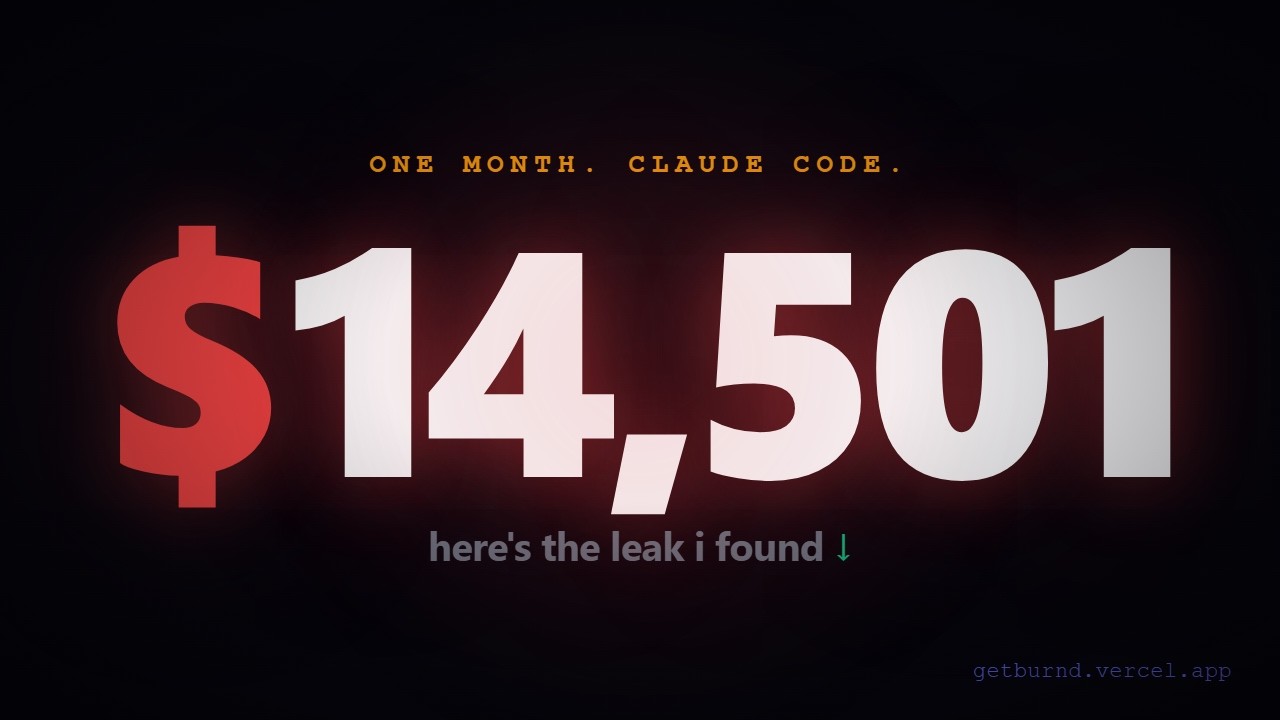
Watch the 35-second story → youtu.be/izctEOJBids
Read the full autopsy → I lost $14,502 to Claude Code in one month. Here's the autopsy. (8 min read, dev.to)
Built by Garvit Surana — 16, Class 12 ISC, Guwahati, India — after spending $14,502 on Claude Code in one month.
Install & run
npx getburndThat's it. Scans your session files and prints the top 3 leaks to your terminal — dollar values, effort estimates, and step-by-step fixes. Free, MIT, open source. Nothing leaves your machine.
For the full web dashboard:
npx getburnd serveOpens a local server at http://localhost:4711 with 5 views: Overview, Sessions, Projects, Tools, and Insights.
What it detects
9 leak detectors, each returning a dollar value and a fix:
| Detector | What it catches | |---|---| | Model substitution | Using Opus/Sonnet when a cheaper model does the job | | Long Bash output | Test runners / builds dumping 10k+ bytes into context | | Repeated reads | Same file read 3+ times in one session | | Tool error storms | Agent thrashing on a broken environment | | Tool overuse | One tool dominating 70%+ of calls (usually Bash) | | Late-night coding | 00:00–05:00 sessions cost 2.5× more per session avg | | API retry storms | Hidden retry bursts invisible from the Claude UI | | Project cost outliers | Projects costing 3× more per session than your average | | One-shot edit failures | Claude missing on 25%+ of Edit/Write calls (costs retries) |
Every insight has a savings estimate, effort minutes, and a step-by-step fix.
What it tracks
burnd cap — subscription burn-rate vs your plan's API-equivalent cap.
Visual progress bar + projected limit-hit date. Free tier.
npx getburnd cap --plan max20   # for $200/mo Max 20x users
npx getburnd cap --plan max5    # for $100/mo Max 5x
npx getburnd cap --plan pro     # for $20/mo Pro
All commands
npx getburnd [scan]              Scan ~/.claude/projects/, print top leaks
npx getburnd serve               Start local web dashboard at localhost:4711
npx getburnd check               Pre-flight before starting a Claude session
npx getburnd fix                 Auto-apply top CLAUDE.md patches for current project
npx getburnd commits             Show cost-per-commit across all git repos

npx getburnd webhook set <url> <$>   Fire a POST when any session exceeds $threshold
npx getburnd webhook clear           Remove webhook config

Options:
  --top <n>        Top N insights (default: 3)
  --root <path>    Custom Claude projects root
  --port <n>       Dashboard port (default: 4711)
  --version, -v    Print version
  --help, -h       Show help
burnd check — pre-flight before a session
Run this before opening Claude Code. Shows your last-7-day cost profile for the current project, active leaks to fix first, and a pre-session checklist.
npx getburnd checkburnd fix — apply CLAUDE.md patches automatically
Detects the top leaks for your current project and writes the fixes directly into your CLAUDE.md file with a y/N confirmation prompt.
npx getburnd fixburnd commits — cost per commit
Correlates your Claude Code sessions with git commits (2h window after each session). Shows $X/commit across all your projects — the most legible ROI metric for AI spend.
npx getburnd commitsburnd webhook — Slack / Discord alerts
Fires a Slack-compatible POST to any URL when a session exceeds your threshold.
npx getburnd webhook set https://hooks.slack.com/... 5
# fires when any session costs > $5
Web dashboard
npx getburnd serve starts a local HTTP server with:
- Overview — 60-day spend chart, week-over-week comparison bar chart, weekly digest
- Sessions — expandable session replay: stacked token bar (input/cache/output), tool waterfall sorted by bytes, leaks per session
- Insights — "If fixed on day 1" simulator showing all-time savings per leak pattern, CLAUDE.md patch blocks with one-click apply
- Projects — cost breakdown by project with leak scores
- Tools — global tool usage, error rates, output bytes
BurndPro — $9/month
Pro unlocks automation — things that actually do the work for you, not just tell you what to do.
| Feature | What it does |
|---|---|
| Auto-apply CLAUDE.md fixes | One click writes the patch to your project — no copy-paste |
| Weekly email digest | Spend, trend %, top 3 leaks — every Monday via Resend |
| Cost-per-commit tracking | burnd commits — git correlation across all your repos |
| Slack / webhook alerts | POST to any URL when a session exceeds your threshold |
| CSV / Excel export | All sessions in a spreadsheet-ready format |
| Historical trend charts | Week-over-week comparison — see spend creeping up early |
| HTML cost reports | Shareable, self-contained weekly reports |
| Budget tracking | Set a weekly cap, get warned when you're close |
Get a license: getburnd.vercel.app/#buy
npx getburnd pro activate <email> <key>
npx getburnd pro status
Pro also unlocks:
npx getburnd digest     # send weekly spend summary to your email (Resend)
npx getburnd report     # generate HTML weekly report
npx getburnd export     # export all sessions to CSV
npx getburnd budget     # show weekly budget status
Privacy
Local-first by default. The CLI runs entirely on your machine. It reads session files, computes leaks, and serves the dashboard from a localhost server.
Zero data leaves your machine.
- Never uploaded: code, prompts, file contents, tool outputs, file paths, git branches
- Parser source is public (this repo) — audit it yourself
- CI tests assert no secrets leak through anonymization
Project layout
src/
├── index.ts             CLI entry point — all commands
├── parser.ts            Streaming JSONL parser
├── walker.ts            Recursive walk of ~/.claude/projects/
├── session.ts           Per-session stats aggregator
├── pricing.ts           Anthropic rate table + cost formula
├── snapshot.ts          JSON shape the dashboard consumes
├── serve.ts             Local HTTP server + /api/apply-patch endpoint
├── license.ts           Pro license validation (HMAC)
├── anonymize.ts         Privacy boundary
├── output.ts            Terminal formatting (kleur)
├── insights.ts          Insight ranking
└── detectors/           8 leak detectors (one file each)
    ├── model-substitution.ts
    ├── long-bash-output.ts
    ├── repeated-read.ts
    ├── thrash.ts
    ├── tool-overuse.ts
    ├── tired-coding.ts
    ├── retry-storm.ts
    └── project-cost-outlier.ts

pro/
├── budget.ts            Weekly budget tracking
├── commits.ts           Cost-per-commit via git log
├── digest.ts            Email digest via Resend API
├── export.ts            CSV export
├── history.ts           Historical scan snapshots
├── report.ts            HTML weekly report
└── webhook.ts           Slack-compatible cost alert webhooks
Dashboard source: src/web/ — React 18 + Vite + Tailwind + Recharts.
Contributing
If you find a pattern in your Claude Code data that Burnd doesn't catch, open an issue or PR. Every detector is ~50 lines implementing the Detector interface. src/detectors/long-bash-output.ts is the simplest example.
Found a correctness bug in the cost calculation? Please open an issue — attach anonymized sample data if possible.
License
MIT — do whatever you want, just don't sue me.
Links
- Landing page: https://getburnd.vercel.app
- GitHub: https://github.com/garvitsurana271/burnd
- npm: https://www.npmjs.com/package/getburnd
- Built by: Garvit Surana · [email protected]