
ghostpipe
v0.1.5
Published
interfaces for your codebase


Readme
Ghostpipe
Connect files in your codebase to user interfaces
- Apps can only see the files you explicitly share with them
- Your data lives in your codebase and under version control
- No account or installation needed to use a ghostpipe app
- Keep using the dev tools (editor, ai agent) you're used to
Examples
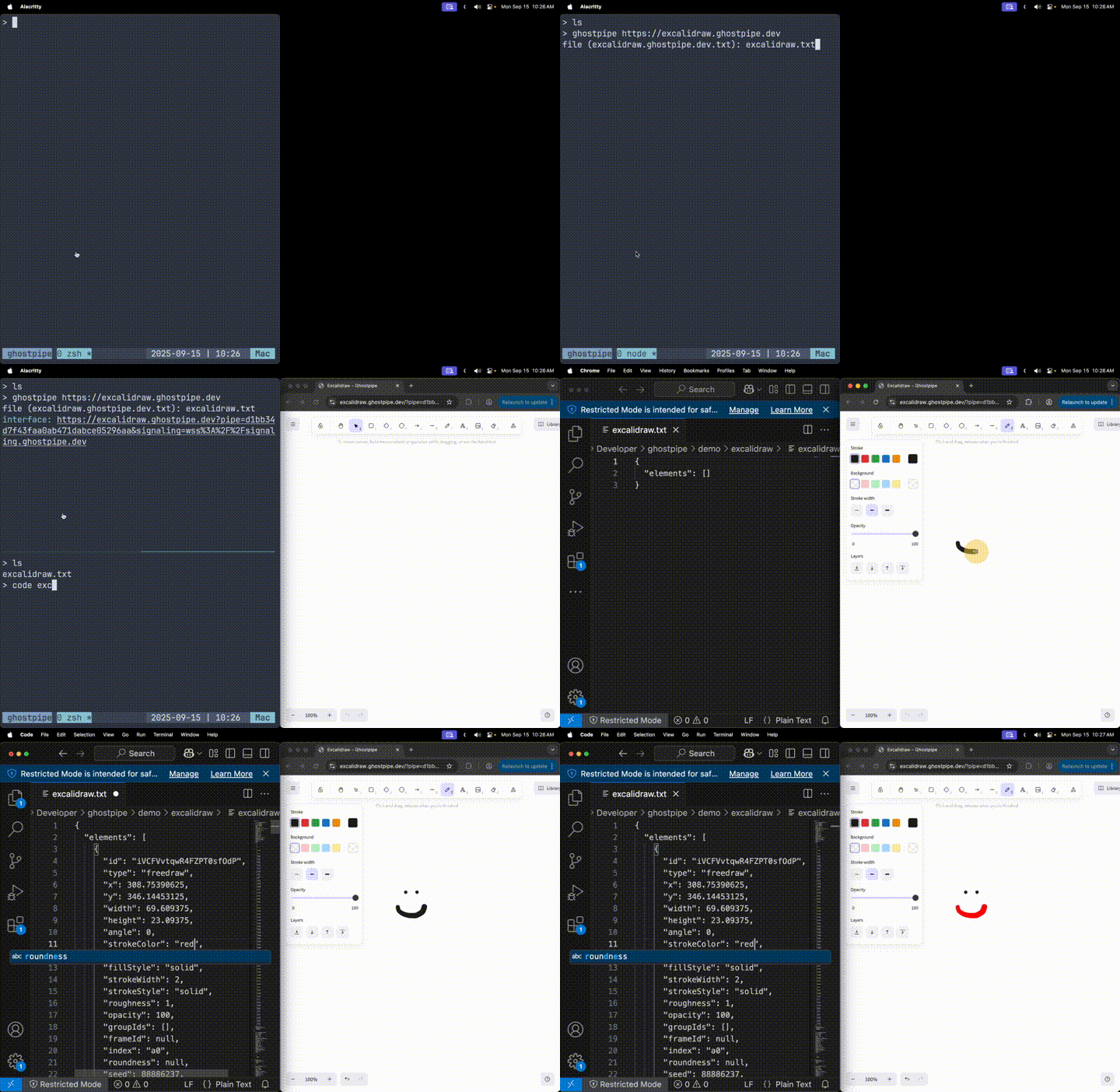
Excalidraw
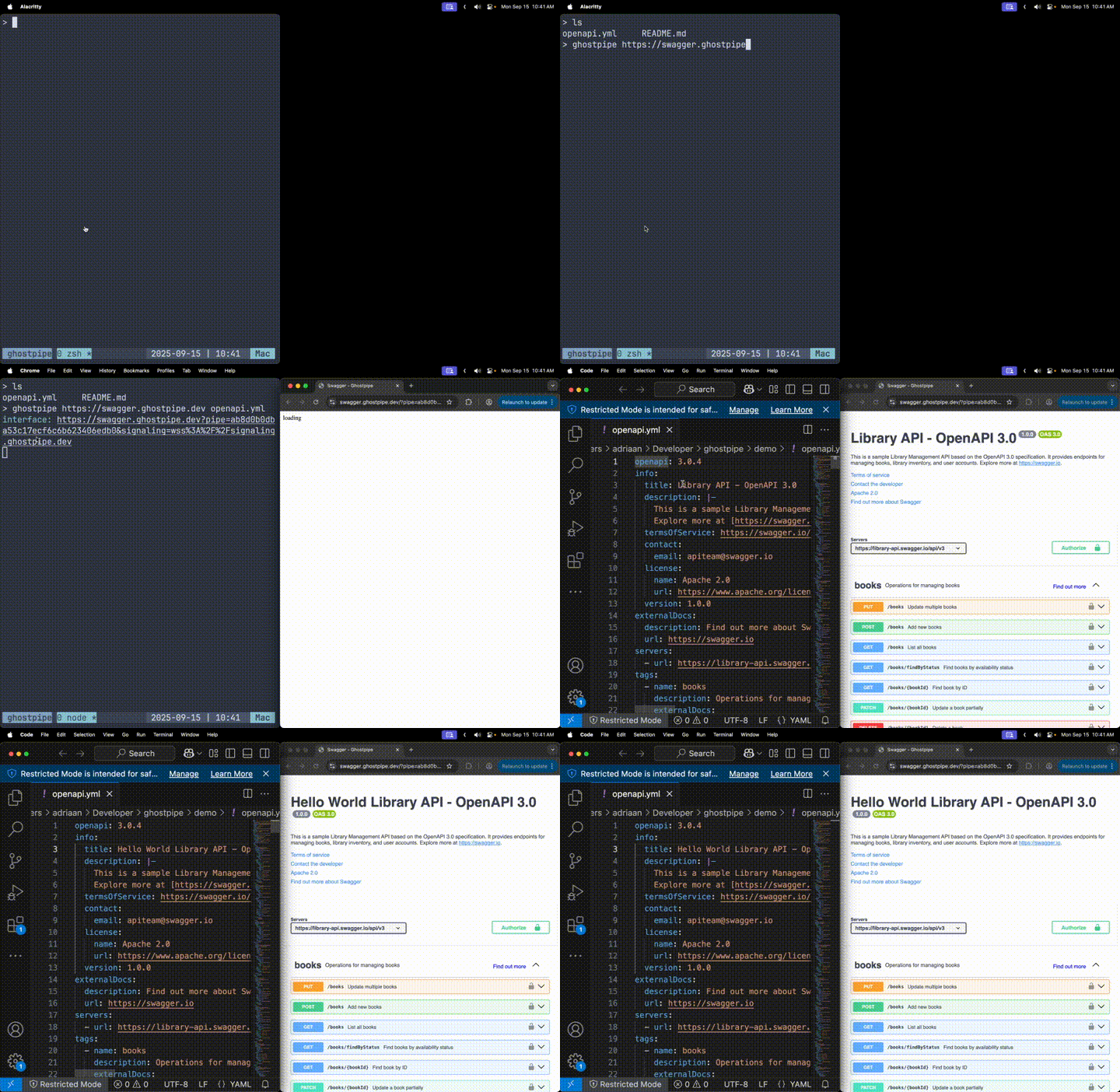
Swagger / OpenAPI
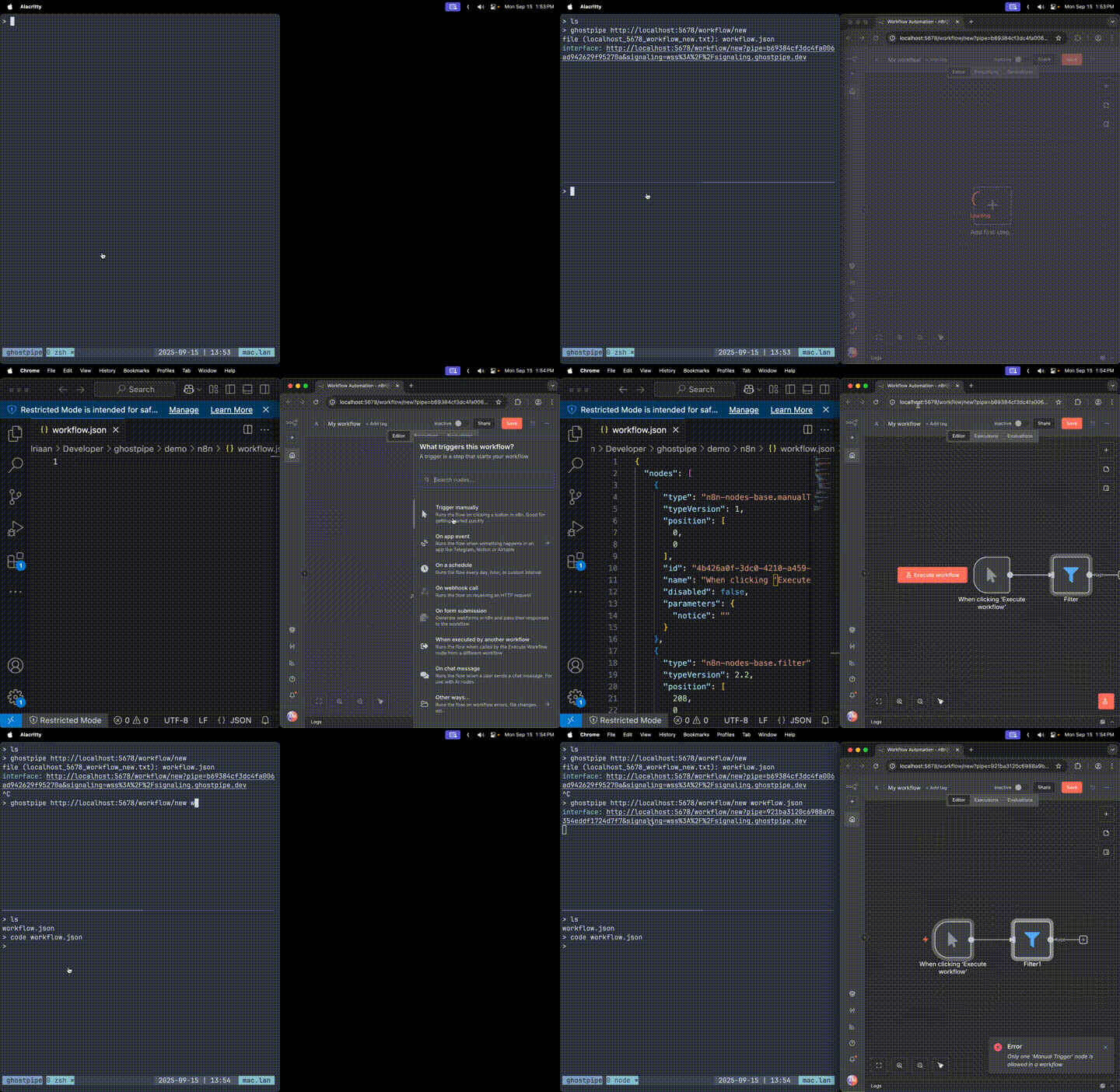
N8N (Proof of Concept)
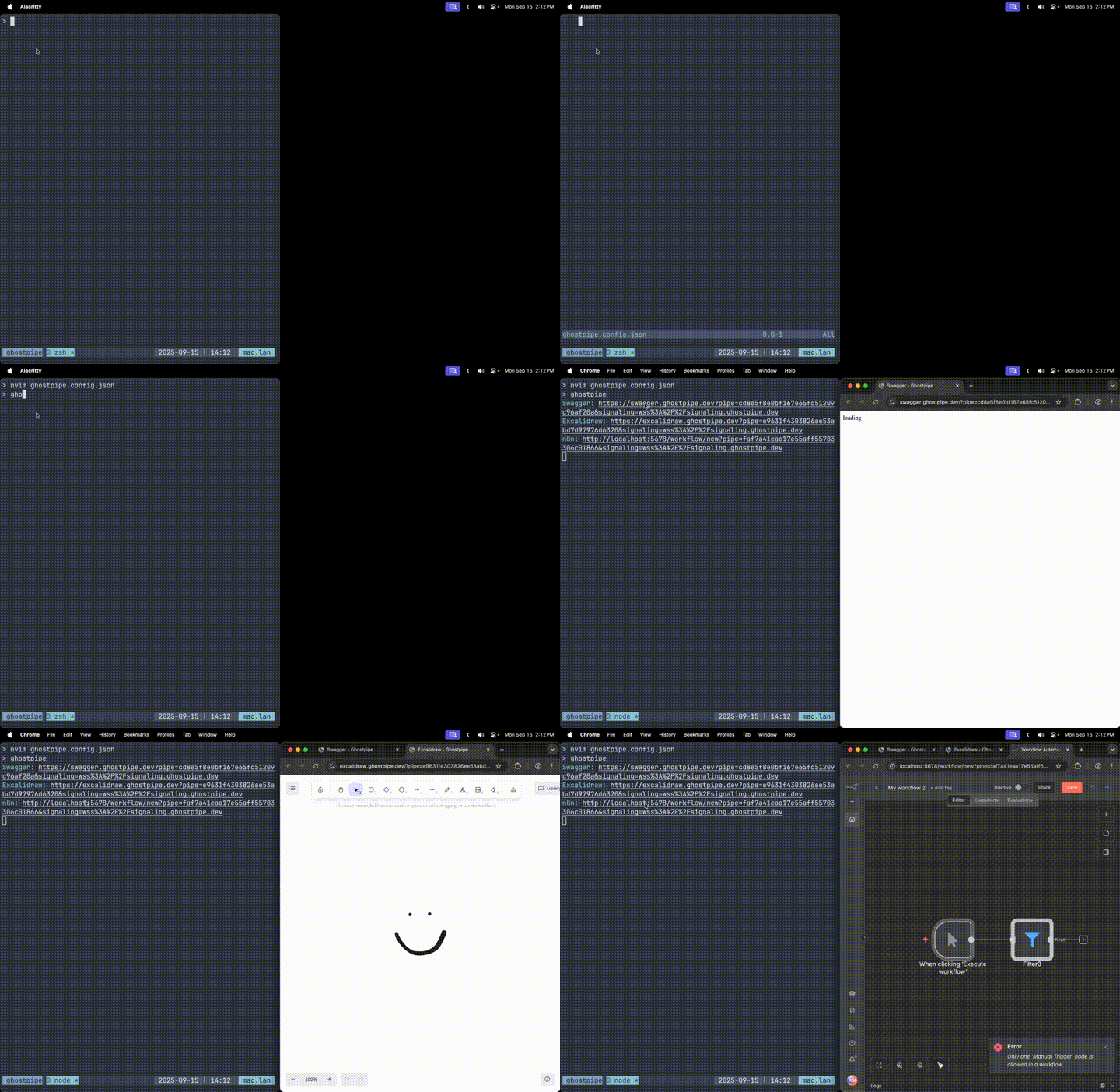
Config File Support
Diff Mode
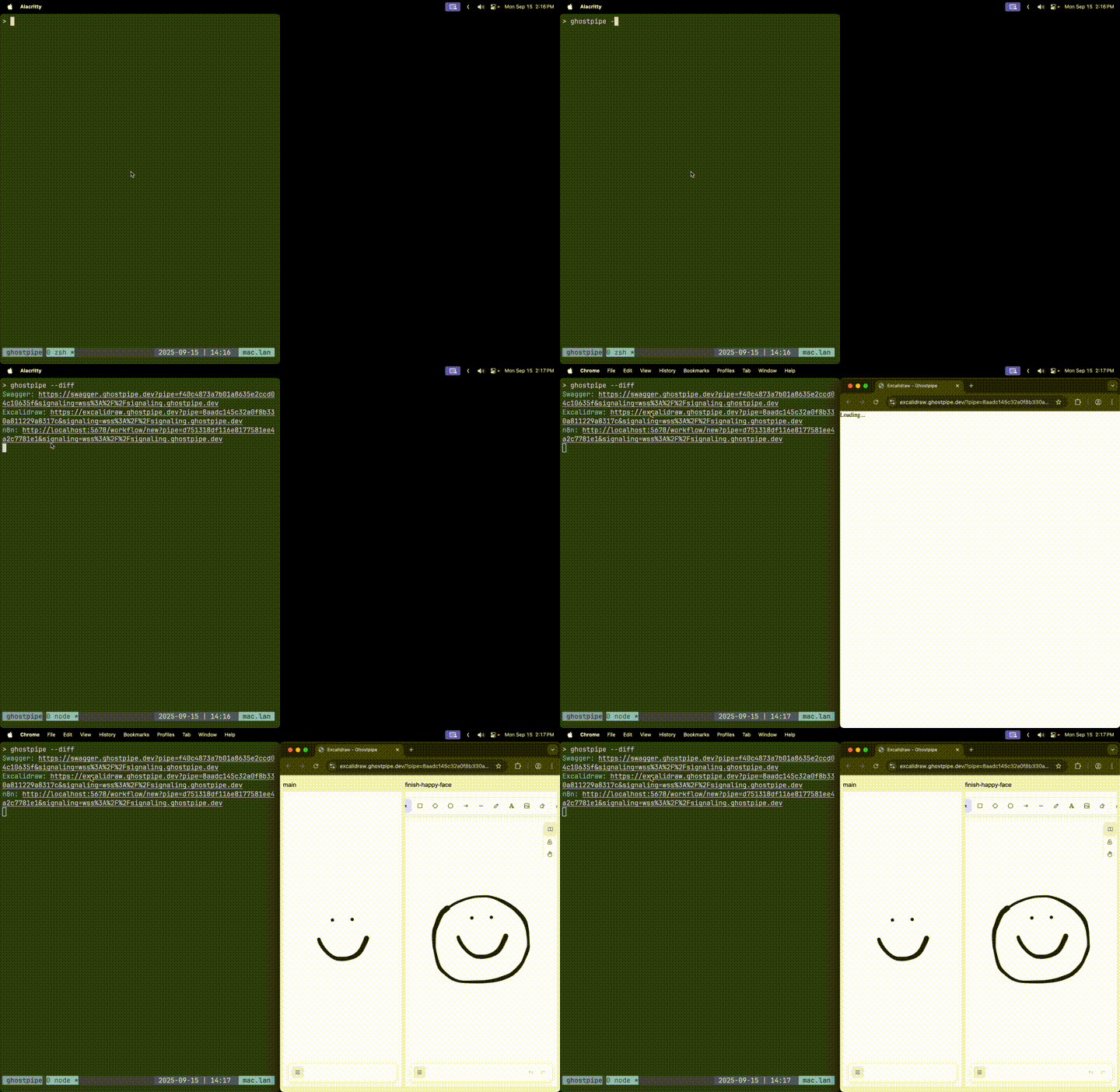
Quickstart (Excalidraw)
npm install -g ghostpipeghostpipe https://excalidraw.ghostpipe.devOpen the link and draw something.
How it works
Ghostpipe uses yjs and webrtc to connect codebase files with applications. Chokidar is used to watch for file changes locally. Connected applications use pipe and signaling query params to connect to yjs over webrtc and read the file contents.
Installation
npm install -g ghostpipeUsage
Basic Usage
Connect a file to a web interface:
ghostpipe [url] [file]Examples:
ghostpipe https://excalidraw.ghostpipe.dev              # Will prompt for file or create one
ghostpipe https://swagger.ghostpipe.dev api.yml         # Connect api.yml to Swagger interface
Configuration-based Usage
Use interfaces defined in configuration file:
ghostpipe                     # Uses ghostpipe.config.json or ~/.config/ghostpipe/config.json
ghostpipe --verbose           # Enable verbose logging
Diff Mode
Compare current working directory files with a git branch:
ghostpipe [url] [file] --diff              # Compare with 'main' branch (default)
ghostpipe [url] [file] --diff develop      # Compare with 'develop' branch
ghostpipe [url] [file] --diff feature-123  # Compare with 'feature-123' branch
When diff mode is enabled, the tool will:
- Share your current working directory files
- Also send the base version of each file from the specified git branch
- Allow interfaces to display diffs between the current version and the base branch version
- Only works in git repositories
Configuration
Create a ghostpipe.config.json file in your project root or ~/.config/ghostpipe.json:
{
  "signalingServer": "wss://your-signaling.com",
  "interfaces": [
    {
      "name": "OpenAPI",
      "host": "https://swagger.ghostpipe.dev",
      "files": [".ghostpipe/openapi.yml"]
    },
    {
      "name": "ERD",
      "host": "https://erd.ghostpipe.dev",
      "files": [".ghostpipe/erd.yml"]
    }
  ]
}
Options
--verbose: Enable detailed logging--diff [branch]: Base branch for diff comparison (defaults to 'main' if no branch specified)--version: Show version information--help: Display help information
Example Ghostpipe Applications
Local development
- clone the repo
npm installnpm link- now you should be able to run
ghostpipefrom any project
License
MIT