
git-ward
v0.2.2
Published
Local-First Git Guard for preventing secret leaks

Maintainers
 awixor
Readme
Ward (Local-First Git Guard)
Ward is a high-performance, zero-server CLI tool and Git hook designed to prevent developers from accidentally pushing sensitive data (Private Keys, Mnemonics, API Keys) to GitHub.
🚀 Features
- Zero Friction: Scans staged files in < 50ms (ignoring working directory changes).
- Privacy First: All scanning happens locally. No data leaves your machine.
- Smart Detection:
- Ethereum Private Keys
- BIP-39 Mnemonics
- Generic API Keys
- .env Files (Blocks
.env,.env.local, etc. Allows.example/.sample) - High Entropy Strings (with false positive filtering)
- Configurable: Ignore specific files via
.wardignoreorward.toml.
📦 Installation
fast way (npx)
# Initialize Ward in your current repository
npx git-ward init
From Source (Rust)
cargo install --path .
ward init
🛠 Usage
Once initialized, Ward runs automatically as a pre-commit hook.
Automatic Scanning
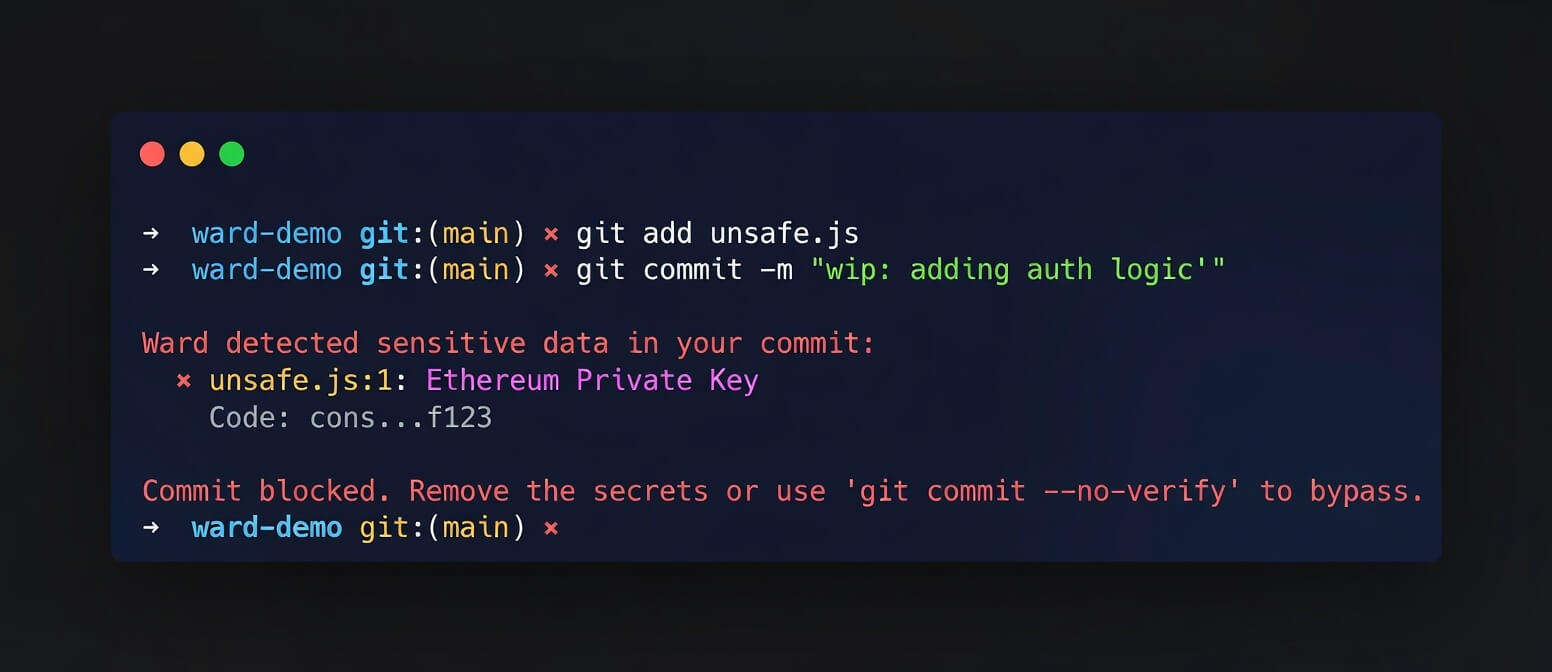
Just use git commit as normal. If you try to commit a secret:
git commit -m "oops"Output:
Ward detected sensitive data in your commit:
  ✖ secret.key:1: Ethereum Private Key
    Code: 0x12...cdef
  ✖ secret.key:1: High Entropy (4.05)
    Code: 0x12...cdef

Commit blocked. Remove the secrets or use 'git commit --no-verify' to bypass.
Manual Scan
You can also run a scan manually without committing:
ward scan🗑 Uninstallation
To remove the Git hook:
# Run this in your repo root
rm .git/hooks/pre-commit
# Or if you have other hooks, edit .git/hooks/pre-commit and manually remove the ward lines
🤖 CI/CD Integration
You can run Ward in your CI pipeline to prevent secrets from being merged.
GitHub Actions
steps:
  - uses: actions/checkout@v3
  - run: npx git-ward scan
⚙️ Configuration (ward.toml)
Create a ward.toml in your project root to customize behavior:
# ward.toml
exclude = ["secrets.txt", "*.lock"]
skip_entropy_checks = ["*.min.js", "node_modules/"]
threshold = 4.5

[[rules]]
name = "My Custom Token"
regex = "MYTOKEN-[0-9]{5}"
Using .wardignore
You can also create a standard .wardignore file in your project root (works like .gitignore):
secrets.txt
generated/
*.log
🤝 Contributing
Contributions are welcome! Please open an issue or submit a PR on GitHub.
License
MIT