
gizmoanalytics-mcp
v0.1.5
Published
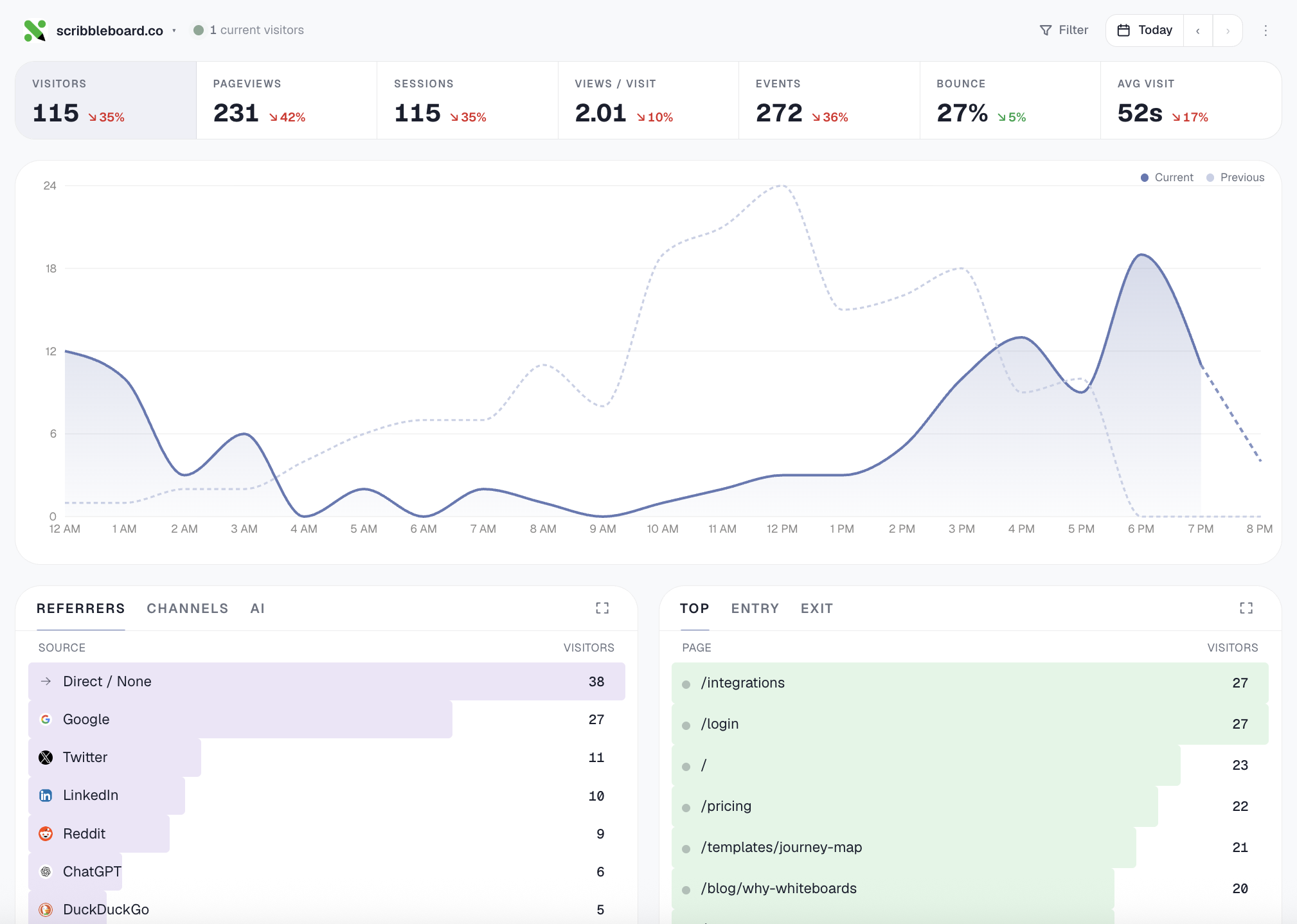
Cookieless web analytics for AI coding agents. Cursor / Claude / any MCP-aware tool installs the tracker in one prompt (framework-aware: Next, Remix, SvelteKit, Nuxt, Astro, Vite, React, HTML), verifies it's tracking, then reads your traffic. OAuth onboar

Maintainers
 devmpk
Readme
gizmoanalytics-mcp
The MCP server for Gizmo Analytics — cookieless
web analytics with a 28-tool MCP surface (install workflows like
setup_analytics_for_site and verify_install, analyst-grade
compositions like summarize_all_sites and explain_traffic_change,
plus filterable query primitives across every dimension).
The server is hosted at https://gizmoanalytics.io/mcp. This npm
package is the registry ownership marker; there's nothing to run
locally.


Connect
Auto-discovery (Cursor, Claude Desktop, Windsurf, …)
In your IDE's MCP settings, add a new server with URL:
https://gizmoanalytics.io/mcpThe IDE will discover the auth server via RFC 9728 metadata, open a browser tab for OAuth consent, and store the resulting token. No API keys to paste, no config files to edit.
Manual config
If your IDE doesn't yet support OAuth-aware MCP discovery, paste this into your client's MCP config file (Claude Desktop, etc.):
{
  "mcpServers": {
    "gizmoanalytics": {
      "url": "https://gizmoanalytics.io/mcp",
      "headers": {
        "Authorization": "Bearer ak_admin_<your-admin-key>"
      }
    }
  }
}
Get an admin key at https://gizmoanalytics.io/dashboard/keys.
What you can ask
"Why did traffic drop yesterday?"
"Which of my sites is growing fastest?"
"Add foo.com to Gizmo and install the tracker"
"Track signup events on this button"
"Top pages from Germany last quarter"
Tools
- Install workflow (the wedge — call this first for any install
ask):
setup_analytics_for_sitebundles site creation + framework- aware snippet + paste-target file path + next-action plan into one call.verify_installconfirms the script is loading by fetching the homepage. - Other setup:
create_site,get_install_snippet,get_event_tracking_snippet,get_badge_snippet,add_site_tags, goals + funnels. - Workflows (high-level questions):
summarize_all_sites,rank_sites_by_growth,identify_dead_sites,detect_anomalies,explain_traffic_change. - Query primitives:
get_workspace_overview,get_site_traffic,get_top_pages,get_top_referrers,get_breakdown(any of country / browser / device / channel / AI source / city / etc.),get_time_series,query_events,breakdown_by_property. All support stacked filters (country=US AND device=mobile) and custom date ranges.
Full docs: https://gizmoanalytics.io/mcp-analytics
License
MIT