
gulp-beer
v1.0.2
Published
Gulp (Be)tter (E)rror (R)eporting


Readme
gulp-beer: better error reporting.
gulp-beer is a simple error handler function that provides some extra features:
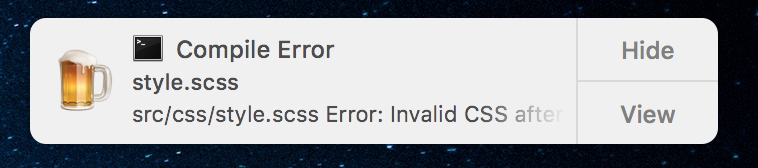
- Interactive System Notification (thanks to node-notifier)
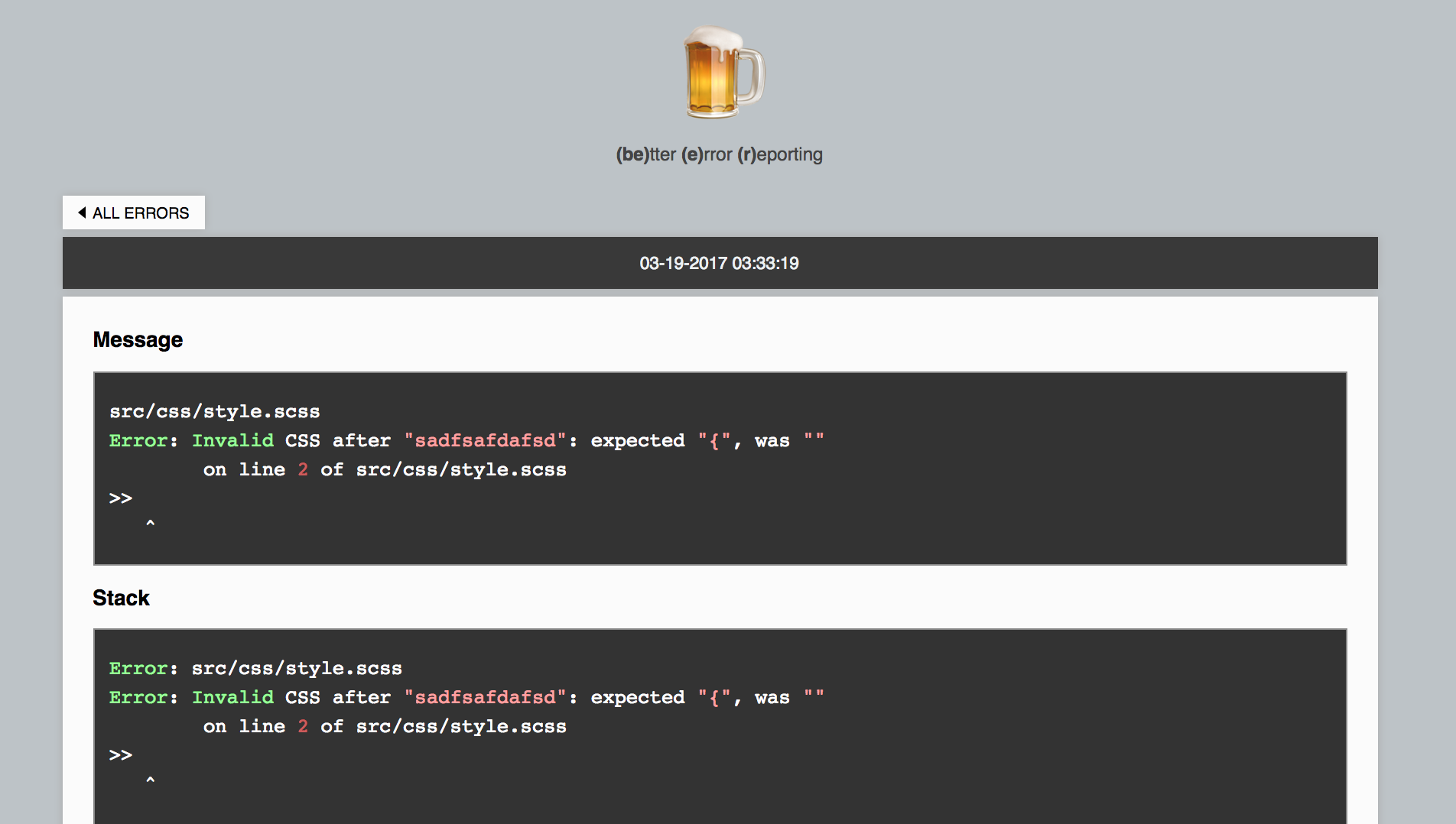
- Custom Server for Errors (opened on notification click) that display all your errors in a more pleasent and straightforward way.
Interactive System Notification
Custom Server for Errors
Installation
$ npm install --save-dev gulp-beerUsage
Require gulp-beer in your gulpfile.js:
var gulpBeer = require('gulp-beer');than simply pass required function as error handler function wherever you like:
gulp.src('*')
  // stream error
  .on('error', gulpBeer)
  // Plumber
  .pipe(plumber({errorHandler: gulpBeer}))
  // Other error listener
  .pipe(sass().on('error', gulpBeer))
You can also call it manually if an error object must be handled
var customFunction(err, result) {
  if (err) gulpBeer(err);
}
(!!) Start error server (!!)
Since error server prevents the gulp process to finish, it has to be started manually when needed (usually when performing a watching task).
Error Handler function expose the server object, so you can do:
gulpBeer.server.start() // to start the error servergulpBeer.server.stop() // to stop the error serverA simple usage example:
var gulp = require('gulp');
var gulpBeer = require('gulp-beer');
var plumber = require('gulp-plumber');
var sass = require('gulp-sass');

function build() {
	return gulp.src('./src/css/*.scss')
  		.pipe(plumber({errorHandler: gulpBeer}))
        .pipe(sass())
        .pipe(gulp.dest('./dist/css'));
}

gulp.task('build', build);
gulp.task('watch', function() {
    gulpBeer.server.start();
    gulp.watch('./src/css/*.scss', ['build']);
});
Otherwise, if you prefer start it automatically, take a look at the option server.autostart in the "customize handler" section.
Customize Handler
If you like, you can customize the error handler function and the error server.
First of all require the custom module:
var gulpBeerFactory = require('gulp-beer/custom');This will return a factory for the error handler function, which accepts some options as first parameter.
var errorHandler = gulpBeerFactory(options);Options
consoleError [function] : the function that will be used to print the error in the console.
It receives the error object as first argument, decorated with a custom property:
serverUrl[string | false]: the link to the custom error server related to this specific error
title [string] Title of the system notification
sound [boolean | string] Notification sound as described here
icon [boolean | string] Notification sound as described here
server [object | false] Server configuration object. If false the server start will be prevented also if started manually.
Server configuration object accepts the following properties:
port[number] : Port on which the server will listenautostart[boolean] : If true, the server will be started automaticallysilent[boolean] : Silents server console output