
halkabox
v1.6.0
Published
A simple and basic Javascript lightbox

Maintainers
 ahmednoor
Readme
halkaBox.js



A simple and basic Javascript lightbox.
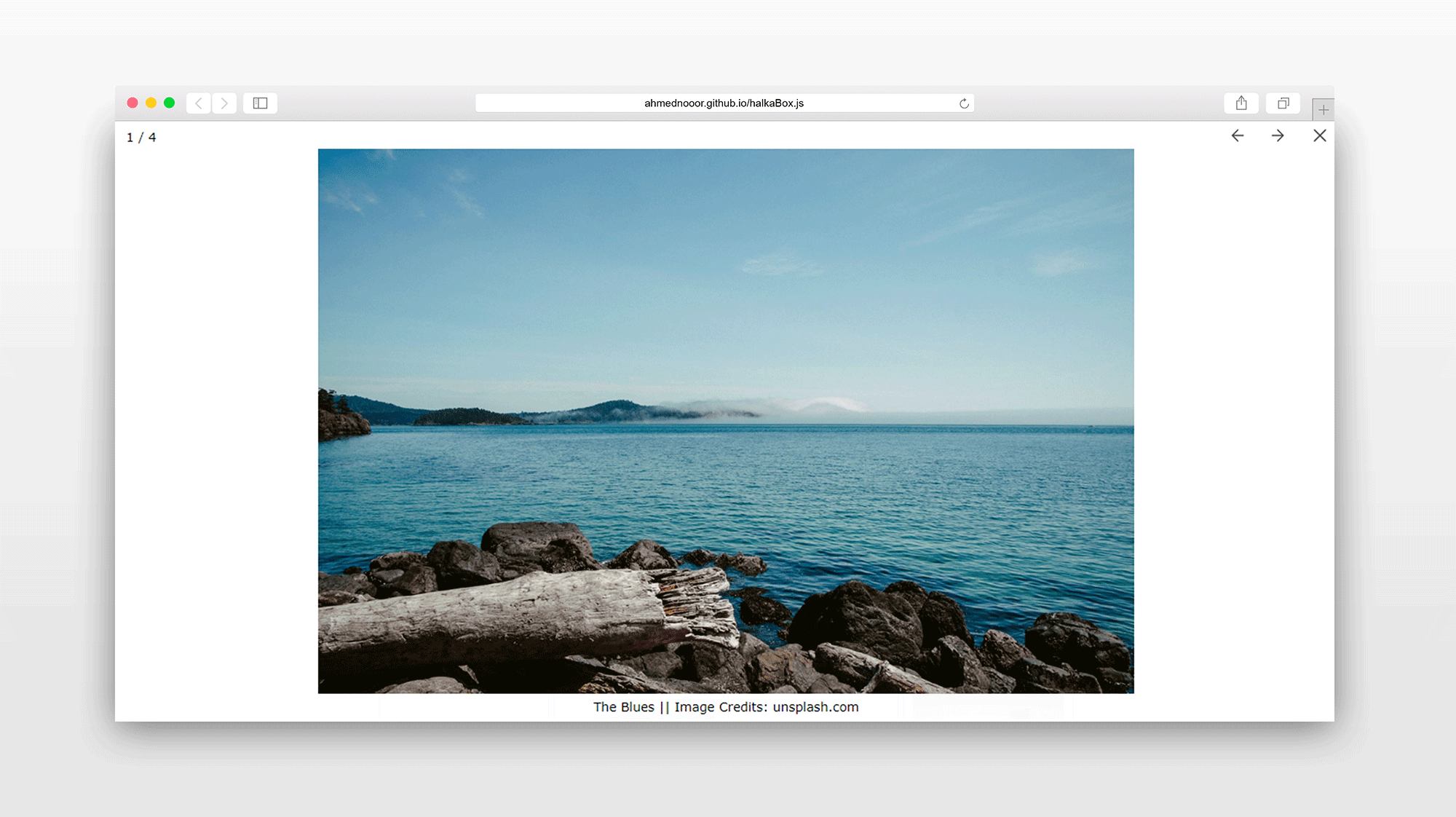
Features
- Made with Javascript. No dependencies required.
- Simple and lightweight.
- Multiple galleries. Custom options for each.
- Keyboard arrow keys to navigate and escape to close supported.
- Swipe gestures supported on touch devices.
- Spread/Pinch or Double Tap to Zoom In/Out on touch devices.
- MouseWheel for next/prev images.
- Ctrl+MouseWheel to Zoom In/Out.
- SVG Icons.
- Transitions via CSS Keyframes.
- Minimal.
- Light and Dark themes.
Download
npm
npm install halkabox --saveyarn
yarn add halkaboxUsage Example
Files
<link rel="stylesheet" href="path/to/halkaBox.min.css">
<script src="path/to/halkaBox.min.js"></script>
Markup for Galleries
Anchor tags with
shared classeswill be treated as galleries. Put captions if any, intitleordata-titleattributes.
<a href="..." class="gallery1" title="Caption"><img src="..."></a>
<a href="..." class="gallery1" data-title="Caption"><img src="..."></a>
<a href="..." class="gallery1"><img src="..."></a>

<a href="..." class="gallery2"><img src="..."></a>
<a href="..." class="gallery2" title="Caption"><img src="..."></a>
<a href="..." class="gallery2" data-title="Caption"><img src="..."></a>
Markup for Single Images
"hb-single"class is reserved for single images. This way you can set options for all single images at once.
<a href="..." class="hb-single" title="Caption"><img src="..."></a>
<a href="..." class="hb-single"><img src="..."></a>
<a href="..." class="hb-single" title="Caption"><img src="..."></a>
Or you can set a
unique classto each anchor tag and it will be treated as a single image. You can use custom options for each single image this way.
<a href="..." class="singleImage1" title="Caption"><img src="..."></a>
<a href="..." class="singleImage2"><img src="..."></a>
Javascript for Galleries
halkaBox.run("gallery1");
halkaBox.run("gallery2");
Javascript for Single Images
halkaBox.run("hb-single");
halkaBox.run("singleImage1");
halkaBox.run("singleImage2");
Options
Setting Options Globally
halkaBox.options({
    hideButtons: true,       // hide buttons on touch devices (true || false)
    animation: "slide",      // animation type on next/prev ("slide" || "fade")
    theme: "light",          // lightbox overlay theme ("light" || "dark")
    preload: 2,              // number of images to preload
    swipeDownToClose: false, // swipe down to close (true || false)
    swipeUpToClose: false,   // swipe up to close (true || false)
    nextPrevOnWheel: true,   // goto next/prev image on wheel (true || false)
    isZoomable: true         // ability to zoom image (true || false)
});
halkaBox.run("...");
...
halkaBox.options()should come beforehalkaBox.run().
Setting Options Individually
halkaBox.run("...", {
    hideButtons: true,       // hide buttons on touch devices (true || false)
    animation: "slide",      // animation type on next/prev ("slide" || "fade")
    theme: "light",          // lightbox overlay theme ("light" || "dark")
    preload: 2,              // number of images to preload
    swipeDownToClose: false, // swipe down to close (true || false)
    swipeUpToClose: false,   // swipe up to close (true || false)
    nextPrevOnWheel: true,   // goto next/prev image on wheel (true || false)
    isZoomable: true         // ability to zoom image (true || false)
});
...
Available Options
| Option | Value Type | Default Value | Available Values | Description |
| --- | --- | --- | --- | --- |
| hideButtons | Boolean | true | true, false | Hides next/previous buttons on touch devices. |
| animation | String | "slide" | "slide", "fade" | Sets animation type on next/previous actions. |
| theme | String | "light" | "light", "dark" | Sets lightbox overlay theme. |
| preload | Number | 2 | 0, 1,2,3, ... | Sets the number of images to preload. |
| swipeDownToClose | Boolean | false | true, false | Swipe down to close lightbox. |
| swipeUpToClose | Boolean | false | true, false | Swipe up to close lightbox. |
| nextPrevOnWheel | Boolean | true | true, false | Wheel down for next image and up for previous. |
| isZoomable | Boolean | true | true, false | Ability to zoom the image. |
API
var gallery = halkaBox.run("class-name", {/* options if any */});
gallery.open(0)     // opens the lightbox. takes index of the image <0,1,2...>. first is 0
gallery.next()      // shows next image in the gallery
gallery.previous()  // shows previous image in the gallery
gallery.close()     // closes the lightbox
gallery.destroy()   // unbinds event bindings. removes lightbox markup
// other methods won't work after calling `destroy`
Compatibility
All the latest versions of,
- Chrome
- Firefox
- Edge
- IE
- Opera
- Safari
Feel free to report any issues and share your feedback in the issues tracker.
Licence and Credits
License: MIT
Author: Ahmed Noor
Credits: Unsplash for images.