
hexo-theme-hipaper-keyboarddaily
v1.6.8
Published
Bugfix for A newspaper theme for Hexo.


Readme
Hipaper


A fashional newspaper, blog theme for Hexo.
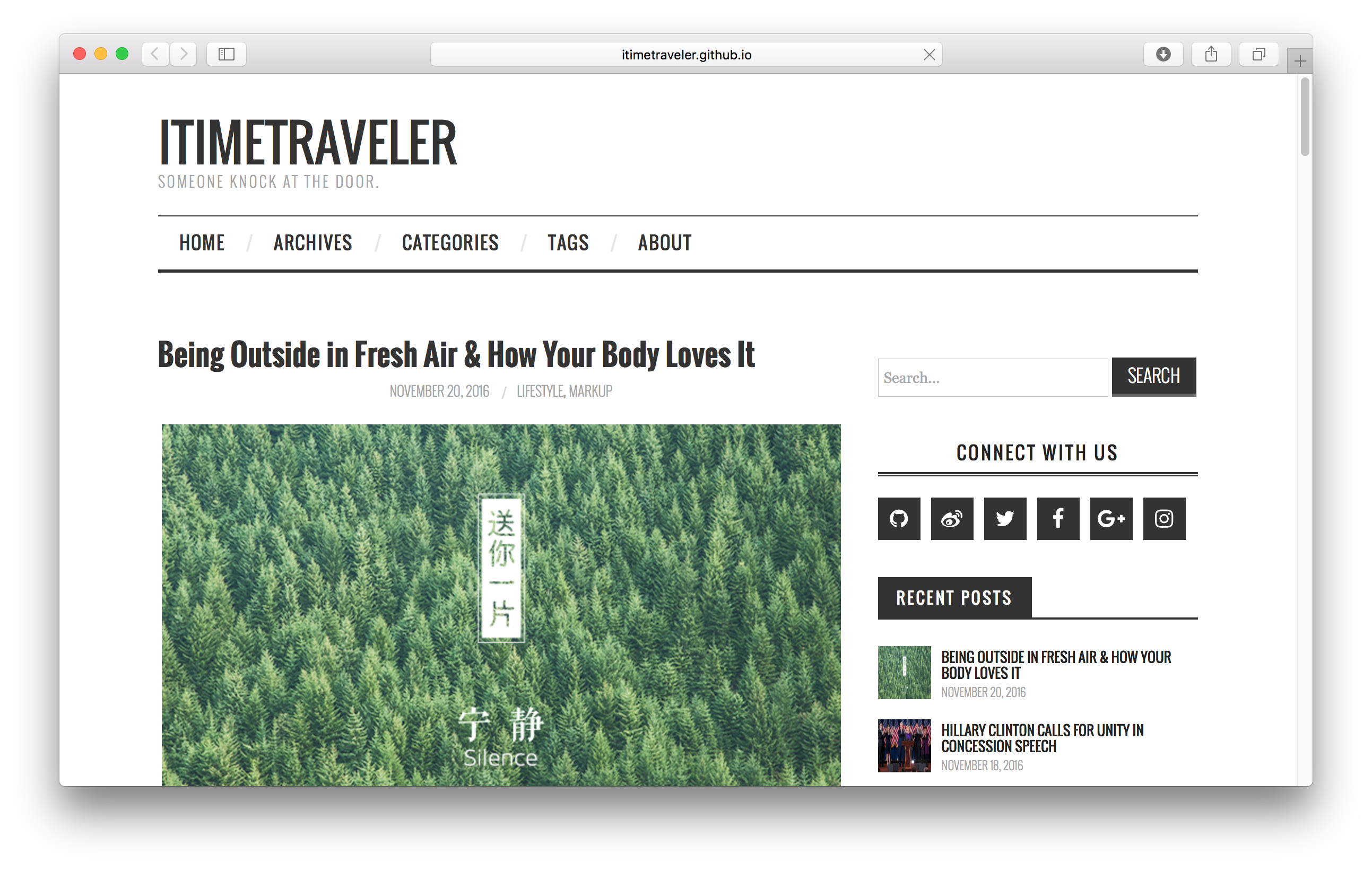
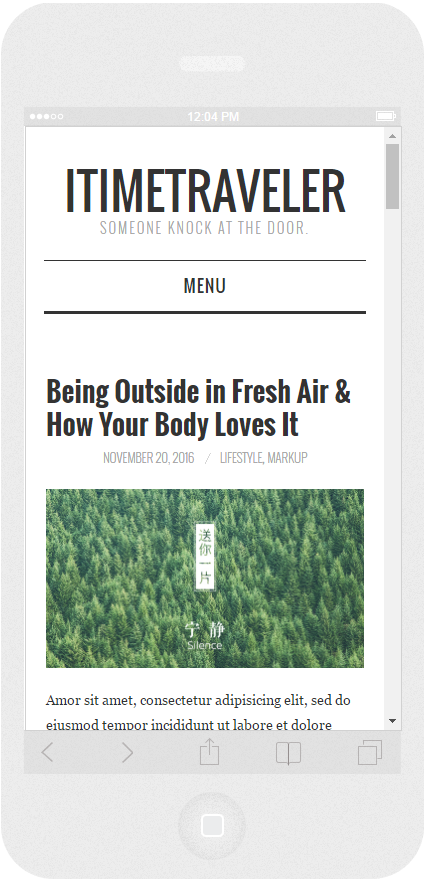
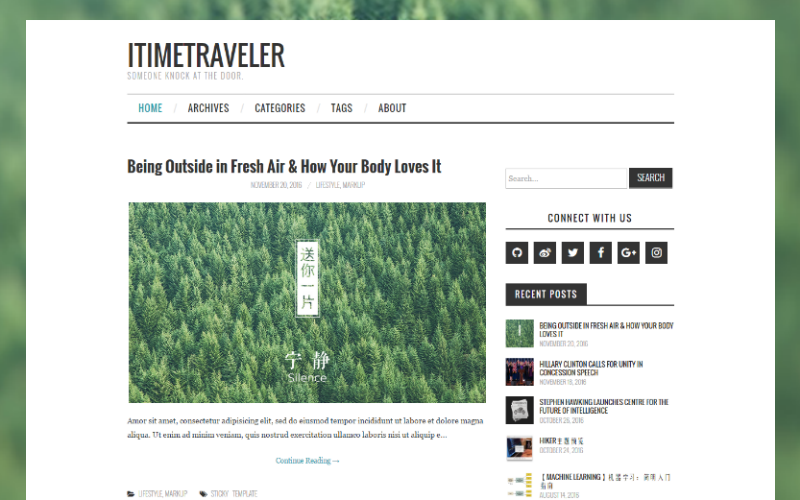
Installation
- Get it from GitHub
$ git clone https://github.com/iTimeTraveler/hexo-theme-hipaper.git themes/hipaper- Enable
Modify theme setting in _config.yml to hipaper.
# Extensions
## Plugins: http://hexo.io/plugins/
## Themes: http://hexo.io/themes/
theme: hipaper- Update
$ cd themes/hipaper
$ git pull
Features
Logo: Image or Text
You can set a image as your logo instead of original text title. Like this:
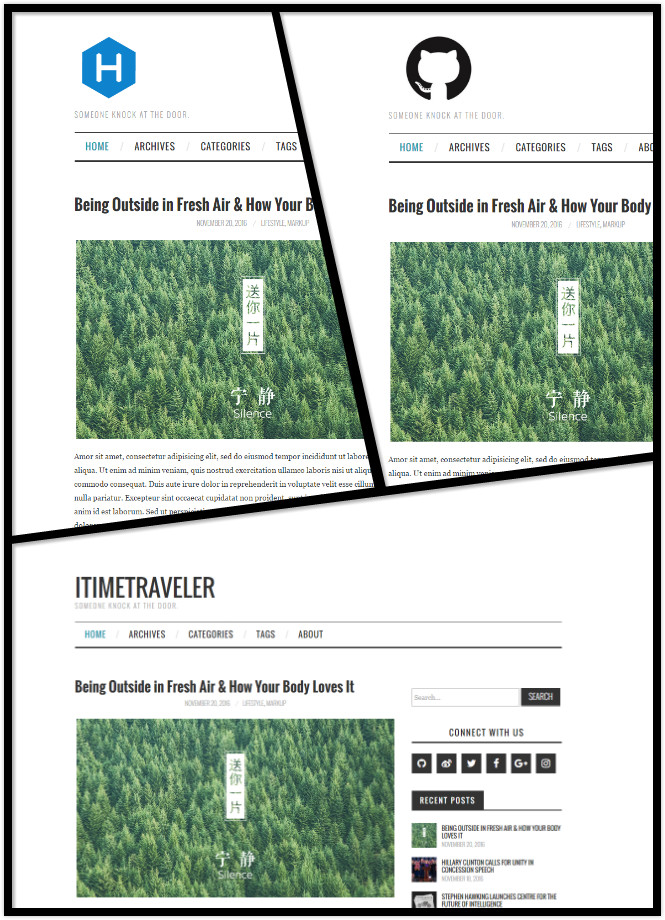
just enable avatar field in hipaper/_config.yml.
# Put your avatar.jpg into `hexo-site/themes/hipaper/source/` directory.
# url is target link (E.g. `url: https://hexo.io/logo.svg` or `url: css/images/mylogo.jpg`)
avatar:
  enable: true
  width: 124
  height: 124
  bottom: 10
  url: https://hexo.io/logo.svg
Code Highlight
Hipaper use Tomorrow Theme for your code block. We have six options in total: default, normal, night, night blue, night bright, night eighties
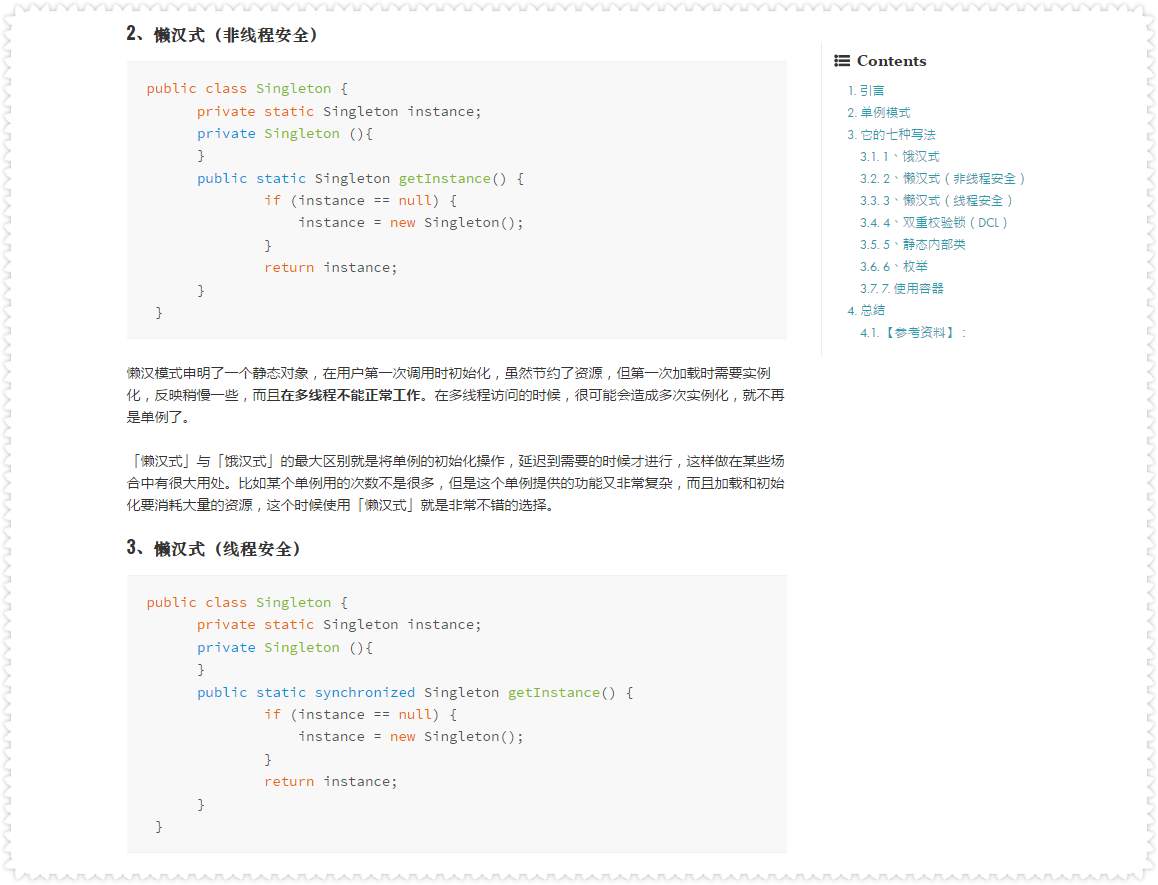
Above preview picture is default theme. the image below show other five Highlight themes.
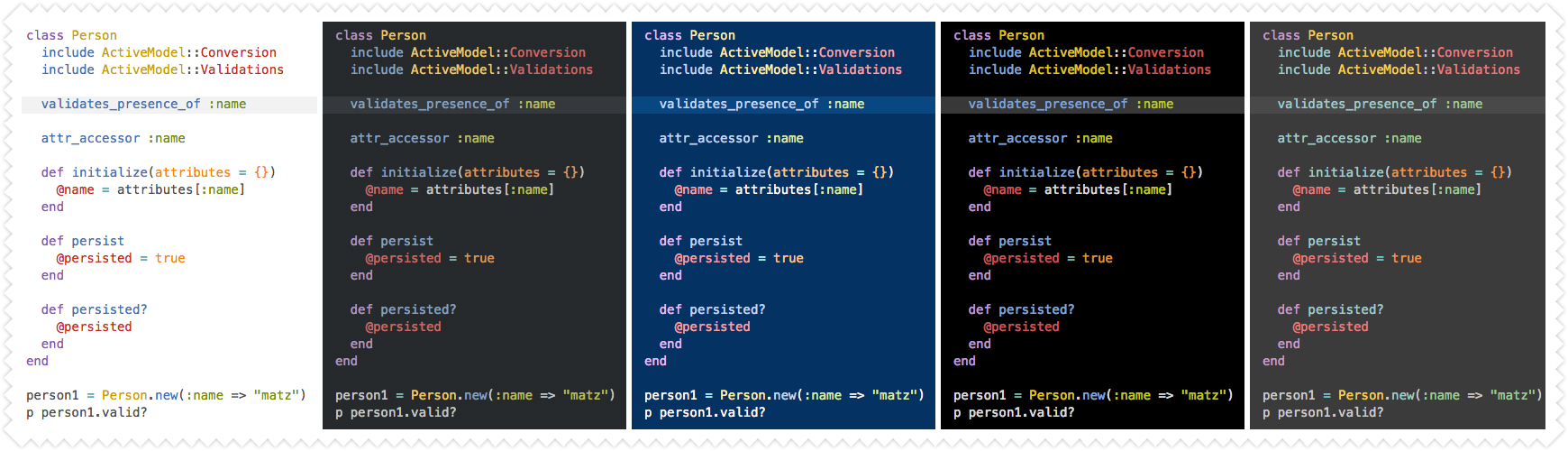
Modify highlight_theme in hipaper/_config.yml.
# Code Highlight theme
# Available value:
#    default | normal | night | night eighties | night blue | night bright
# https://github.com/chriskempson/tomorrow-theme
highlight_theme: default
Sidebar
You can put your sidebar in left side, right side or bottom of your site by editing sidebar setting.
Hipaper provides 7 built-in widgets:
- search
- social
- recent_posts
- category
- tag
- tagcloud
- archive
All of them are enabled by default. You can edit them in widget setting.
Search
Hipaper use Insight Search to help you search anything inside your site without any third-party plugin.
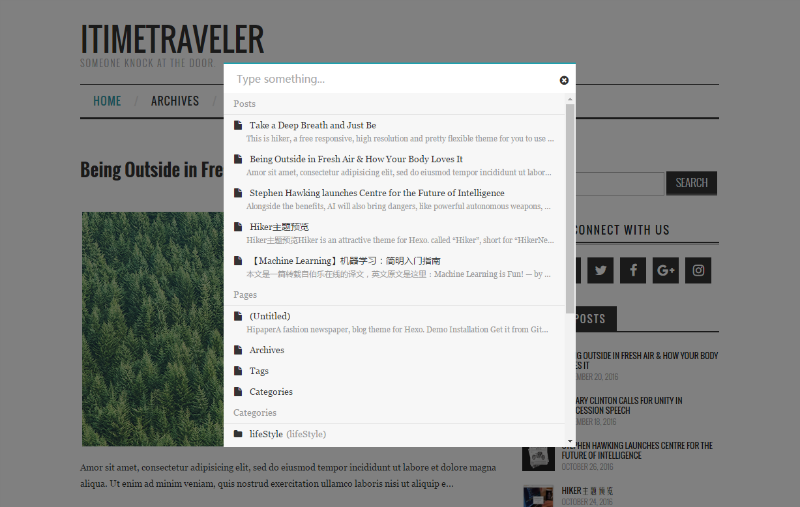
# Search
search:
    insight: true # you need to install `hexo-generator-json-content` before using Insight Search
    swiftype: # enter swiftype install key here
    baidu: false # you need to disable other search engines to use Baidu search, options: true, false
Attention: You need to install
hexo-generator-json-contentbefore using Insight Search.
$ npm install -S hexo-generator-json-contentFancybox
Hipaper uses Fancybox to showcase your photos. You can use Markdown syntax or fancybox tag plugin to add your photos.

{% fancybox img_url [img_thumbnail] [img_caption] %}Comment support
Hipaper has native support for DuoShuo & Disqus comment systems. Modify the following snippets to Hipaper hipaper/_config.yml:
# comment ShortName, you can choose only ONE to display.
duoshuo_shortname: iTimeTraveler
disqus_shortname:
Browser support

Contributing
All kinds of contributions (enhancements, new features, documentation & code improvements, issues & bugs reporting) are welcome.
Looking forward to your pull request.
Special thanks to ATHEMES, who designed the original theme FASHIONISTA for Wordpress.
License
Hipaper is under the MIT license. See the LICENSE file for details.