
hexo-theme-type
v0.4.6
Published
a simple hexo theme


Readme
Hexo Theme Type
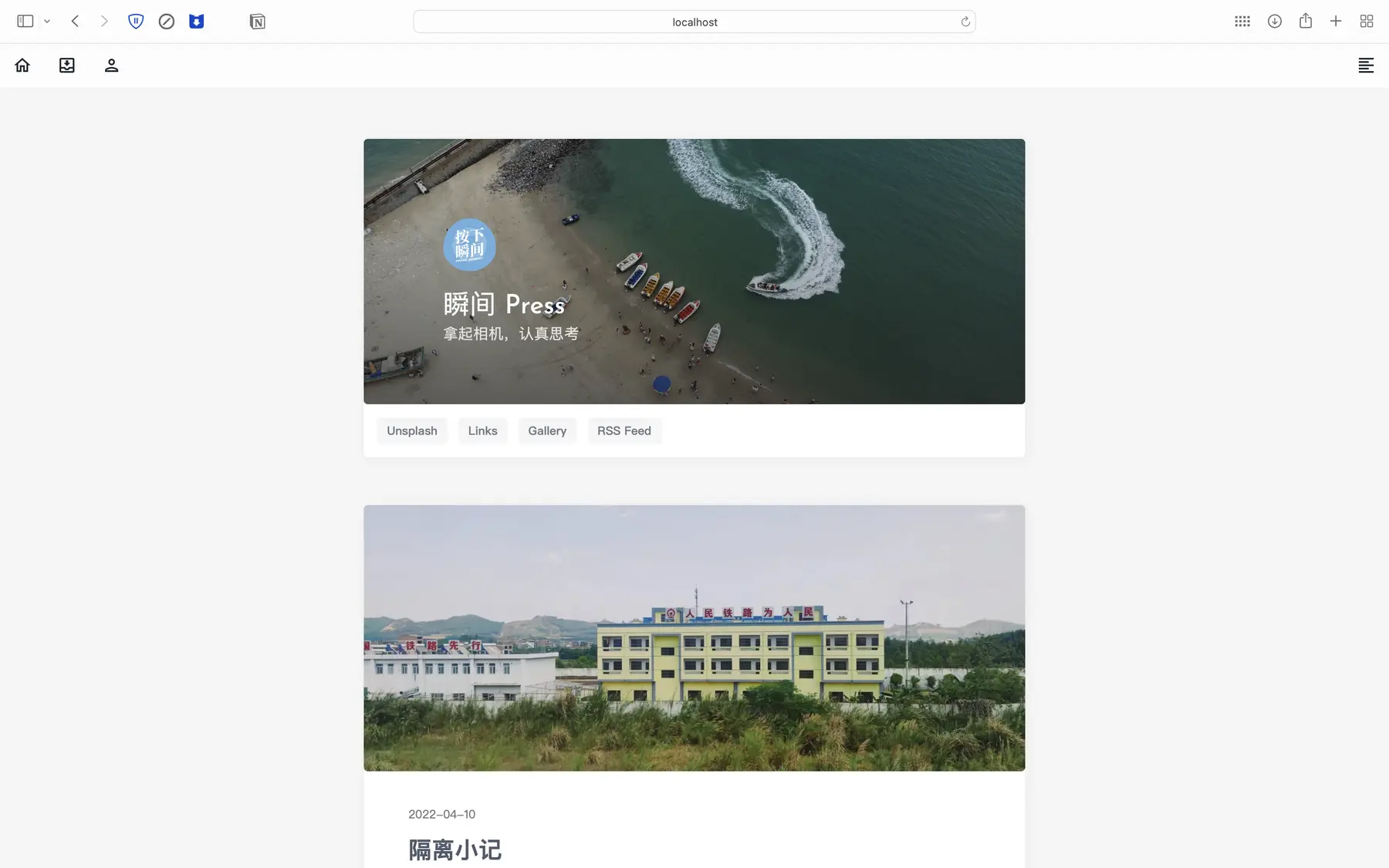
- 提出 Issue 请到 Issues · aiokr/Hexo-Theme-Type
- 了解最新进展请到 [持续更新] Hexo-Theme-Type 最新进展 · Discussion #23 · aiokr/Hexo-Theme-Type
- 参与讨论请到 Discussions · aiokr/Hexo-Theme-Type 或 QQ 频道
🔨 安装使用
本主题支持 npm 和 git 两种安装方式,你也可以下载 release 版本手动安装。 当前主题仍在开发中,部分功能还没有完善!
使用 npm 安装(推荐)
进入 Hexo 根目录,依次执行以下命令。
npm install hexo-theme-type --save
npm install
cp -v ./node_modules/hexo-theme-type/_config_template.yml ./_config.type.yml
随后,修改站点配置文件[^1]
theme: type使用 git 安装
进入 Hexo 根目录,依次执行以下命令。
git clone https://github.com/aiokr/hexo-theme-type.git themes/type --depth=1
npm install
随后,修改站点配置文件[^1]
theme: type📖 文档
本项目的文档正在逐步完善中,详情请阅读 GitHub · Where software is built
💡 快速指南
主题设定
独立页面
本主题支持以下独立页面:
- 文章样式:你可以创建一个外观和文章一样的独立页面。
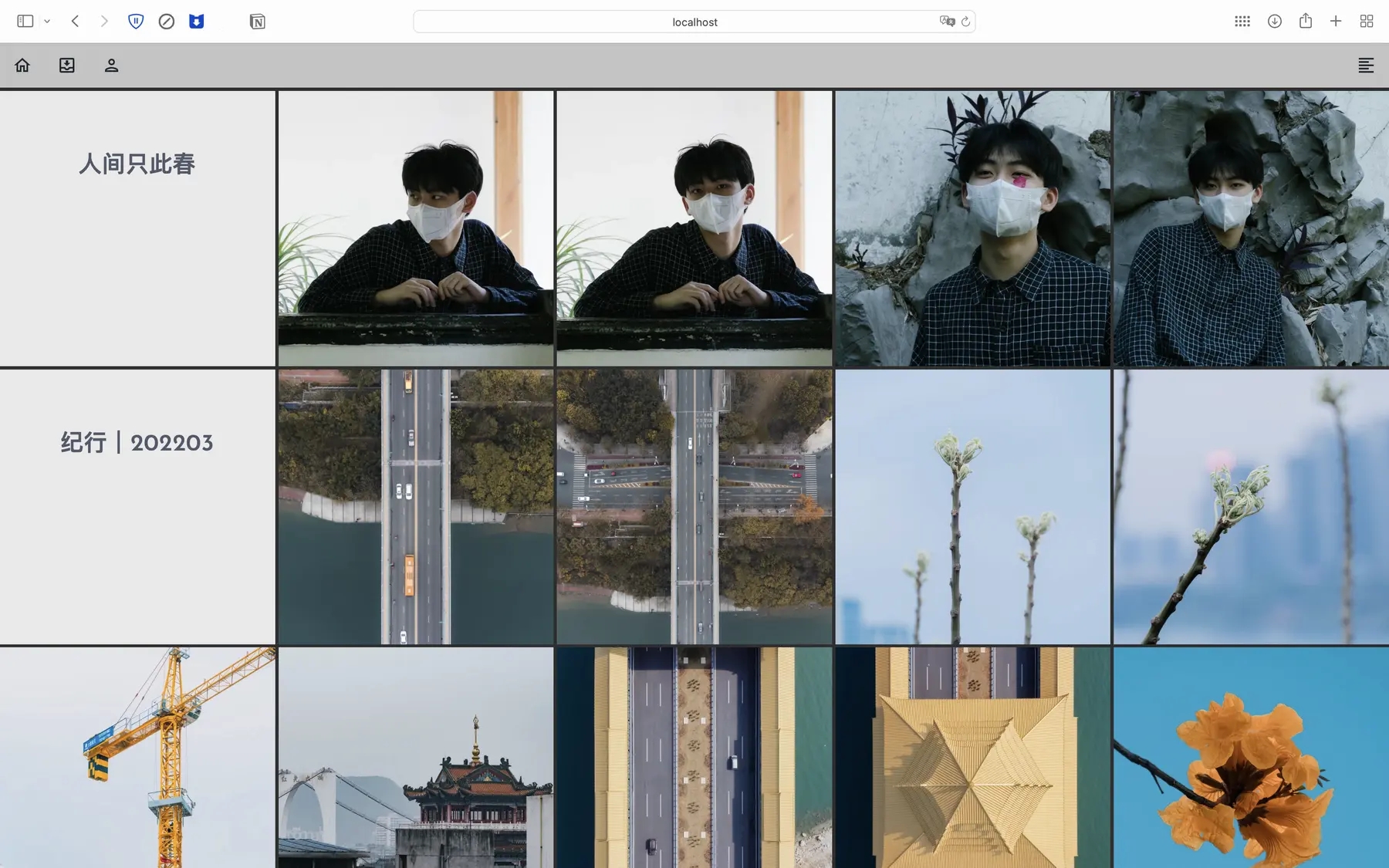
- 照片墙页面:一个照片墙页面。
- 关于页面 β:一个独特的“关于我”页面,目前尚在测试阶段,随时可能发生变化。
- 其他样式页面
创建文章样式的独立页面
在 source 文件夹中添加一个文件夹,并在其中创建 'index.md' 文件,填入以下信息
---
title: {{ 页面标题 }}
date: {{ 创建日期 }}
---
也可以执行以下代码:
hexo new page '页面标题'创建照片墙页面
在 source 文件夹中添加一个文件夹,并在其中创建 index.md 文件,填入以下信息
---
title: {{ 页面标题 }}
layout: gallery
---
并在 source/_data 文件夹中创建 gallery.yml,按以下模板填写内容:
'{{项目标题}}':
  date: {{拍摄日期:格式:YYYY-MM-DD,此项目可移除}}
  cover: '{{项目封面,此项目可移除}}'
  img:
    - '{{图片链接1}}'
    - '{{图片链接2}}'
创建关于页面 β
在 source 文件夹中添加一个文件夹,并在其中创建 index.md 文件,填入以下信息
---
title: {{ 页面标题 }}
layout: about_page
---
修改 themes/hexo-themes-type/layout/about_page.ejs 的内容
创建其他样式页面
在 source 文件夹中添加一个文件,并在开头填入以下内容
---
layout: html
---
随后你可以在该文件夹中填入任意 HTML 代码
关于项目中的 Tailwind CSS
本主题部分样式采用 Tailwind CSS 构建,但您作为主题使用者,无需在 Hexo 项目中安装 Tainwind Cli,主题在上传的同时会自动生成 css 文件。
🗒 许可证
hexo-theme-type 还使用/依赖了这些开源项目
HEXO 相关
HEXO
hexojs/hexo: A fast, simple & powerful blog framework, powered by Node.js.
License: MIT
hexo-renderer-ejs
hexojs/hexo-renderer-ejs: EJS renderer for Hexo
License: MIT
hexo-renderer-marked
hexojs/hexo-renderer-marked: Markdown renderer for Hexo
License: MIT
评论系统
DisqusJS
SukkaW/DisqusJS: Render Disqus comments in Mainland China using Disqus API
License: MIT
Valine
xCss/Valine: A fast, simple & powerful comment system.
License: GPL-2.0
Waline
walinejs/waline: A Simple, Safe Comment System inspired by Valine | 一款基于 Valine 衍生的简洁、安全的评论系统
License: GPL-2.0
Gitment
imsun/gitment: A comment system based on GitHub Issues.
License: MIT
其他
霞鹜文楷
lxgw/LxgwBright: A merged font of Ysabeau Office and LXGW WenKai.
License: SIL Open Font License 1.1
✨ 其他
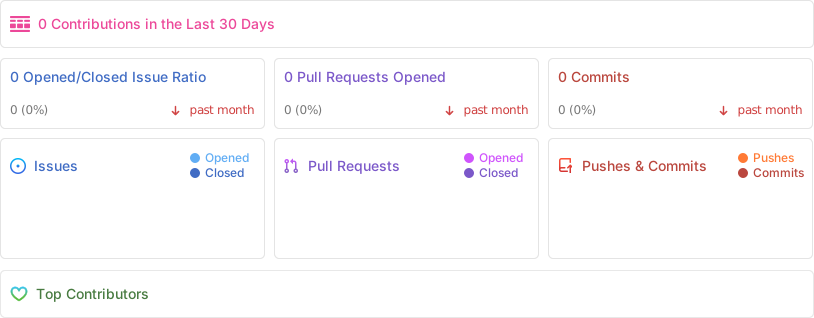
代码提交量
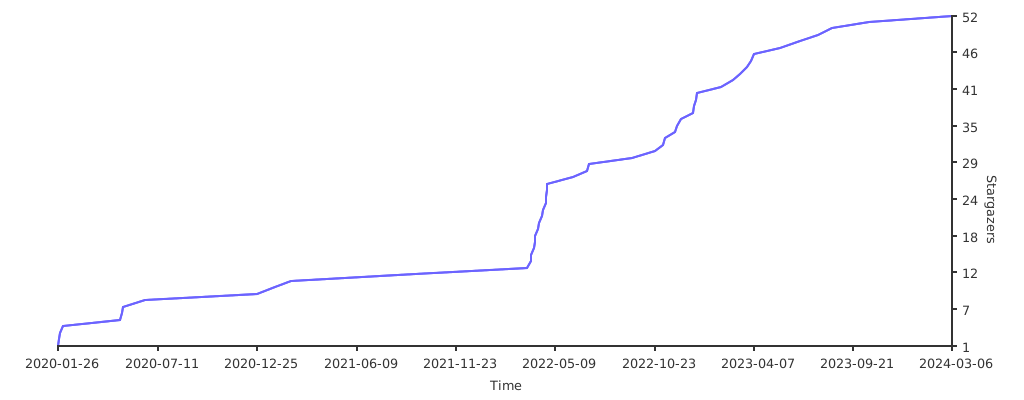
Star 历史
[^1]: 站点配置文件即 Hexo 根目录的 _config.yml 文件