
hoi4-agent-tools
v4.6.1
Published
Build HOI4 mods: focus trees, events, decisions, worlds, GUI previews, docs and AI balance.

Maintainers
 klim.paskov
Readme
HOI4 Agent Tools
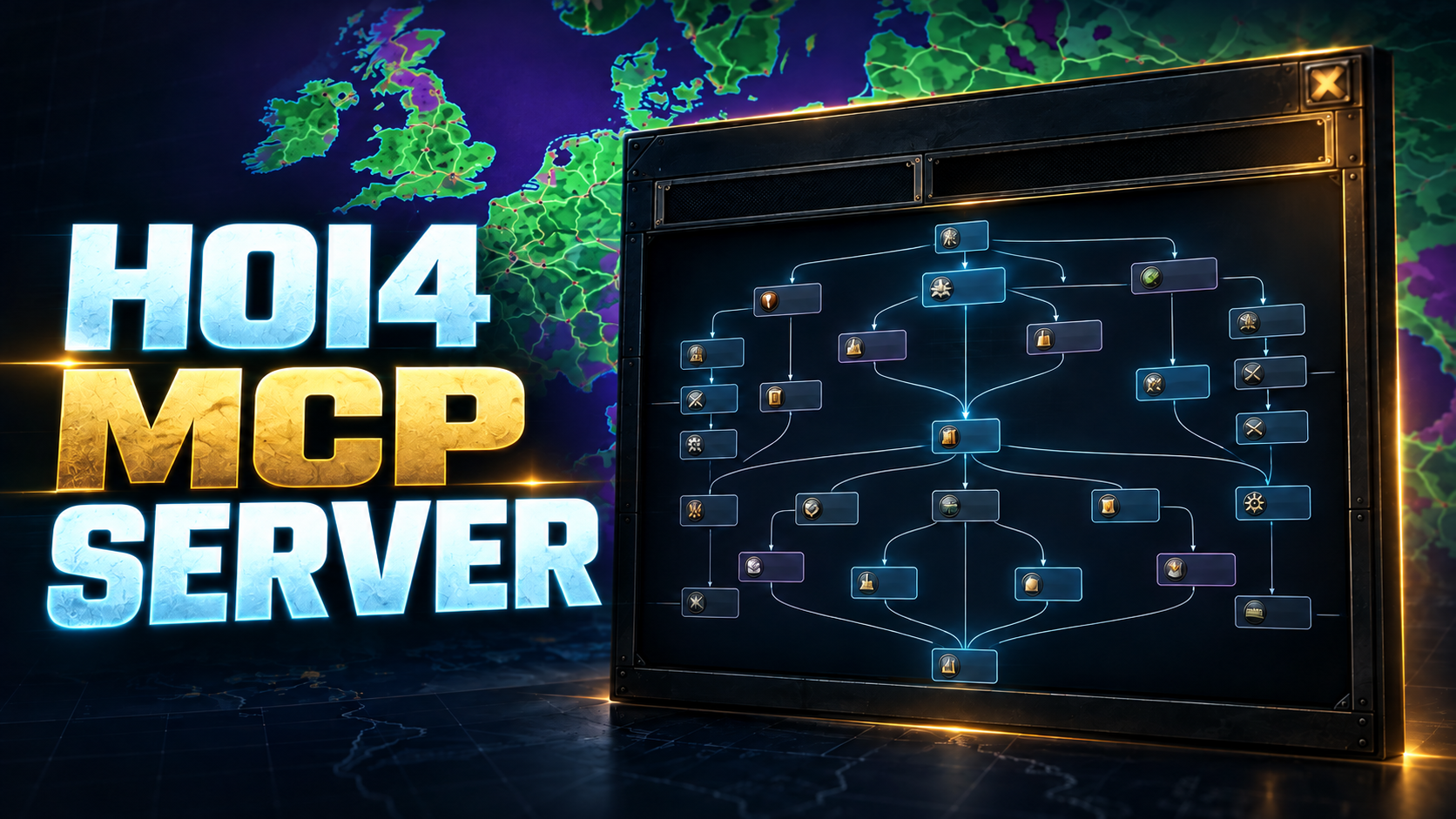








An MCP server that helps coding agents build and edit Hearts of Iron IV mods. Make focus trees, events and decisions. Edit maps and generate a new world. Preview windows, trees and maps, find the right rule in the docs, fix broken script and balance AI choices.
What it does
Your agent can build and edit focus trees, events, decisions and maps, and generate a new world.
For a new map, give it a cleaned local reference image and preview the interpreted geography before writing. The map workflow creates provinces, states, terrain, cities, countries, supply and a provisional starting scenario. Reviewed names and masks refine ambiguous artwork; offline validation is separate from native campaign acceptance. It previews focus trees, technology folders, windows and maps, finds the right rule in the game's documentation, fixes broken script and tunes AI choices. You describe what you want; the agent picks the right tools.
Quick start
Install Node.js 22 (22.19 or later) or 24, and keep Hearts of Iron IV installed for vanilla files, artwork and fonts.
Install the server:
npm install --global hoi4-agent-toolsPrint the client configuration:
hoi4-agent-tools-setup --print-client-configPaste the
globalInstallblock into a JSON client such as Claude Code, Claude Desktop or Cursor, or thecodexTomlGlobalblock into Codex'sconfig.toml.Open your mod folder as the agent's workspace and tell it what you want to build or fix.
The setup guide covers several mods, explicit game paths, local wiki snapshots and troubleshooting with --discover and --diagnose.
Watch the Agent Tools demo or use HOI4 Mod Setup to install and connect the server for your mod. Part of the HOI4 modding toolkit with Agentic HOI4 Modding (skills and instructions for your agent) and HOI4 Live Tools (testing in the running game).
Examples

Each pair shows a capture from the game next to the server's preview of the same source.
| In game | Server preview |
| -------------------------------------------------------------------------------------------------------------------------------------- | -------------------------------------------------------------------------------------------------------------------------------- |
|  |
|  |
|
|
|  |
|  |
|
|
|  |
|  |
|
See more in the examples gallery.
Tools
The server gives your agent previews, documentation, script analysis and editing tools. The agent combines them with its file editor to build events and decisions, repair scripts and adjust AI weights. The tool reference lists exact names, arguments and results for integrations.
FAQ
Where do edits go? Changes are written to your mod folder; use Git to review or undo them.
Does it run the game? No. Previews come from mod source; test gameplay in HOI4 to see live clicks, AI choices and timing.
Configuration
Started inside a mod folder, the server needs no configuration file.
hoi4-agent-tools-setup --init writes one when you work on several mods or the game is not found automatically.
For remote or shared use, hoi4-agent-tools-http serves the same tools over HTTP with tokens or OAuth.
See the configuration reference and the HTTP guide.
Documentation
- Setup and configuration
- Examples and tool reference
- Guides: local references, focus trees, scripted GUIs, maps, events, technology, AI weights and timing, decisions and impact, mechanic and package tests
- Background jobs and HTTP
- Development, changelog and security policy
- Documentation index
Development
npm ci
npm run check
See the contributing guide and the development guide.
License
Apache-2.0; see LICENSE and the third-party notices. Hearts of Iron IV artwork belongs to Paradox Interactive; this project is unaffiliated with Paradox Interactive. The in-game captures were supplied for these comparisons.