
homebridge-mijia
v1.2.81
Published
MiJia plugin for homebridge: https://github.com/nfarina/homebridge


Readme
homebridge-mijia

MiJia plugin for HomeBridge
This repository contains the MiJia plugin for homebridge.
MiJia is a ZigBee gateway with a almost all sensors and accessories. Please see the pictures below.
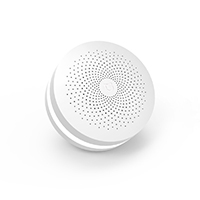
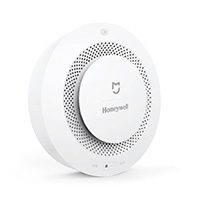
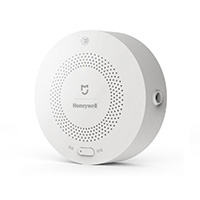
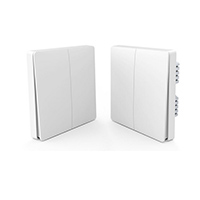
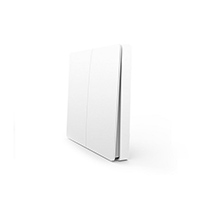
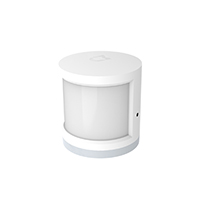
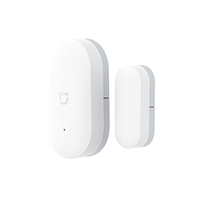
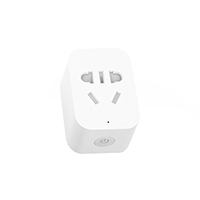
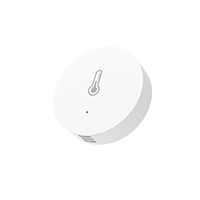
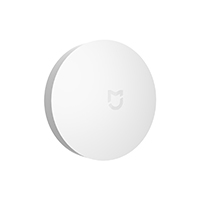
A new service has been added. Level battery.
Adding a new low battery service. When the battery is low, the notification icon (iOS 10.3 or later version)
Pre-Requirements
- Make sure you have V2 of the gateway. V1 has limited space so can't support this feature.
- Update gateway firmware to 1.4.1_141.0141 or later. You can contact @babymoney666 if your firmware is not up to date.
Installation
- Install HomeBridge, please follow it's README. If you are using Raspberry Pi, please read Running-HomeBridge-on-a-Raspberry-Pi.
- Make sure you can see HomeBridge in your iOS devices, if not, please go back to step 1.
- Download homebridge-mijia to your local folder.
Configuration
Open MiJia gateway's settings, enable local network protocol. Please follow the steps in this thread: http://bbs.xiaomi.cn/t-13198850. It's in Chinese so you might need a translator to read it.
To control the devices, put gateway's MAC address (lower case without colon) and password to ~/.homebridge/config.json.
 {
     "platforms": [
     {
         "platform": "MiJiaPlatform",
         "sid": ["1a2b3c4d5e6f"],
         "password": ["1234567890123456"]
     }]
 }
If you have more than one gateways, fill them in right order, like below.
    {
        "platforms": [
        {
            "platform": "MiJiaPlatform",
            "sid": ["1a2b3c4d5e6f", "1a2b3c4d5e6f", "1a2b3c4d5e6f"],
            "password": ["1234567890123456", "1234567890123456", "1234567890123456"]
        }]
    }
If gateway's password is not set or not set right, you will see the following error in homebridge's output.
> No password for gateway f0b429cbe4d3, please edit ~/.homebridge/config.jsonIf you like to use Light Bulb type for Light Switch to make grandma Siri happy, like me, you can set the following in the config.
    {
        "platforms": [
        {
            "platform": "MiJiaPlatform",
            ...
            "fakeLightBulbForLightSwitch": true,
            ...
        }]
    }
If you prefer to see sensor names instead of hex digis as name, add a mapping table to your config.json
    {
        "platforms": [
        {
            "platform": "MiJiaPlatform",
            ...
            "sensor_names": {
				"0c08":"Kitchen Window"
            }
            ...
        }]
    }
Run it
From source code
 $ cd /path/to/homebridge-mijia
 $ DEBUG=* homebridge -D -P .
As homebridge plugin
 $ npm install -g homebridge-mijia
 $ homebridge