homebridge-navien-smart
v1.9.1
Published
Homebridge plugin to control Navien devices via Navien Smart


Readme

Homebridge Navien Smart
Overview
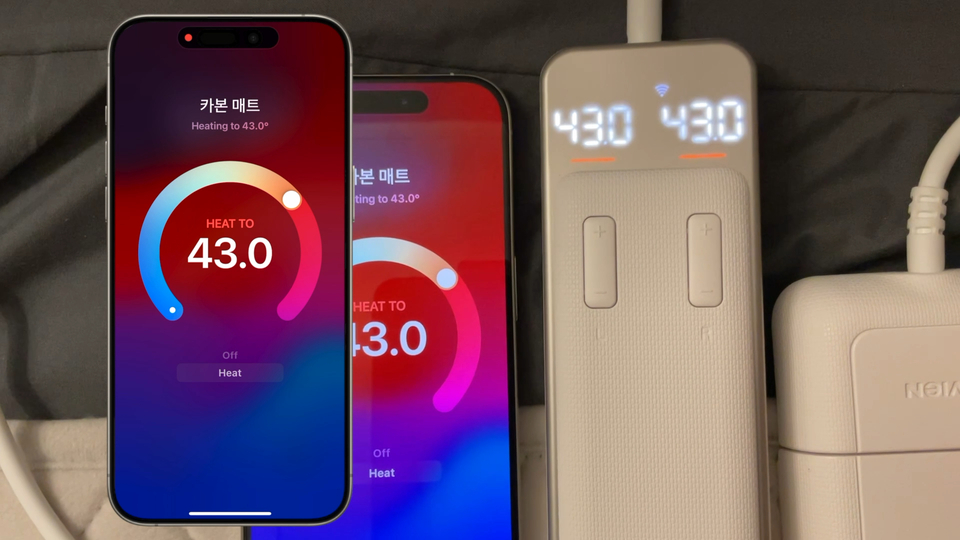
Homebridge plugin to control Navien devices via Navien Smart.
A plugin for interacting with the "Navien Smart" system, which can control Navien devices. API used in this plugin is not official, I reversed from their "Navien Smart" mobile app.
⚠️ Warning
This plugin is only tested with EME520 and EMW720 models. It may not work with other models. If you have a different model, please comment on this issue to support your model.
See Implementation Status for more information.
Installation
npm i -g homebridge-navien-smartConfiguration
{
    "authMode": "account",
    "username": "<navien-smart-username>",
    "password": "<navien-smart-password>",
    "accessoryType": "HeaterCooler",
    "soundEnabled": false,
    "separateControl": true,
    "displayName": [
        {
            "device": "My Heating Mat",
            "mainSwitch": "Mat Power",
            "left": "Mat Left",
            "right": "Mat Right"
        }
    ],
    "platform": "NavienSmart"
}
{
"authMode": "token",
"username": "<navien-smart-username>",
"refreshToken": "<navien-api-refresh-token>",
"accountSeq": 12345678,
"accessoryType": "HeaterCooler",
"soundEnabled": true,
"separateControl": false,
"platform": "NavienSmart"
}| Key | Description |
| --- | --- |
| authMode | Required. You can choose between token and account |
| username | Required. Navien Smart account |
| password | Required if authMode = account. Navien Smart password |
| refreshToken | Required if authMode = token. You can get it with navien cli. |
| accountSeq | Required if authMode = token. You can get it with navien cli. |
| accessoryType | Required. You can choose between HeaterCooler and Thermostat |
| soundEnabled | If selected, enable the notification sound on operation. (only for supported devices) |
| separateControl | If selected, support left and right separated heating. (only for supported devices) |
| displayName | Set name appears in Apple Home. device field must be set to the same as the device name in Navien Smart app. |
| platform | value always NavienSmart |
If you don't want to put your password in the config, you can use authMode = token and use refreshToken and accountSeq instead.
You can get refreshToken and accountSeq with navien cli. See CLI Usage.
CLI Usage
$ navien
Usage: navien <username> <password>
$ npm install -g homebridge-navien-smart
$ navien <your-username> <your-password>
Logging in with username: <your-username>, password: <your-password>
refreshToken: XXXXXXXXXXX.XXXXXXXXX.XXXXXXXXX
accountSeq: 12345678You can copy and paste refreshToken and accountSeq to your config.
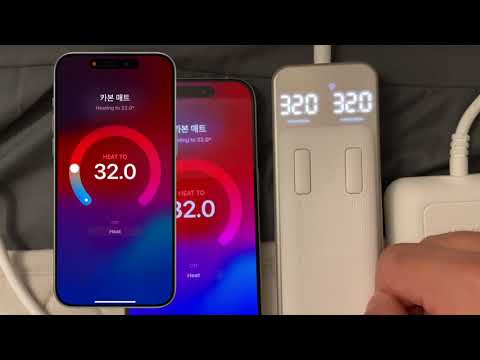
Demo
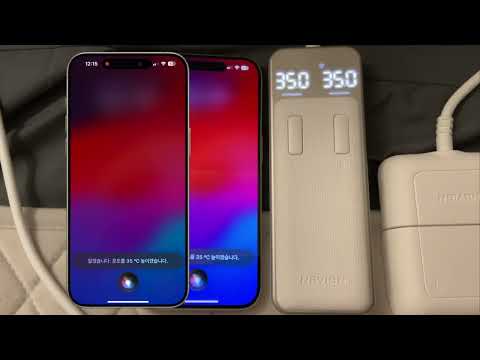
Siri (Voice Control)
Widget (Home app / Control Center)