
hotmarks
v0.0.3
Published
Semantic formatting plugin for Claude Code. **Bold** = directive. __Underline__ = critical emphasis.
Downloads
67

Maintainers
 adhamhossam
Readme
HotMarks
Give your prompts weight. Semantic formatting plugin for Claude Code.
What is HotMarks?
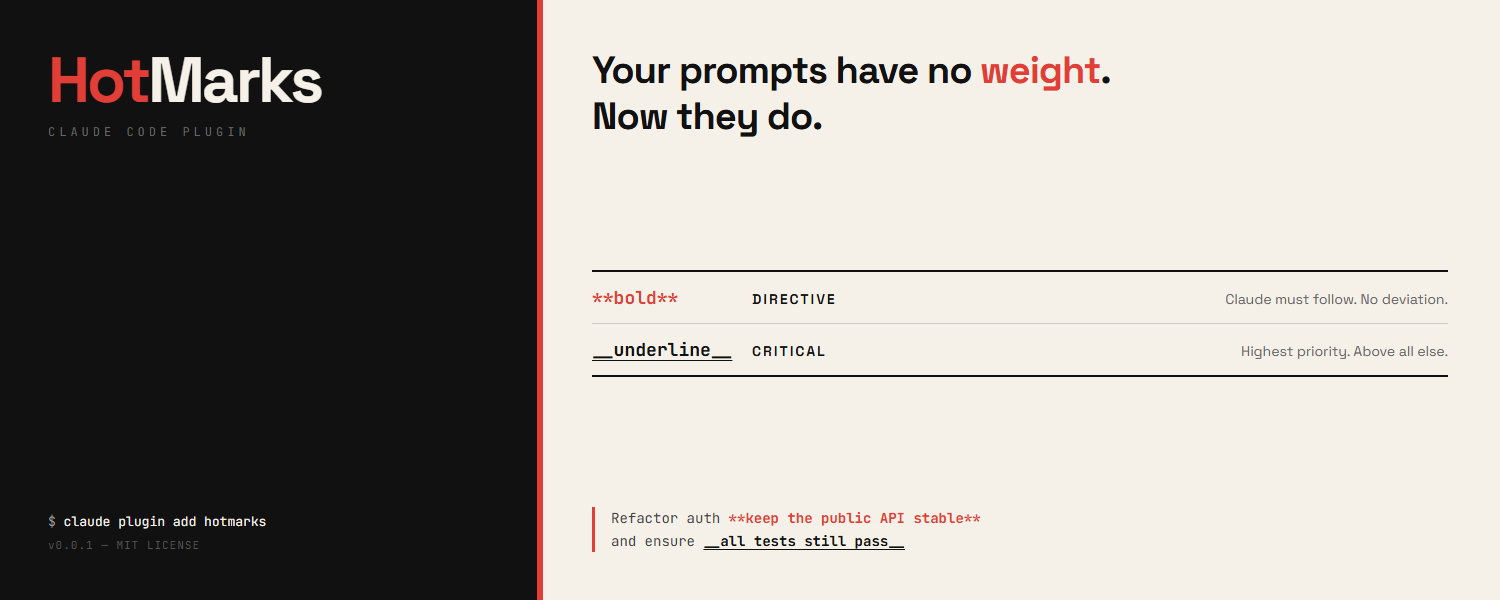
When you talk to Claude Code, every word in your prompt is treated equally. A casual remark and a critical rule carry the same weight. HotMarks changes that.
With HotMarks, you can mark specific parts of your prompt as:
| What you type | What it means | What Claude does |
|---------------|---------------|------------------|
| **do not delete the database** | Directive — a hard rule | Claude treats this as non-negotiable. No exceptions. |
| __make sure tests pass__ | Critical — top priority | Claude prioritizes this above everything else. |
Everything else in your prompt stays normal priority.
Example
You type this in Claude Code:
Refactor the auth module **do not change the public API** and __ensure all tests pass__HotMarks automatically tells Claude:
- "do not change the public API" is a hard rule — follow it exactly
- "ensure all tests pass" is critically important — prioritize it
No extra steps. No setup menus. Just type your markers and submit.
Install
Step 1: Add the plugin
Open Claude Code and run:
claude plugin add hotmarksStep 2: Create your config (optional)
npx hotmarks setupThis creates a .hotmarks file in your project folder. You can skip this — HotMarks works with sensible defaults out of the box.
That's it. HotMarks is now active on every prompt you submit.
How to Use
Marking a directive (hard rule)
Wrap text in double asterisks — **like this**:
Build the payment API **never log credit card numbers**Claude will treat "never log credit card numbers" as an absolute constraint it cannot violate.
Marking critical emphasis (top priority)
Wrap text in double underscores — __like this__:
Fix the login bug __this is blocking production__Claude will treat "this is blocking production" as the highest-priority concern.
Using both together
Migrate the database **do not drop any tables** and __zero downtime required__Claude knows:
- "do not drop any tables" → hard rule, must obey
- "zero downtime required" → most important concern
What about code blocks?
HotMarks is smart — it ignores markers inside code blocks. So this:
Show me how to use `**bold**` in markdownwon't trigger a directive. Only markers in your regular prompt text are detected.
Configuration
HotMarks works without any configuration. If you want to customize behavior, edit the .hotmarks file in your project root:
{
  "mode": "reminder",
  "skipCodeBlocks": true
}
Modes
| Mode | What it does |
|------|-------------|
| reminder | Adds context explaining your markers to Claude (default) |
| transform | Replaces markers with explicit tags like [DIRECTIVE: ...] |
| both | Does both |
Where HotMarks looks for config
.hotmarksin your current project folder.hotmarksin your home directory (~/.hotmarks)- Built-in defaults (if no file found)
Update
To update HotMarks to the latest version:
claude plugin remove hotmarks
claude plugin add hotmarks
Uninstall
Remove the plugin
claude plugin remove hotmarksRemove the config file (optional)
npx hotmarks uninstallOr just delete the .hotmarks file from your project folder manually.
How It Works (Technical)
- You type
**text**or__text__in your prompt - On submit, the
UserPromptSubmithook fires - HotMarks parses your prompt for markers (skipping code blocks)
- Based on your config mode, it injects semantic context via
additionalContext - Claude receives structured priority information alongside your prompt
The plugin runs entirely locally. No data is sent anywhere. No network requests.
Development
npm install       # install dependencies
npm run build     # compile TypeScript
npm test          # run all 31 tests
Run locally
claude --plugin-dir .Requirements
- Node.js 18 or newer
- Claude Code CLI
- Zero runtime dependencies
Star History
Contributing
See CONTRIBUTING.md for guidelines.
Security
See SECURITY.md for reporting vulnerabilities.
License
MIT — see DISCLAIMER.md for full terms of use.
Built by Tawaar Technologies with Claude Code