
humidity-cli
v0.1.0
Published


Readme
Humidity CLI

Humidity is a command-line interface (CLI) tool that simplifies the process of creating and deploying new projects. It provides a streamlined workflow for setting up project structure, version control, and cloud deployment.
Features
- Quickly create a project with a server, repository, and push-to-deploy configuration for DigitalOcean using GitHub Actions
- Instantly create new services for common application components like file storage, queues, and caching
- Tear down projects and services with a single command so your dead projects don't cost you money
- Template support for quickly creating new projects and services that can be used as building blocks
Prerequisites
Before using Humidity CLI, ensure you have the following:
- Node.js installed
- Docker installed and running
- GitHub account and personal access token
- DigitalOcean account and API token
Installation
Clone the repository:
npm install -g humidity-cliCreate a new config file when prompted:
? Do you want to use an .env.humidity file to store secrets? (Y/n)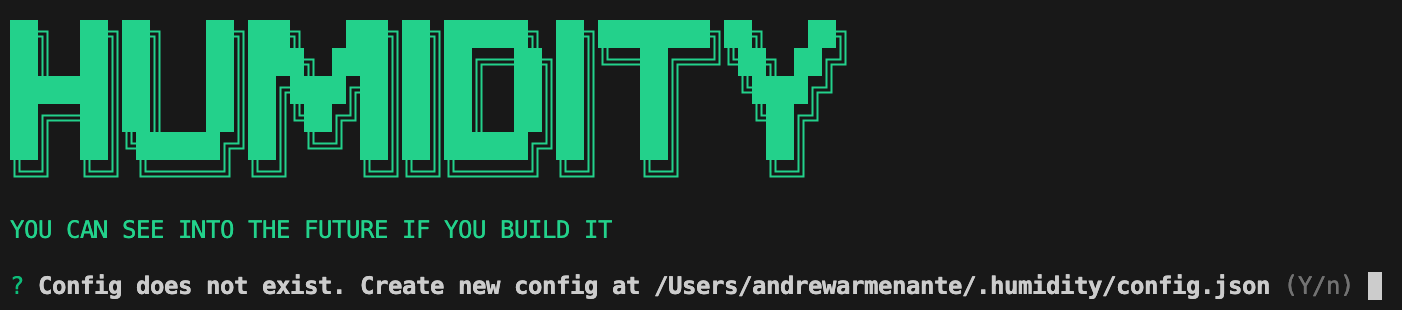
Set up the required environment variables in a
.envfile: Go to the settings and select "Set environment variables".
You can also just have the required environment variables in a
.envfile in the root of the current working directory:GH_USERNAME=your-github-username GH_TOKEN=your-github-token DO_API_TOKEN=your-digitalocean-api-token DO_REGISTRY_NAME=your-digitalocean-registry-name ...
Usage
Projects
Projects provide the boilerplate for code that allows you to hit the ground running. You will be setup with a project structure that will allow you to deploy your project to DigitalOcean App Platform and Push-to-Deploy to a DigitalOcean Droplet using GitHub Actions. Once created you can start writing code and deploying push new commits to your GitHub repository and they will be automatically deployed to your server.
Services
Services provide core building blocks for your project. They are individual components that are commonly found in many projects. For example, a project may require a database, a queue, and a cache. These are all services. Services are essentially just Docker containers that are deployed to a Docker registry and then deployed to a server. They are meant to be generic and can be used across multiple projects.
Templates
Templates provide a way to quickly create new projects structures and services. They are used as scaffolding to get a new service or project up and running.