
huurradar
v1.0.4
Published
Self-hosted Dutch rental finder: watches six platforms on a schedule, filters to your criteria, reads income requirements off the listing with AI, emails you the matches, and can auto-apply. Web dashboard included.

Maintainers
 godeltrabuco
Readme
Self-hosted rental finder for the Netherlands. It watches six platforms on a schedule, keeps only what matches your criteria, reads the income requirements off the listing page with AI, emails you the matches, and can submit the application for you.
Everything runs on your machine. Your search, your database, your inbox.
npx huurradar init    # writes a .env template
# fill in .env
npx huurradar         # → http://127.0.0.1:3000
Zelfgehoste huurwoning-zoeker voor Nederland: zes platforms, automatische meldingen, AI-analyse van inkomenseisen, en automatisch reageren.
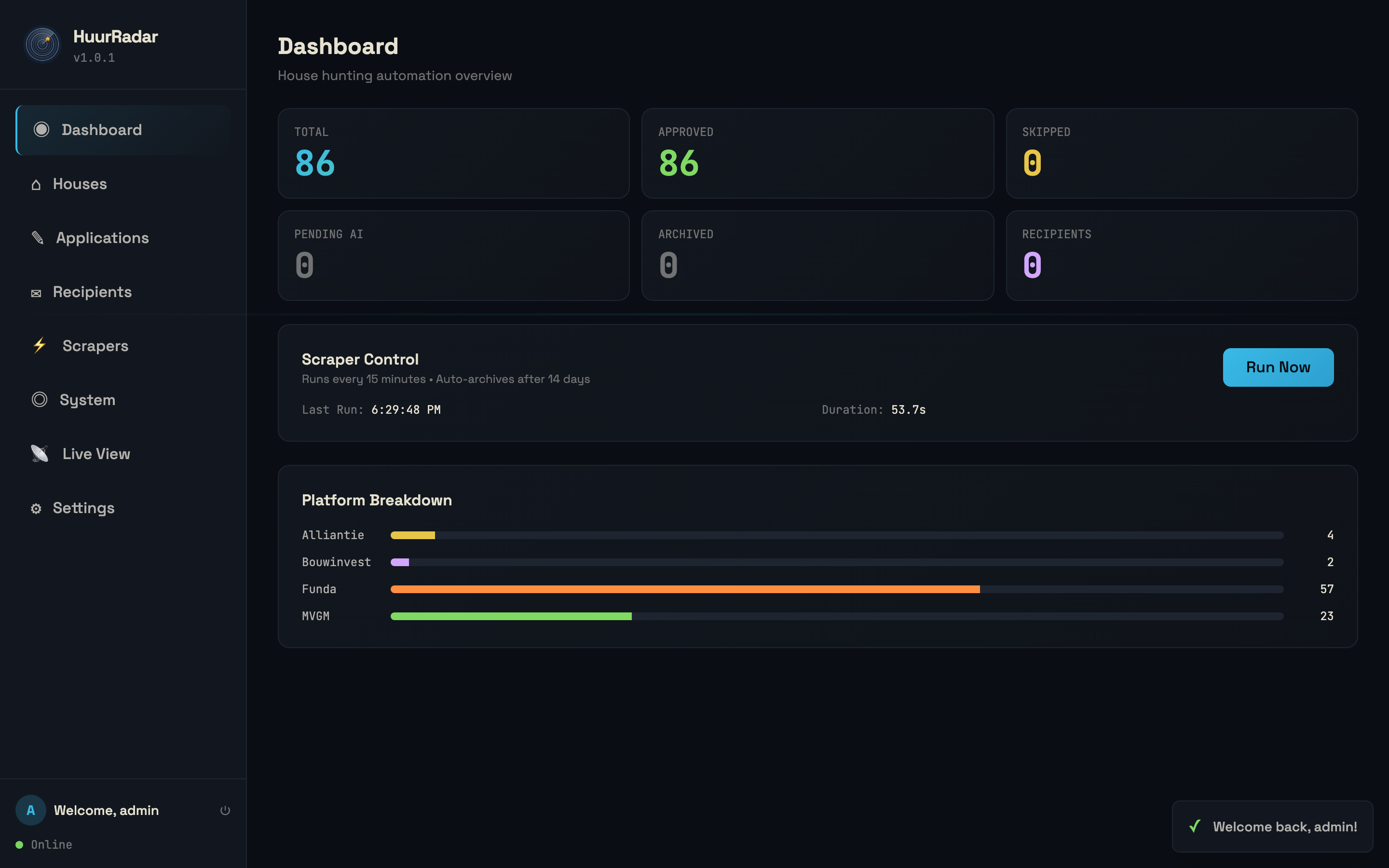
Scrapers. Every platform gets its own criteria and its own on/off switch. Special addresses bypass all of it.
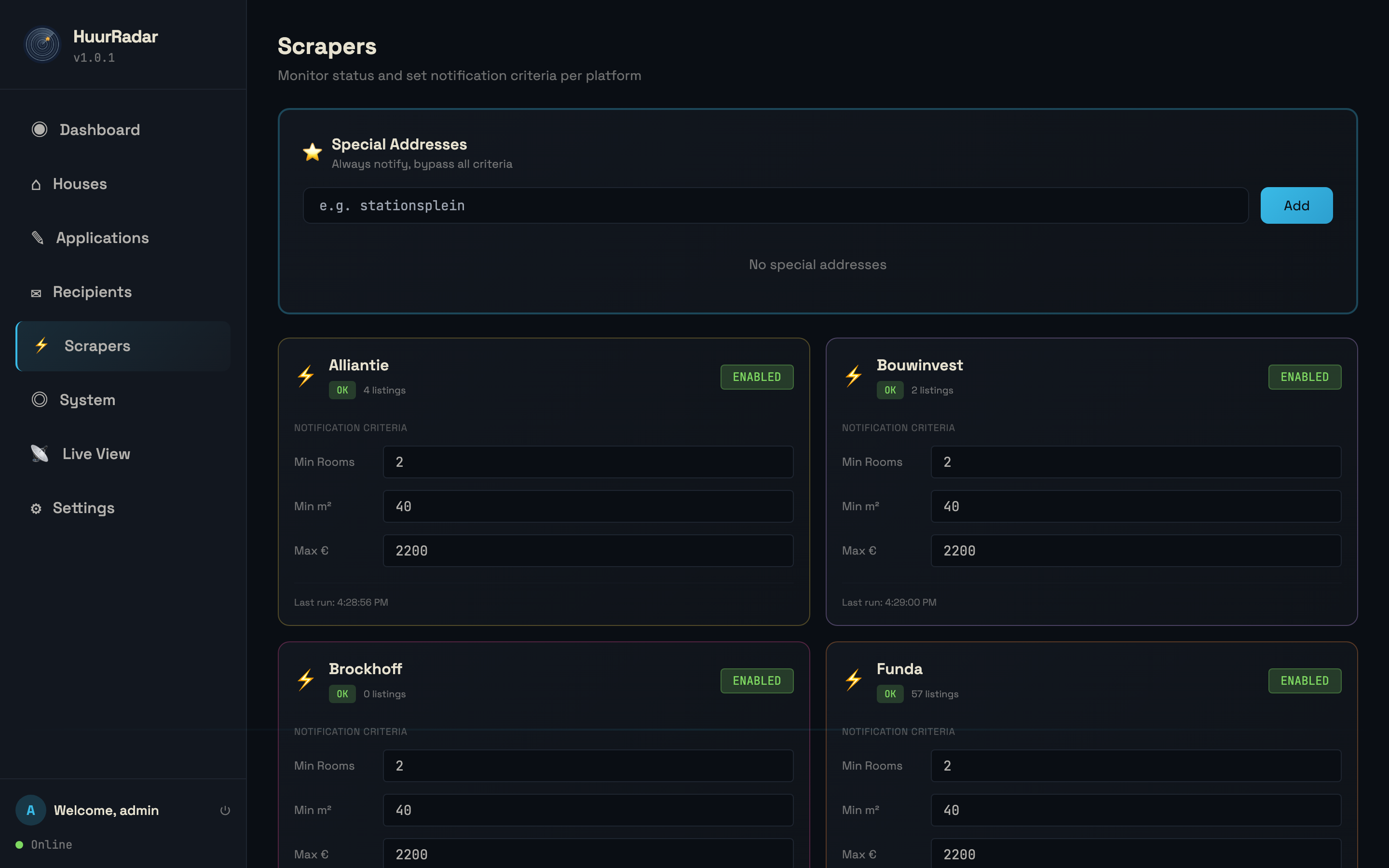
Live view. What each platform returned on the last run, how much of it passed, and how much was new. A platform sitting at zero is either genuinely empty for your area or broken, and this is where you find out which.
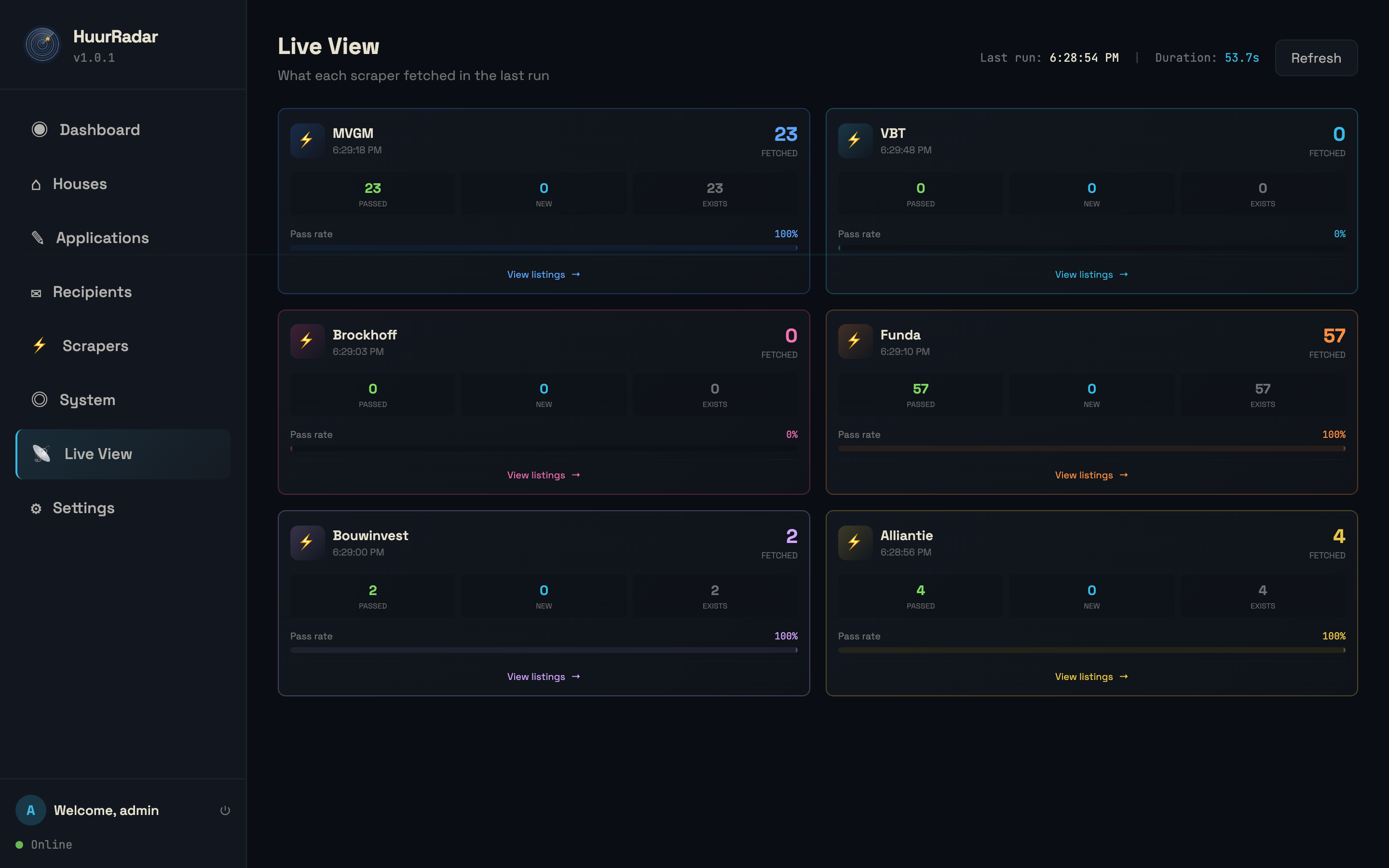
Why this exists
The Dutch rental market is a race. Good listings are gone within hours, they are spread across platforms that share nothing with each other, and half of them bury an income requirement three paragraphs down that disqualifies you before you start.
So: check all six every fifteen minutes, filter to what you would actually consider, have a model read the fine print, and put the survivors in your inbox while they are still available.
What it does
Watches six platforms. Funda, VBT, Bouwinvest, MVGM, de Alliantie and Brockhoff. Each one gets its own criteria and its own on/off switch.
Filters to your criteria. Per-platform minimum rooms, minimum living area and maximum rent, plus a city allowlist. Tunable from the dashboard, no restart.
Reads the fine print. Optionally sends the listing page to Gemini and asks what the income requirements actually are, whether there is a maximum income cap (middenhuur), and whether you appear to qualify. The verdict lands in the email next to the listing.
Emails you. Any SMTP server, any number of recipients.
Never tells you twice. Everything is deduplicated in SQLite, and listings older than seven days are archived automatically.
Special addresses. Add a street you would take at any price and it bypasses every filter.
Applies for you. Optional, Brockhoff only. Generates a motivation letter from a profile you write, then drives a real browser to fill and submit the application form, solving the reCAPTCHA through 2captcha. Read Auto-apply before you switch it on.
A dashboard. Listings with photos, per-platform status, a live view of what each scraper fetched and why anything was dropped, and the settings pages.
Install
Node 20 or newer.
Try it:
npx huurradar init
npx huurradar
Run it properly:
git clone https://github.com/OmarNassar1127/huurradar.git
cd huurradar
npm install
cp .env.example .env      # then fill it in
npm start
On first start it creates an admin account and prints a generated password,
unless you set HUURRADAR_SEED_PASSWORD yourself. Change it after logging in.
Configure
Every setting lives in .env, and every one of them ships blank.
.env.example documents all of them; these are the ones that matter.
| Variable | Required | What it does |
|---|---|---|
| SEARCH_AREAS | yes | Where to look: Utrecht:52.0907:5.1214;Zeist:52.0894:5.2333 |
| ALLOWED_CITIES | no | Second filter on city name. Empty accepts everything |
| DEFAULT_MAX_PRICE | no | Starting rent ceiling, tunable per platform later |
| SMTP_HOST / SMTP_USER / SMTP_PASS | for email | Any SMTP server |
| NOTIFICATION_EMAIL | for email | Where matches go |
| GEMINI_API_KEY | for AI | From AI Studio |
| COMBINED_GROSS_INCOME | no | Lets the AI judge whether you qualify |
| APPLICANT_PROFILE | for letters | Who you are, in your own words |
| CAPTCHA_API_KEY | for auto-apply | Leave blank and auto-apply stays off |
Coordinates. MVGM and Brockhoff encode the search centre as a latitude and longitude rather than a city name, so they are skipped for any area without one. Right-click a spot in Google Maps to get a pair.
Nothing is preconfigured. No default city, no default price, no seeded addresses. Empty until you fill it in.
How a run works
every SCRAPE_INTERVAL_MINUTES
  ├── for each enabled platform
  │     fetch listings for your areas
  │     tag each one: passed / dropped + why  (cached for the live view)
  ├── keep what clears city, price and criteria
  ├── for each genuinely new listing
  │     special address?  → notify, skip the AI
  │     otherwise         → AI reads the page → notify if you qualify
  └── archive anything older than 7 days
A platform that fails does not fail the run. It is marked errored on the dashboard and the others carry on.
Auto-apply
This submits a real rental application, to a real letting agent, with your real name and contact details. There is no undo.
It is off unless you set CAPTCHA_API_KEY. Before you do:
- Automated form submission and CAPTCHA solving may breach a site's terms of service. Read them. Whether to proceed is your decision and your responsibility, not this project's.
- Every solve costs money at 2captcha.
- The letter is generated from
APPLICANT_PROFILE, which you write. The model is instructed to use only what is in it and invent nothing, so anything you leave out will not appear. Read the first few letters before you trust it. - It refuses to submit rather than guess: no
APPLICANT_NAME, no application.
Currently implemented for Brockhoff only, because it was the one form worth
automating. services/autoapply.js is the place to add another.
Fair use
You are pointing this at other people's servers.
- The default interval is 15 minutes and the minimum is 5. Please leave it there. Six scrapers hammering a site every minute is how everyone loses access.
- Keep
MAX_PAGES_PER_PLATFORMlow. - Read the terms of service of any platform you enable. Several restrict automated access.
- Do not redistribute scraped listing data.
Security
- The dashboard binds to
127.0.0.1by default. It has no TLS and no rate limiting, and it holds your search criteria, your notification addresses and your applicant profile. Do not bind it to a public interface. Put it behind a reverse proxy or a tunnel with authentication in front. - Passwords are hashed, sessions are opaque tokens stored server-side.
- API keys are read from the environment and never written to the database.
- The database is a plain SQLite file in
./data. Back it up, and do not commit it.
Layout
index.js            express app, cron schedule, route wiring
bin/huurradar.js    npx launcher and `init`
scrapers/
  index.js          orchestration: fetch, tag, dedupe, notify, archive
  base.js           criteria, special addresses, search-area parsing
  platforms/        the six site adapters, one file each
services/
  ai.js             Gemini: income analysis + motivation letters
  autoapply.js      Playwright application submission
  captcha.js        2captcha solver
  database.js       SQLite schema, migrations, queries
  email.js          SMTP notifications
  auth.js           sessions and password hashing
  cache.js          live-view scraper results
routes/             REST API behind auth
public/             dashboard (vanilla JS, Tailwind via CDN)
Everything is in this one package. No build step, no companion library to install, no service to sign up for.
Docs
- ARCHITECTURE.md — how a run actually flows, and why
- CONTRIBUTING.md — starts with "a scraper stopped returning anything", because that is why you are there
- AGENTS.md — for coding agents: the invariants that break quietly, and how to verify a parser change against a real page
- SECURITY.md
Related
huischeck— the buying-side counterpart: paste one listing, get a scored due-diligence report
License
MIT