
hyuga-vscode-client
v0.0.1
Published
Hy LSP(hyuga) Client for VSCode


Readme
Hyuga - Yet Another Hy Language Server

Forked from hy-language-server.
This software is still in the experimental stage!
Please be aware that specifications may change without prior notice.
Status
Verified-working Hy version: 1.0.0
|Hy version|Hyuga Support| |----------|-------------| |0.24 |0.2.1 | |0.25 |? | |0.26 |? | |0.27 |? | |0.28 |? | |1.0.0 |1.0.0 |
We need your help to check the support status for each hy version.
Please report the results in issues!
Feature
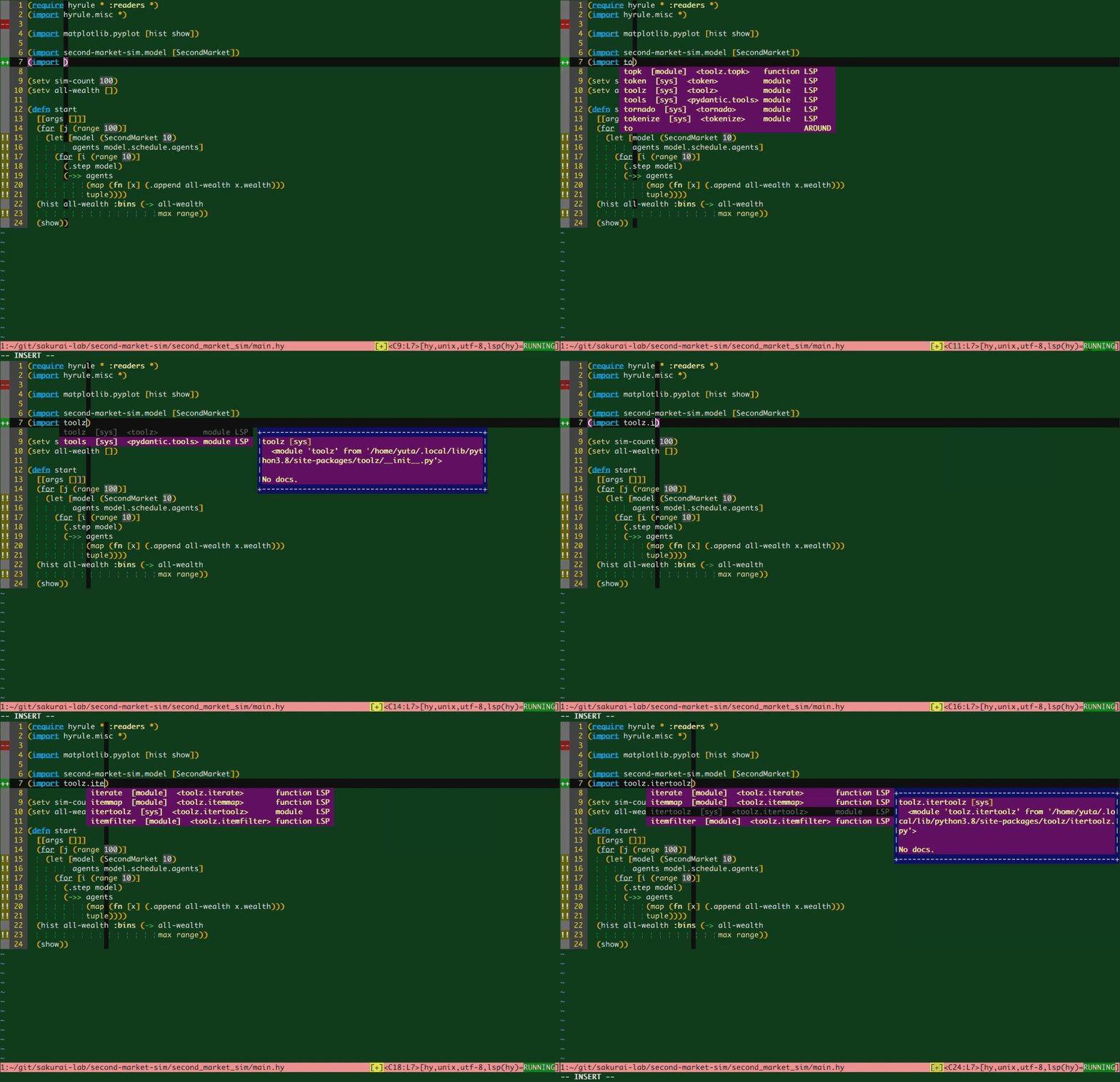
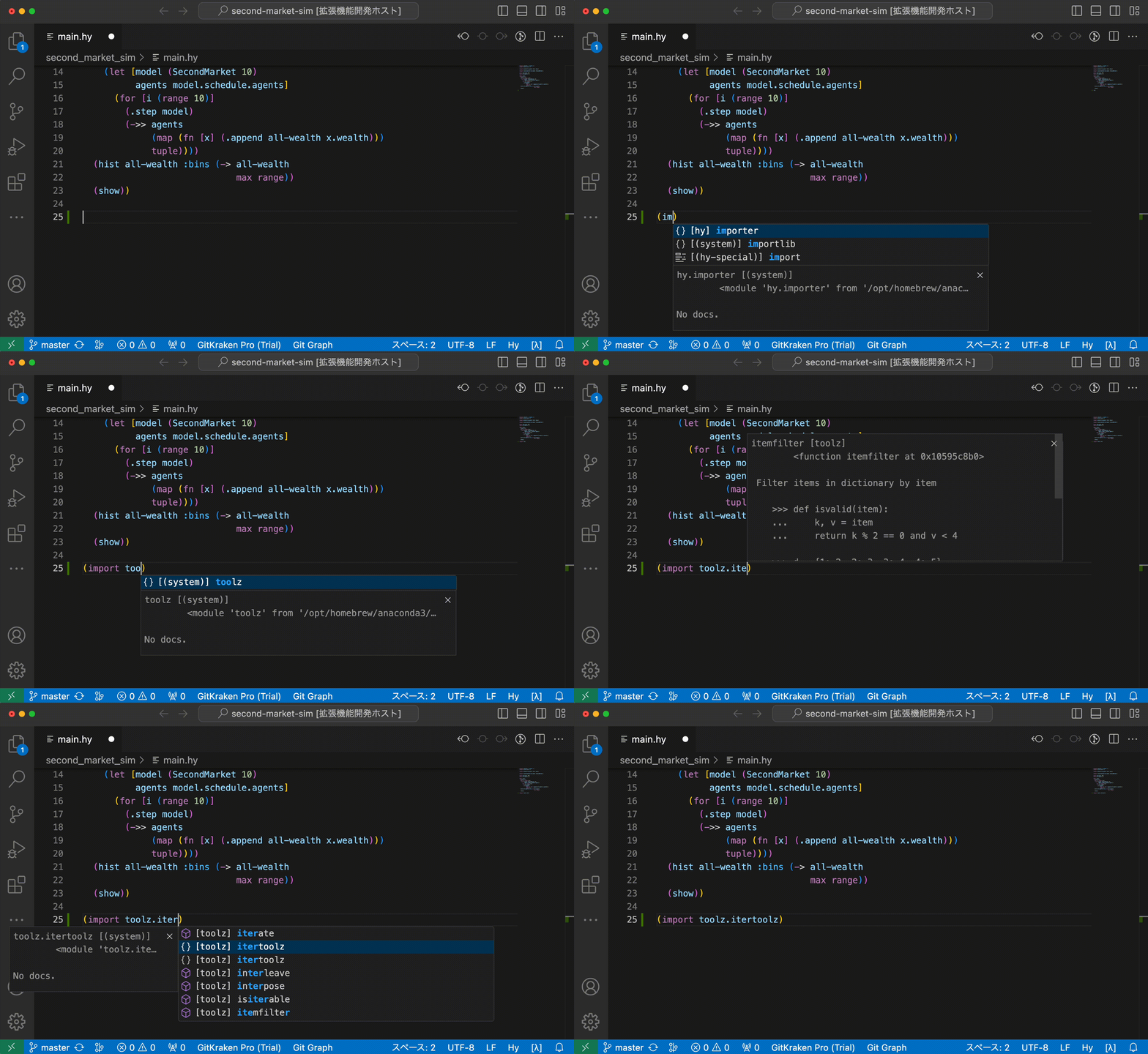
textDocument/did{Open,Change}textDocument/completion- Display a list of all modules installed in your system, including classes/functions in the currently opening source. (Plain Python symbols are also included.)
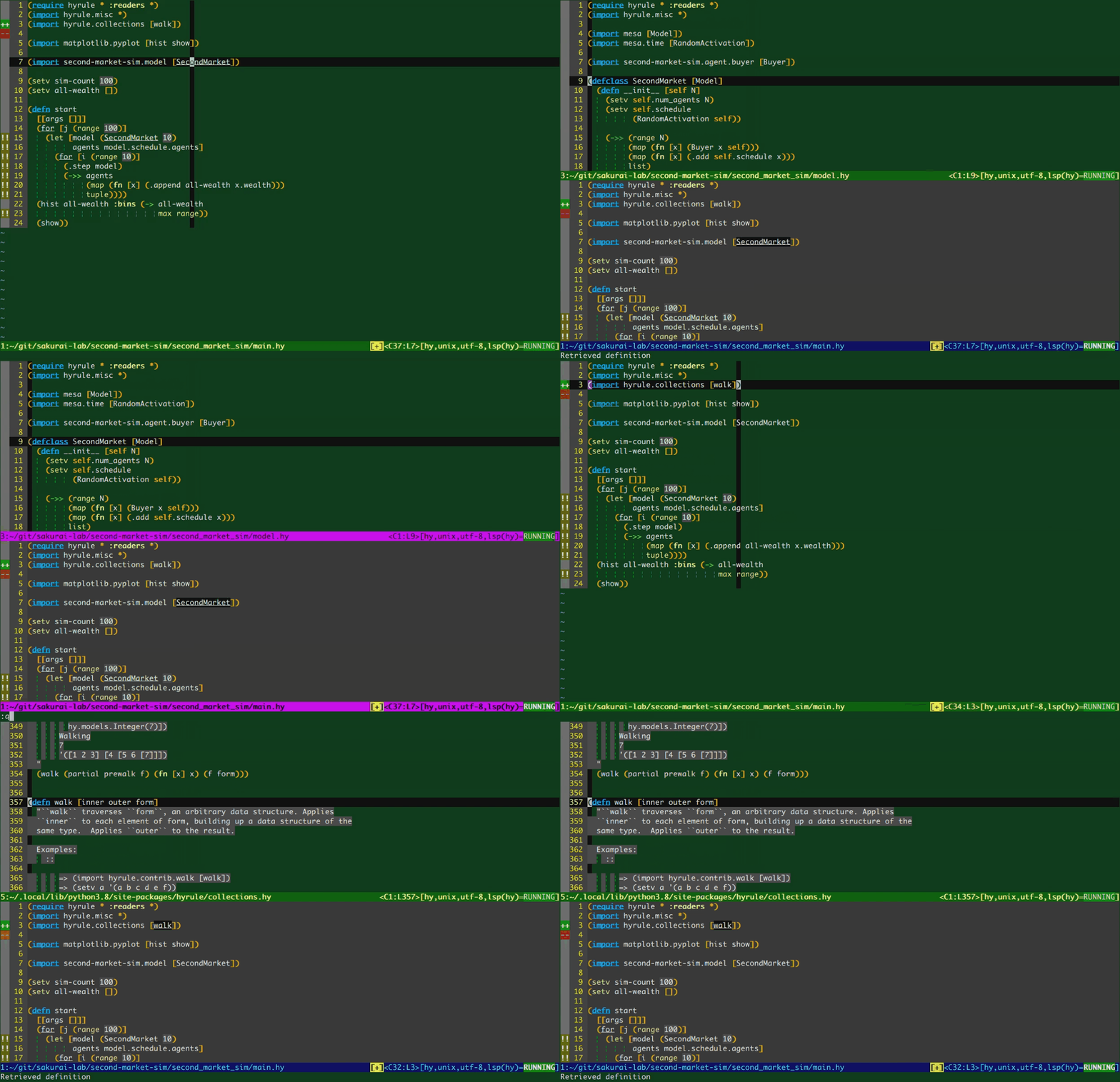
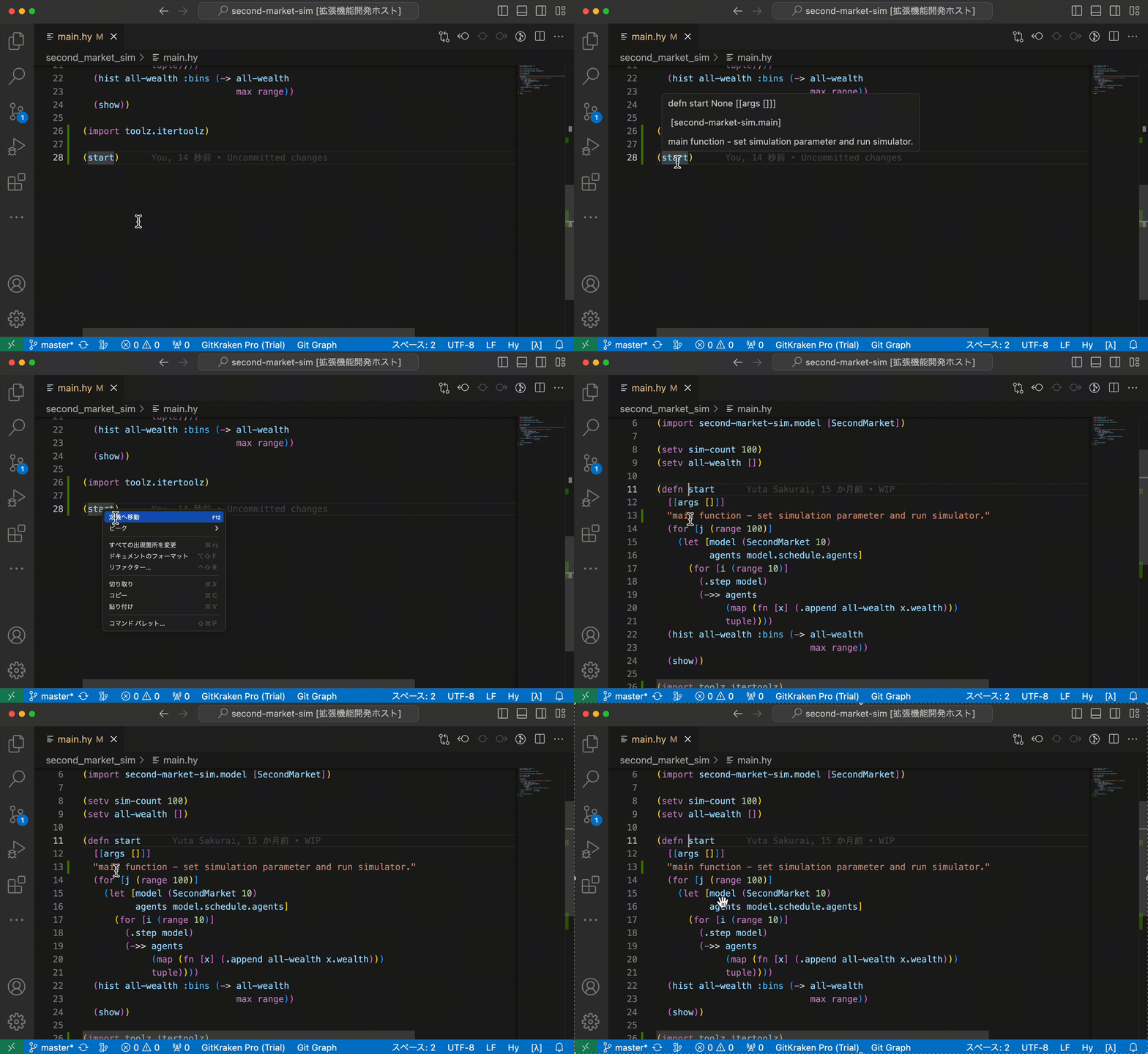
textDocument/definition- Jump to the definition. (Currently, this refers to hy-source only.)
textDocument/hover
Screenshots
Completion
Jump to definition
Install
Regular Global Install
pip3 install hyugaOn Arch based systems, or other systems that use an externally managed Python environment where the above is not possible:
pipx install hyugaAlso, ensure you installed hy the same way via pipx, not pacman/yay, as the package has not yet been updated to 1.0.0, and is currently stuck at 0.29.0-1 for the moment. This likely won't apply in the future as it will inevitably be updated, but pipx is generally the safer route here as it pulls it straight from pypi, and doesn't depend on a maintainer to keep it up to date.
Setup
Neovim(nvim) Lua setup via lspconfig
Install vim-hy for filetype detection. This is optional, as you can register the filetype yourself, but you'll likely want to run this anyway if you're using Hy with Neovim, as it provides syntax highlighting among other things.
Then define an entry for Hyuga:
local lspconfig = require("lspconfig")
local lsp_configs = require("lspconfig.configs")

if not lsp_configs.hy then
  lsp_configs.hy = {
    default_config = {
      cmd = { 'hyuga' },
      filetypes = { 'hy' },
      root_dir = function(fname)
        return lspconfig.util.path.dirname(fname)
      end,
    },
    docs = {
      description = "Hyuga language server for the Hy programming language, a Python dialect of LISP"
    }
  }
end
And finally, don't forget to run setup! As a reference, here's how I have it set up. I prefer to defer setup (you may need to run :LspStart in case it doesn't auto-attach on the first hy file that gets opened, but only the first)
vim.api.nvim_create_autocmd("FileType", {
  once = true,
  pattern = 'hy',
  callback = function(_)
    local ls_entry = lsp_configs.hy
    ls_entry.setup {
      -- Any extended capabilities or custom on_attach functions go here as usual,
      -- e.g. for nvim-cmp other such plugins where you'd extend capabilities:
      -- capabilities = extended_capabilities,
      -- on_attach = custom_on_attach
      -- Can just be left blank, but included for reference.
    }
  end
})
neovim(nvim) + vim-lsp + vim-lsp-settings
Install vim-lsp and vim-lsp-settings, open a *.hy file with filetype=hy, then run :LspInstallServer
" command line
CocInstall hyuga-vscode-client
" or add the following code to your vimrc
let g:coc_global_extensions = ['hyuga-vscode-client', 'other coc-plugins']
Visual Studio Code(VSCode)
- Install
hyugato your python environment. (Refer to thePlain installsection for details.) - In VSCode, open
Extensionsview, search forhyuga, and installHyuga VSCode Client.- or: visit Hyuga VSCode Client - Visual Studio Marketplace and install.
Development
Setup
- Install poetry.
- Clone this project:
git clone https://github.com/sakuraiyuta/hyuga.git - In project directory, execute
poetry install.
Test
poetry run pytest testsLicense
MIT