
ikagaka.namedmanager.js
v4.1.17
Published
Ikagaka Window Manager


Readme
NamedManager.js


Ikagaka Window Manager
About
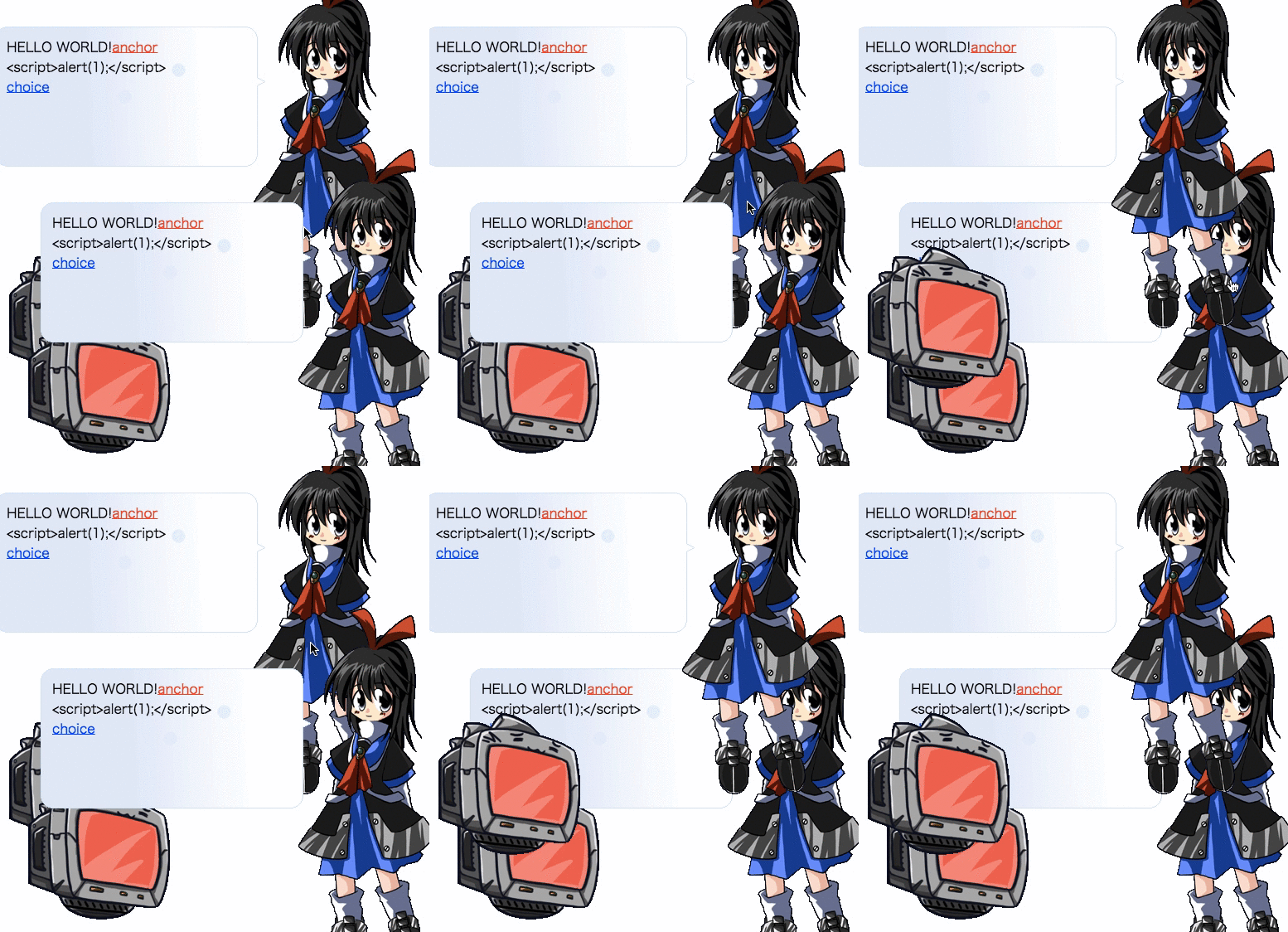
NamedManager.js is a Ukagaka compatible Shell renderer and Window Manager for Web Browser.
Usage
<script src="../bower_components/encoding-japanese/encoding.js"></script>
<script src="../bower_components/jszip/dist/jszip.min.js"></script>
<script src="../bower_components/narloader/NarLoader.js"></script>
<script src="../dist/NamedManager.js"></script>
<script>
Promise.all([
  NarLoader.loadFromURL("../nar/origin.nar"),
  NarLoader.loadFromURL("../nar/mobilemaster.nar")
]).then(function(tmp){
  var balloonNDir = tmp[0];
  var shellNDir = tmp[1];
  var balloonDir = balloonNDir.asArrayBuffer();
  var shellDir = shellNDir.getDirectory("shell/master").asArrayBuffer();
  var shell = new NamedManager.Shell(shellDir);
  var balloon = new NamedManager.Balloon(balloonDir);
  return Promise.all([
    shell.load(),
    balloon.load()
  ]);
}).then(function(tmp){
  var shell = tmp[0];
  var balloon = tmp[1];

  var nmdmgr = new NamedManager.NamedManager();
  document.body.appendChild(nmdmgr.element);

  var hwnd = nmdmgr.materialize(shell, balloon);
  var named = nmdmgr.named(hwnd);

  console.log(nmdmgr, hwnd, named, shell, balloon);

  talk(named);
});

function wait(ms, callback) {
  return function(ctx) {
    return new Promise(function(resolve) {
      setTimeout((function() {
        callback(ctx);
        resolve(ctx);
      }), ms);
    });
  };
}

function talk(named){
  Promise.resolve(named)
  .then(wait(0, function(named) { named.scope(0); }))
  .then(wait(0, function(named) { named.scope().surface(0); }))
  .then(wait(0, function(named) { named.scope().blimp().clear(); }))
  .then(wait(0, function(named) { named.scope(1); }))
  .then(wait(0, function(named) { named.scope().surface(10); }))
  .then(wait(0, function(named) { named.scope().blimp().clear(); }))
  .then(wait(0, function(named) { named.scope(0); }))
  .then(wait(0, function(named) { named.scope().blimp(0); }))
  .then(wait(80, function(named) { named.scope().blimp().talk("H"); }))
  .then(wait(80, function(named) { named.scope().blimp().talk("e"); }))
  .then(wait(80, function(named) { named.scope().blimp().talk("l"); }))
  .then(wait(80, function(named) { named.scope().blimp().talk("l"); }))
  .then(wait(80, function(named) { named.scope().blimp().talk("o"); }))
  .then(wait(80, function(named) { named.scope().blimp().talk(","); }))
  .then(wait(80, function(named) { named.scope().blimp().talk("w"); }))
  .then(wait(80, function(named) { named.scope().blimp().talk("o"); }))
  .then(wait(80, function(named) { named.scope().blimp().talk("r"); }))
  .then(wait(80, function(named) { named.scope().blimp().talk("l"); }))
  .then(wait(80, function(named) { named.scope().blimp().talk("d"); }))
  .then(wait(80, function(named) { named.scope().blimp().talk("!"); }));
}
</script>
ChangeLog
Development
npm install -g bower dtsm gulp browserify watchify http-server
npm run init
npm run build
Document
- 型はTypeScriptで、HTMLはJadeで、サンプルコードはCoffeeScriptで書かれています。
NamedManager Class
constructor(): NamedManager
- コンストラクタです。
element: HTMLDivElement
div.namedMgrが入っています。構造は以下のとおりです。div.namedMgr style(scoped) div.named div.scope div.surface canvas.surfaceCanvas div.blimp style(scoped) canvas.blimpCanvas div.blimpText div.scope ... div.named ...document.body.appnedしてRealDOMTreeに入れてください。
destructor(): void
- すべてのリソースを開放します
materialize(shell: Shell, balloon: Balloon): number
- ゴーストのレンダリングを開始します
- 返り値
numberはnamedIdです。いわゆるウインドウハンドラです。
vanish(namedId: number): void
namedIdのゴーストのレンダリングを終了します。
named(namedId: number): Named;
namedIdのNamedクラスのインスタンスを返します
Named Class
scope(scopeId?: number): Scope
scopeIdのScopeクラスのインスタンスを返します。- 引数を省略した場合、現在のスコープを返します。
openInputBox(id: string, placeHolder?: string): void
- inputboxを表示します。
openCommunicateBox(placeHolder?: string): void
- communicateboxを表示します。
on(event: string, callback: (ev: Event)=> void): void
interface SurfaceMouseEvent {
  type: string; // mousedown|mousemove|mouseup|mouseclick|mousedblclick のどれか
  transparency: boolean; // true
  button: number; // マウスのボタン。 https://developer.mozilla.org/ja/docs/Web/API/MouseEvent/button
  offsetX: number; // canvas左上からのx座標
  offsetY: number; // canvas左上からのy座標
  region: string; // collisionの名前,"Bust","Head","Face"など
  scopeId: number; // このサーフェスのスコープ番号
  wheel: number; // mousewheel実装したら使われるかも
  event: UIEvent // 生のDOMイベント。 https://developer.mozilla.org/ja/docs/Web/API/UIEvent
}

interface BalloonMouseEvent {
  type: string; // click|dblclikck|mousemove|mouseup|mousedown
  scopeId: number; // \p[n]
  balloonId: number; // \b[n]
}

interface BalloonInputEvent {
  type: string; //userinput|communicateinput
  id: string;
  content: string;
}

interface BalloonSelectEvent {
  type: string; //anchorselect|choiceselect
  id: string;
  text: string;
  args: string[];
}

interface FileDropEvent {
  type: string; //filedrop
  scopeId: number;
  event: UIEvent;
}
on(event: "mousedown", callback: (ev: SurfaceMouseEvent)=> void): void
on(event: "mousemove", callback: (ev: SurfaceMouseEvent)=> void): void
on(event: "mouseup", callback: (ev: SurfaceMouseEvent)=> void): void
on(event: "mouseclick", callback: (ev: SurfaceMouseEvent)=> void): void
on(event: "mousedblclick", callback: (ev: SurfaceMouseEvent)=> void): void
on(event: "balloonclick", callback: (ev: BalloonMouseEvent)=> void): void
on(event: "balloondblclick", callback: (ev: BalloonMouseEvent)=> void): void
on(event: "anchorselect", callback: (ev: BalloonSelectEvent)=> void): void
on(event: "choiceselect", callback: (ev: BalloonSelectEvent)=> void): void
on(event: "userinput", callback: (ev: BalloonInputEvent)=> void): void
on(event: "communicateinput", callback: (ev: BalloonInputEvent)=> void): void
on(event: "filedrop", callback: (ev: FileDropEvent)=> void): void
Scope Class
surface(surfaceId?: number|string): Surface
- numberのとき
surfaceIdのサーフェスを表示し、Surfaceクラスのインスタンスを返します。
- stringのとき
surfaceAliasのサーフェスエイリアスのサーフェスを表示し、Surfaceクラスのインスタンスを返します。
- 指定したサーフェスが存在しない場合、現在のサーフェスのSurfaceを返します。
- 引数を省略した場合、現在のSurfaceを返します。
blimp(blimpId?: number): Blimp
blimpIdのバルーンを表示します。- 引数を省略した場合、現在のBlimpを返します。
position(pos?:{right: number, bottom: number}): {right: number, bottom: number}
- 指定した座標に移動します。
- 基準は画面右下です。
- 引数を省略すると現在の座標が返ります。