
ionic4-city-picker
v0.0.4
Published
city picker for ionic4


Readme
Ionic4CityPicker
Ionic4 City Picker--An Ionic4 Custom Picker Component
**For ionic 2.x or 3.x, please use ionic2-city-picker
Github: ionic2-city-picker
Preview
Picker with Independent/ Dependent Columns
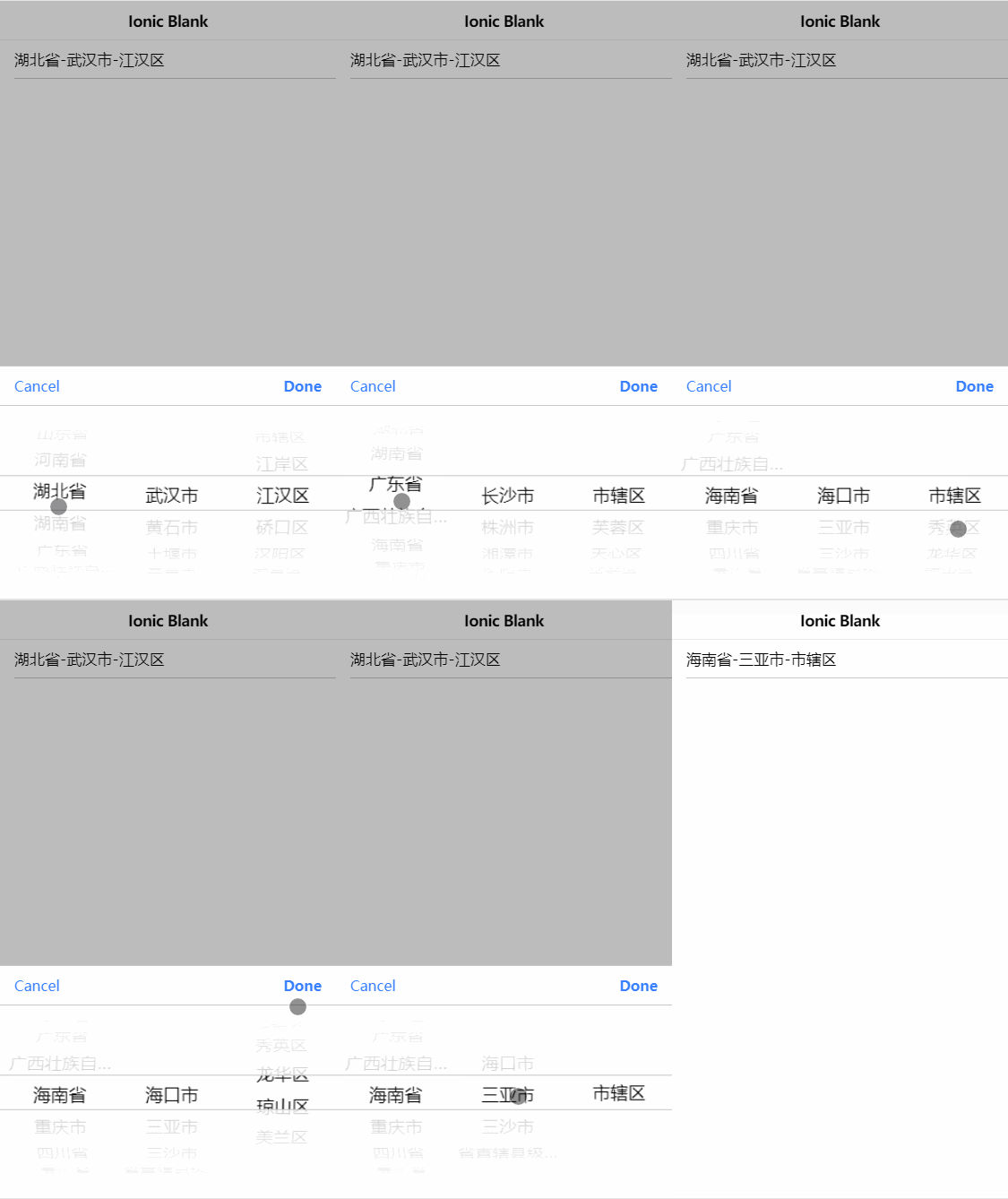
PickerController doesn't show correctly
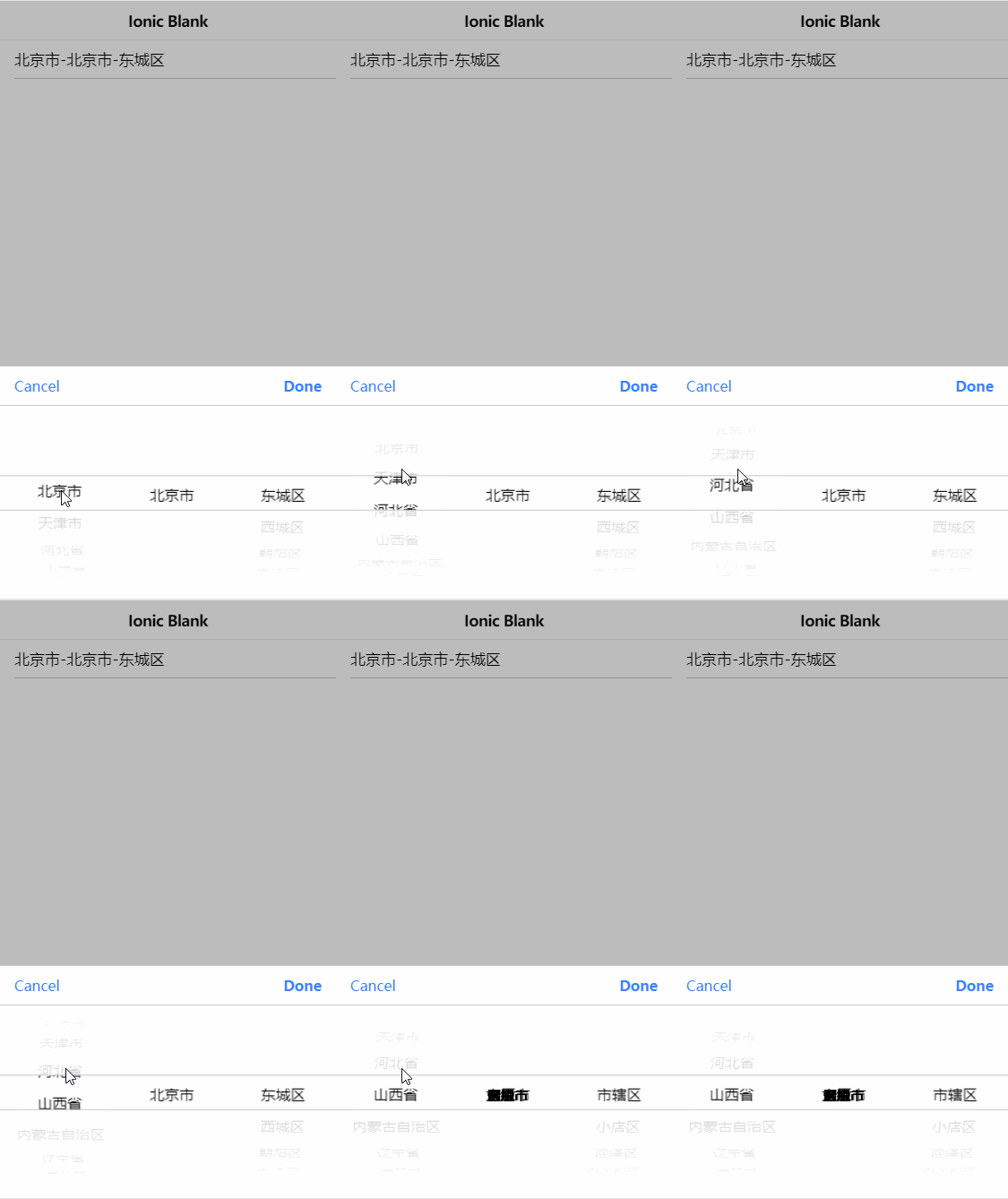
If you project have this happens,you need:
a)ionic version <= 4.4.2
1.download ionic core(ionic);
2.modify picker-column.tsx file(just here);
3.npm run build ionic/core;
4.copy dist folder file to node_modules\@ionic\core,overlay folder.
b)4.4.2 < ionic version <= 4.11.5
1.modify ion-datetime_3-ios.entry.js and ion-datetime_3-md.entry.js(just here)
2.js file path node_modules\@ionic\core\dist\esm;
Installation
npm install ionic4-city-picker --saveJson Data
https://github.com/zwlccc/ionic4-city-picker/blob/master/data/city-data.json
Usage
Basic
1.Import IonCityPickerModule And Provide DataService to your app/module.
import { IonCityPickerModule } from 'ionic4-city-picker';
import { DataService } from './services/data.service';

@NgModule({
  declarations: [AppComponent],
  entryComponents: [],
  imports: [
    BrowserModule,
    IonicModule.forRoot(),
    HttpClientModule,
    AppRoutingModule,
    IonCityPickerModule //Import IonCityPickerModule
  ],
  providers: [
    StatusBar,
    SplashScreen,
    DataService, //Provide the DataService
    { provide: RouteReuseStrategy, useClass: IonicRouteStrategy }
  ],
  bootstrap: [AppComponent]
})
export class AppModule {}
2.Create the Services.
import { Injectable } from '@angular/core';
import { HttpClient} from '@angular/common/http';
import { Observable } from 'rxjs';
import { catchError, tap } from 'rxjs/operators';

@Injectable()
export class DataService {
  constructor(public http: HttpClient) {
  }

  geCityData(): Observable<any> {
    return this.http.get('./assets/data/city-data.json', {withCredentials: false})
      .pipe(
        tap( data => data),
        catchError(this.handleError)
      );
  }

  private handleError (error: Response | any) {
    let errMsg: string;
    if (!error.ok) {
        errMsg = "Can't connect to server. Please try again later.";
    } else {
        errMsg = error.message ? error.message : error.toString();
    }
    return Promise.reject(errMsg);
  }

}
3.Initialize View Controller.
import { Component } from '@angular/core';
import { DataService } from '../services/data.service';

@Component({
  selector: 'app-home',
  templateUrl: 'home.page.html',
  styleUrls: ['home.page.scss'],
})
export class HomePage {
  cityData: any[] = [];

  constructor(
    private ds: DataService
  ) {

  }

  ngOnInit() {
    this.ds.geCityData().subscribe(res => {
      this.cityData = res;
    },
    error => {
      console.log(error);
    });
  }

  onCityChange(e){
    const cityvalue = e.getValue();  //get city value
  }
}
4.Add ion-multi-picker to your html template.
    <ion-item>
        <ionic4-city-picker [citiesData]="cityData" (ionChange)=onCityChange($event)></ionic4-city-picker>
    </ion-item>
Set disabled to true to prevent interaction.
    <ion-item>
        <ionic4-city-picker [citiesData]="cityData" [disabled]="true" (ionChange)=onCityChange($event)></ionic4-city-picker>
    </ion-item>
Attributes
| Attribute | Description | Type | Options | Default|
|-----------|-------------|------|---------|--------|
|cancelText|The text to display on the picker's cancel button.| string | - | 'Cancel' |
|disabled|If true, the user cannot interact with the city.| boolean \| undefined | - | false |
|doneText|The text to display on the picker's "Done" button.| string | - | 'Done' |
|mode|The mode determines which platform styles to use.| "ios" \| "md" | - | undefined |
|name|The name of the control, which is submitted with the form data.| String | - | this.inputId|
|placeholder|The text to display when there's no city selected yet. Using lowercase to match the input attribute| string | - | null \| string \| undefined |
|readonly|If true, the city appears normal but is not interactive.| boolean | - | false
|value|The value of the city string.| null \| string \| undefined | - | string |
|citiesData|Required,configure multi picker columns | CityPickerColumn| - | [] |
|separator|Optional, charactor to separate value from each column| string | - | '-' |
Events
| Event | Description | Type |
| ----------- | --------------------------------------------------- | ---------------------------------------- |
| ionCancel | Emitted when the city selection was cancelled. | CustomEvent<void> |
| ionChange | Emitted when the value (selected city) has changed. | CustomEvent<void> |
Contribution
Welcome issue report, PR and contributors. Help me improve it.
License
MIT