
is-harendra
v1.0.2
Published
My first NPM package


Readme
How To Create And Publish Your First NPM Package
Creating your first npm package may seem difficult but it's actually surprisingly very easy. Welcome to today's blog for creating and publishing you first NPM package. In this article I am going to talk about how you can create you npm package and test it localy. How you can publish it to npm package manager and start installling it for "npm install pacjage_name". So, without wasting you time let's get stated to create yor npm package.
Step 1 : Create git repository with readme file
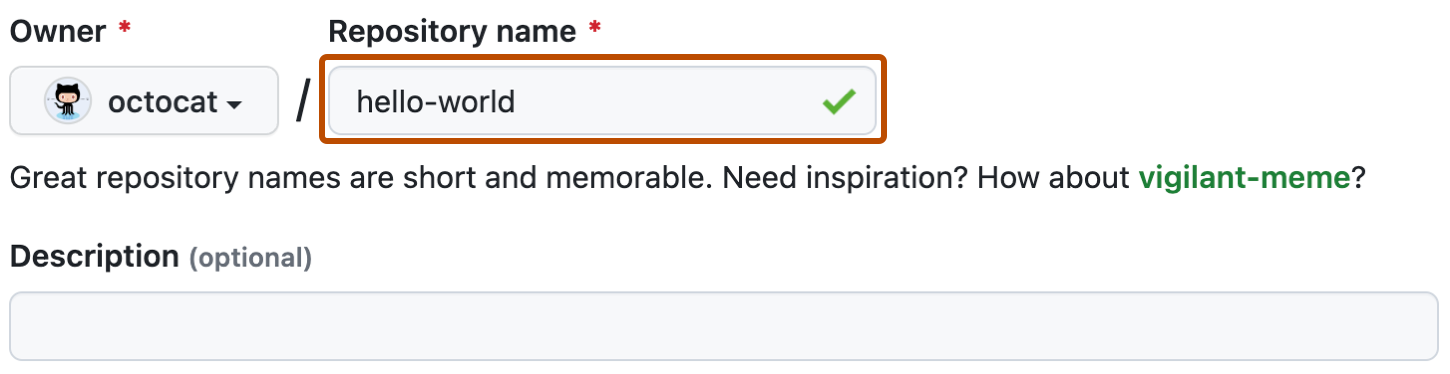
In very first step you need to create a git repository with readme file and clone it locally to start coding in it.
Learn how to ctreate git repository
Step 2: Init npm to create package json
So, to create package.json we need to initialize the NPM in our repository. Open terminal inside the folder and run npm init, this will ask for some questions. The package.json file have all the information what out package dose, so fill as much information that you can fill.

This is how our package.json looks like. In this example we are going to create a package with mane is-harendra, which will return true or false based on input string.
{
  "name": "is-harendra",
  "version": "1.0.0",
  "description": "My first NPM package",
  "main": "index.js",
  "scripts": {
    "test": "echo \"Error: no test specified\" && exit 1"
  },
  "repository": {
    "type": "git",
    "url": "git+https://github.com/harendra21/first-npm-package.git"
  },
  "keywords": [
    "first",
    "npm",
    "package"
  ],
  "author": "Harendra Verma",
  "license": "ISC",
  "bugs": {
    "url": "https://github.com/harendra21/first-npm-package/issues"
  },
  "homepage": "https://github.com/harendra21/first-npm-package#readme"
}
Stpe 3: Create package script file
We have specified our main main file as index.js in our package.json, so we have have to create a index.js file inside out application, and inside this file specify the function to perform action as given below.
function isHarendra(string){
    return string == "harendra"
}
module.exports = isHarendra
Step 4 : Testing
So, now we are ready to publish our package. But before publishing the package is is necessary to test the application locally. So to test the npm package, need to link tha package by running npm link inside the package.

Now, create a test-scripe folder outside our application and create a file script.js inside that folder and copy and paster the following code.

const isHarendra = require('is-harendra')

console.log(isHarendra('Harendra'))
Now open terminal inside the test-scripe and install the package by running npm link package-name.

Now if we run this script.js in our terminal, we will recive true of false according to tha defined string on our terminal.

Step 5 : Publishing package
So now we have successfully tested our code we've written our code it's finally time to publish. To publish our package on NPM we need a NPM account to login with, if you don't have an account you can Sign Up. Now to login with the account we have to open terminal in package folder and run npm login.

Now run npm publish to publish our package.