
iuap-demo
v3.5.6
Published
典型案例


Readme
基于 UCF 的大型企业应用开发
开发思路:大型企业应用在前端微应用视角下的思考
1. 介绍
通过ucf-cli可以快速下载初始化UCF微服务前端工程所有资源到本机开发,并且可以快速创建指定的页面、带路由页面等,功能强大、操作简单易上手,详见:https://github.com/iuap-design/ucf-web/tree/master/packages/ucf-cli
本工程依赖ucf-scripts启动和构建,详见:https://github.com/iuap-design/ucf-web/tree/master/packages/ucf-scripts
工具名 | 版本
--- | ---
ucf-cli |  ucf-scripts |
2. 安装
通过全局安装工具ucf-cli工具来拉取最新的微服务工程,不仅仅是代码初始化,还包含页面级别的模块创建,普通页面和带路由页面等
首先保证我们的开发机环境包含最新的 node.js 10.15+ ,git 2.20+ ,python 2.7 , 并且可以 GCC编译

# 安装全局cli工具
$ npm install ucf-cli -g

# 查看版本
$ ucf -v

# 查看帮助
$ ucf -h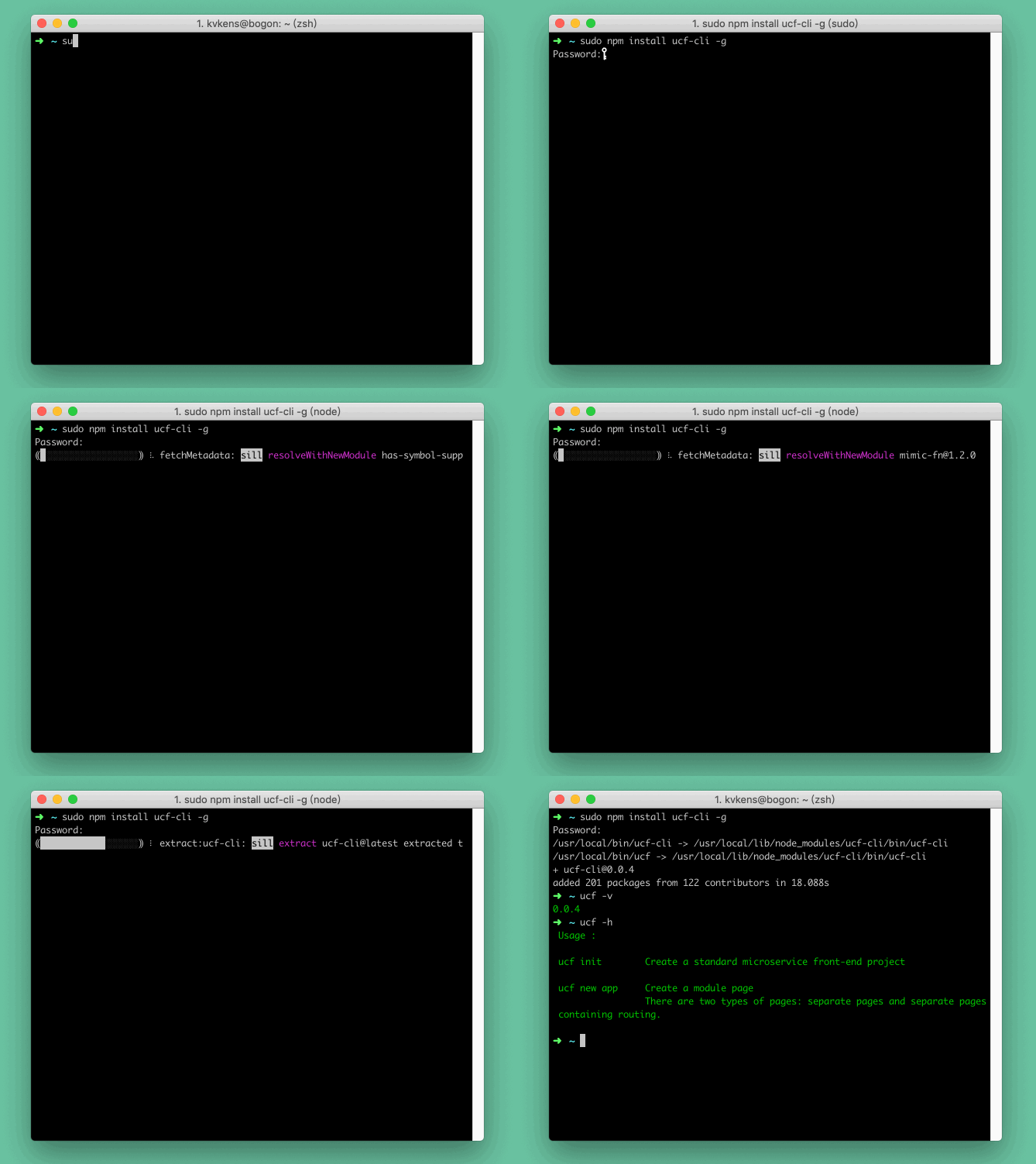
3. 创建
安装完成全局后使用下面命令:
# 快速下载工程到本地,使用默认工程名 'ucf-webapp'
$ ucf init

# 指定名称 `ucf-custom`
$ ucf init ucf-custom

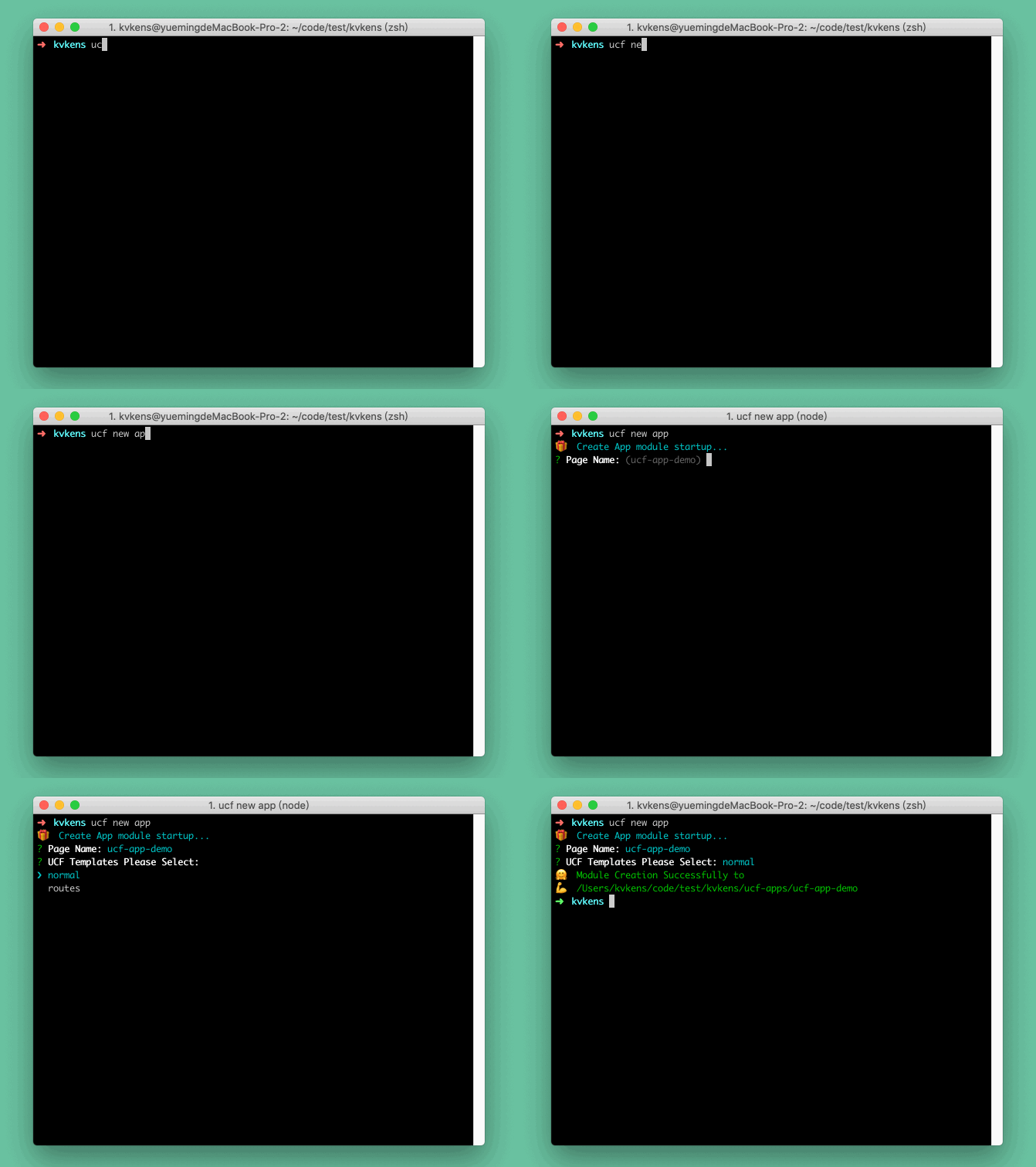
# 快速创建基础页面包含大致UCF微服务工程结构(暂未实现)
$ ucf new app

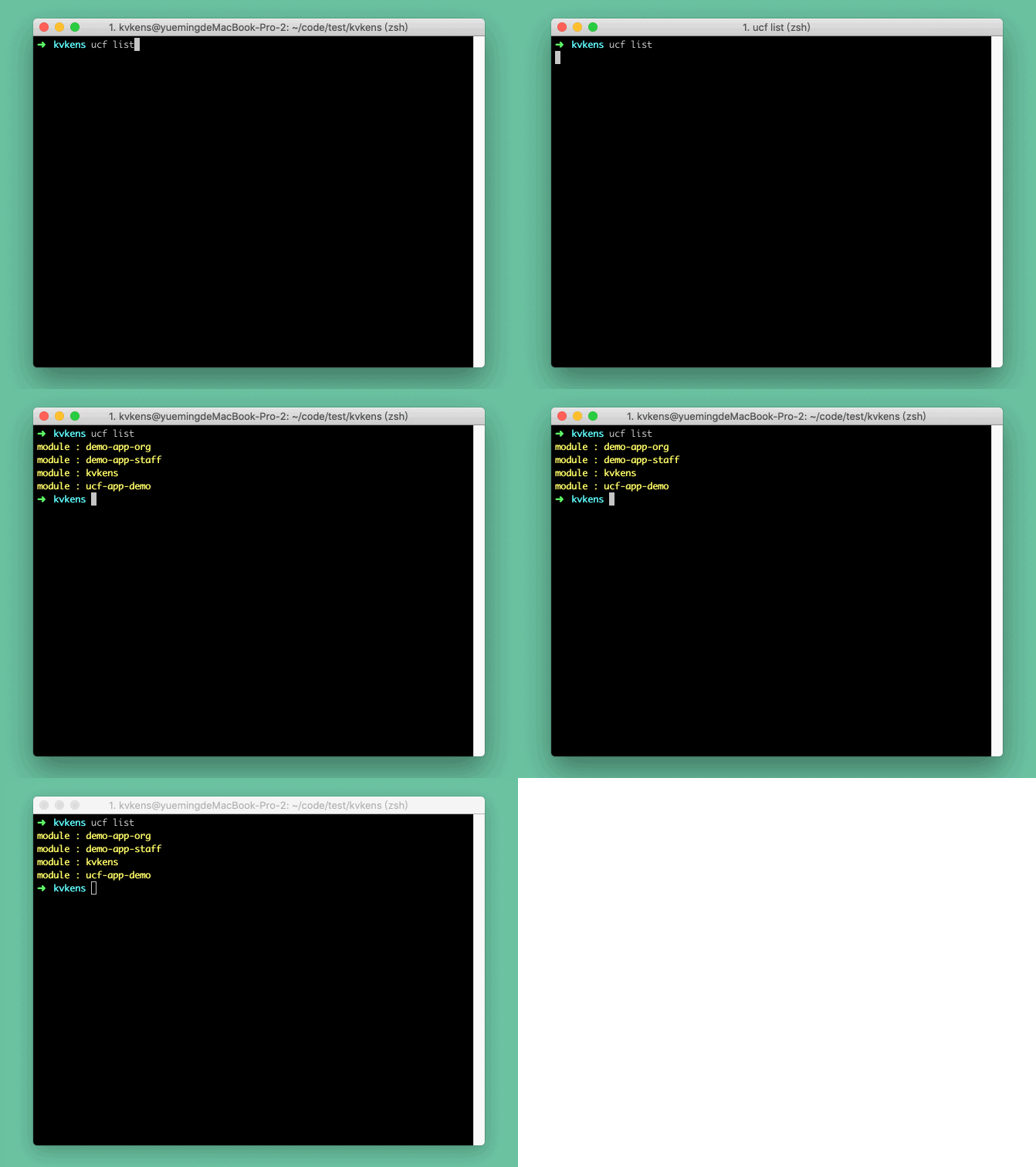
# 查看现有微服务工程名
$ ucf list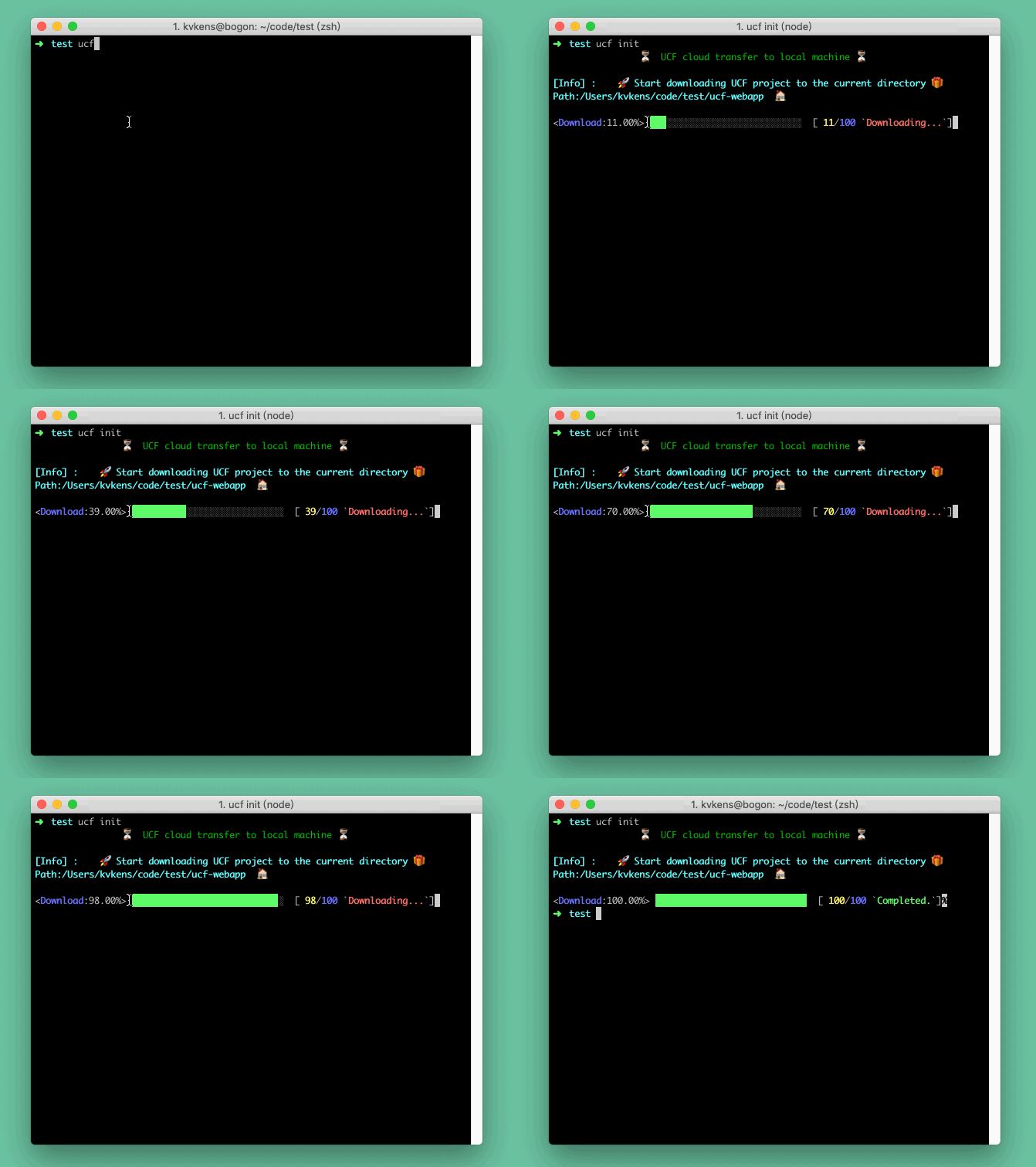
4. 启动
建议使用项目自带依赖
ucf-scripts工具使用,使用全局会有安装权限问题
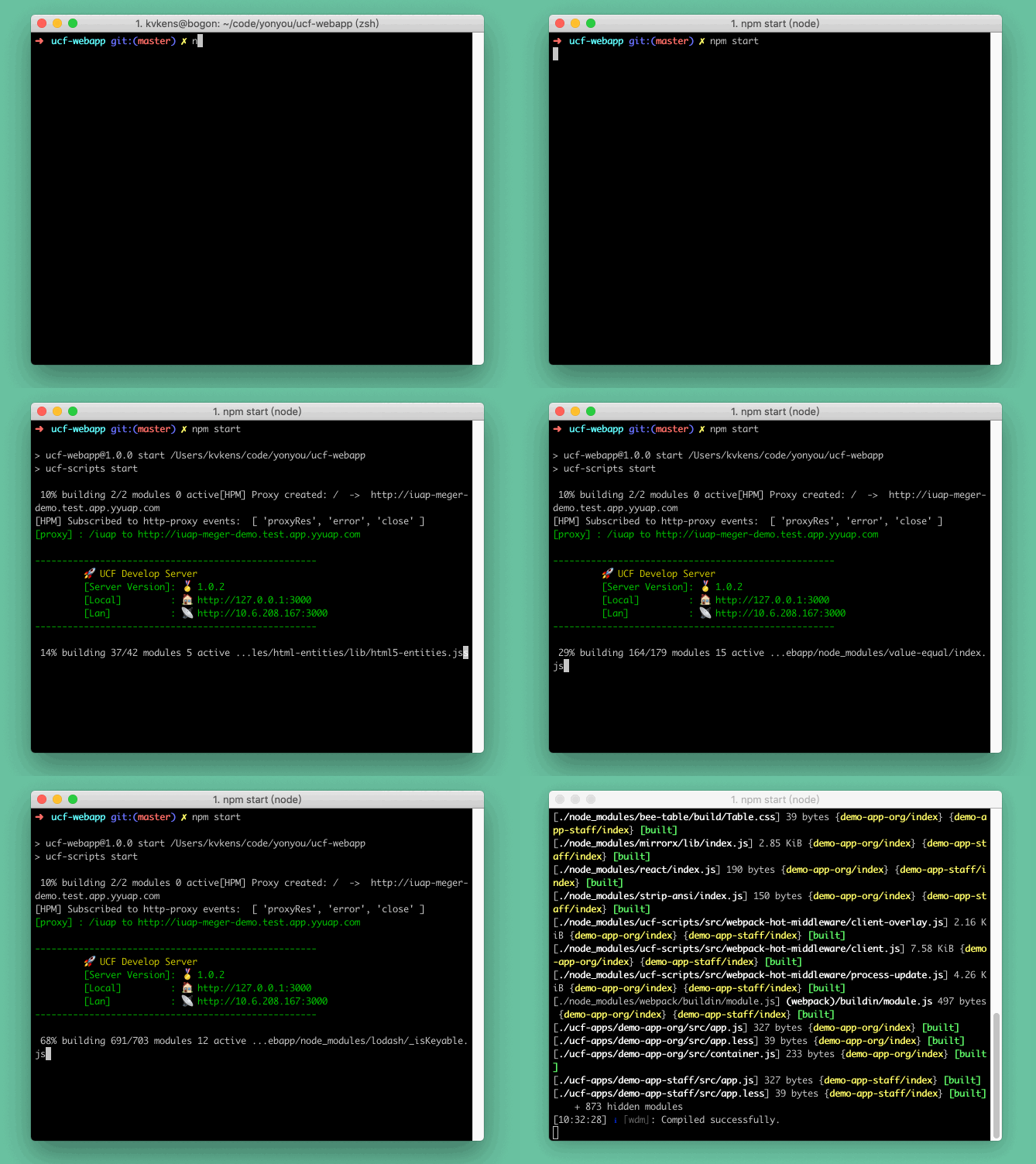
- 通过
npm scripts启动
# 开发启动
$ npm start

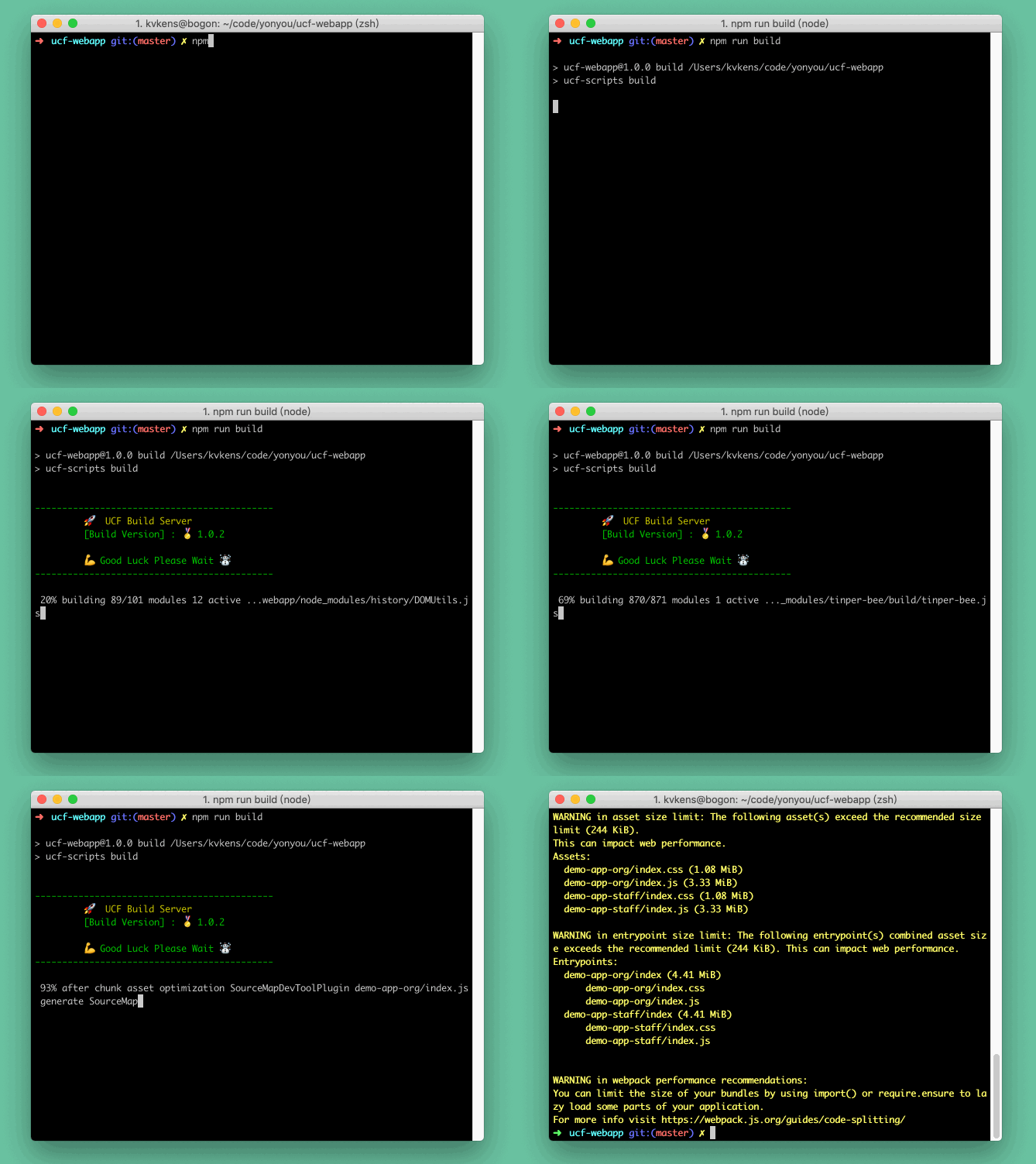
# 开发构建
$ npm run build
内置配置脚本启动
  "scripts": {
    "start": "ucf-scripts start",
    "build": "ucf-scripts build"
  },
  "devDependencies": {
    "ucf-scripts": "^1.0.2"
  }
- 通过全局命令启动
切换到项目根目录后执行开发调试、上线构建:
# 全局安装工具
$ npm install ucf-scripts -g

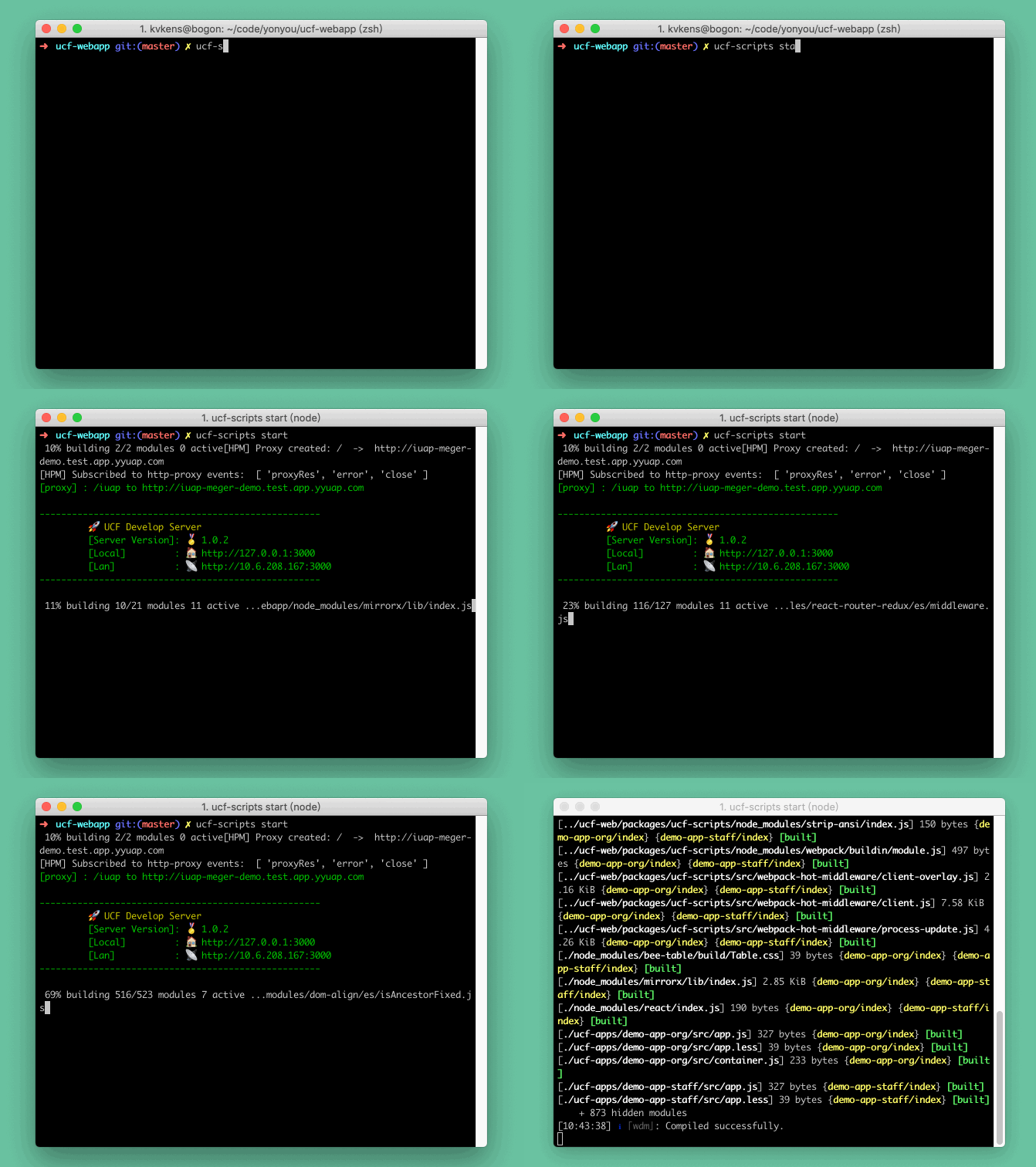
# 开发启动
$ ucf-scripts start

# 开发构建
$ ucf-scripts build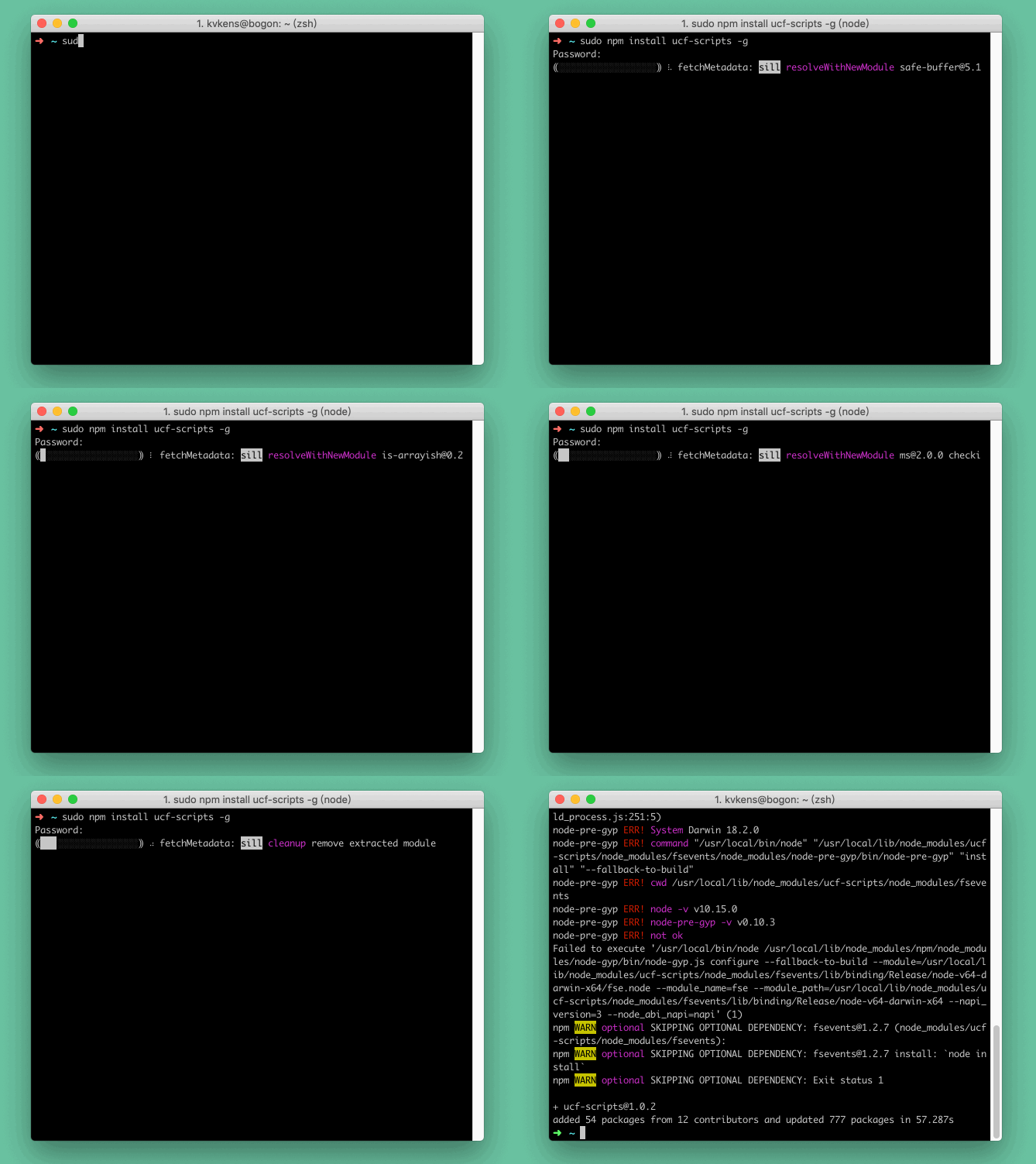
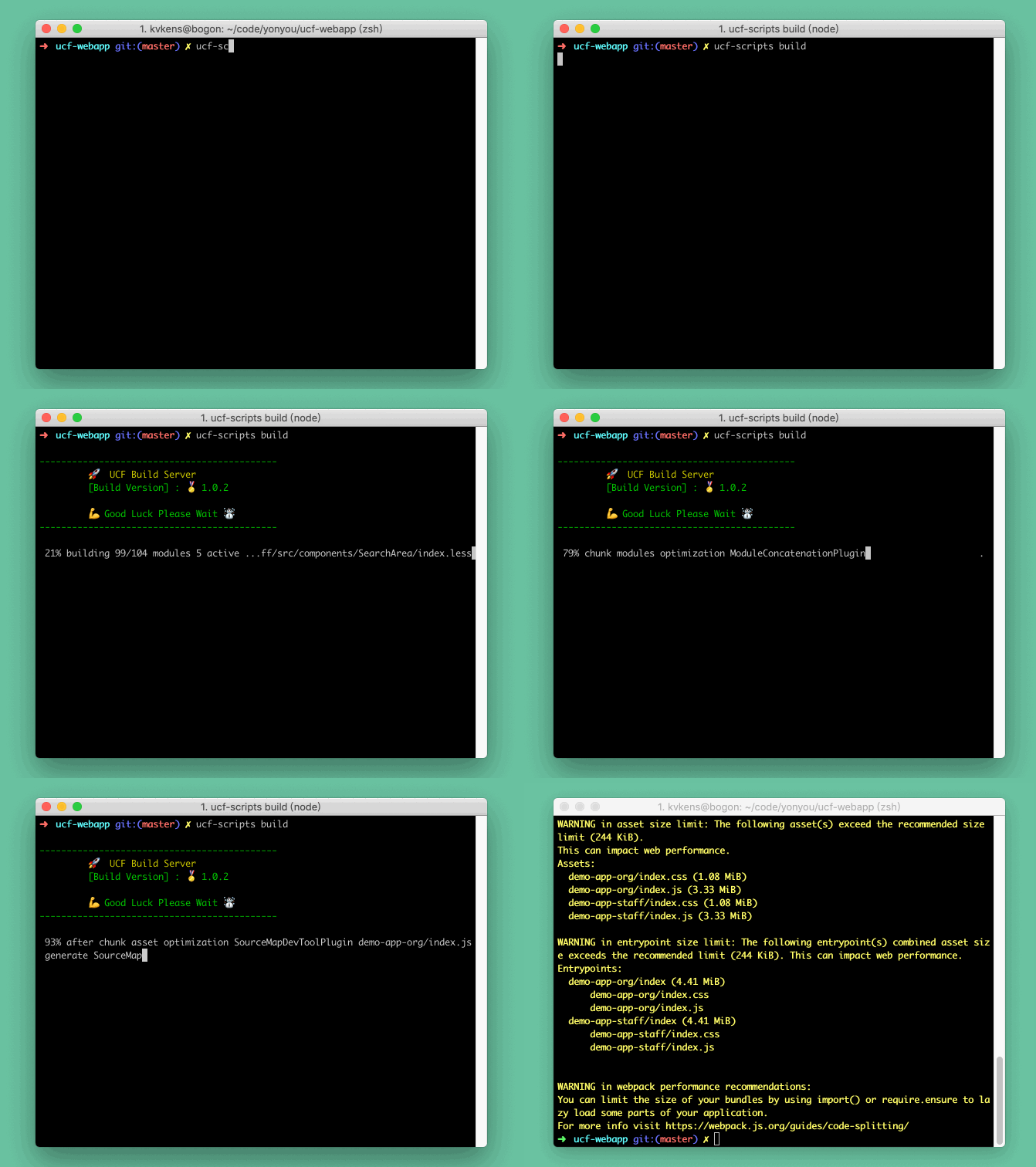
5. 访问
启动器bootList的模块名字就是我们的访问路径,例如:ucf-apps/demo-app-org下的文件夹就是我们运行后的模块路径
http://127.0.0.1:3000/demo-app-org程序会根据你所设置的bootList来扫描启动的,bootList:true表示全部开启,bootList:[]指定模块启动
// 启动所有模块,默认这个配置,速度慢的时候使用另外的配置
bootList: true,
// 启动这两个模块,启动调试、构建
bootList: [
    "demo-app-org",
    "demo-app-staff"
],
# 微服务工程模块
ucf-apps
├── demo-app-org
├── demo-app-staff
├── temp-app-normal
└── temp-app-router6. 启动方式对比优劣
全局启动和项目内脚本启动区别:
启动方式 | 优点 | 缺点 ---|---|--- 全局启动 | 无需根据项目一次次安装重复依赖npm包节省磁盘空间速度 | 不受项目内工具版本控制,会导致每个开发者环境不统一,出现未知版本错误等 脚本启动 | 无需管理全局环境变量、不污染全局变量、随时根据项目内版本更新、可控每一次版本 | 多次项目使用需要反复安装、占用磁盘空间大
7. 项目配置文件说明
UCF微服务前端工程核心配置文件只有一个ucf.config.js下面对配置文件说明:
下面的节点不使用可以删除,做到精简
module.exports = () => {
    return {
        // 启动所有模块,默认这个配置,速度慢的时候使用另外的配置
        // bootList: true,

        // 启动这两个模块,不启动调试,关闭构建
        bootList: [
            "demo-app-org",
            //"demo-app-staff"
        ],
        // 代理的配置
        proxy: [
            {
                enable: true,
                headers: {
                    // 与下方url一致
                    "Referer": "http://iuap-meger-demo.test.app.yyuap.com"
                },
                //要代理访问的对方路由
                router: [
                    '/iuap'
                ],
                // pathRewrite: {
                //     '^/api/old-path': '/api/new-path', // rewrite path
                //     '^/api/remove/path': '/path' // remove base path
                // },
                url: 'http://iuap-meger-demo.test.app.yyuap.com'
            }
        ],
        // 构建资源的时候产出sourceMap,调试服务不会生效
        source_map: true,
        // 全局环境变量
        global_env: {
            GROBAL_HTTP_CTX: JSON.stringify("/iuap_demo"),
        },
        // 别名配置
        alias: {
            //'ucf-apps': path.resolve(__dirname, 'ucf-apps/')
        },
        // 构建排除指定包
        externals: {
            //'tinper-bee': 'TinperBee'
        },
        // 调试服务需要运行的插件
        devPlugins: [],
        // 构建服务需要运行的插件
        buildPlugins: []
    }
}
8. 功能配置节点说明
配置项 | 说明 | 默认值 | 可选值 | 备注
---|---|---|---|---
bootList | 启动、构建入口配置,true表示所有模块全部启用,数组参数按需模块使用 | true | true,['app-name','app-demo'] | 一般默认开启所有模块的调试和构建,低配置机器或者只需要开发一块模块的话可以选择性的去配置单独启动
proxy | 开发调试阶段的代理服务配置 | [] | enable:true 是否有效代理,false表示关闭. headers:{} 设置代理请求的消息头. router:['/iuap','wbalone']. url:'proxy.example.com'. 本地请求代理对方服务器地址. pathRewrite:{}URL重写服务. opts:{} 如内置配置无法满足需求,需要单独设置原生配置 http-proxy-middleware. | 数组节点可以配置多条代理服务,通过enable来控制启用哪个,针对一些服务器校验头信息例如:Referer等就需要设置,其他常规的设置工具已经内置,代理路由router表示设置的几个路由访问后会代理到对方服务器上,url就是对方服务器地址
global_env | 程序内公共变量 | null | 同webpack4 { key : value } | 接收K、V格式如:{GROBAL_HTTP_CTX: JSON.stringify("/iuap_demo")}
alias | 别名 | null | 同webpack4 {key : value} | 接收K、V格式如:{'ucf-apps': path.resolve(__dirname, 'ucf-apps/')}
externals | 排除指定的包用外部变量代理提升打包性能 | null | 同webpack4 { key : value } | 接收K、V格式如:{'tinper-bee': 'TinperBee'}
loader | 内置加载器无法处理需要单独去设置处理 | [] | 同webpack4 loader |
devPlugins | 开发环境加载的插件 | [] | 同webpack4 plugin | 开发阶段使用的插件
buildPlugins | 生产环境加载的插件 | [] | 同webpack4 plugin | 生产阶段使用的插件
source_map | 构建资源生产环境的时候产出sourceMap | false | true,false | -
目前内置了alias有以下几个变量
{
    'ucf-apps': path.resolve('.', 'ucf-apps/'),
    'ucf-common': path.resolve('.', 'ucf-common/src/'),
    components: path.resolve('.', 'ucf-common/src/components/'),
    static: path.resolve('.', 'ucf-common/src/static/'),
    utils: path.resolve('.', 'ucf-common/src/utils/')
}
当然,使用css、less的时候遇到使用背景图片的时候可以使用以下:
~static 等同于上面的 static区别构建替换模式
.ucf{
    background:url(~static/images/logo.png)
}