
jev-ra
v0.2.8
Published
A fast browser-use layer for CLI coding agents: MCP server, CLI and Python API. This package is a launcher; it runs the Python tool through uv.
Downloads
593

Maintainers
 briankim9307
Readme
jev-ra
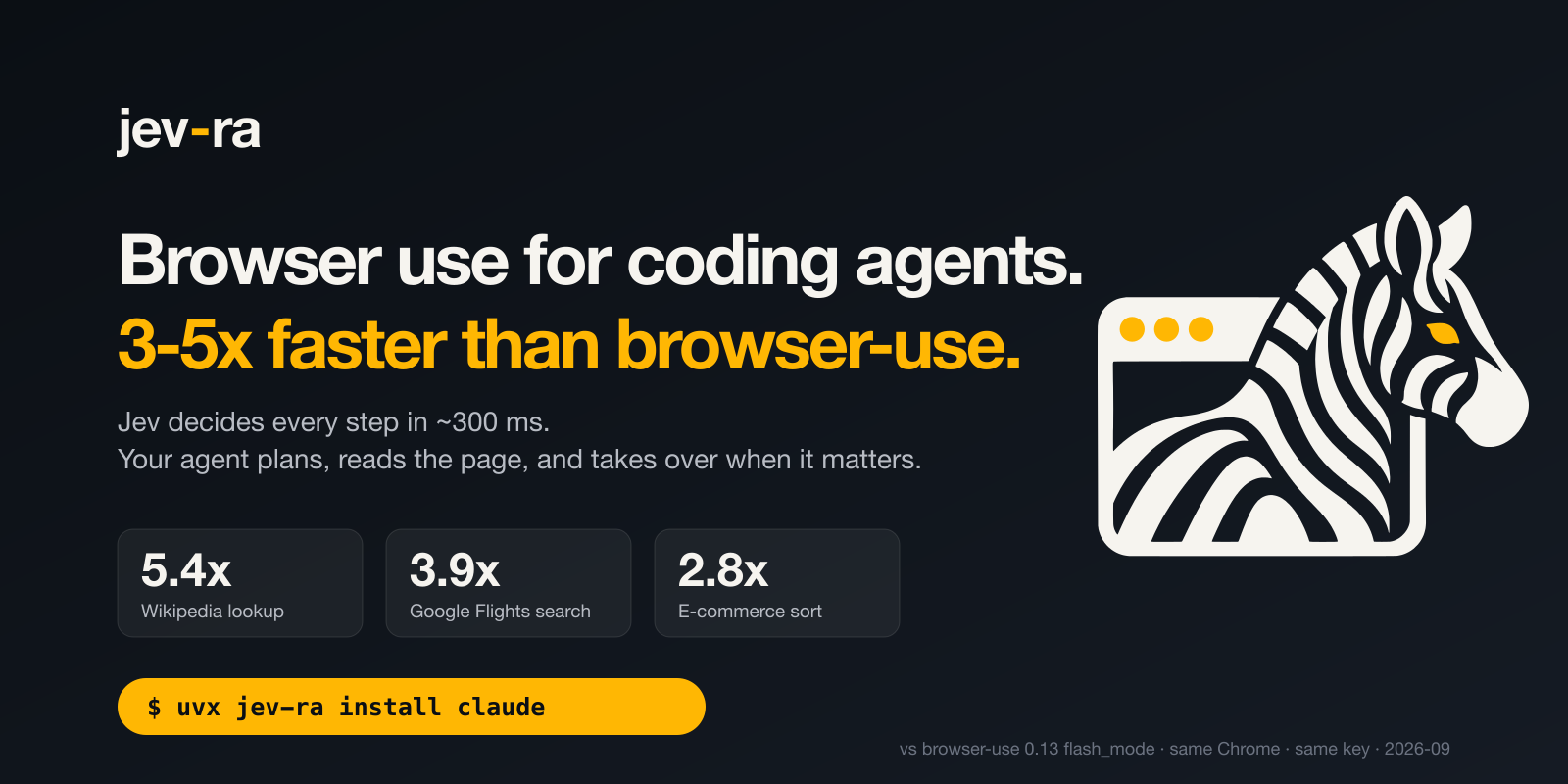
A fast browser-use layer for CLI coding agents. Claude Code, Codex, or any MCP client hands jev-ra a
goal; TypeSafe Jev picks the operation and the target element for every step in one round trip
(253-380 ms per decision in the Flights run recorded through OpenRouter on 2026-09-18). On three
recorded tasks it measured 3.96-8.50x faster than browser-use 0.13.10 flash_mode (2026-09-18, same
machine and Chrome, both through OpenRouter). The site replays a real recorded run:
brnyxx.github.io/jev-ra.
This package is the npm launcher
It contains no jev-ra code. It finds uv, offers to install it the
first time, and then runs the Python package from PyPI through uvx, pinned to this package's own
version. Use it when you do not want to set Python up yourself. The Python package is
jev-ra on PyPI; uvx jev-ra ... does the same without Node.
export OPENROUTER_API_KEY=sk-or-...
npx -y jev-ra install claude     # or: install codex
npx -y jev-ra doctor
install registers uvx jev-ra mcp as an MCP server in Claude Code or Codex and forwards the key
from your environment without printing it. doctor ends with one live decision and its latency:
decision: DONE in <n> ms via <model>From the shell, every subcommand of the CLI works the same way:
npx -y jev-ra run https://en.wikipedia.org/wiki/Main_Page "Open the Godel incompleteness article." \
  --value "search_query=Godel incompleteness theorems"
npx -y jev-ra search "python 3.12 release date" "the exact release date, with source"
Any other MCP client
{ "mcpServers": { "jev-ra": { "command": "npx", "args": ["-y", "jev-ra", "mcp"] } } }The server inherits the environment it is started in, so the key can come from there. uvx in place
of npx -y does the same thing without Node.
Flags this launcher understands
| flag | effect |
|---|---|
| --yes | install uv without asking, when it is missing |
| --no-install | never install uv; print how to do it and exit 2 |
Neither reaches the Python side. JEV_RA_FROM overrides the pinned package specifier, for a local
wheel or a fork: JEV_RA_FROM=./jev_ra-0.2.8-py3-none-any.whl npx jev-ra --version.
Requirements
Node 20 or newer, and a Chrome, Chromium or Edge installed. jev-ra launches its own Chrome on a
dedicated profile, or attaches to BU_CDP_URL if you set it; JEV_RA_CHROME names a binary it
would not find on its own. You need an API key in the environment: OPENROUTER_API_KEY (no
TypeSafe account needed) or TYPESAFE_API_KEY.
MIT licensed. Source, docs, benchmarks and the real-site corpus: https://github.com/brnyxx/jev-ra