
jk-keyboard
v0.7.1
Published
HTML Numeric Keyboard For Mobile
Downloads
9


Readme
jk-keyboard
一个为移动端页面设计的HTML数字键盘程序,依赖jQuery。
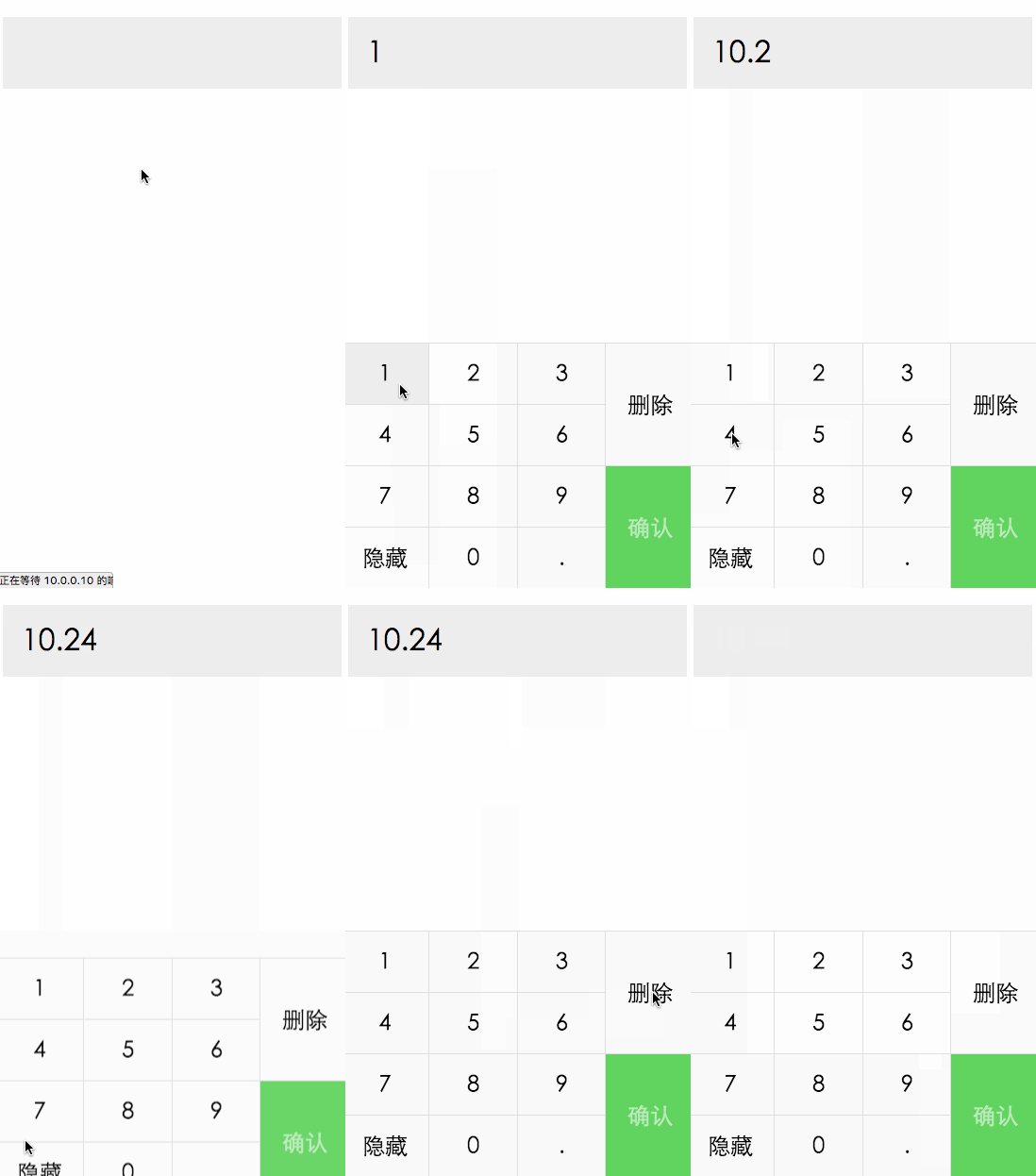
用法
键盘布局
<link rel="stylesheet" href="./jk-keyboard.css">
...

<div id="jk-keyboard" class="jk-keyboard">
  <a class="jk-key jk-left-0 jk-top-0" data-code="1"><span>1</span></a>
  <a class="jk-key jk-left-1 jk-top-0" data-code="2"><span>2</span></a>
  <a class="jk-key jk-left-2 jk-top-0" data-code="3"><span>3</span></a>
  <a class="jk-key jk-left-0 jk-top-1" data-code="4"><span>4</span></a>
  <a class="jk-key jk-left-1 jk-top-1" data-code="5"><span>5</span></a>
  <a class="jk-key jk-left-2 jk-top-1" data-code="6"><span>6</span></a>
  <a class="jk-key jk-left-0 jk-top-2" data-code="7"><span>7</span></a>
  <a class="jk-key jk-left-1 jk-top-2" data-code="8"><span>8</span></a>
  <a class="jk-key jk-left-2 jk-top-2" data-code="9"><span>9</span></a>
  <a class="jk-key jk-left-0 jk-top-3" id="keyboard-down">隐藏</a>
  <a class="jk-key jk-left-1 jk-top-3" data-code="0"><span>0</span></a>
  <a class="jk-key jk-left-2 jk-top-3" data-code="."><span>.</span></a>
  <a class="jk-key jk-left-3 jk-top-0 jk-height-1" data-code="backspace">删除</a>
  <a class="jk-key jk-left-3 jk-top-2 jk-height-1 submit disabled jk-text" id="submit"><span>确认</span></a>
</div>
<script type="text/javascript" src="https://cdnjs.cloudflare.com/ajax/libs/jquery/2.1.4/jquery.min.js"></script>
<script type="text/javascript" src="./jk-keyboard.js"></script>使用jk-left-n和jk-top-n设置按键位置。可以使用jk-height-n来改变按键高度。
初始化
(function() {
  var $number = $('#number');
  JK.start({
    container: '#jk-keyboard',
    decimal: 3,
    open: true,
    onKeyDown: function(value) {
      console.debug('onKeyDown', value);
      // prevent changing
      // if (parseFloat(value) > 1000) {
      //   return false;
      // }
    },
    onKeyUp: function(value) {
      console.debug('onKeyUp', value);
      $number.text(value);
    },
    onStart: function(keyboard) {
      keyboard.$el.find('#keyboard-down').on('click', function() {
        keyboard.close();
      });
      $number.on('click', function() {
        keyboard.open();
      });
    }
  });
})();
示例代码参见 index.html。需要使用Chrome打开该页面,然后打开开发者工具,激活手机模式。
License
MIT