
joltpm
v1.0.54
Published
Jolt is an AI-powered product management tool for your CLI.

Maintainers
 joltpm
Readme
Jolt - AI Product Management
Installation
npm install -g joltpmAfter installation, initialize your project:
jolt init --task "Your task description" --subagent claudeThe Ralph Method: Where It All Started
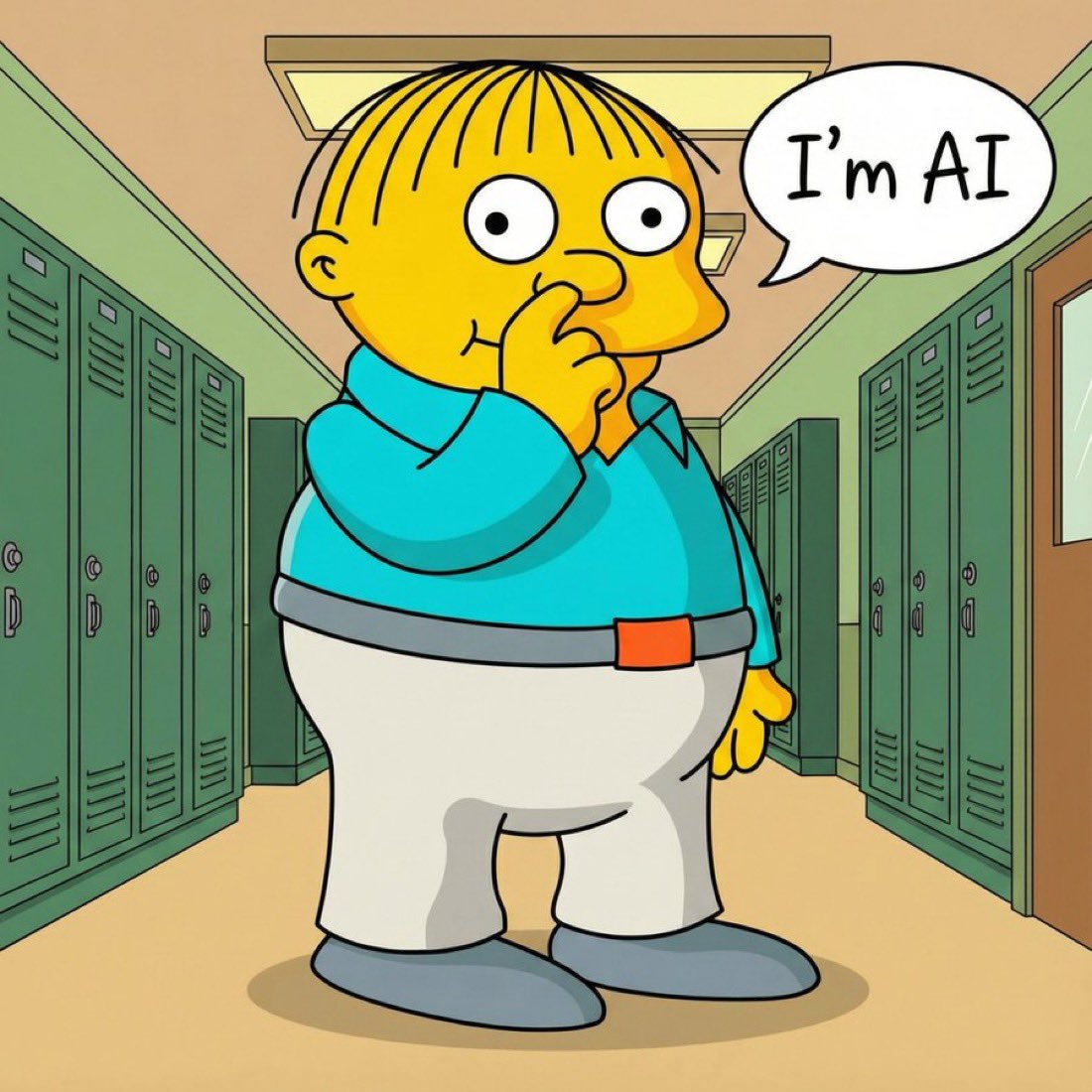
"I'm in danger!" - Ralph Wiggum, every time you Ctrl+C a working AI loop too early
Geoffrey Huntley's Ralph Method demonstrated something remarkable: AI can deliver production-quality software through iterative refinement. One engineer reportedly delivered a $50,000 project for $297 using this technique.
The core insight is simple:
while :; do
  claude
done
Run the AI in a loop. Let it iterate. Watch it solve problems, fix bugs, and add features until you hit Ctrl+C.
But Ralph has problems:
| Problem | What Happens | Why It Matters | |---------|--------------|----------------| | One-time only | Ralph shines for single big tasks | Doesn't scale to iterative development with many tasks | | Overcooking | Loop runs too long, AI adds features nobody asked for | You get bloated code and wasted tokens | | Undercooking | You Ctrl+C too early, work is incomplete | Features half-done, bugs half-fixed | | Fragile state | Markdown files (TASKS.md, PLANNING.md) as source of truth | LLMs can corrupt format; no strict schema | | Vendor lock-in | Ralph was built for Claude Code | Can't easily switch to Codex, Gemini, or others | | No traceability | Changes blend together | Hard to debug, impossible to time-travel |
Jolt: Ralph, But Better
Jolt takes the Ralph insight—AI works better in loops—and adds the structure needed for real work:
Iteration Control: No More Overcooking
# Exactly 5 iterations - cooked perfectly
jolt -b shell -s claude -m :opus -i 5 -v

# Until kanban tasks complete - cooked exactly right
./.jolt_task/scripts/run_until_completion.sh -s claude -i 1 -v

# Unlimited (like Ralph) - when you really want that
jolt -b shell -s claude
Task Tracking: Structured, Not Prose
Built-in kanban via juno-kanban. Unlike Ralph's markdown files, kanban uses NDJSON - a strict format that can't be corrupted by LLM formatting errors:
# Query tasks programmatically - always parseable
./.jolt_task/scripts/kanban.sh list --status backlog todo in_progress

# Each task is isolated and linked to a git commit
./.jolt_task/scripts/kanban.sh get TASK_ID

# Scale to thousands of tasks without context bloat
./.jolt_task/scripts/kanban.sh list --limit 5  # Shows only what matters
Backend Choice: Use Any AI
Switch between Claude, Codex, Gemini, or Cursor with one flag:
# Stuck on a bug? Try different models
jolt -b shell -s claude -m :opus-i 1 -v
jolt -b shell -s codex -m :codex -i 1 -v
jolt -b shell -s gemini -m :flash -i 1 -v
Full Traceability: Every Change Tracked
- Every task links to a git commit
- Jump to any point in development history
- High token efficiency—AI can search git history instead of re-reading everything
Hooks Without Lock-in
Run scripts at any lifecycle point. Works with ANY backend, not just Claude:
{
  "hooks": {
    "START_ITERATION": { "commands": ["./scripts/lint.sh"] },
    "END_ITERATION": { "commands": ["npm test"] }
  }
}
Human-Readable Logs
-v gives you structured output instead of raw JSON dumps:
jolt -b shell -s claude -i 5 -v
# Clean, readable progress instead of wall of JSON
Quick Start
# Install
npm install -g joltpm

# Initialize project
jolt init --task "Add user authentication..." --subagent claude

# Start execution - uses .jolt_task/int.md (optimized Ralph prompt)
jolt start -b shell -s claude -i 1 -v

# Or with a custom prompt
jolt -b shell -s claude -i 5 -p "Fix the login bug"

# Default Ralph based on kanban , without -p , jolt uses .jolt_task/prompt.md as prompt
jolt -b shell -s claude -i 5 -v
Key insight: Running jolt start without -p uses .jolt_task/prompt.md—a production-ready prompt template that implements the Ralph method with guard rails.
CLI Reference
Core Commands
# Initialize - sets up .jolt_task/ directory structure
jolt init --task "description" --subagent claude
jolt init --interactive  # wizard mode

# Start execution (uses .jolt_task/prompt.md by default)
jolt start -b shell -s claude -i 5 -v
jolt start -b shell -s codex -m :codex -i 10

# Direct prompt execution
jolt -b shell -s claude -i 3 -p "your prompt"

# Quick subagent shortcuts
jolt claude "your task"
jolt codex "your task"
jolt gemini "your task"
Global Options
| Flag | Description |
|------|-------------|
| -b, --backend <type> | Backend: mcp, shell |
| -s, --subagent <name> | Service: claude, codex, gemini, cursor |
| -m, --model <name> | Model (supports shorthands like :opus, :haiku) |
| -i, --max-iterations <n> | Iteration limit (-1 for unlimited) |
| -p, --prompt <text> | Prompt text (if omitted with start, uses prompt.md) |
| -v, --verbose | Human-readable verbose output |
| -r, --resume <id> | Resume specific session |
| --continue | Continue most recent session |
Session Management
jolt session list           # View all sessions
jolt session info abc123    # Session details
jolt --resume abc123 -p "continue"  # Resume session
jolt --continue -p "keep going"     # Continue most recent
Feedback System
# While jolt is running, provide feedback
jolt feedback "found a bug in the auth flow"
jolt feedback --interactive

# Or enable inline feedback
jolt start -b shell -s claude --enable-feedback -i 10
Kanban Commands
The kanban.sh script wraps juno-kanban. Here are the actual commands:
# List tasks
./.jolt_task/scripts/kanban.sh list --limit 5
./.jolt_task/scripts/kanban.sh list --status backlog todo in_progress

# Get task details
./.jolt_task/scripts/kanban.sh get TASK_ID

# Mark task status (backlog, todo, in_progress, done)
./.jolt_task/scripts/kanban.sh mark in_progress --ID TASK_ID
./.jolt_task/scripts/kanban.sh mark done --ID TASK_ID --response "Fixed auth, added tests"

# Update task with git commit reference
./.jolt_task/scripts/kanban.sh update TASK_ID --commit abc123
Backends & Services
Available Backends
- shell - Direct execution via service scripts (recommended for headless)
- mcp - Model Context Protocol servers (full tool integration)
Supported Services
| Service | Default Model | Shorthands |
|---------|---------------|------------|
| claude | claude-sonnet-4-5-20250929 | :haiku, :sonnet, :opus |
| codex | codex-5.2-max | :codex, :gpt-5, :mini |
| gemini | gemini-2.5-pro | :pro, :flash, :pro-3, :flash-3 |
Custom Backends
Service scripts live in ~/.jolt/services/. Each is a Python script:
# View installed services
jolt services list

# Force reinstall (get latest)
jolt services install --force
To add a custom backend:
- Create a Python script in
~/.jolt/services/ - Accept standard args:
-p/--prompt,-m/--model,-v/--verbose - Output JSON events to stdout for structured parsing
Project Structure
After jolt init:
your-project/
├── .jolt_task/
│   ├── init.md           # Task breakdown (your input)
│   ├── prompt.md         # AI instructions (Ralph-style prompt)
│   ├── plan.md           # Progress tracking
│   ├── USER_FEEDBACK.md  # Issue tracking
│   ├── config.json       # Configuration
│   ├── scripts/          # Auto-installed utilities
│   │   ├── run_until_completion.sh
│   │   ├── kanban.sh
│   │   └── install_requirements.sh
│   └── tasks/            # Kanban tasks (ndjson)
├── CLAUDE.md             # Session learnings
└── AGENTS.md             # Agent performance
Environment Variables
# Primary
export JOLT_BACKEND=shell
export JOLT_SUBAGENT=claude
export JOLT_MODEL=:sonnet
export JOLT_MAX_ITERATIONS=10

# Service-specific
export CODEX_HIDE_STREAM_TYPES="turn_diff,token_count"
export GEMINI_API_KEY=your-key
export CLAUDE_USER_MESSAGE_PRETTY_TRUNCATE=4
Examples
The Ralph Workflow (Modernized)
# Initialize
jolt init --task "Migrate JavaScript to TypeScript"

# Run until done (not forever)
./.jolt_task/scripts/run_until_completion.sh -s claude -i 20 -v

# Check progress anytime
./.jolt_task/scripts/kanban.sh list --status in_progress done
Bug Investigation
# Try with Claude opus
jolt -b shell -s claude -m :opus -p "Investigate CI failures" -i 3

# Stuck? Try Codex perspective
jolt -b shell -s codex -p "Same investigation" -i 3
Iterative Feature Development
# Tasks are tracked via kanban
# (Tasks created by agent or imported)

# Run until all tasks complete
./.jolt_task/scripts/run_until_completion.sh -s claude -i 10 -v

# Each completed task has a git commit for traceability
git log --oneline
Comparison: Ralph vs jolt
| Feature | Ralph | jolt |
|---------|-------|-----------|
| Design Focus | One-time tasks (migrations, rewrites) | Iterative development (scales to 1000s of tasks) |
| Core Loop | while :; do claude; done | Controlled iterations |
| Stopping | Ctrl+C (guesswork) | -i N or "until tasks done" |
| Source of Truth | Markdown files (TASKS.md, PLANNING.md) | Structured kanban over bash |
| Format Integrity | Relies on LLM instruction-following | Strict format, always parseable |
| Multiple AIs | Claude only | Claude, Codex, Gemini, Cursor |
| Traceability | None | Every task → git commit |
| Hooks | Claude-specific | Works with any backend |
| Verbose | Raw JSON | Human-readable + jq-friendly |
| Feedback | None | Real-time during execution |
Why Structured Kanban Over Markdown?
Ralph uses markdown files (TASKS.md, PLANNING.md) as its source of truth. This works for one-time tasks like "migrate the whole repo from TypeScript to Rust."
But for iterative development, markdown files break down:
- No strict format: LLMs can corrupt the structure, add extra formatting, forget sections
- Context bloat: Long plan.md files confuse agents and waste tokens
- No query capability: Can't ask "what's in progress?" without parsing prose
- No task isolation: Changes to one task can accidentally affect others
jolt uses structured kanban over bash:
# Always parseable - the format can never break
./.jolt_task/scripts/kanban.sh list --status in_progress

# Query specific tasks
./.jolt_task/scripts/kanban.sh get TASK_ID

# Tasks stored as NDJSON - one line per task
# Each task is self-contained and isolated
This lets jolt scale Ralph's insight (AI works better in loops) to thousands of tasks without the agent losing track or corrupting state.
Troubleshooting
Service scripts not updating
jolt services install --forceModel passthrough issues
# Verify with verbose
jolt -v -b shell -s codex -m :codex -p "test"
# Check stderr for: "Executing: python3 ~/.jolt/services/codex.py ... -m codex-5.2-codex-max"
Kanban not finding tasks
./.jolt_task/scripts/kanban.sh list --status backlog todo in_progressCredits
Jolt is inspired by Geoffrey Huntley's Ralph Method—the insight that AI delivers production software through iterative refinement. Jolt adds the structure that makes Ralph sustainable for real development work.
Get Started Now
# Install globally
npm install -g joltpm

# Initialize in your project
cd your-project
jolt init --task "Your task description" --subagent claude

# Start coding with AI
jolt start -b shell -s claude -i 5 -v
Links: