
jquery-scrollpaging
v1.1.0
Published
Easy jQuery plugin for scroll pagination(infinite scroll)

Maintainers
 mamedul
Keywords
Readme
jQuery.scrollPaging: A Powerful Infinite Scroll & Scroll Pagination Plugin





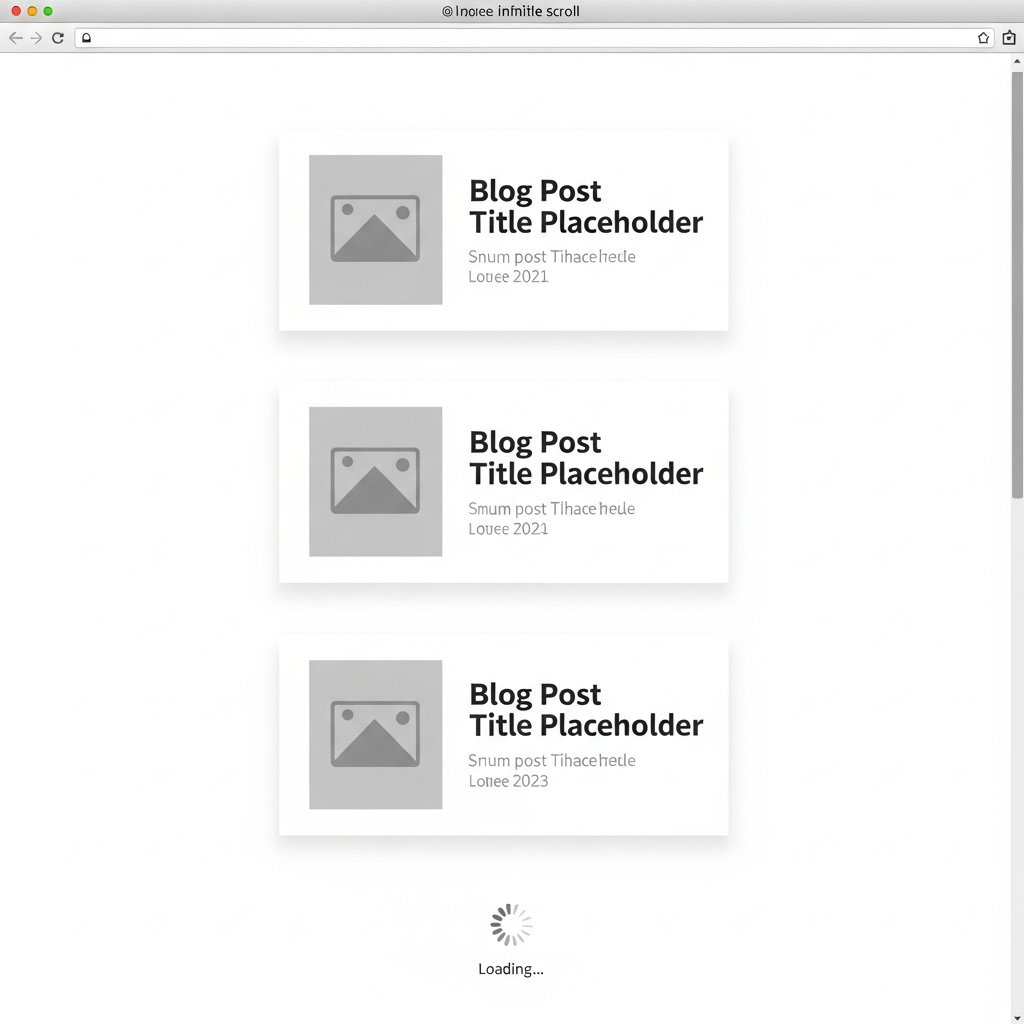
jQuery.scrollPaging is a lightweight, flexible, and powerful jQuery plugin for implementing infinite scroll (also known as endless scrolling, lazy loading, or scroll pagination). It automatically loads and appends content from a server via AJAX as the user scrolls down the page, creating a seamless and dynamic user experience.
This plugin is highly customizable, supports multiple scroll directions, and includes a rich set of callbacks, making it a perfect solution for blogs, galleries, social media feeds, product listings, and any project requiring dynamic content loading.
Live Demo


Key Features
- Seamless Infinite Scroll: Automatically fetches and displays content as users scroll, eliminating the need for traditional pagination.
- Multi-Directional Support: Works with
vertical,horizontal, andbothscroll directions. You can also specify single directions likeup,down,left, orright. - SEO-Friendly URL Updates: Optionally updates the browser URL and page title using the History API (
pushState) as new content loads, ensuring pages are bookmarkable and shareable. - Flexible Paging System: Supports both standard numeric pagination and custom page lists (e.g.,
['news', 'updates', 'archive']). - Highly Customizable: Offers a wide range of options to control scroll sensitivity, AJAX requests, and behavior.
- Extensive Callbacks & Events: Provides a full suite of callbacks (
onStart,onSuccess,onError,onComplete, etc.) to hook into every stage of the loading process. - Lightweight & Efficient: Minimal footprint with optimized performance to ensure smooth scrolling.
- Cross-Browser Compatible: Works reliably across all modern web browsers.
Installation & Usage
Getting started with jQuery.scrollPaging is simple.
1. Include Files
First, make sure you have jQuery included in your project. Then, include the jquery.scrollpaging.min.js file.
<!-- 1. Include jQuery (requires version 1.7+) -->
<script src="[https://code.jquery.com/jquery-3.7.0.min.js](https://code.jquery.com/jquery-3.7.0.min.js)"></script>

<!-- 2. Include the jQuery.scrollPaging plugin -->
<script src="path/to/jquery.scrollpaging.min.js"></script>
2. HTML Structure
Create a container for your content. The plugin will append new items into this container.
<div id="content-container">
    <!-- Initial content goes here -->
    <div class="post">...</div>
    <div class="post">...</div>
</div>
3. Initialize the Plugin
Call the .scrollPaging() method on the scrollable element (e.g., window for page scrolling or a specific div for an overflow container).
$(document).ready(function() {
    // Apply scrollPaging to the window for a typical page scroll
    $(window).scrollPaging({
        // The URL to fetch new content from.
        // 'scrollPaging' is a placeholder that will be replaced by the page number.
        requestURL: '/api/posts?page=scrollPaging',

        // The selector for the element where new content will be appended.
        target: '#content-container',

        // The starting page number.
        currentPage: 1,

        // The last page number to prevent further requests.
        maxPage: 20,

        // Update the browser's URL as the user scrolls.
        affectURL: true,

        // Callback function after content is successfully loaded.
        onSuccess: function(event, direction, isPositive, page, requestURL, response) {
            console.log('Successfully loaded page ' + page);
            // You can perform additional actions here, like re-initializing
            // other plugins on the newly loaded content.
        }
    });
});
Configuration Options
Customize the plugin's behavior with the following options:
| Option | Type | Default | Description |
| :--- | :--- | :--- | :--- |
| requestURL | String | location.href with ?page=scrollPaging | The URL to send the AJAX request to. Use the string scrollPaging as a placeholder for the page number/value. |
| showURL | String | Same as requestURL | The URL to display in the browser's address bar if affectURL is true. |
| target | String | null | A jQuery selector for the container where the loaded content will be prepended or appended. |
| direction | String | 'vertical' | The scroll direction to monitor. Can be vertical, horizontal, both, up, down, left, or right. |
| amount | Number | 128 | The pixel distance from the edge of the scroll area that triggers the content loading. |
| currentPage | Number/String | 1 or parsed from URL | The initial page number or value. |
| minPage | Number/String | 1 | The minimum page number. Scrolling up will stop requests at this page. |
| maxPage | Number/String | 100 | The maximum page number. Scrolling down will stop requests at this page. |
| pageList | Array/String | null | An array or comma-separated string of custom page values (e.g., ['home', 'about', 'contact']). If used, minPage and maxPage should be values from this list. |
| affectURL | Boolean | false | If true, updates the browser URL using the History API. |
| affectTitle | Boolean | false | If true, updates the document title. Requires affectURL to be true. |
| requestTitle| String | document.title| The new document title to use. scrollPaging can be used as a placeholder. |
| ajax | Object | { type: 'GET', async: true } | An object of settings to be passed directly to jQuery's $.ajax() method. |
Callbacks & Events
The plugin provides a rich set of callbacks to give you full control over the loading process.
| Callback | Parameters | Description |
| :--- | :--- | :--- |
| onScroll | event, direction, isPositive, isLoading, options | Fired on every scroll event within the element. |
| onRepeat | event, direction, isPositive, currentPage, options | Fired if a scroll trigger occurs while a request is already in progress. |
| onBefore | event, direction, isPositive, nextPage, isNewPage, options | Fired just before a new page request is prepared. |
| onStart | event, direction, isPositive, nextPage, options | Fired just before the AJAX request is sent. |
| onSuccess | event, direction, isPositive, page, url, response, status, xhr, options | Fired after a successful AJAX request. |
| onError | event, direction, isPositive, page, url, xhr, status, error, options | Fired if the AJAX request fails. |
| onComplete | event, direction, isPositive, page, url, responseOrXhr, status, xhrOrError, options | Fired after the AJAX request completes (whether success or error). |
| onBlank | event, direction, isPositive, page, url, options | Fired if the AJAX request succeeds but returns a blank response. |
| onMinPage | event, direction, isPositive, page, options | Fired when the minPage is reached and loaded. |
| onMaxPage | event, direction, isPositive, page, options | Fired when the maxPage is reached and loaded. |
License
This plugin is licensed under the MIT License. Copyright (c) 2022 by Mamedul Islam.
See the LICENSE file for more details.
👨💻 Author & Hire Me
This plugin was created and is maintained by Mamedul Islam.
I am a passionate web developer with experience in creating interactive and user-friendly web components. I am currently available for freelance projects or full-time opportunities.
I help businesses grow their online presence with custom web solutions. Specializing in WordPress, WooCommerce, and Shopify, I build modern, responsive, and high-performance websites.
- WhatsApp: message me
- Portfolio: mamedul.github.io
- GitHub: @mamedul
- LinkedIn: Connect with me!
- Twitter (X): @mamedul
⭐ Show Your Support
If you find this extension useful, please consider giving it a star on GitHub! Your support helps motivate further development and improvements.

If you found this project helpful, give it a ⭐ on GitHub!