
jsonresume-theme-verbum
v0.0.5
Published
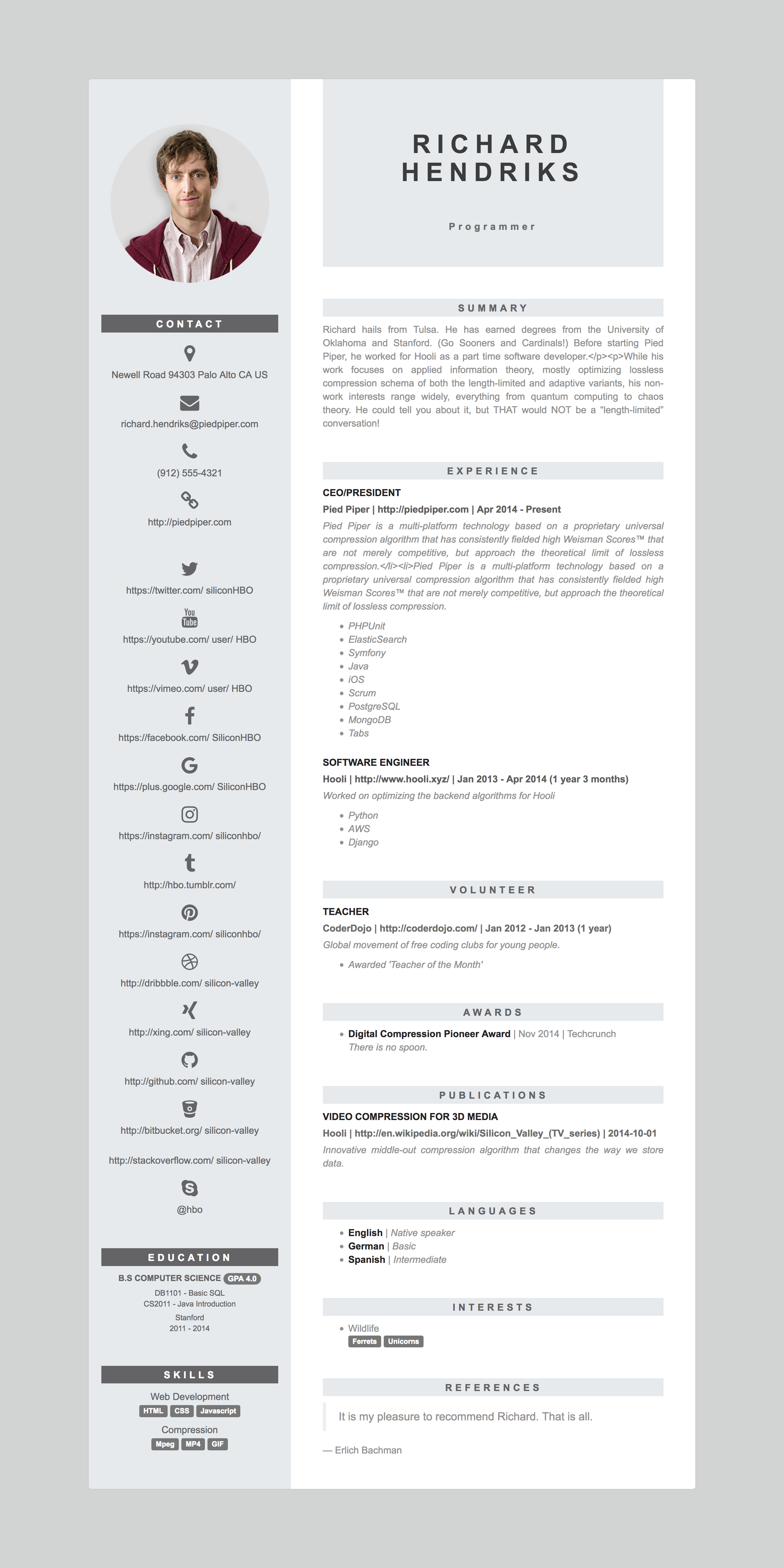
Verbum theme for JSON Resume

Maintainers
 konalexiou
Readme
verbum theme 
This is the verbum theme for JSON Resume.
Getting started
To get started with theme development, this is what you'll need:
If you're on Linux, you can simply run:
sudo apt-get install nodejs-legacy npmOr if you're on OSX and got Homebrew installed:
brew install nodeInstall the command line
We're going to use the official resume-cli to run our development server.
Go ahead and install it:
sudo npm install -g resume-cliInstall theme
Install the theme by typing
npm install -g jsonresume-theme-verbumWork on your resume
If you don't already have your json resume you can make in online by visiting: http://registry.jsonresume.org/
Publish json resume
If you want to publish your resume, first copy your resume.json and then run:
resume publish --theme=verbumExport json resume in PDF
If you want to publish your resume, first copy your resume.json and then run:
resume export resume.pdf --theme=verbumLicense
Available under the MIT license.