
k-form-design-ext
v3.7.4
Published
基于k-form-design进行的儿此扩展

Maintainers
 q495265366
Readme
表单设计器 k-form-design
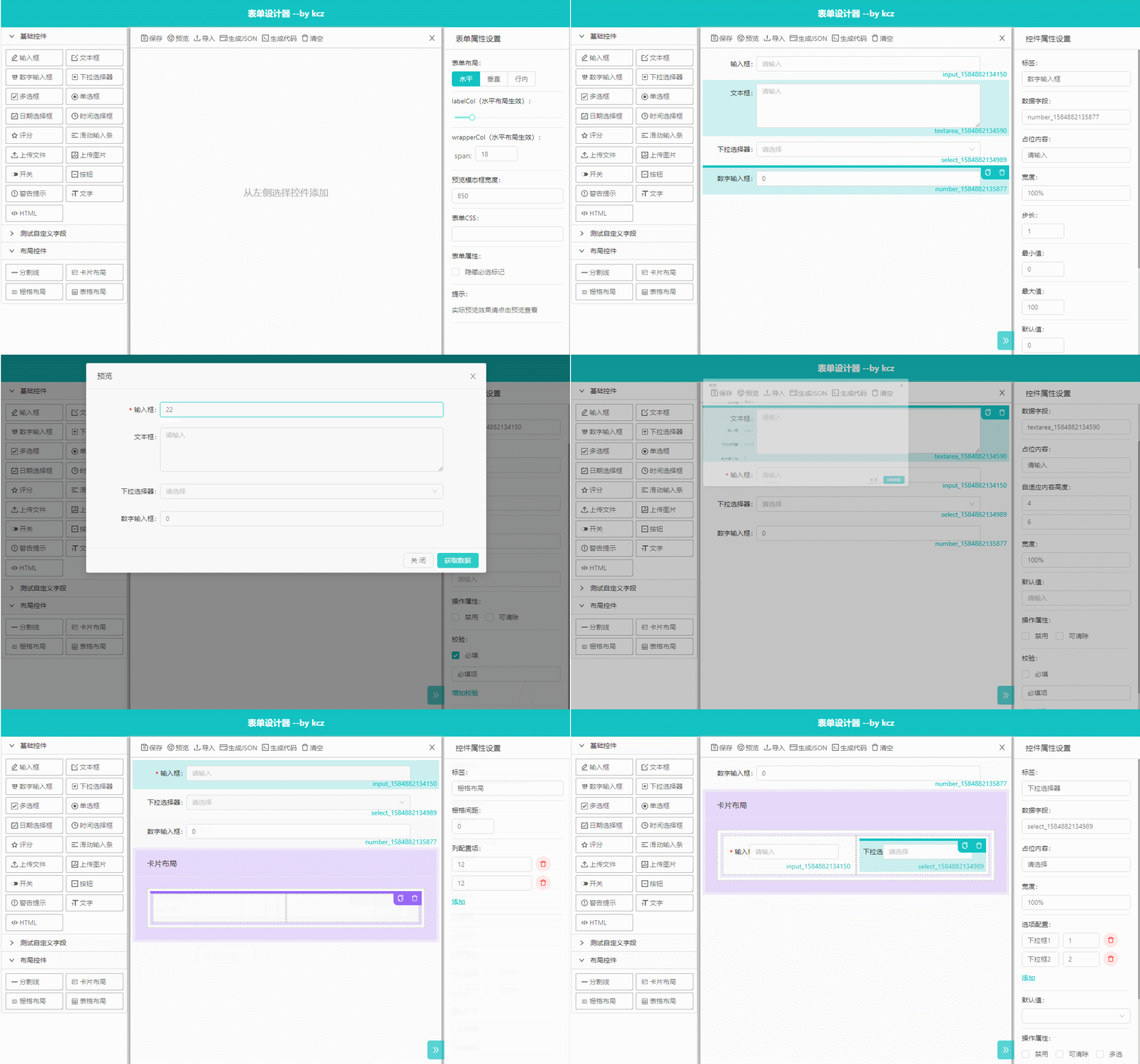
简介
本扩展是在k-form-design基础上做了部分扩展修改, 扩展属性有:appendAttr,notAppendAttr 扩展方法有:getJson()
使用方式
<template>
  <div>
    <k-form-design ref="kdf" :appendAttr="appendAttr" />
    <div @click="getData()">
      点击我获取JSON
    </div>
  </div>
</template>
<script>
export default {
  name: "Index",
  props: {
    val: {
      default: null,
      type: String
    }
  },
  data() {
    return {
      appendAttr: [
        {
          /* 键名 */
          key: "unit",
          /* 渲染组件 */
          rend: require("./unit").default,
          /* true代表所有控件追加,数组代表指定那些控件追加 */
          field: true
        }
      ]
    };
  },
  watch: {},
  mounted() {},
  methods: {
    getData() {
      const data = this.$refs["kdf"].getJson();
      console.log(data);
      /* {
        "list": [
          {
            "type": "input",
            "label": "输入框",
            "options": {
              "type": "text",
              "width": "100%",
              "defaultValue": "",
              "placeholder": "请输入",
              "clearable": false,
              "maxLength": null,
              "hidden": false,
              "disabled": false
            },
            "model": "input_1612430608558",
            "key": "input_1612430608558",
            "rules": [
              {
                "required": false,
                "message": "必填项"
              }
            ],
            "unit": "我是单位"
          }
        ],
        "config": {
          "layout": "horizontal",
          "labelCol": {
            "xs": 4,
            "sm": 4,
            "md": 4,
            "lg": 4,
            "xl": 4,
            "xxl": 4
          },
          "wrapperCol": {
            "xs": 18,
            "sm": 18,
            "md": 18,
            "lg": 18,
            "xl": 18,
            "xxl": 18
          },
          "hideRequiredMark": false,
          "customStyle": ""
        }
      }
      */
    }
  }
};
</script>
扩展属性如何编写组件,以下是一个组件是实例
<template>
  <div>
    单位:
    <input v-model="value" />
  </div>
</template>
<script>
export default {
  name: "Unit",
  props: {
    val: {
      default: "",
      type: String
    }
  },
  data() {
    return {
      value: ""
    };
  },
  watch: {
    value: function(val) {
      this.$emit("update:val", val);
    },
    val: function(val) {
      if (val !== this.value) {
        this.value = val;
      }
    }
  },
  mounted() {
    this.$emit("update:val", this.value);
  },
  methods: {}
};
</script>