
ka-table
v12.0.3
Published
The customizable, extendable, lightweight, and fully free React Table Component

Maintainers
 sanr
sanrReadme
The customizable, extendable, lightweight, and fully free React Table Component


Installation
npm
npm install ka-tableyarn
yarn add ka-tableUsage
Basic example
import 'ka-table/style.css';

import React from 'react';

import { Table } from 'ka-table';
import { DataType, EditingMode, SortingMode } from 'ka-table/enums';

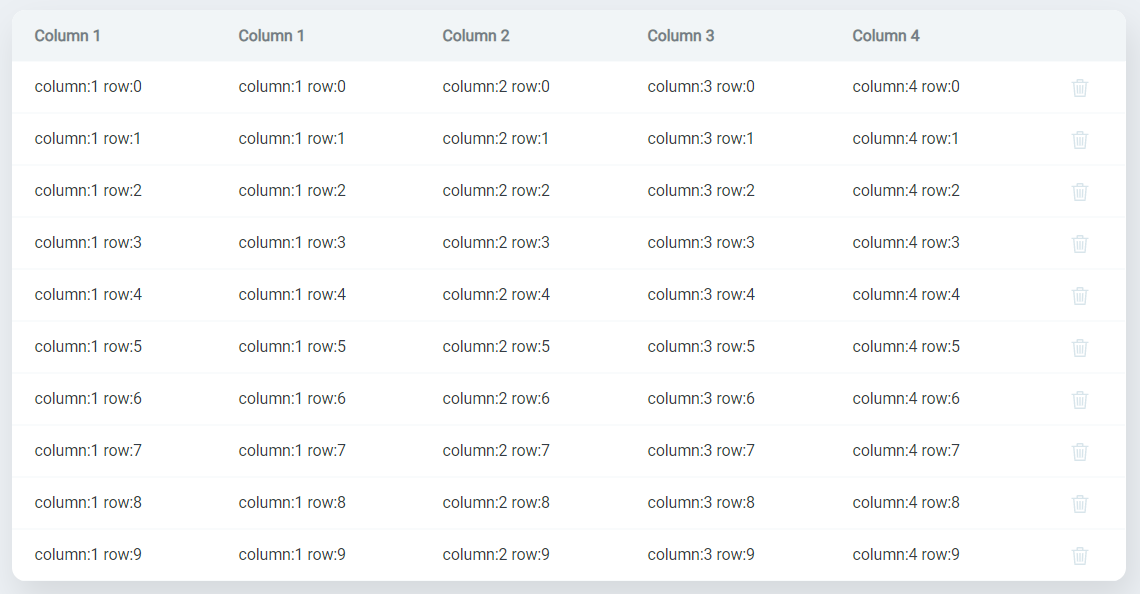
const dataArray = Array(10)
  .fill(undefined)
  .map((_, index) => ({
    column1: `column:1 row:${index}`,
    column2: `column:2 row:${index}`,
    column3: `column:3 row:${index}`,
    column4: `column:4 row:${index}`,
    id: index,
  }));

const OverviewDemo = () => {
  return (
    <Table
      columns={[
        { key: 'column1', title: 'Column 1', dataType: DataType.String },
        { key: 'column2', title: 'Column 2', dataType: DataType.String },
        { key: 'column3', title: 'Column 3', dataType: DataType.String },
        { key: 'column4', title: 'Column 4', dataType: DataType.String },
      ]}
      data={dataArray}
      editingMode={EditingMode.Cell}
      rowKeyField={'id'}
      sortingMode={SortingMode.Single}
    />
  );
};

export default OverviewDemo;