
libreblog
v1.3.2
Published
An in-browser Static Site Generator focused on content-rich blogs and news websites

Maintainers
 libreblog
Readme
LibreBlog
LibreBlog is an in-browser static site generator that supports Markdown, RIS references, and image embedding to create content-rich blogs. There are different types of articles, each with its own features.
The site is available at editor2.libreblog.org/LibreBlog/ — a mirror of the GitHub Pages site (libreblogorg.github.io/LibreBlog/). GitHub Pages doesn’t support the COOP/COEP headers required for proper operation.
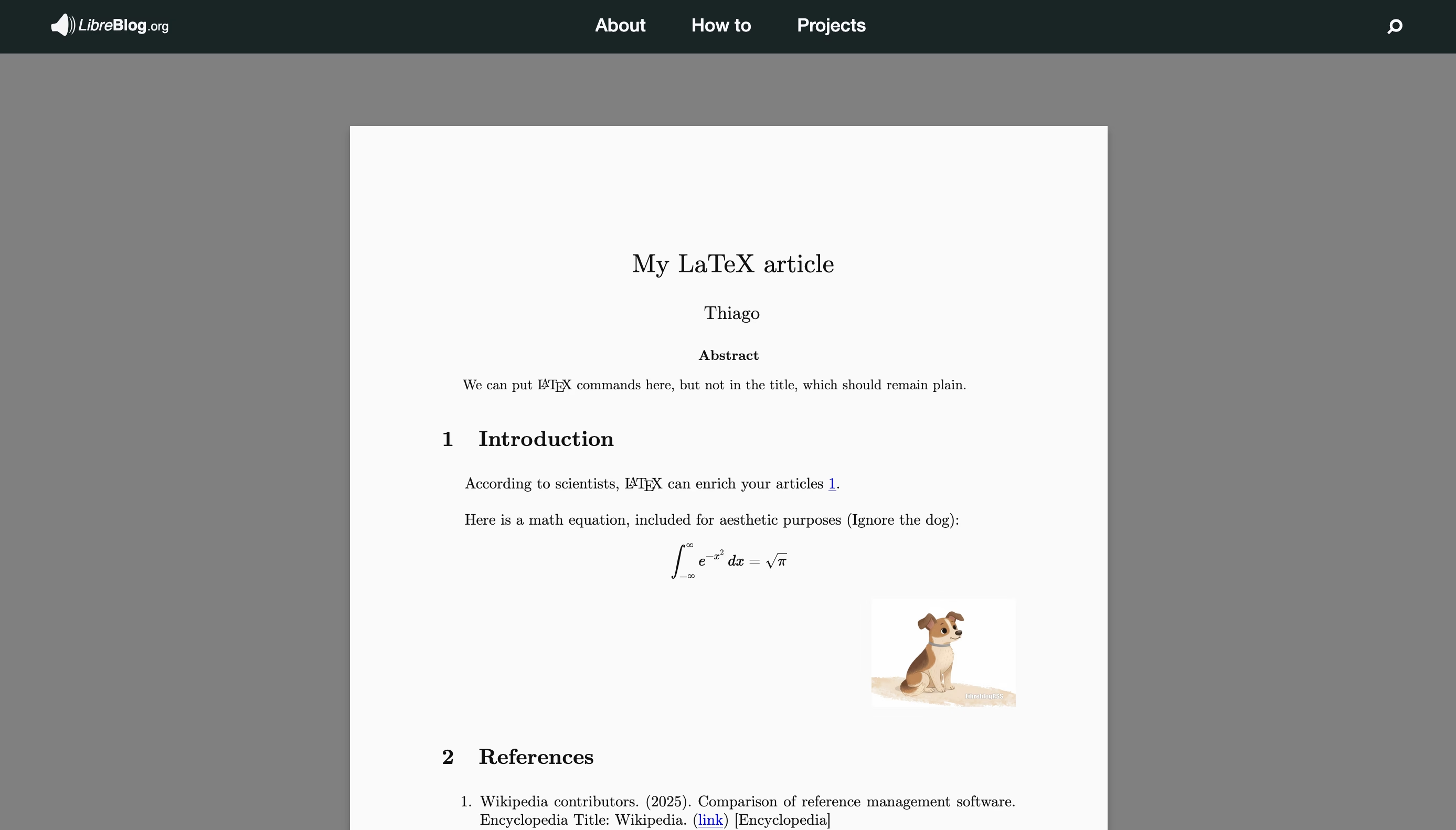 A LaTeX article with a math formula, an image, and a footnote.
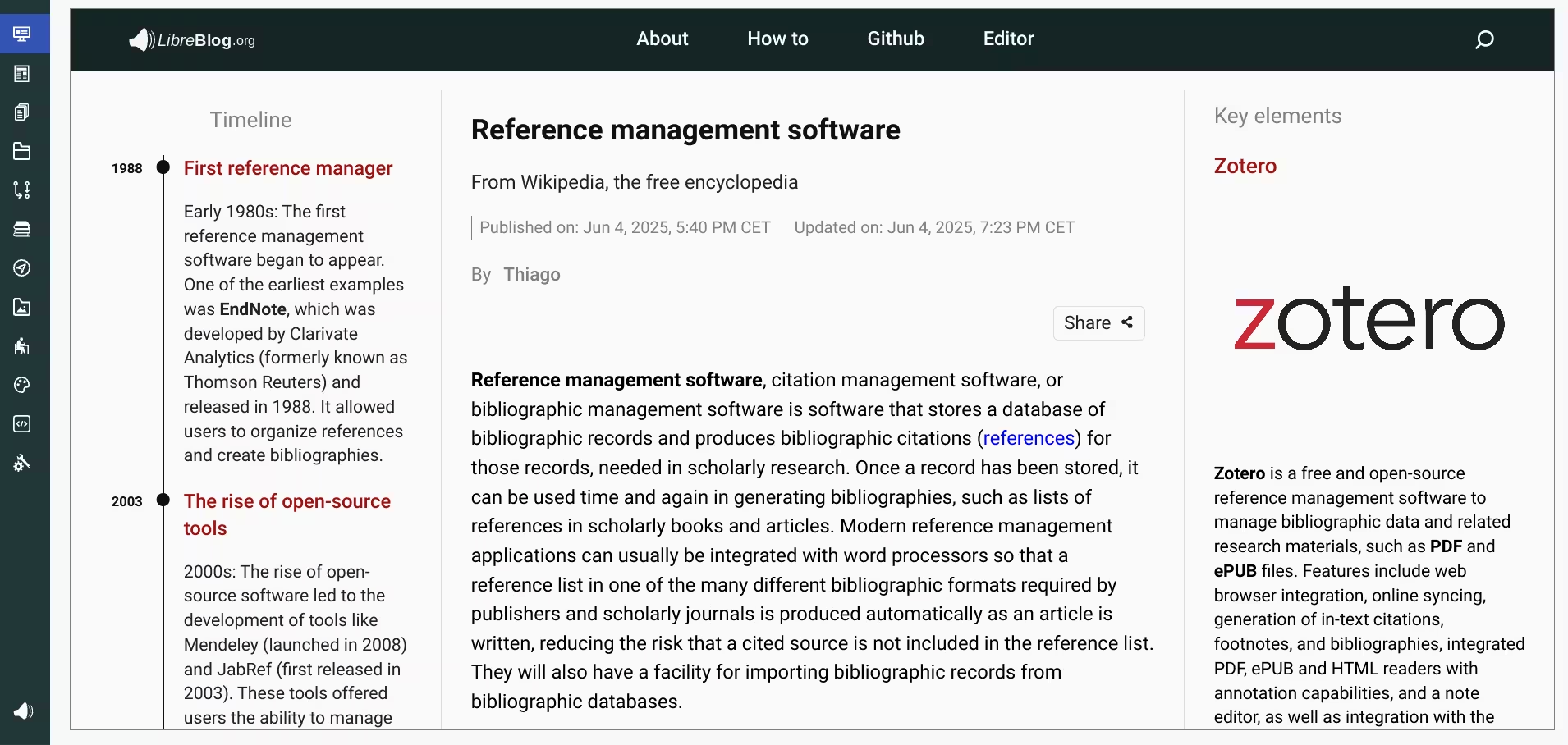 The timeline and 'key elements' were generated from relations.
 References are imported from one or more RIS files.
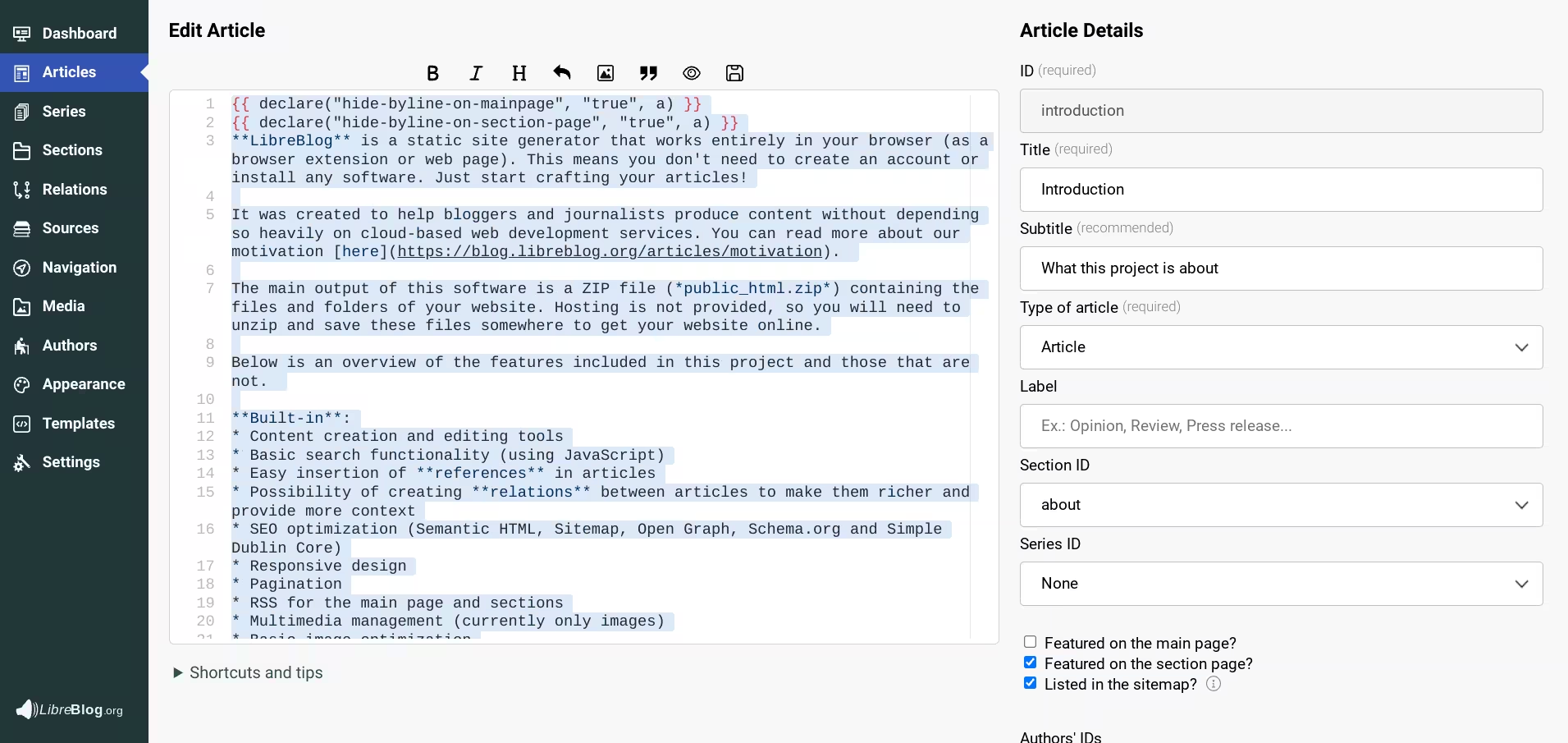 Articles can be written using Markdown syntax and Twig code.
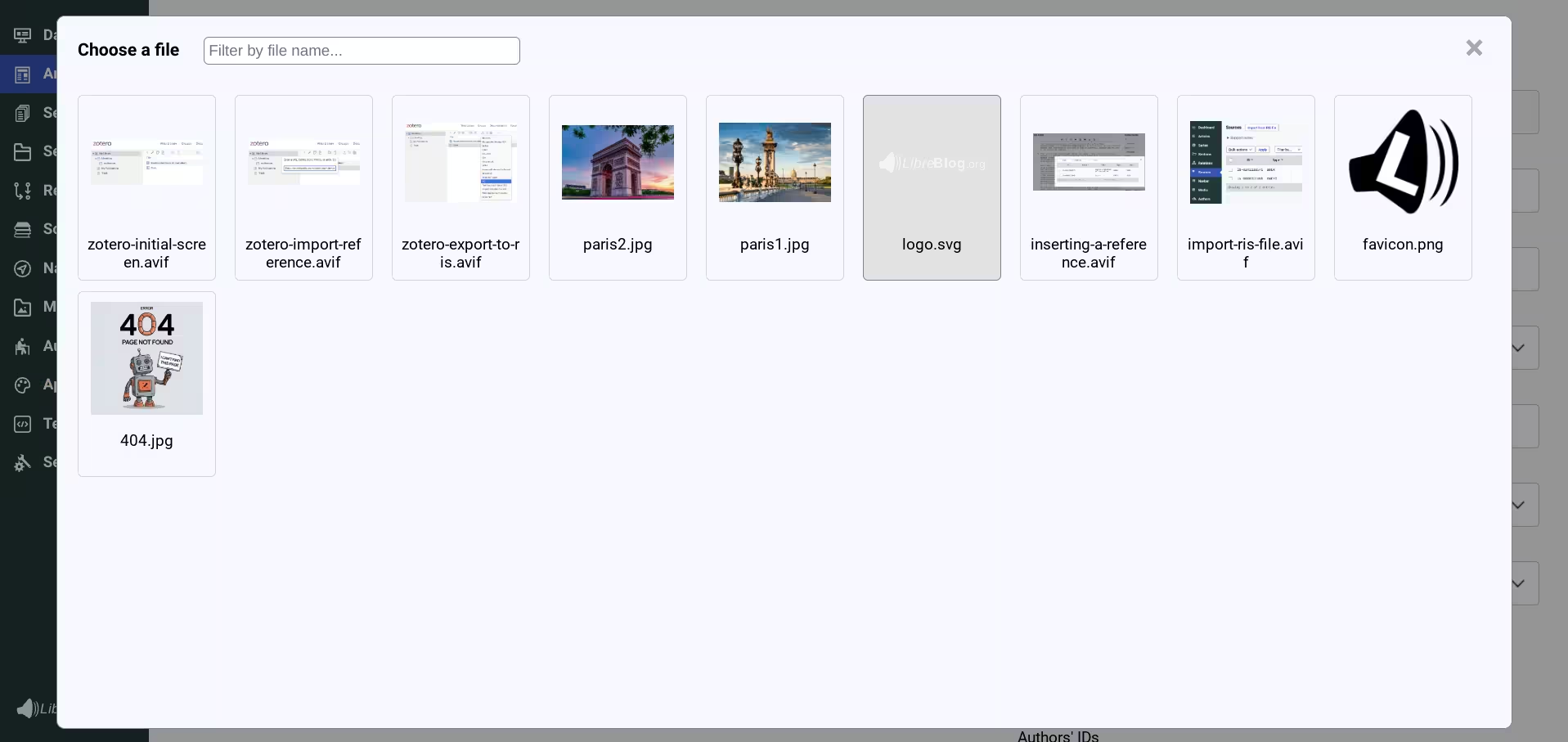 Simple image picker.
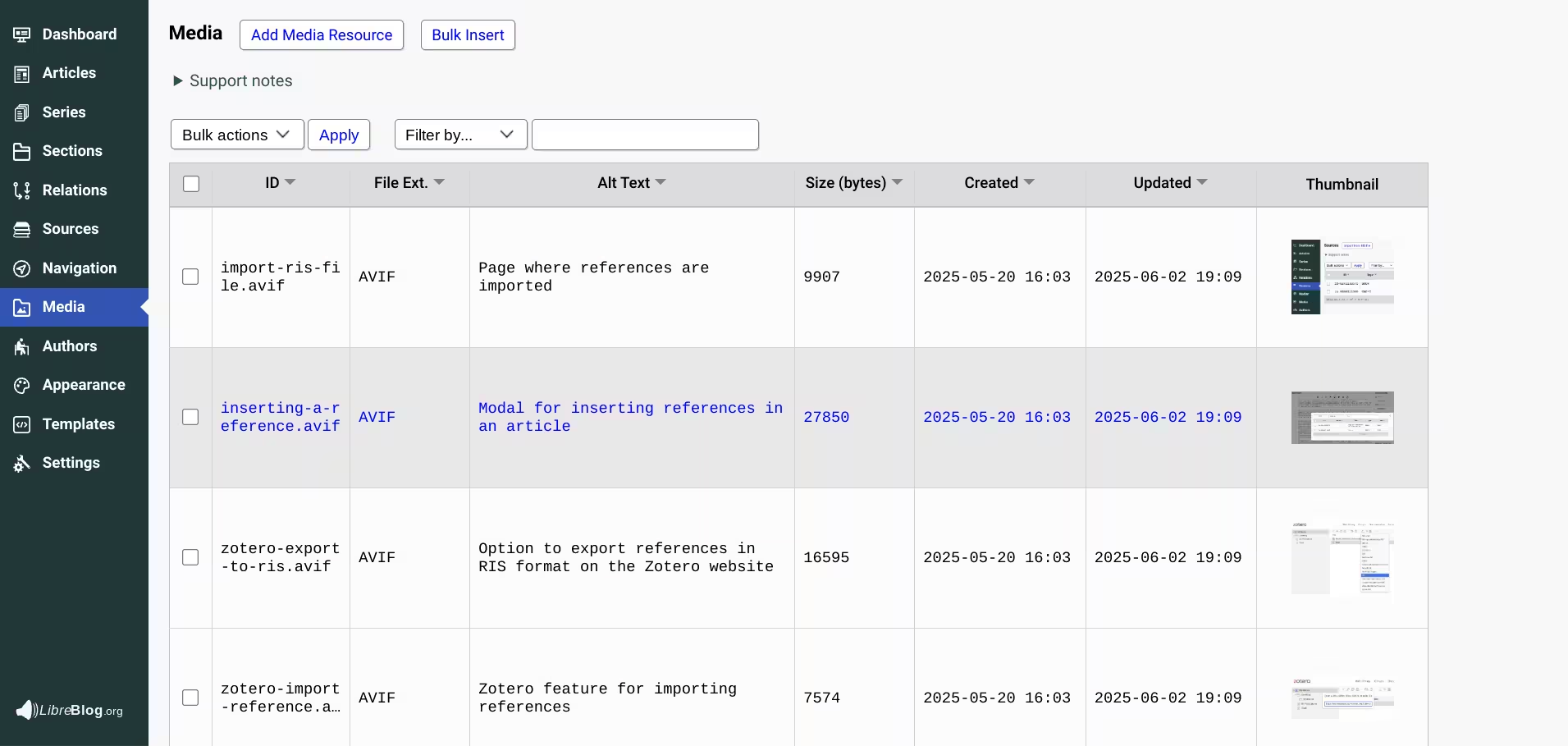 Media library.
Motivation
LibreBlog was created to help bloggers and journalists produce content without depending so heavily on cloud-based web development services. You can read more about our motivation here.
The main output of this software is a ZIP file (public_html.zip) containing the files and folders of your website.
Features
Built-in:
- Content creation and editing tools
- Basic search functionality (using JavaScript)
- LaTeX support (in LaTeX articles)
- Easy insertion of references in articles
- Possibility of creating relations between articles to make them richer and provide more context
- SEO (Semantic HTML, Sitemap, Open Graph, Schema.org and Simple Dublin Core)
- Responsive design
- Pagination
- RSS for the main page and sections
- Multimedia management (currently only images)
- Basic image optimization
- Possibility of exporting and importing all the content used to generate your website
- Website preview (using iframes)
- Designed to be easily extensible: customize themes and templates, create your own types of articles, sections, etc.
- String customization
- No cookies, no tracking, almost no JavaScript (only for enabling search and sharing functionalities, and to adjust dates)
- The input fields were designed with journalists in mind (Summary, Editorial Notes...)
- Possibility of installing LibreBlog as a Chrome Extension
Not provided (but you can easily add these features using external web services):
- Analytics
- Commenting System (those similar to Disqus)
- Feedback functionality (using Google Forms, for example)
Not provided (and you will need to edit the templates):
- Ads
- Cookie banners :expressionless:
Not provided:
- Subscription and membership options
- Editorial workflow
- User management
Installation
The best way to use LibreBlog is to install it as a browser extension. That way, you can use it offline and you will not lose your content if our website goes down.
Installation steps:
- Clone/Download this repository.
- (Optional) Inside the repository folder, run:
npm install. Only run this if you want to (re)install or update dependencies locally. - Load the unpacked extension (See how).
How to easily test your website (and render LaTeX articles)
Because the preview window is sandboxed, LaTeX articles cannot be rendered in preview mode (We are using this project to render the LaTex content: https://latex.js.org).
If you want to quickly preview your LaTeX articles while working on them, I recommend downloading OnionShare and Tor.
Steps:
- Generate public_html.zip and unzip it.
- Open OnionShare, choose Host a Website, and select the public_html folder.
- Check the option "Don't send default Content Security Policy header".
- Open your website in Tor.
Note: For links to work, keep Remove ".html" from page URLs unselected on the editor's Settings page.
Limitations
Currently, there is only one theme and the possibility to customize the colors. So if you enjoy designing themes, please read this article and consider making a theme available to the community :purple_heart:.
Supported Browsers: The editor website is supported on Chromium-based browsers, including Google Chrome and Microsoft Edge. Other browsers may not be compatible.
Project dependencies
This project depends heavily on these two projects:
These other projects are also being used: