lognext
v0.0.4
Published
The logger nobody asked for


Readme
lognext
The logger nobody asked for
Installation
npm install lognextUsage
Getting Started
Require the module and instantiate an instance. The topic name is used when tracing messages to help identify their source.
const Lognext = require('lognext');
const log = new Lognext('topic-name');
Learn by example!
Standard stuff
log.writeBox('Standard trace messages');

log.error('This is an error');
log.warn('You have been warned');
log.info('This is informational');
log.verbose('This message is really a lot more information than you probably wanted');
log.debug('This message is for debugging');
log.silly('Tee hee hee!');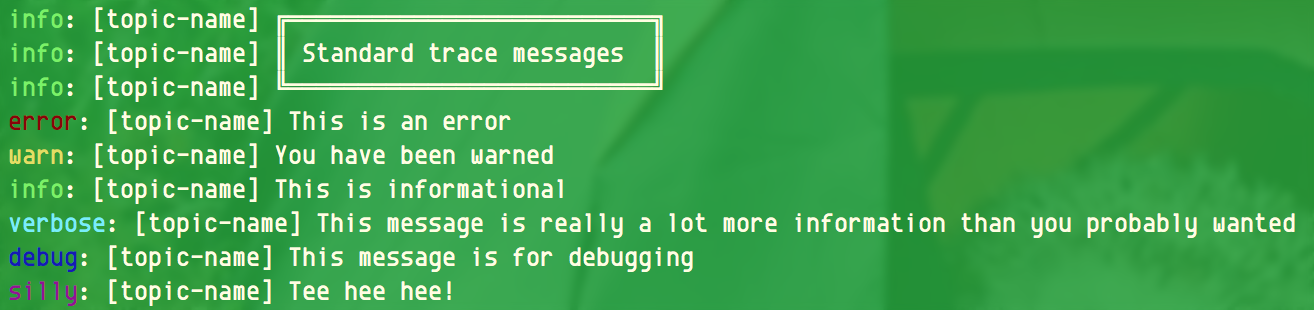
Objects can be traced out too!
log.writeBox('Tracing with objects');

log.error(new Error('This is an error'));
let data = { prop1: 'val1', prop2: ['a', 'b', 'c']};
log.info('Data: ', data);
log.debug('Data: ', data);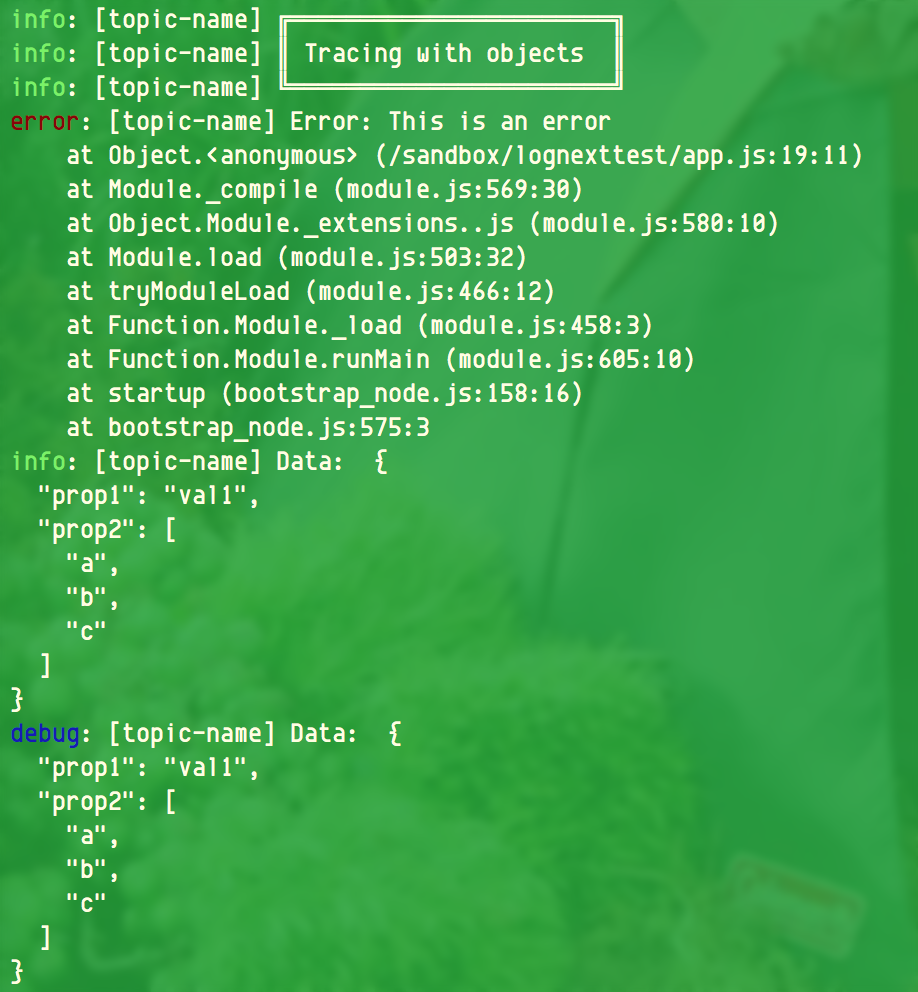
Color can be turned off for output windows that don't support ANSI colors.
log.setUseColor(false);
log.error('This is an error');
log.warn('You have been warned');
log.info('This is informational');
log.verbose('This message is really a lot more information than you probably wanted');
log.debug('This message is for debugging');
log.silly('Tee hee hee!');
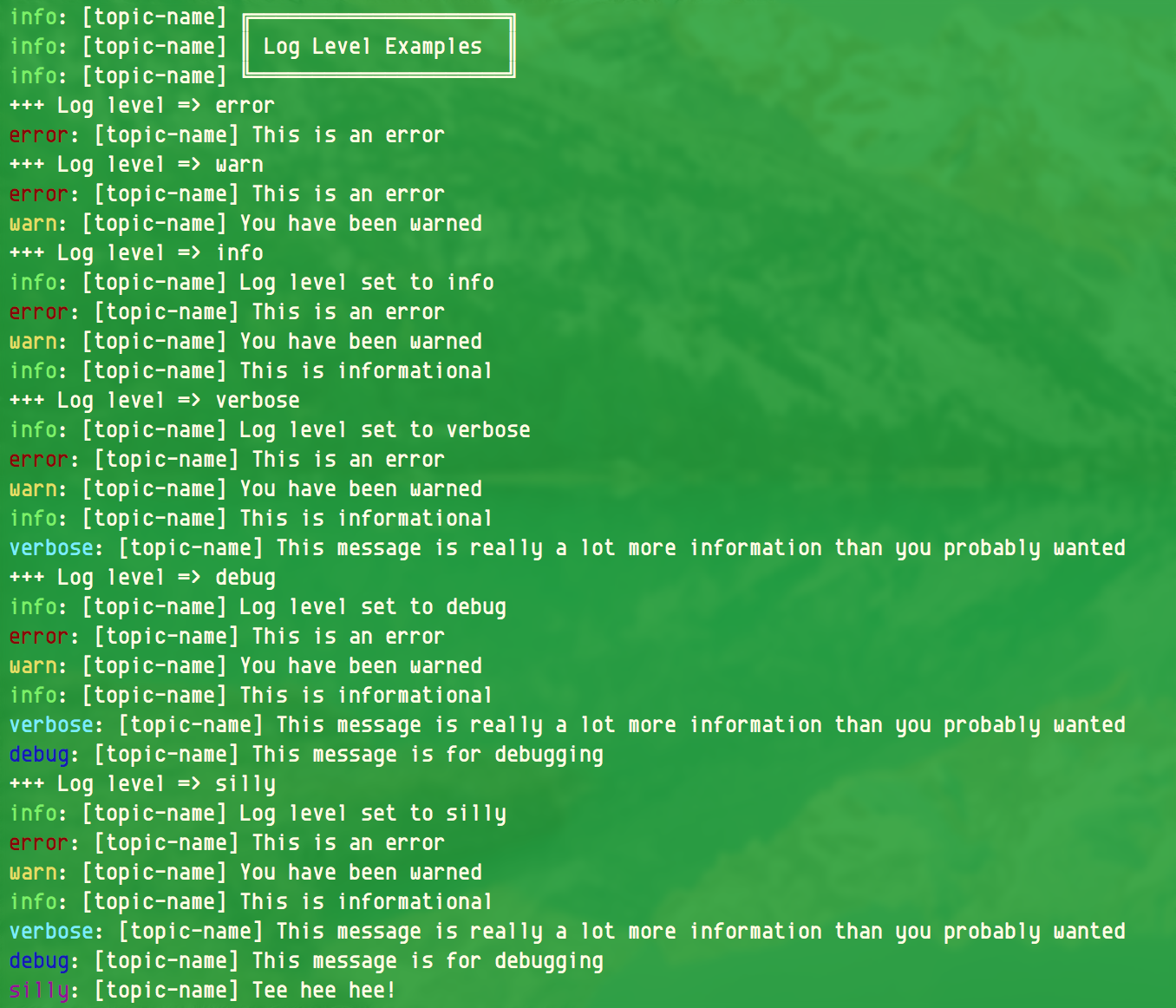
Trace levels can be controlled to disable traces above the set level.
log.writeBox('Log Level Examples');
['error', 'warn', 'info', 'verbose', 'debug', 'silly'].forEach((level) => {
	console.log(`+++ Log level => ${level}`);
	log.setLogLevel(level);
	log.error('This is an error');
	log.warn('You have been warned');
	log.info('This is informational');
	log.verbose('This message is really a lot more information than you probably wanted');
	log.debug('This message is for debugging');
	log.silly('Tee hee hee!');
});
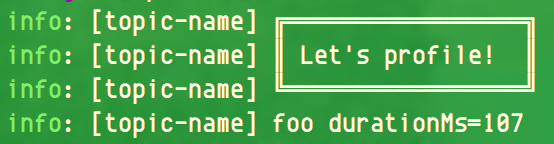
Profile a string to measure time!
log.profile('foo');
log.writeBox('Let\'s profile!');
setTimeout(()=>{log.profile('foo');}, 100);