
lumina-slides
v9.1.2
Published
The interface layer for the agentic era. Turn text to UI with declarative JSON.

Maintainers
 pailletjp
Readme
Lumina Engine




🤖 Build with AI Instantly

Need a presentation fast? The Lumina Slides Agent builds full slide decks from your prompts and shares live preview links in seconds.
🎨 Layouts & Gallery
Lumina includes 7 built-in layouts ready to use. Just set the type property in your JSON:
| Layout | Description | Visual Preview |
| :------------ | :---------------------------------------------------------------------------------------------------------------------------------------- | :------------------------------------------------------------------------------------------------------------------------------------------------------------- |
| Statement | Bold title slides for introductions, transitions, or key messages. Supports title, subtitle, and background. type: "statement" | 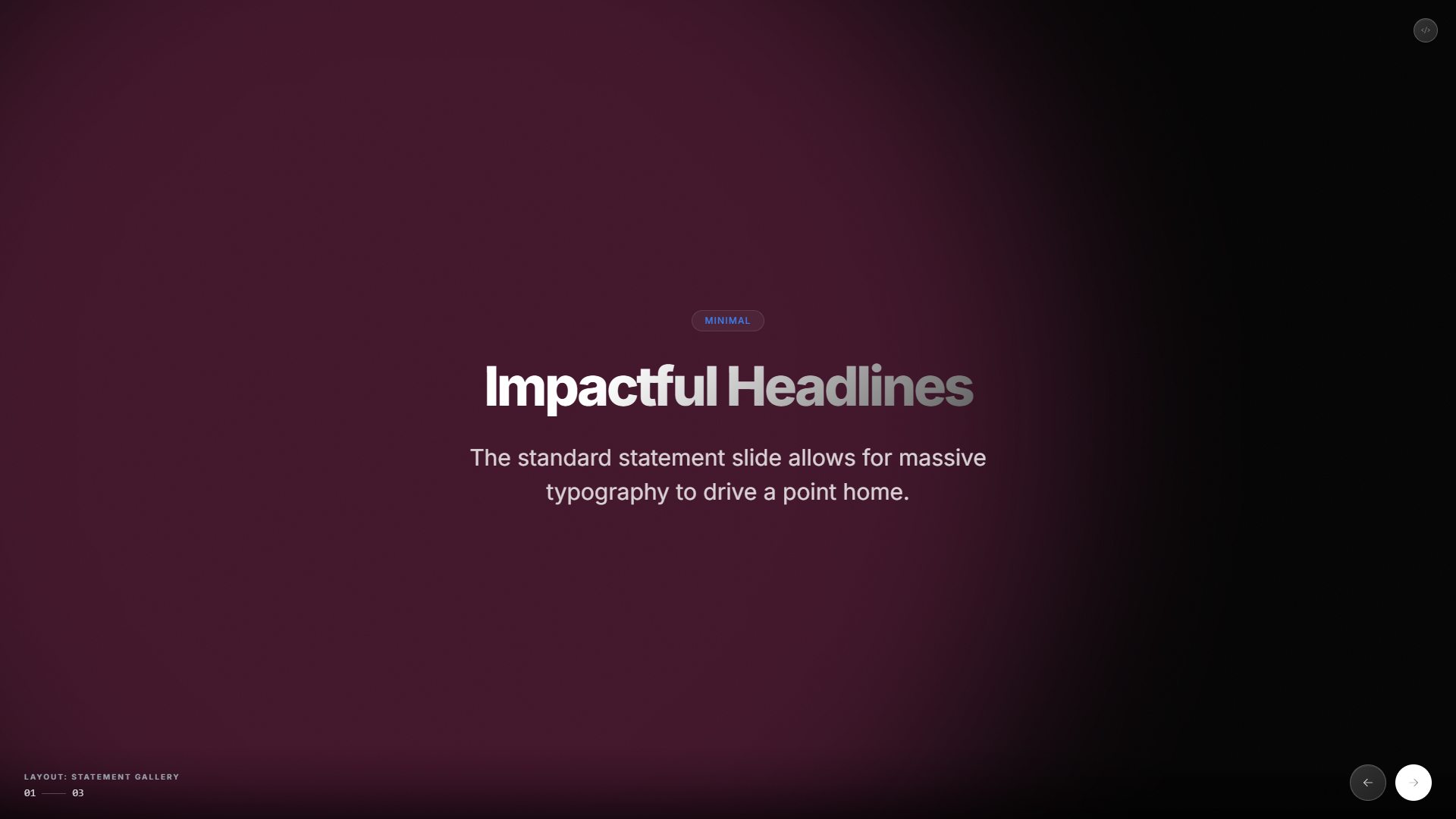 |
| Features | Auto-grid layout for showcasing features, benefits, or stats. Adapts columns based on item count.
|
| Features | Auto-grid layout for showcasing features, benefits, or stats. Adapts columns based on item count. type: "features" | 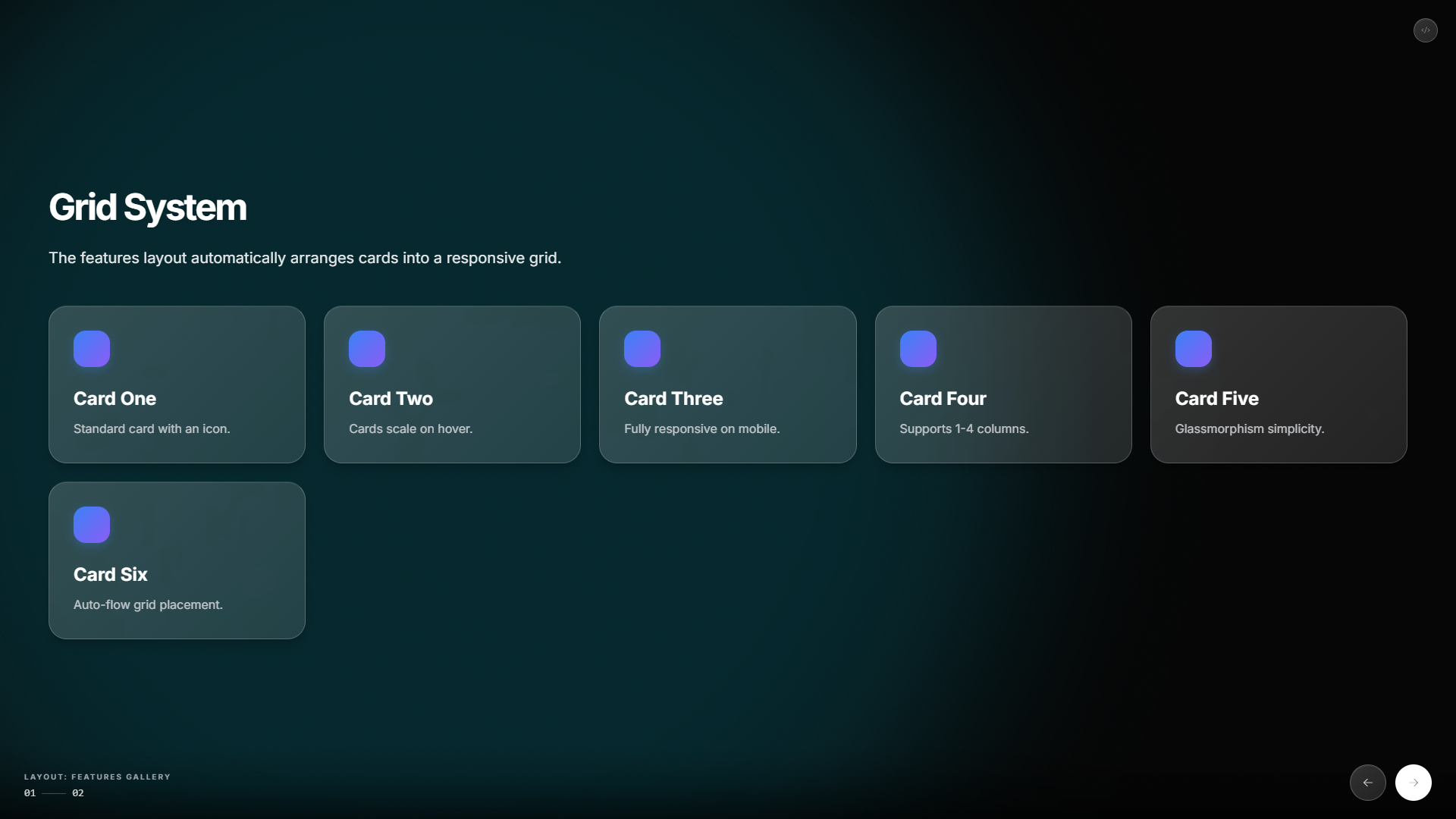 |
| Timeline | Horizontal timeline with snap navigation. Great for roadmaps, history, or process flows.
|
| Timeline | Horizontal timeline with snap navigation. Great for roadmaps, history, or process flows. type: "timeline" | 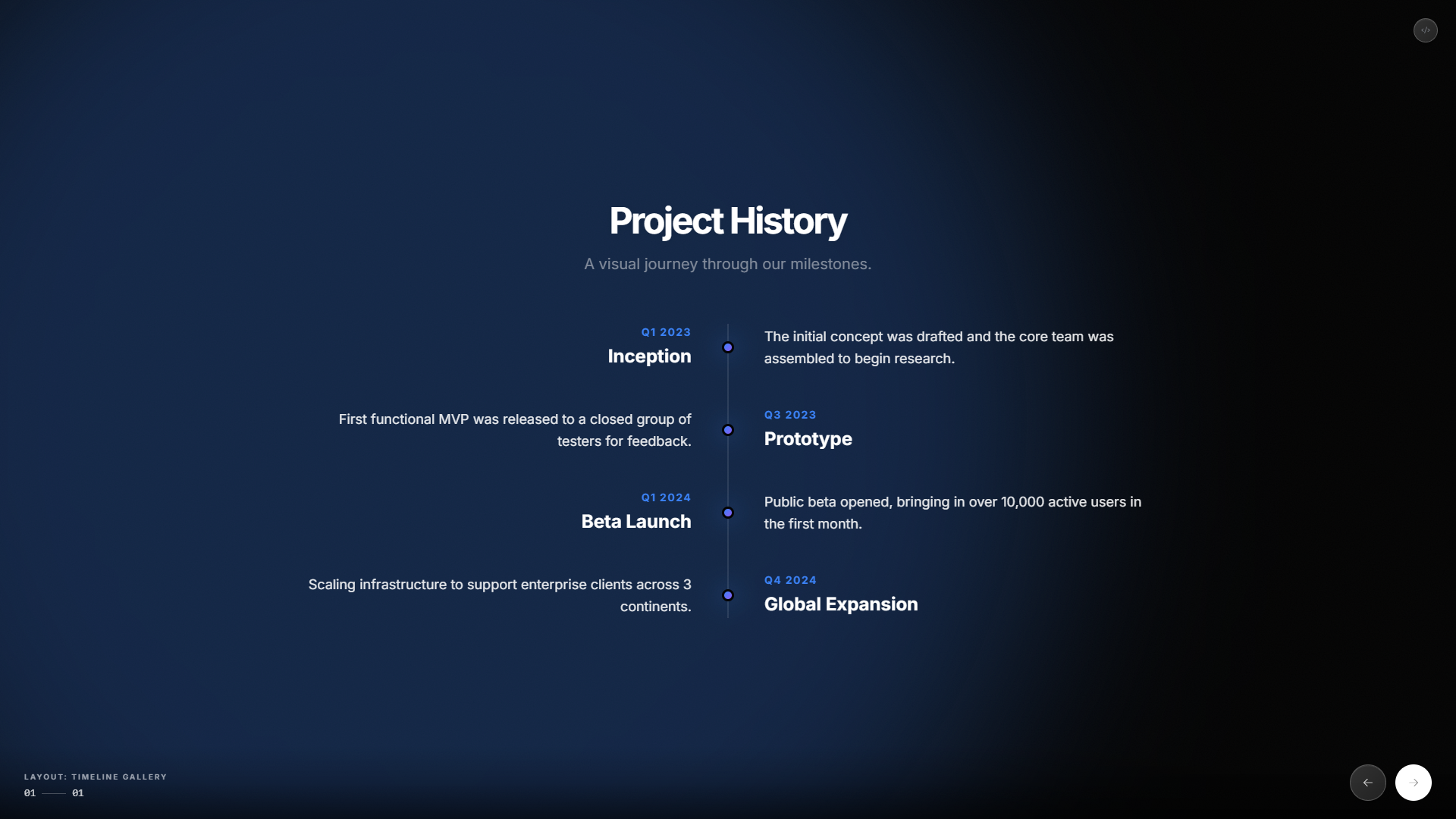 |
| Steps | Numbered step-by-step guide. Perfect for tutorials, instructions, or procedures.
|
| Steps | Numbered step-by-step guide. Perfect for tutorials, instructions, or procedures. type: "steps" | 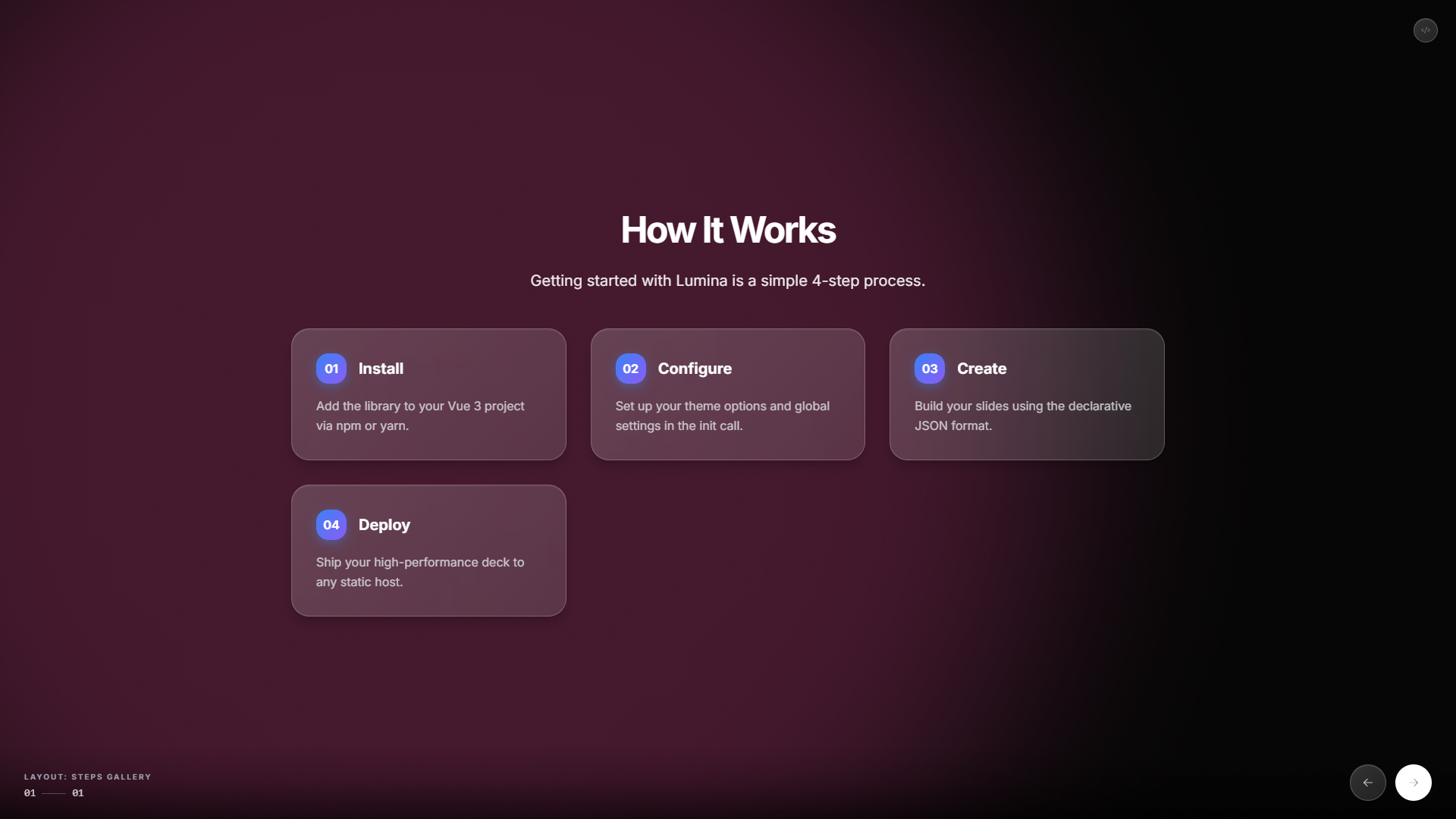 |
| Half | Split layout with image on one side, content on the other. Fully responsive.
|
| Half | Split layout with image on one side, content on the other. Fully responsive. type: "half" | 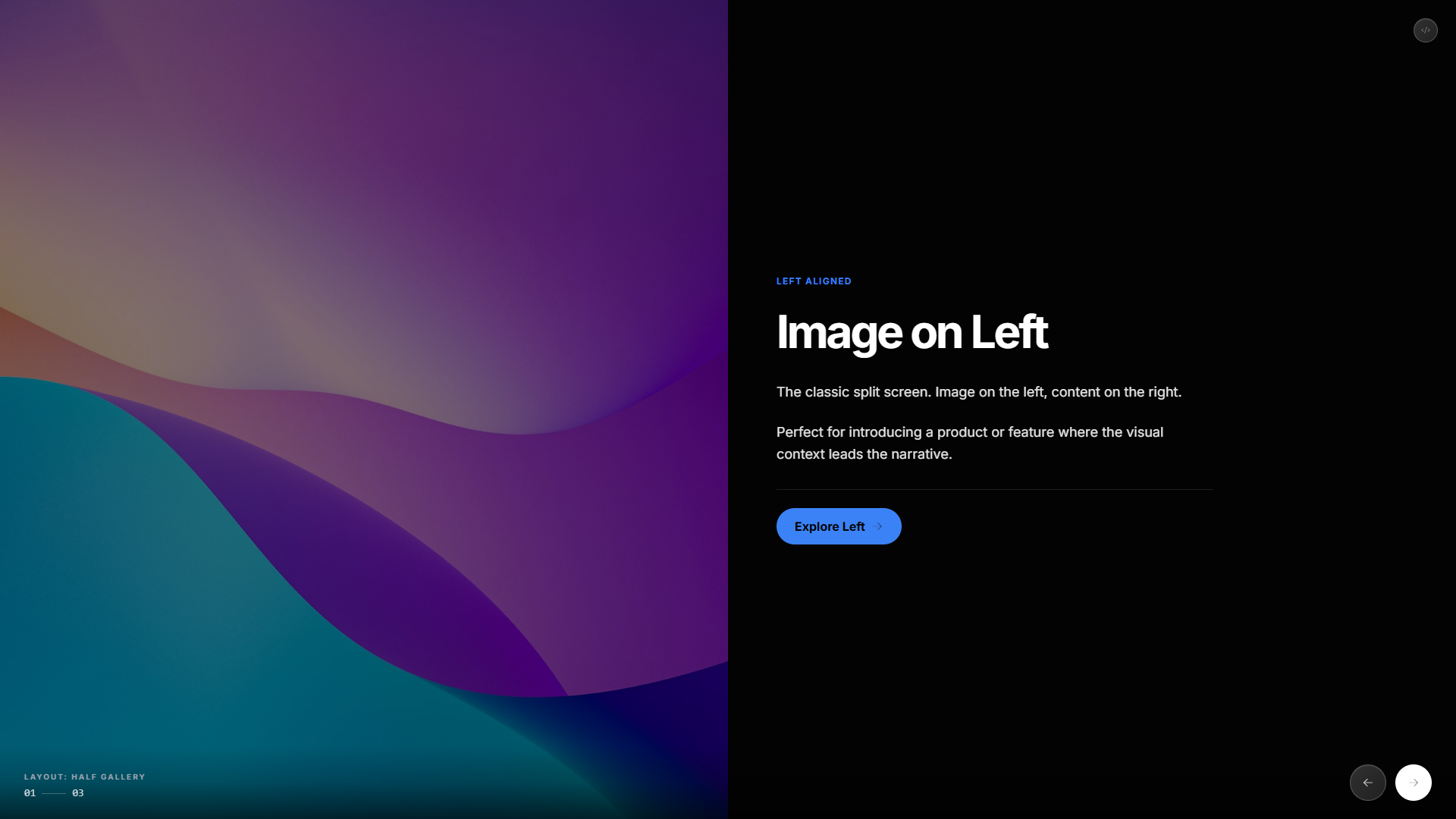 |
| Chart | Data visualization with Chart.js. Supports bar, line, pie, and doughnut charts.
|
| Chart | Data visualization with Chart.js. Supports bar, line, pie, and doughnut charts. type: "chart" ⚠️ Requires chart.js | 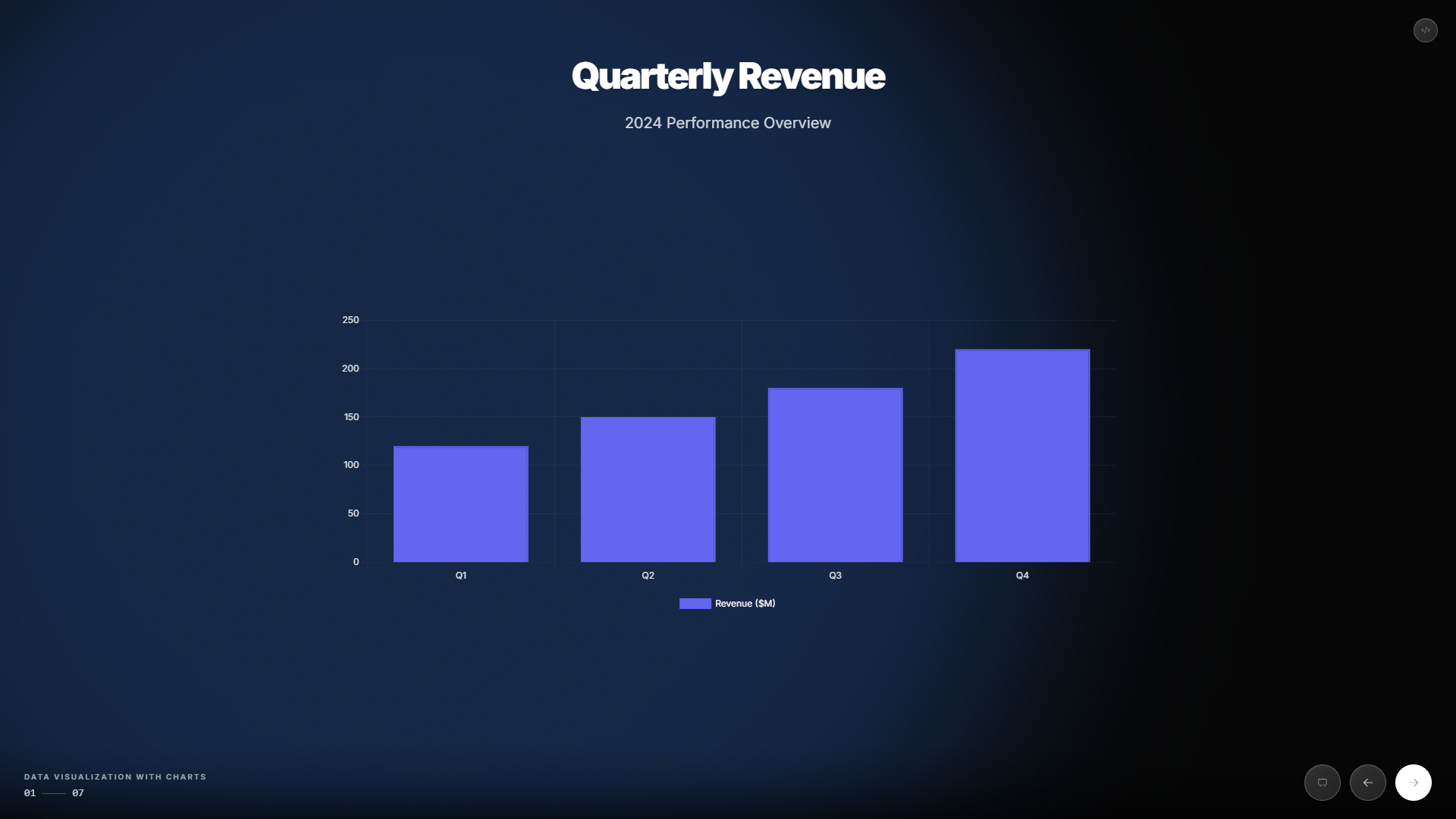 |
| Flex | Declarative auto-layout system. Define structure with rows, columns, and nested containers.
|
| Flex | Declarative auto-layout system. Define structure with rows, columns, and nested containers. type: "flex" | 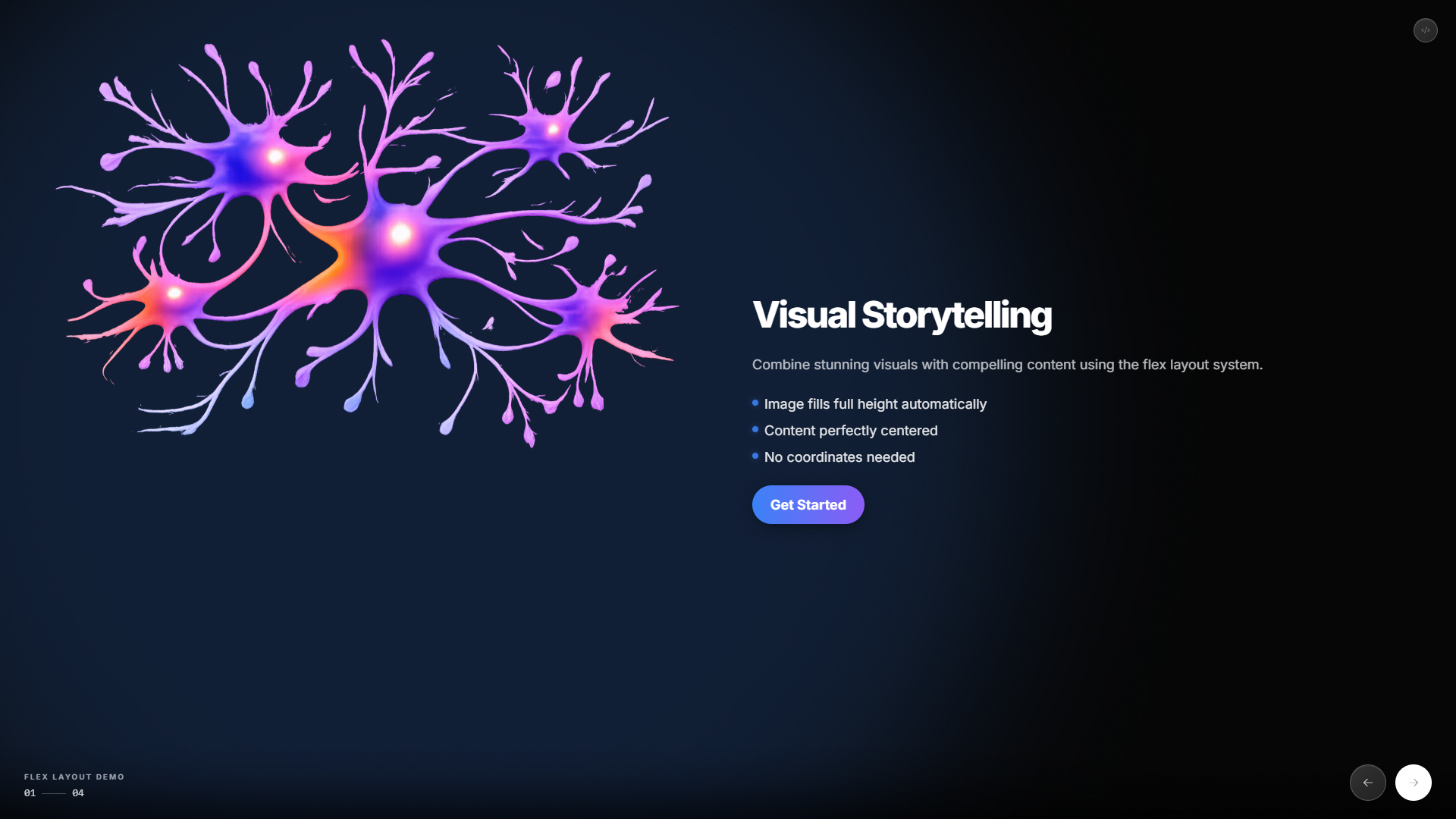 |
|
[!TIP] > Embedded Mode: All layouts can be rendered in compact containers (dashboards, widgets) by using the
compact: trueoption.
[!TIP] > See the Code: Click on the dropdowns below to see the exact JSON used to generate these slides.
🖼️ Studio
Build decks visually with the built-in Studio: edit slides in the inspector, tweak content and styles, then export or copy the JSON. Ideal for prototyping and editing AI-generated decks.
How to use Studio
Install the package, mount Lumina with Studio enabled on a DOM node, and optionally pass an initialDeck. Listen for the save event to get the edited deck when the user saves.
npm install lumina-slidesimport { Lumina } from "lumina-slides";
import "lumina-slides/style.css";
const initialDeck = {
meta: { title: "My Presentation" },
slides: [
{ type: "statement", title: "Welcome", subtitle: "Edit in Studio." },
{
type: "features",
title: "Features",
features: [
{ title: "One", description: "First feature" },
{ title: "Two", description: "Second feature" },
],
},
],
};
const engine = new Lumina("#app", {
studioEmbed: true,
initialDeck, // omit to start from an empty deck
});
engine.on("save", (deck) => {
// Persist to your backend, download as JSON, or load elsewhere
console.log("Deck saved:", deck);
});| Option | Description |
| :----- | :---------- |
| studioEmbed: true | Renders the Studio UI (inspector, toolbar) next to the deck. |
| initialDeck | Optional. Deck object { meta, slides } to load on init. Omit for an empty deck. |
When the user clicks Save in Studio, Lumina emits save with the full deck object.
[!TIP] Try Studio online: Run the docs app with Studio enabled or open the Studio route to use the visual editor in the browser.
{
  "type": "timeline",
  "title": "Project History",
  "timeline": [
    {
      "date": "2023",
      "title": "Inception",
      "description": "The idea is born."
    },
    {
      "date": "2024",
      "title": "Launch",
      "description": "First public release."
    }
  ]
}
{
"type": "chart",
"chartType": "bar",
"title": "Quarterly Revenue",
"data": {
"labels": ["Q1", "Q2", "Q3", "Q4"],
"datasets": [
{ "label": "Revenue", "values": [120, 150, 180, 220], "color": "c:p" }
]
}
}🎭 Theming
Lumina includes 6 beautiful theme presets out-of-the-box. Just pass the name:
const engine = new Lumina("#app", { theme: "ocean" });| Theme | Description | Preview |
| :----------- | :---------------------------------- | :-------------------------------------------------------------------------------------------------------------------------------------------------------- |
| default | Clean blue on dark. Professional. |  |
| ocean | Cyan on slate. Calm and focused. |
|
| ocean | Cyan on slate. Calm and focused. | 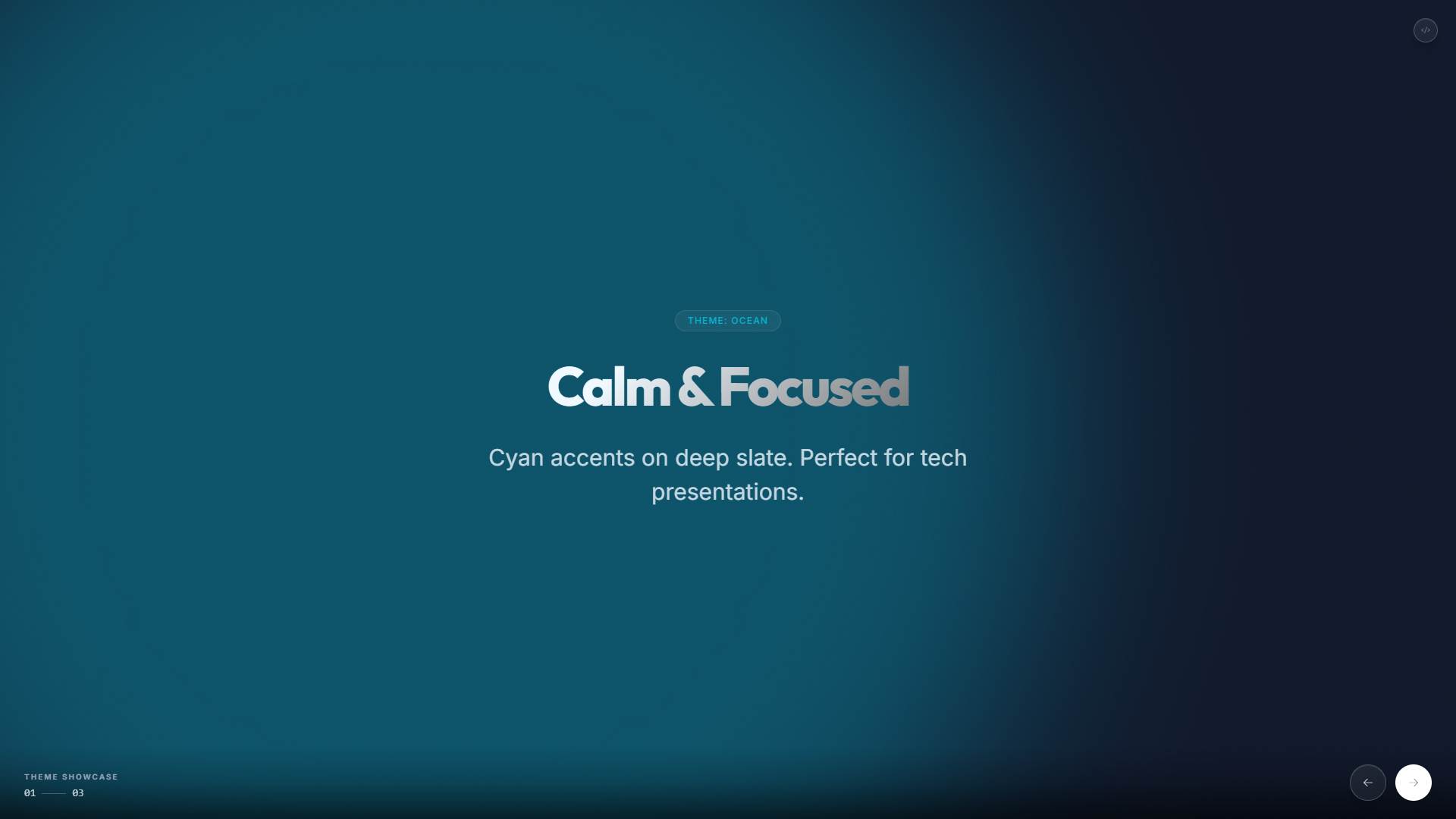 |
| midnight | Indigo on black. Bold and dramatic. |
|
| midnight | Indigo on black. Bold and dramatic. | 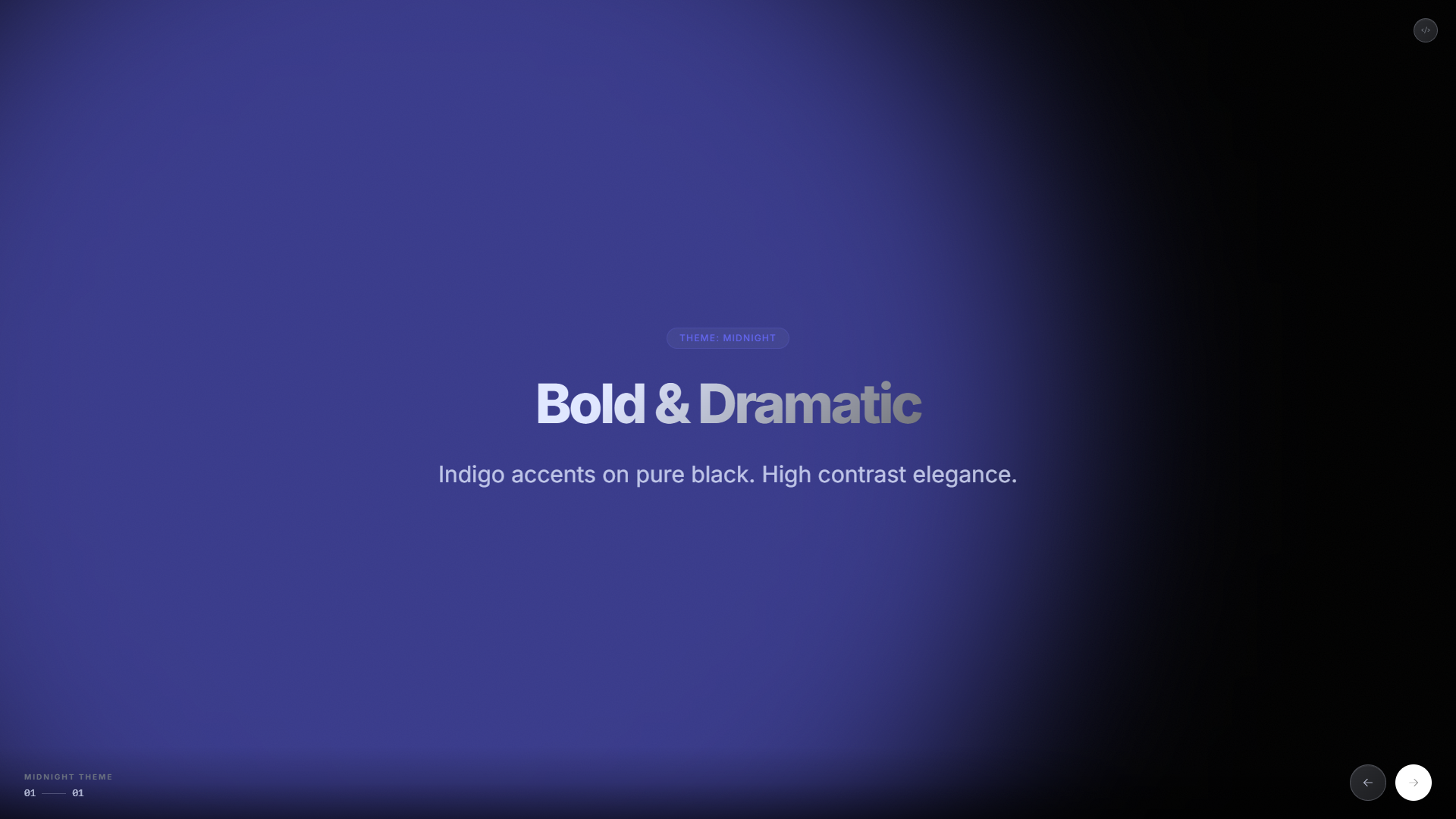 |
| forest | Emerald greens. Natural and fresh. |
|
| forest | Emerald greens. Natural and fresh. |  |
| cyber | Neon pink. Sci-fi futuristic. |
|
| cyber | Neon pink. Sci-fi futuristic. | 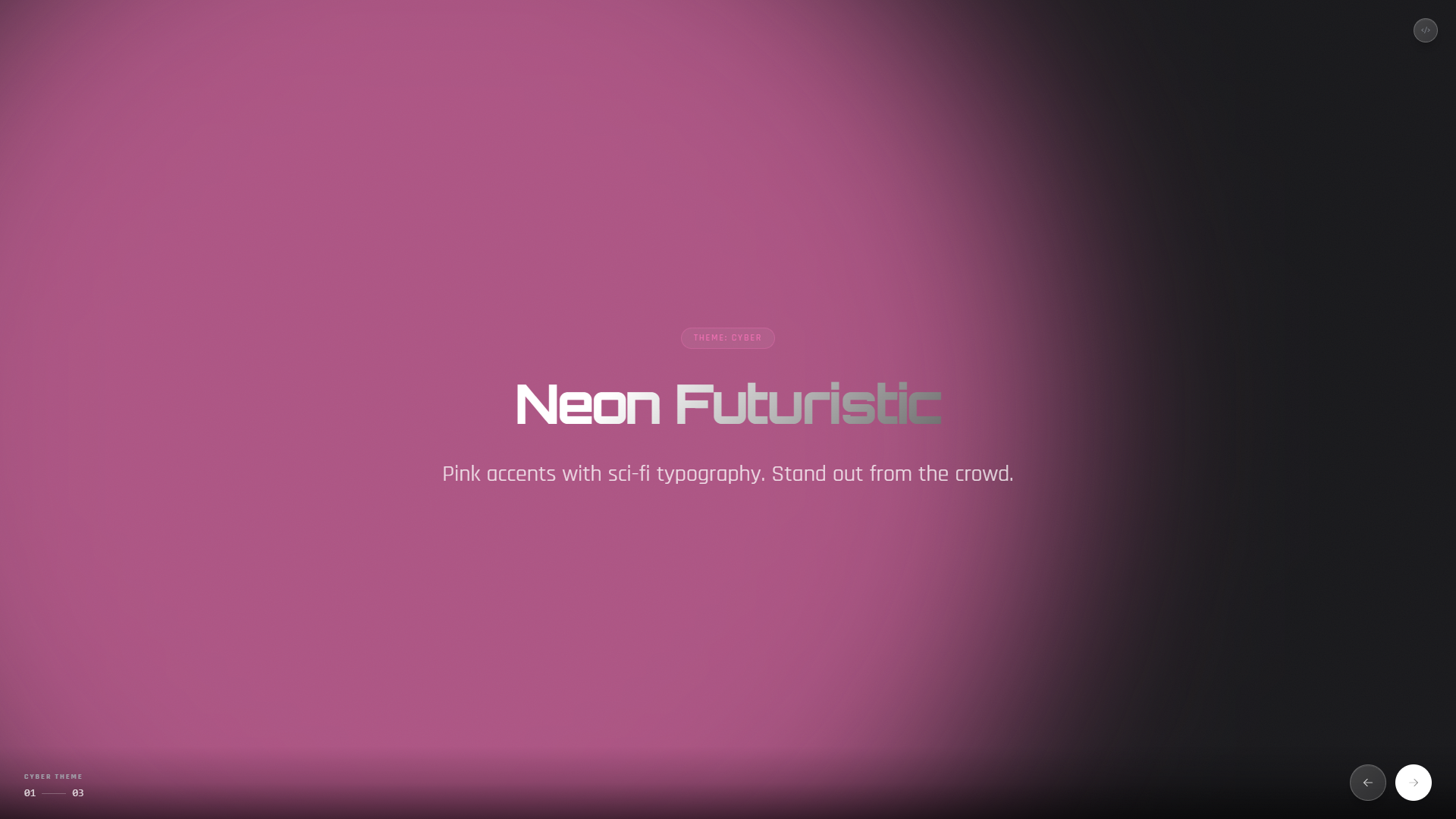 |
| latte | Light mode. Warm amber on cream. |
|
| latte | Light mode. Warm amber on cream. | 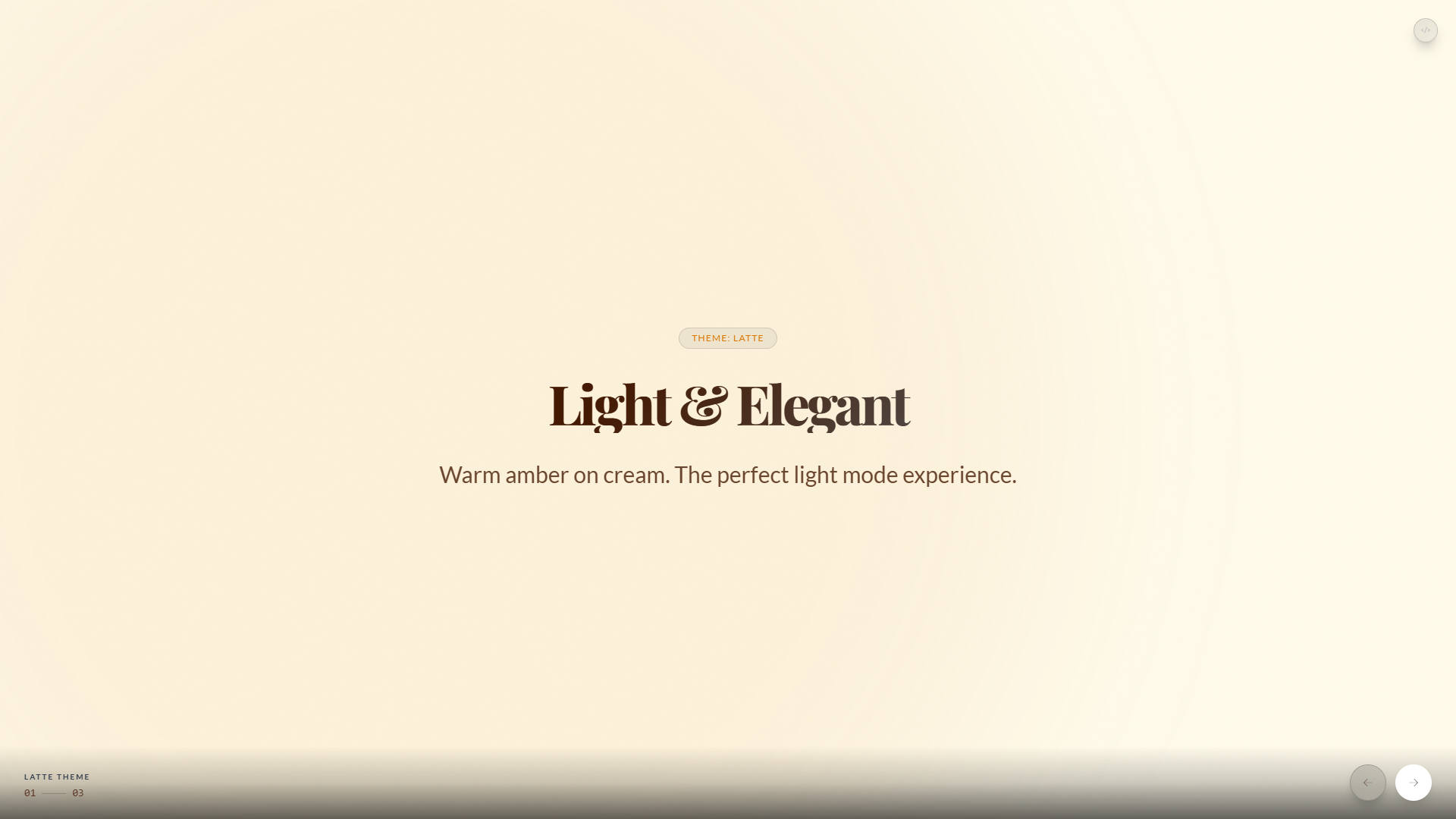 |
|
⚡ Quick Start
1. Install
# Core installation
npm install lumina-slides

# With Chart support (optional - only if using chart slides)
npm install lumina-slides chart.js
2. Implementation
Lumina is a Framework Agnostic class. It mounts to any DOM node.
import { Lumina } from "lumina-slides";
import "lumina-slides/style.css";

const engine = new Lumina("#app", {
  theme: "dark",
  loop: true,
});

// Load Data (From your API, or static)
engine.load({
  meta: { title: "Demo Deck" },
  slides: [
    { type: "statement", title: "Hello World", subtitle: "Powered by Lumina" },
  ],
});
🤖 Building Agents?
We have a dedicated guide for that.
[!IMPORTANT] > Read the Agent Integration Guide
Learn about:
- Streaming: How to pipe token streams directly into the engine.
- Aliases: Improve latency by 30% using
tinstead oftitle.- Feedback Loops: How to let the AI know what the user is clicking.
Token Optimization
Lumina includes a built-in normalizer. Your LLM can output "lazy" JSON to save money.
| Concept | Standard | Short Alias |
| :------------- | :----------- | :---------- |
| Header | title | t |
| Sub-Header | subtitle | s |
| Picture | image | img |
| Background | background | bg |
📚 Documentation & Resources
| Resource | Description | | :------------------------------------------------------------------------------------------------------ | :--------------------------------------------------------------- | | 📖 Full Documentation | Complete guides, examples, and live playground | | 🔧 API Reference | TypeDoc-generated API docs with all methods and types | | 🤖 Agent Integration Guide | How to integrate Lumina with AI agents (OpenAI, Anthropic, etc.) | | 📝 LLM System Prompt | Ready-to-use system prompt for your AI to generate slides | | 🤖 Custom GPT Agent | Specialized ChatGPT agent to build and preview slides instantly | | 🎮 Live Playground | Try Lumina in your browser with live JSON editing | | 🖼️ Studio | Visual page builder: edit slides in the inspector and export JSON |