
markular
v0.0.5
Published
A lightweight Markdown editor for Angular.


Readme
markular




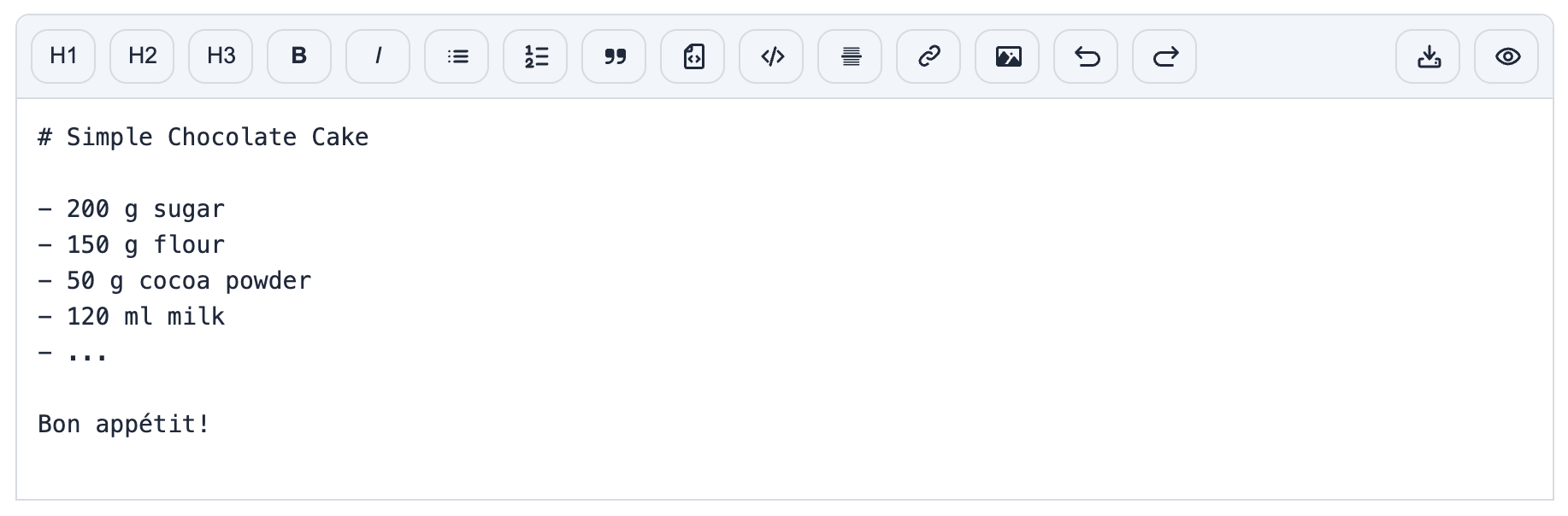
A lightweight Markdown Editor for Angular.
📍 Introduction
markular is a fast to setup and easy to use open source Markdown editor for Angular >= 20.
Key features are:
- Markdown editing
- Formatting toolbar
- Keyboard shortcuts
- Editing history
- Markdown file download
- Markdown to HTML rendering / preview
Internally, it uses marked for parsing Markdown and dompurify for sanitizing the output HTML.
Demo
📦 Installation
Install via npm:
npm i --save markular🔨 Usage
Setup
Import the according component:
import { Markular } from 'markular';
import { FormsModule } from '@angular/forms';

@Component({
  imports: [Markular, FormsModule]
  // ...
})
export class MyApp {
  markdown = '# Hello World!'
}
and use it in your template:
<markular [(ngModel)]="markdown"></markular>See the demo app for a more detailed example.
API
| Name | Description | Type | Default | |-------------|-----------------------|-----------------------------------------------------------------------------------------------------------|---------------------------------------------------------------------------------------------------------------| | options | Markular options | Options | Default | | placeholder | Editor placeholder | string | 'Enter markdown...' | | rows | Editor number of rows | number | 10 |
Keyboard Shortcuts
On MacOS you can use CMD button instead of Ctrl.
| Shortcut | Action | |------------------|-------------------------| | Ctrl + b | Bold | | Ctrl + i | Italic | | Ctrl + z | Undo | | Ctrl + Shift + z | Redo | | Ctrl + Enter | Toggle editor / preview |
👋 Shoutouts
A big shoutout and thank you to:
- Flowbite for their icons
🧩 Contributing
Any contribution is appreciated! See CONTRIBUTING.md
🔑 License
markular is released under MIT license.