masonreact
v1.0.3
Published
React component to play with the great library Masonry from desandro.
Downloads
96


Readme
Live
Masonreact
React component to play with the great library Masonry from desandro.
Installation
npm i -S masonreactUsage
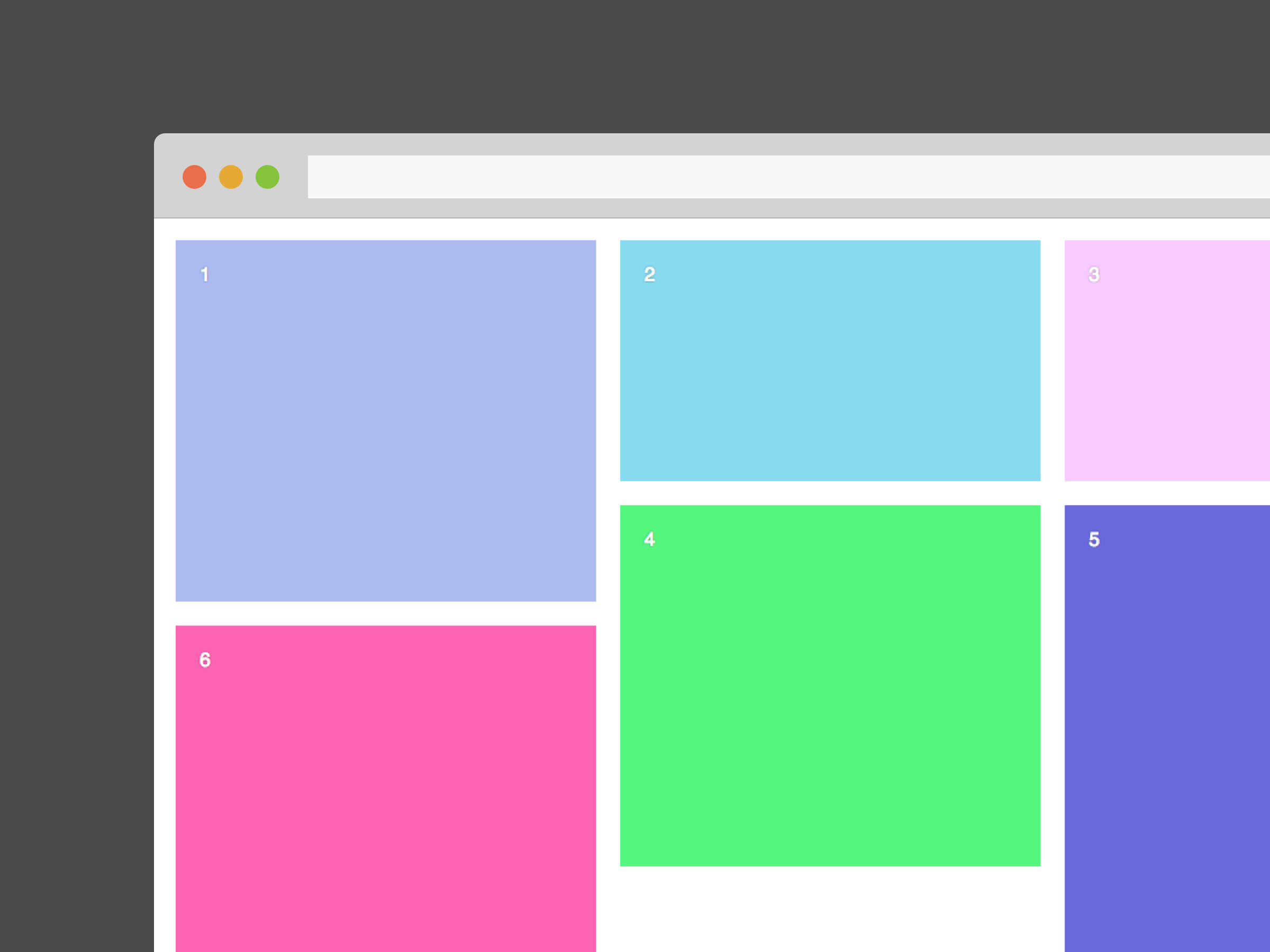
You can pass this props to Masonreact : cols, margin and transitionDuration.
import React from 'react'
import Masonry from 'masonreact'
import color from 'randomcolor'

const App = () => {

  const style = {
    color: 'white',
    fontFamily: 'Sans-serif',
    textShadow: '0 0 2px rgba(0,0,0,0.5)',
    padding: 20
  }

  return (
    <Masonry cols={2} margin={10} transitionDuration={'0.5s'}>
      <div style={{...style, height: 300, backgroundColor: color()}}>1</div>
      <div style={{...style, height: 200, backgroundColor: color()}}>2</div>
      <div style={{...style, height: 200, backgroundColor: color()}}>3</div>
      <div style={{...style, height: 300, backgroundColor: color()}}>4</div>
      <div style={{...style, height: 400, backgroundColor: color()}}>5</div>
      <div style={{...style, height: 300, backgroundColor: color()}}>6</div>
    </Masonry>
  )

}


export default App
Refresh
You can import masonrefresh from masonreact and run it to laid out items again, inside children componentDidMount for example.
import React from 'react'
import { masonrefresh } from 'masonreact'

export default class Something extends React.Component {

  componentDidMount = () => masonrefresh()

  render = () => (
    <div>
      ...
    </div>
  )

}
Render