
mc-markdown-viewer
v1.0.7
Published
A beautiful CLI tool to convert Markdown files to HTML with multiple dark themes and modern styling
Downloads
78


Readme
Markdown to HTML CLI ✨
A powerful CLI tool to convert Markdown files into beautifully styled HTML pages with enhanced dark themes and modern UI


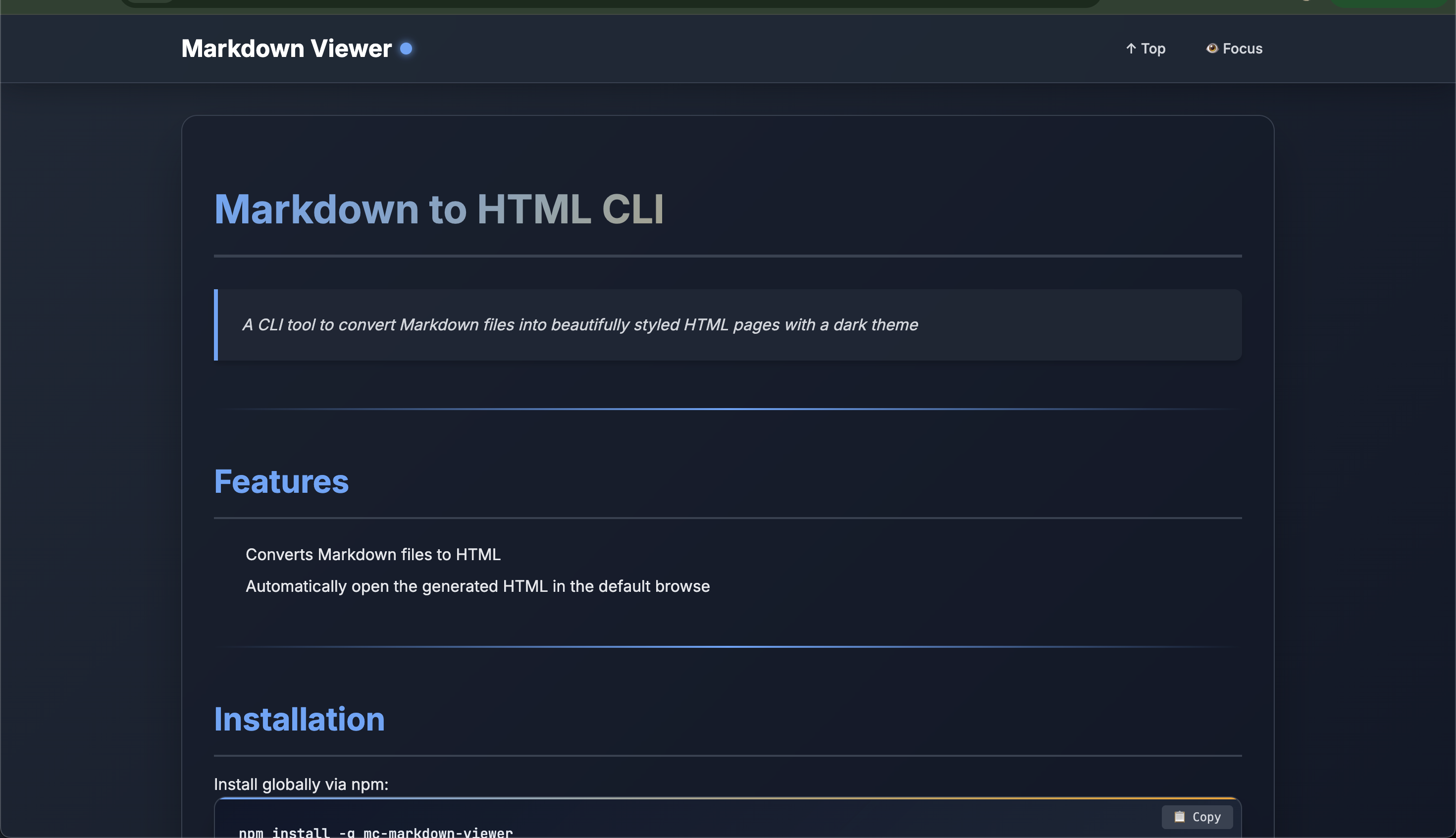
✨ Features
📝 Markdown to HTML Conversion - Seamlessly convert any Markdown file to styled HTML
🎨 Multiple Themes - Choose from 4 beautiful dark theme variants
📖 Reading Mode - Distraction-free focus mode for better readability
📋 Code Block Copy - One-click copy for all code snippets
📊 Reading Progress - Visual progress indicator as you scroll
🔗 Smooth Navigation - Anchor links with smooth scrolling
📱 Responsive Design - Looks great on all screen sizes
🌐 Auto Browser Launch - Automatically opens HTML in your default browser
⌨️ Stdin Support - Pipe markdown content directly from other commands
💾 Custom Output - Save to any location you choose
🔀 Mermaid Diagrams - Render flowcharts, sequences, Gantt charts and more with ```mermaid``` fenced blocks (disable with
--no-mermaid)
📦 Installation
Install globally via npm:
npm install -g mc-markdown-viewerOr use without installing:
npx mc-markdown-viewer -f README.md🚀 Usage
Basic Usage
# Convert a file
md-viewer -f README.md

# With a specific theme
md-viewer -f README.md -t ocean

# Custom output location
md-viewer -f README.md -o ~/Desktop/output.html
Stdin Input
# Pipe from cat
cat README.md | md-viewer

# Pipe from echo
echo "# Hello World" | md-viewer -t forest

# Pipe from curl
curl https://raw.githubusercontent.com/user/repo/main/README.md | md-viewer

# Using heredoc
md-viewer -t sunset <<EOF
# My Document
This is **markdown** content.
EOF
Advanced Examples
# Convert multiple files with different themes
md-viewer -f docs/intro.md -t default -o intro.html
md-viewer -f docs/guide.md -t ocean -o guide.html

# Process markdown from clipboard (macOS)
pbpaste | md-viewer -t forest

# Chain with other commands
grep -A 50 "## Installation" README.md | md-viewer -t ocean
🎨 Available Themes
| Theme | Primary Color | Best For | |-------|--------------|----------| | default | Blue | General documentation | | ocean | Cyan | Technical content | | forest | Green | Nature/environmental content | | sunset | Orange | Creative/warm content |
Preview all themes:
md-viewer -f README.md -t default
md-viewer -f README.md -t ocean
md-viewer -f README.md -t forest
md-viewer -f README.md -t sunset
📖 Command Options
md-viewer [options]

Options:
  -V, --version          output the version number
  -f, --file <path>      Input Markdown file
  -t, --theme <theme>    Theme variant (default, ocean, forest, sunset) (default: "default")
  -o, --output <path>    Output HTML file path (optional)
  -h, --help             display help for command
Note: Either -f or stdin input is required.
🎯 Features in Detail
Enhanced Typography
- Beautiful font pairing with Inter and JetBrains Mono
- Optimized line heights for readability
- Gradient headings with proper hierarchy
Interactive Elements
- Copy Buttons - Click to copy any code block
- Focus Mode - Toggle header/footer visibility
- Scroll to Top - Quick navigation button
- Reading Progress - Visual progress bar at the top
Modern Styling
- Glassmorphism effects
- Smooth animations and transitions
- Responsive tables with gradients
- Enhanced blockquotes
- Syntax-highlighted code blocks
Accessibility
- Semantic HTML structure
- Reduced motion support for users who prefer it
- Proper color contrast ratios
- Keyboard navigation support
🛠️ Development
Prerequisites
node >= 14.0.0
npm >= 6.0.0
Project Structure
mc-markdown-viewer/
├── index.js           # Main CLI script
├── package.json       # NPM package configuration
├── README.md          # This file
└── LICENSE           # License file
📝 Markdown Support
Supports all standard Markdown features:
- Headings (H1-H6)
- Text formatting (bold, italic, strikethrough)
- Lists (ordered and unordered)
- Links and images
- Code blocks with syntax highlighting
- Tables
- Blockquotes
- Horizontal rules
- Inline code
📄 License
This project is licensed under the MIT License - see the LICENSE file for details.
👨💻 Author
🔮 Roadmap
- [ ] Custom theme configuration via JSON
- [ ] Table of contents generation
- [ ] Dark/Light mode toggle in output
- [ ] PDF export option
- [ ] Watch mode for live preview
- [ ] Custom CSS injection
- [ ] Mermaid diagram support
- [ ] GitHub Flavored Markdown extensions
💡 Tips
Batch Processing: Use shell scripts to convert multiple files
for file in docs/*.md; do md-viewer -f "$file" -o "html/$(basename "$file" .md).html" doneIntegration: Add to your npm scripts
{
  "scripts": {
    "docs": "md-viewer -f README.md -o docs/index.html"
  }
}
Git Hooks: Auto-generate HTML on commit
# .git/hooks/pre-commit
md-viewer -f README.md -o dist/README.html
Made with ❤️ by MC