
md-editor-v3-component
v0.0.5
Published
Based on md-editor-v3, add the functionality to render Vue components

Maintainers
 renqk
renqkReadme
🎄 md-editor-v3-component
English | 中文
Based on the excellent open-source markdown editor md-editor-v3, integrated with the component encapsulated by markdown-it-vue-component, supporting custom component insertion and enhanced custom component rendering functionality.
⭐️ Features
- Easy insertion of custom Vue components.
- Toolbar, screenfull or screenfull in web pages and so on.
- Themes, Built-in default and dark themes.
- Shortcut key for editor.
- Beautify your content by
prettier(only for markdown content, not the code and other text). - Multi-language, build-in Chinese and English(default: Chinese).
- Upload picture, paste or clip the picture and upload it.
- Render article directly(no editor, no event listener, only preview of content).
- Theme of preview,
default,vuepress,github,cyanosis,mk-cute,smart-bluestyles(not identical). It can be customized also(Refer to example page). mermaid(>=1.8.0),katexmathematical formula(>=1.9.0).- Customize the toolbar as you like.
- On-demand Import(>=4.0.0).
🗺 Preview
| Default theme | Dark theme | Preview only |
| --- | --- | --- |
| 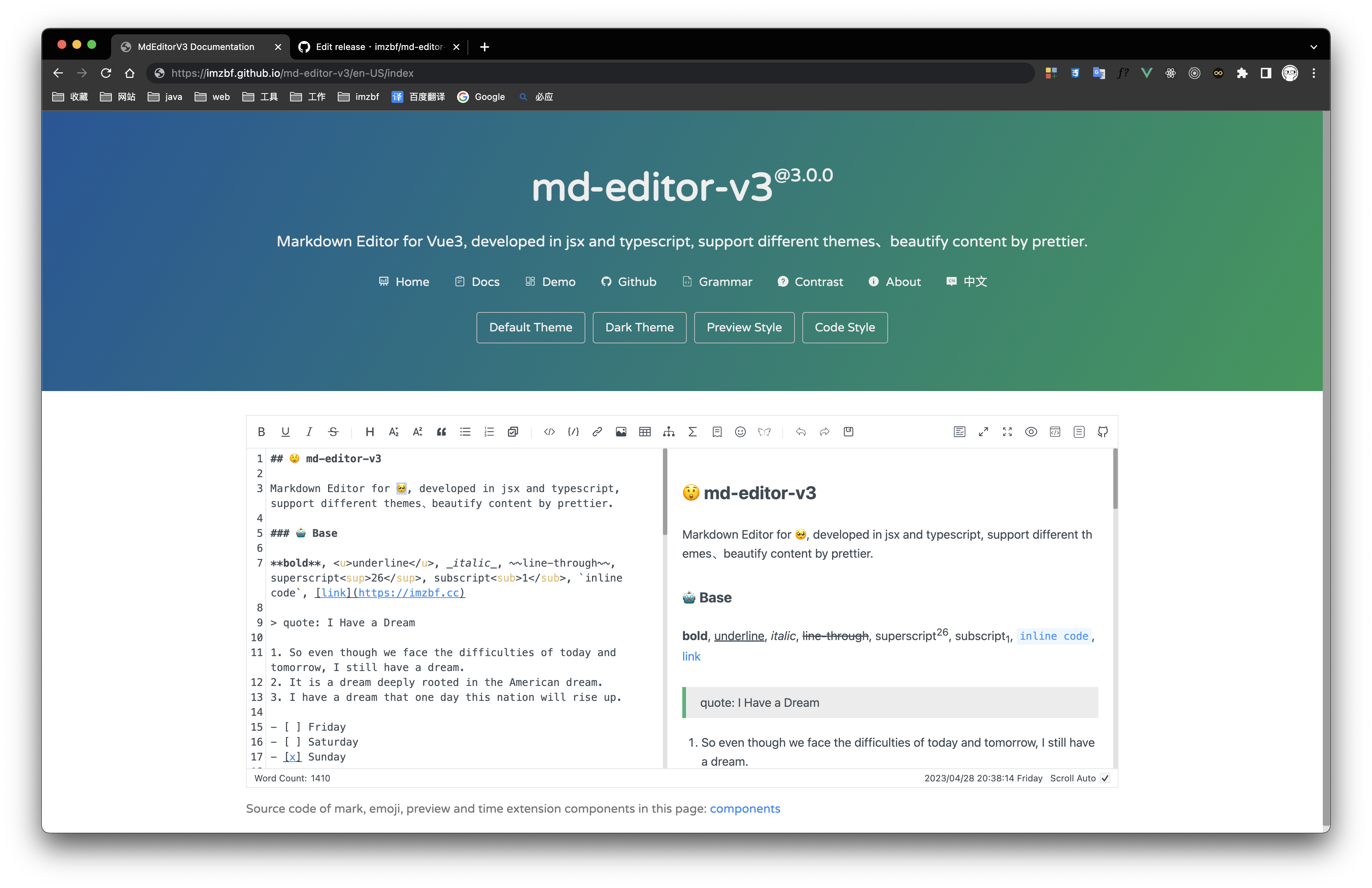 |
| 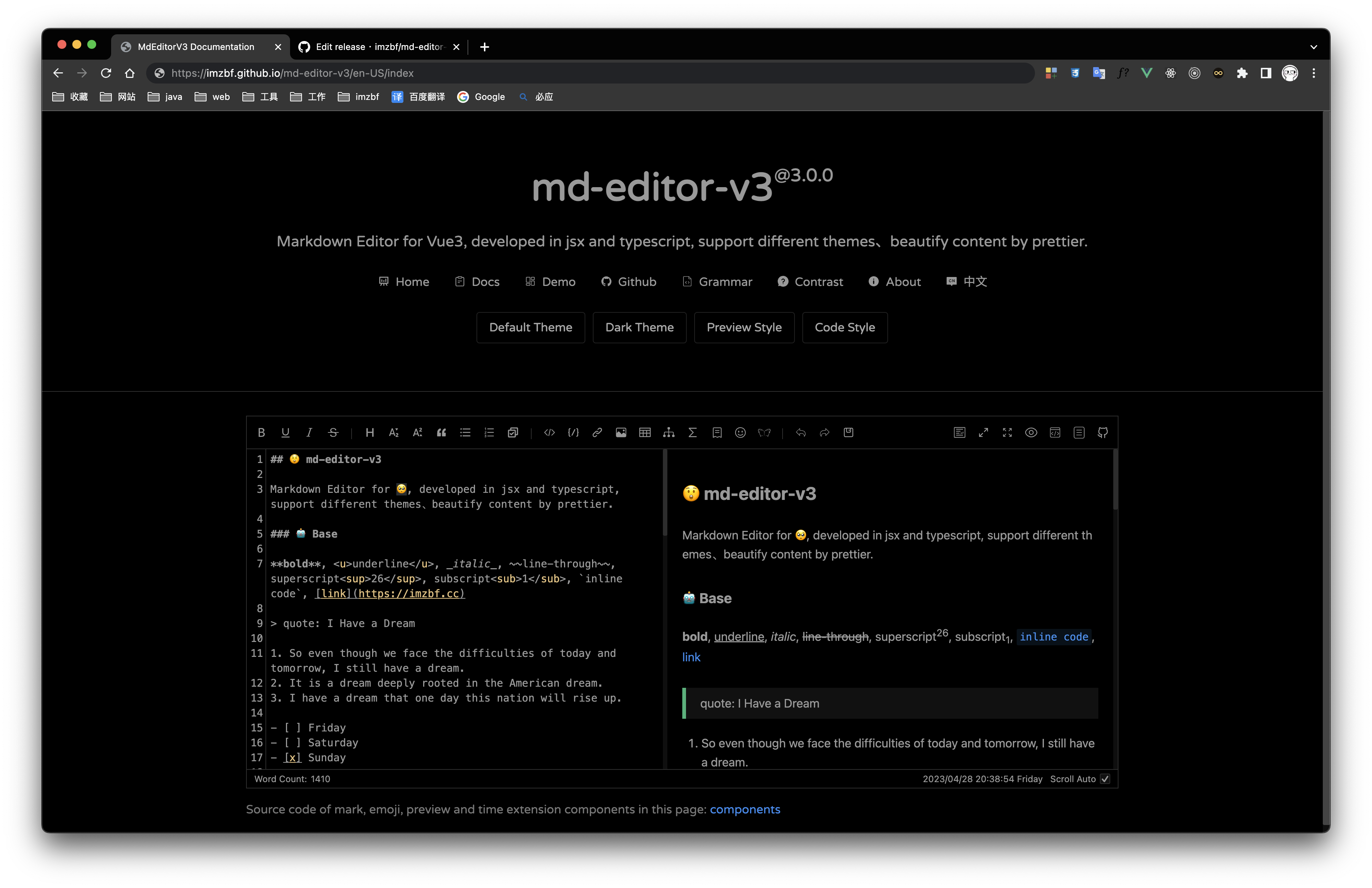 |
| 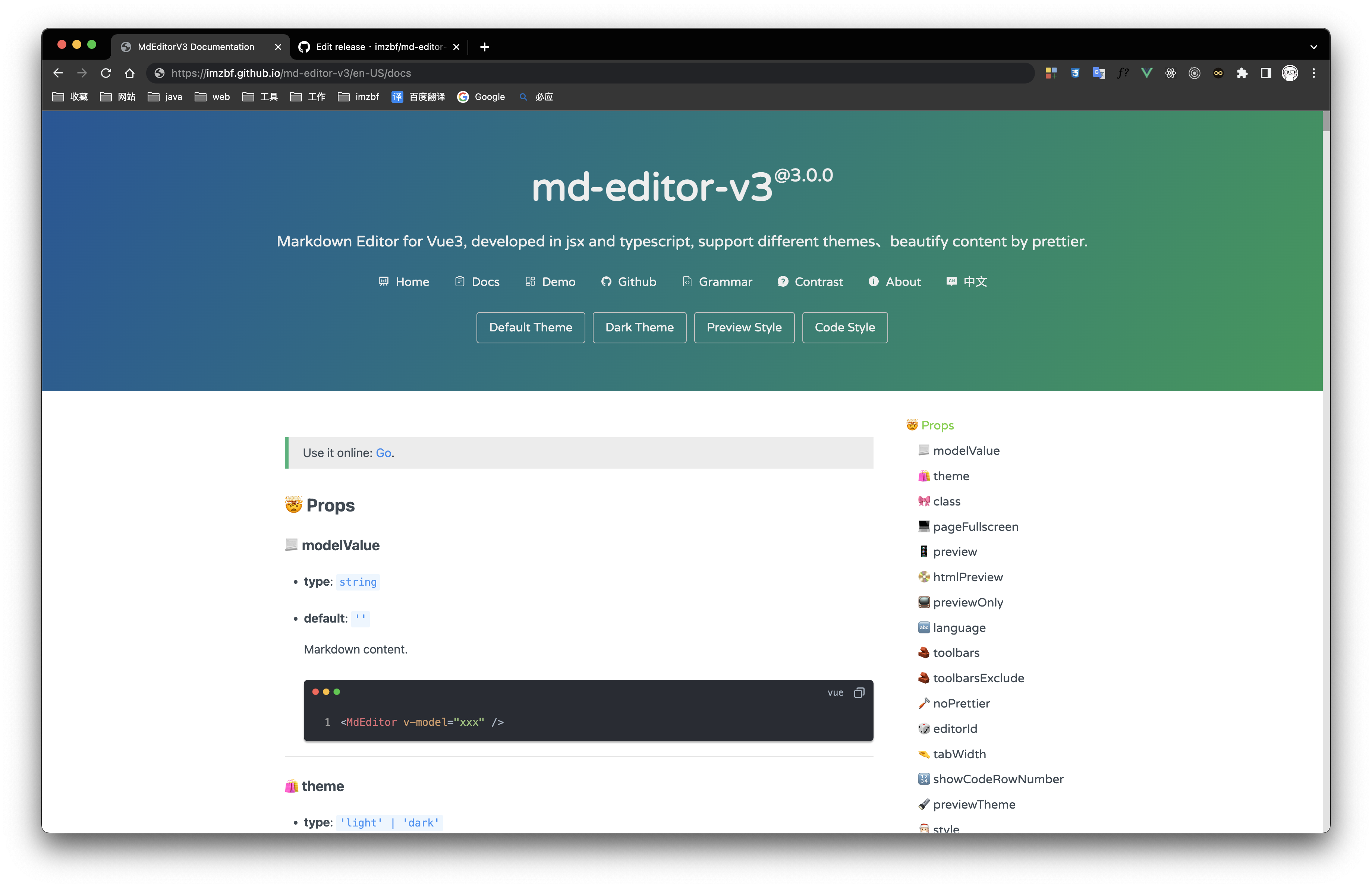 |
|
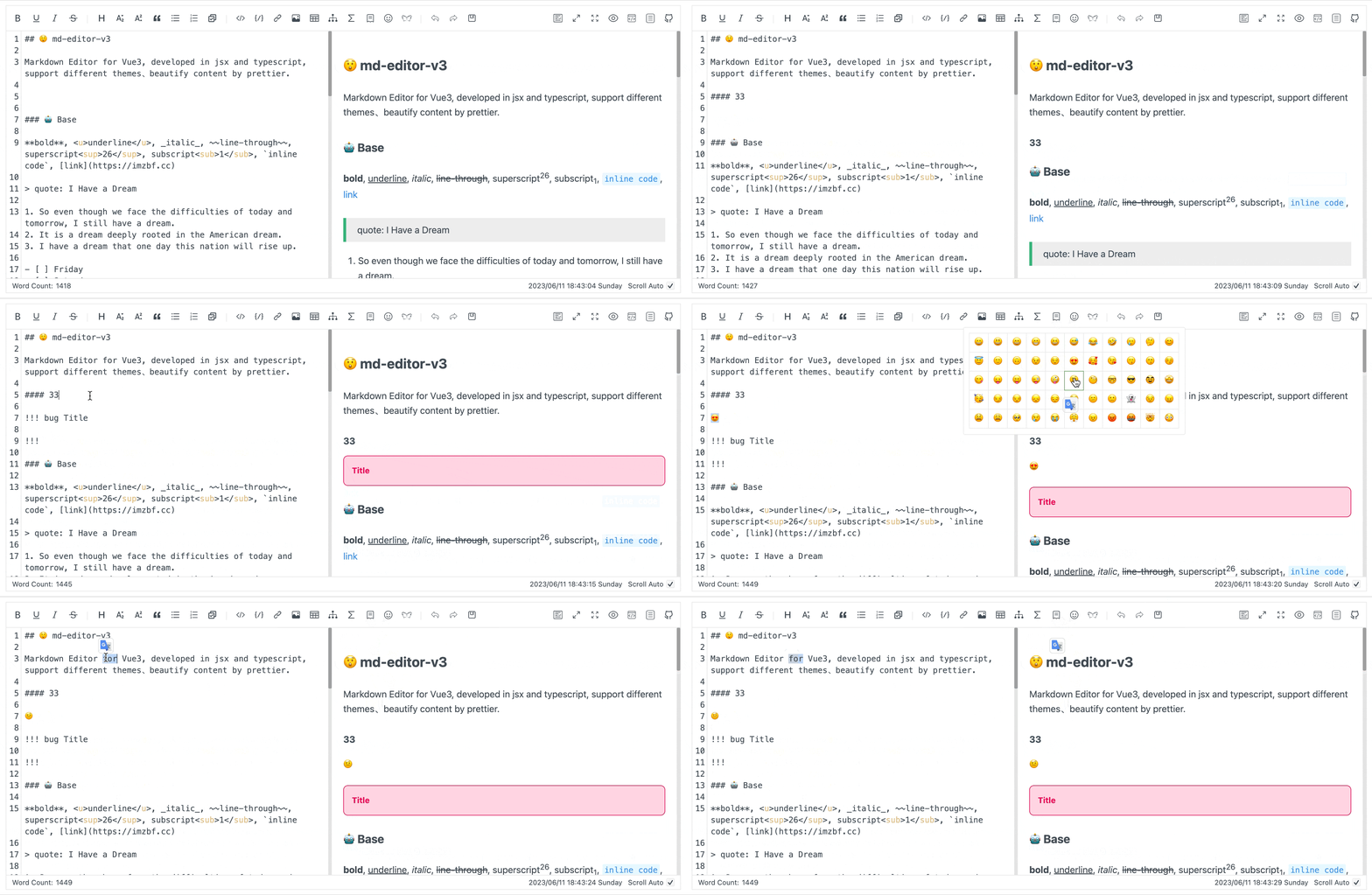
Inputing prompt and mark, emoji extensions
📦 Install
yarn add md-editor-v3-componentUse existing extension of language and theme, such as Japanese
yarn add @vavt/cm-extensionUse existing components of toolbar, such as exporting content as PDF
yarn add @vavt/v3-extensionFor more ways to use or contribute, please refer to: md-editor-extension
💡 Usage
When using server-side rendering, make sure to set editorId to a constant value.
Starting from 4.0.0, internal components can be imported on-demand.
✍🏻 Display Editor
<template>
  <MdEditor v-model="text" />
</template>

<script setup>
import { ref } from 'vue';
import { MdEditor } from 'md-editor-v3';
import 'md-editor-v3/lib/style.css';

const text = ref('# Hello Editor');
</script>
📖 Preview Only
<template>
  <MdPreview :id="id" :modelValue="text" />
  <MdCatalog :editorId="id" :scrollElement="scrollElement" />
</template>

<script setup>
import { ref } from 'vue';
import { MdPreview, MdCatalog } from 'md-editor-v3';
import 'md-editor-v3/lib/preview.css';

const id = 'preview-only';
const text = ref('# Hello Editor');
const scrollElement = document.documentElement;
</script>
When using server-side rendering, scrollElement should be of string type, eg: html, body, #id, .class.
For more usage, please visit the Original md-editor-v3 Documentation.
Custom Component Configuration
import customComponentPlugin, {
  type MDVueComponentOptions
} from 'markdown-it-vue-component';
import 'markdown-it-vue-component/style.css';
import MyCard from './components/my-card.vue';
// Using md-editor-v3 configuration
config({
    ...otherConfigurations,
    markdownItPlugins(plugins, { editorId }) {
       return [
         ...plugins,
         // Component insertion plugin for markdown
         {
           type: 'customComponentPlugin',
           plugin: customComponentPlugin,
           options: {
             components: {
               'my-card': {
                 component: shallowRef(MyCard),
                 propsUseJson: true,
                 multipleProps: true
               } as MDVueComponentOptions,
               img: {
                 component: shallowRef(MyImg)
               }
             }
           }
      }
       ]
    }
})