
mdbrowse-cli
v0.5.2
Published
CLI tool to browse and preview markdown files in any directory

Maintainers
 saleeh93
Readme
mdbrowse
Browse and preview markdown files in any directory.


Zero-install CLI that spins up a local web UI with a file tree, rendered markdown, live reload, and optional Cloudflare Tunnel for remote access.
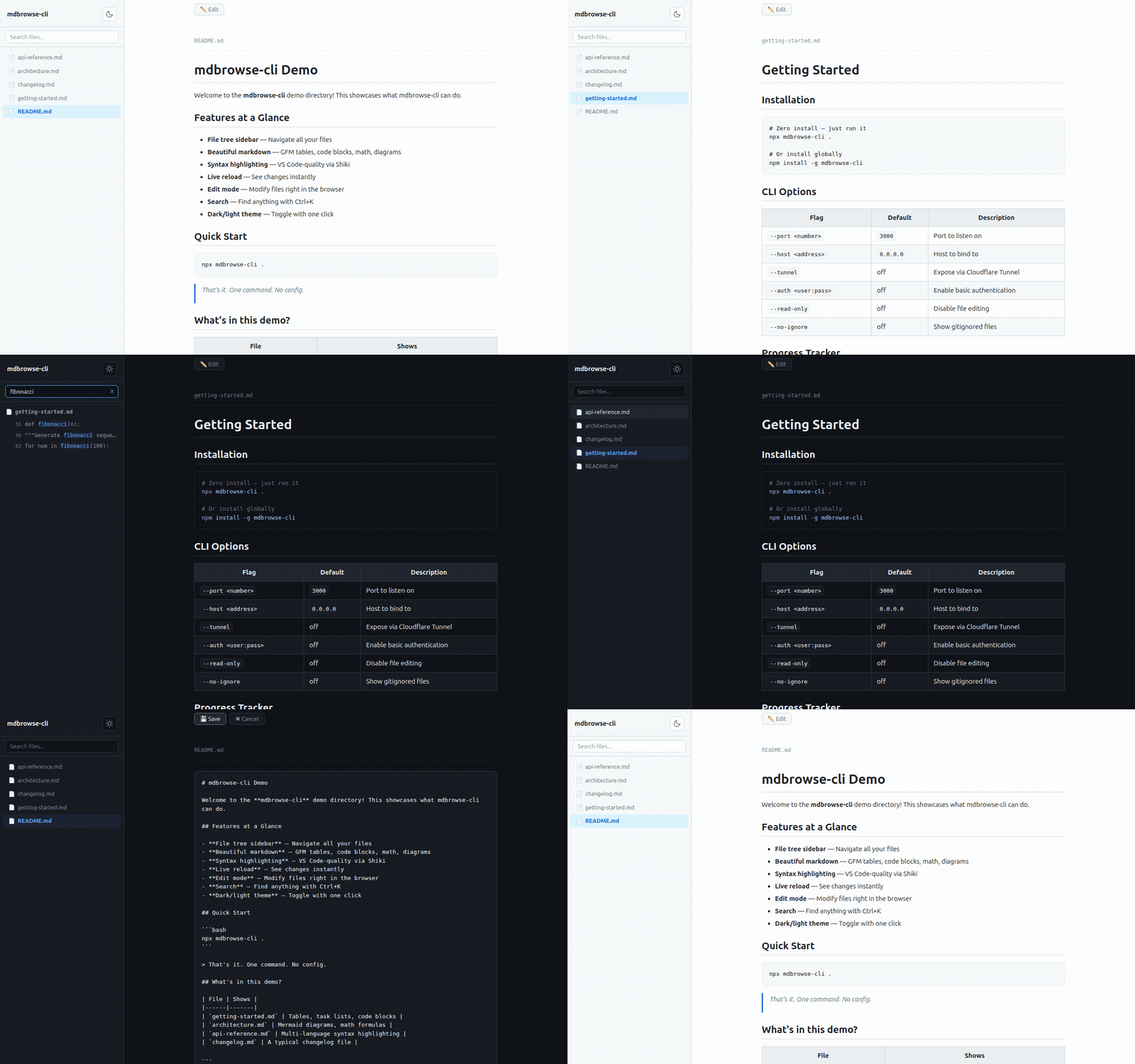
Quick start
npx mdbrowse-cli .           # serve current directory
npx mdbrowse-cli ./docs      # serve a specific folder
npx mdbrowse-cli . --tunnel  # expose via Cloudflare Tunnel
Opens in your browser automatically. On SSH/headless servers, grab the printed URL.
Features
File tree + markdown rendering
Browse files in the sidebar, view beautifully rendered markdown with GFM tables, task lists, and more.
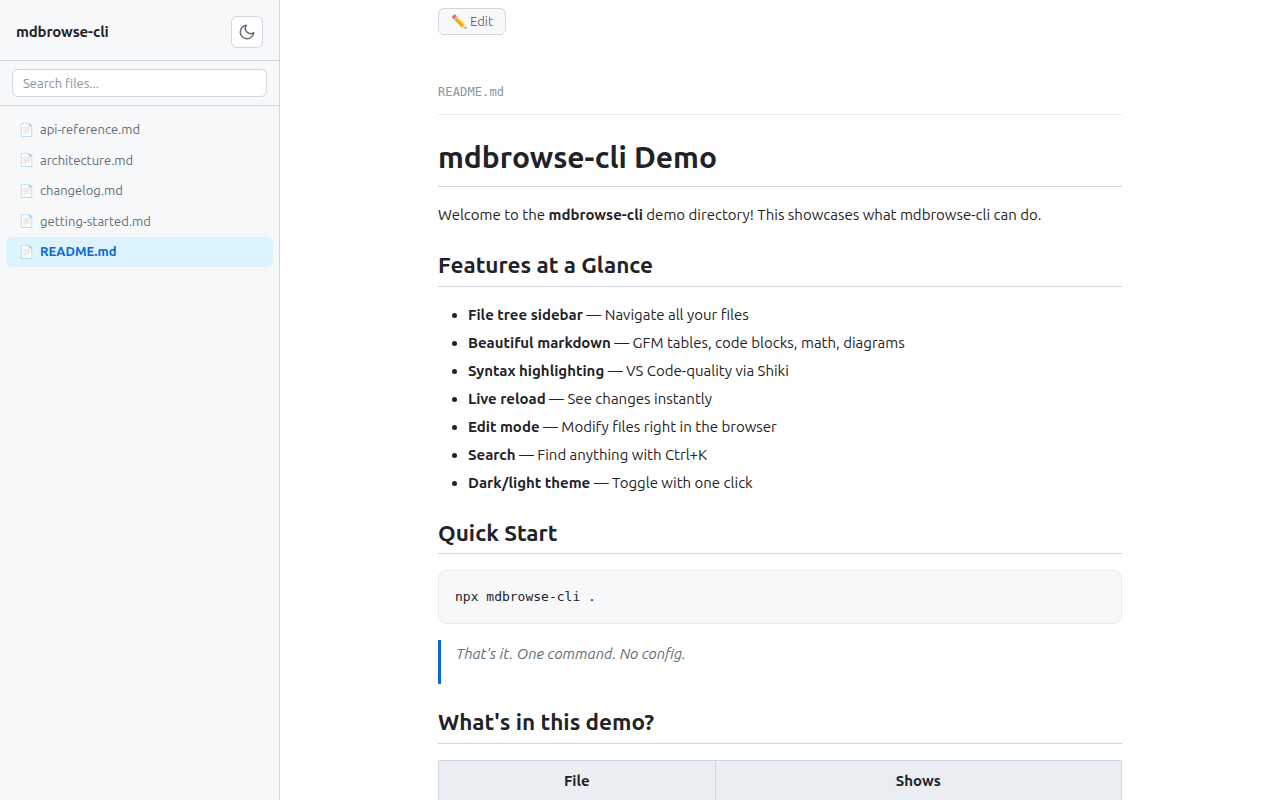
Dark / light theme
Auto-detects system preference. Toggle with one click.
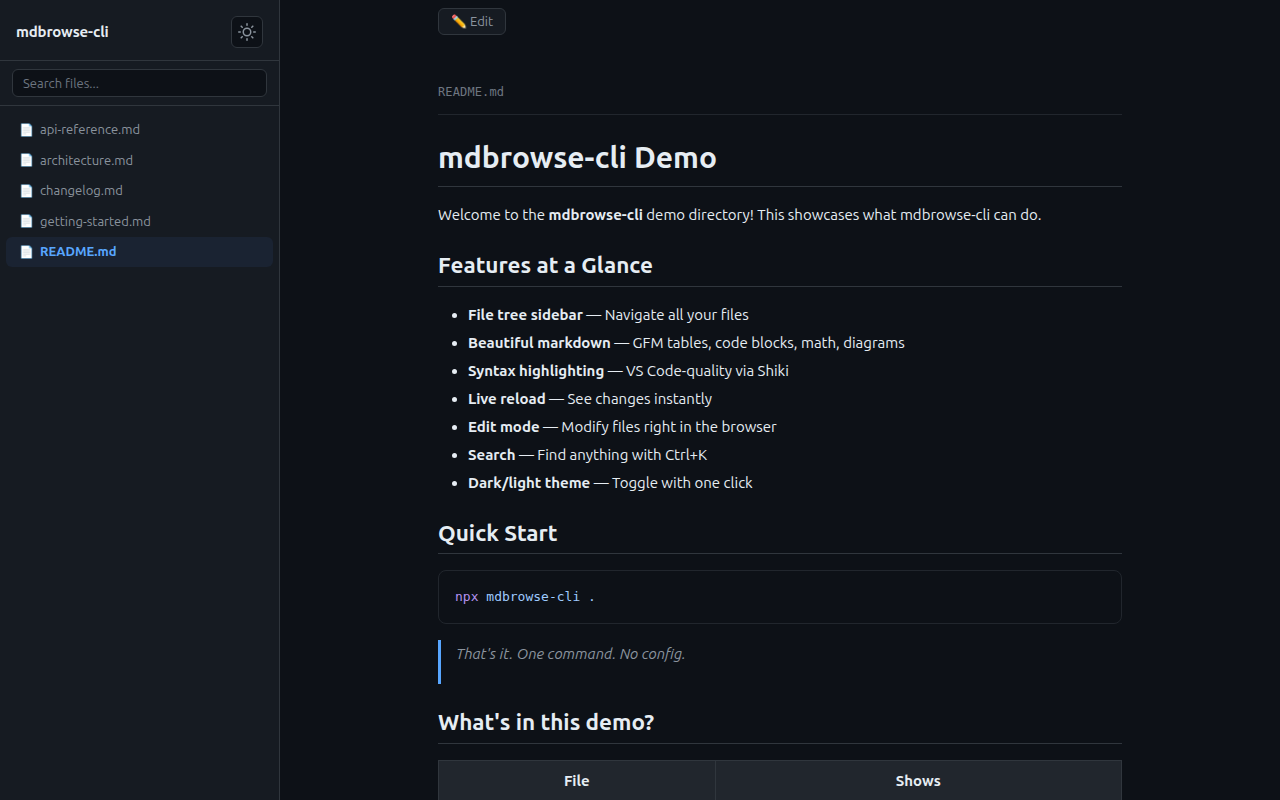
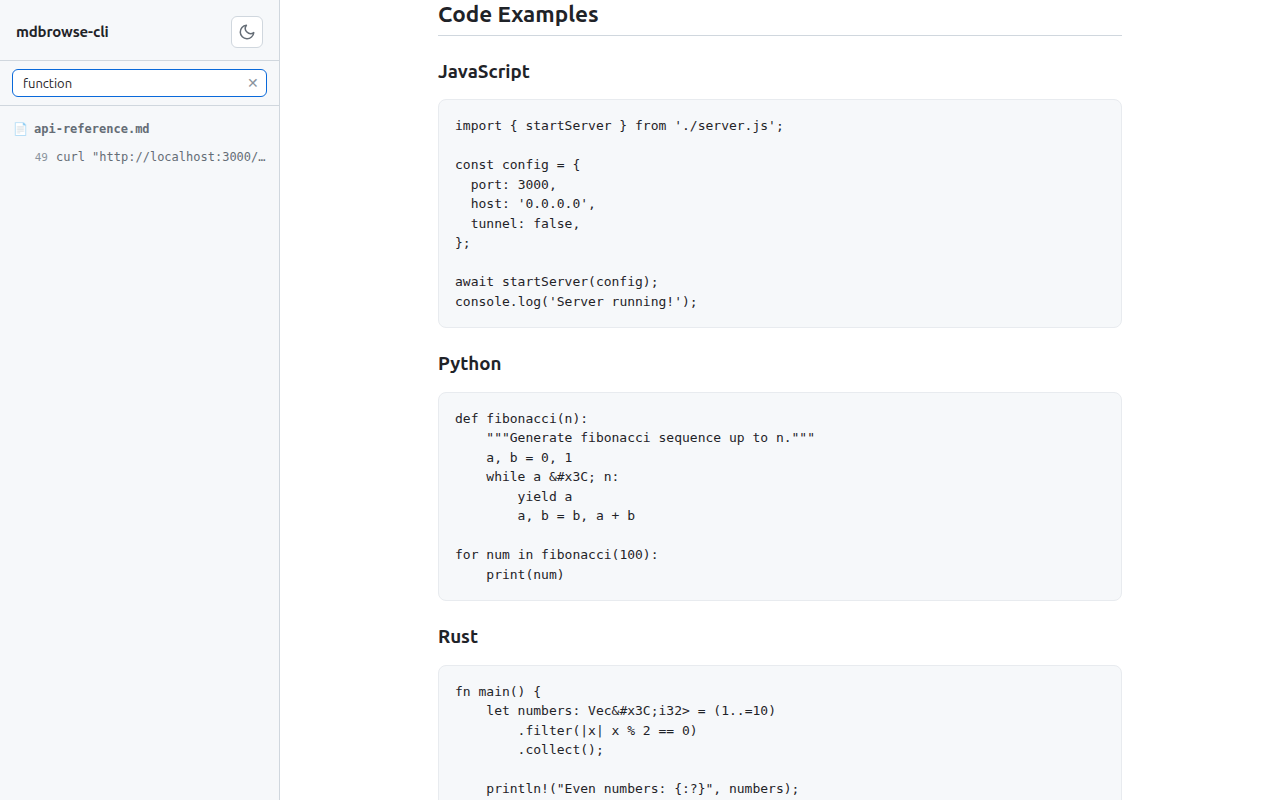
Syntax highlighting
VS Code-quality code blocks via Shiki — JavaScript, Python, Rust, and 100+ languages.
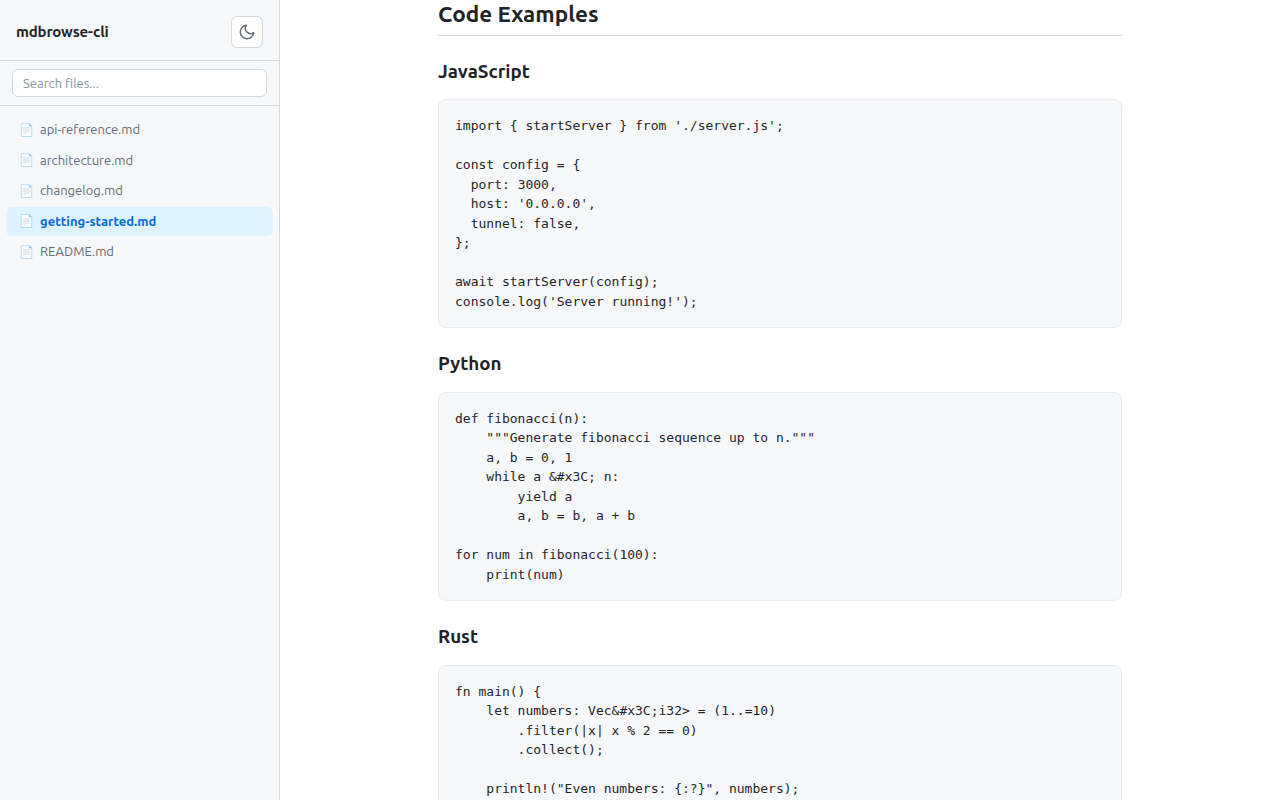
Search
Filename + content search with Ctrl+K. Results highlighted in context.
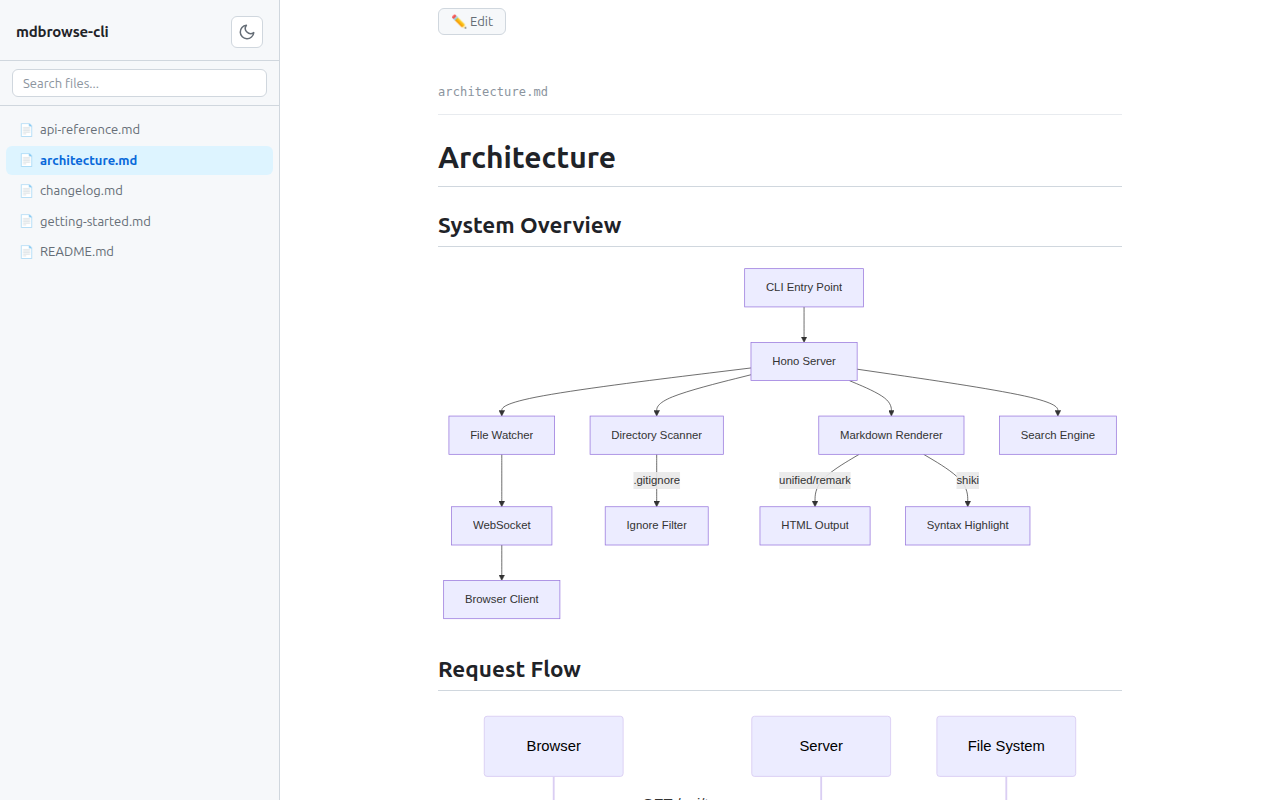
Mermaid diagrams + math
Flowcharts, sequence diagrams, and LaTeX math rendered inline.
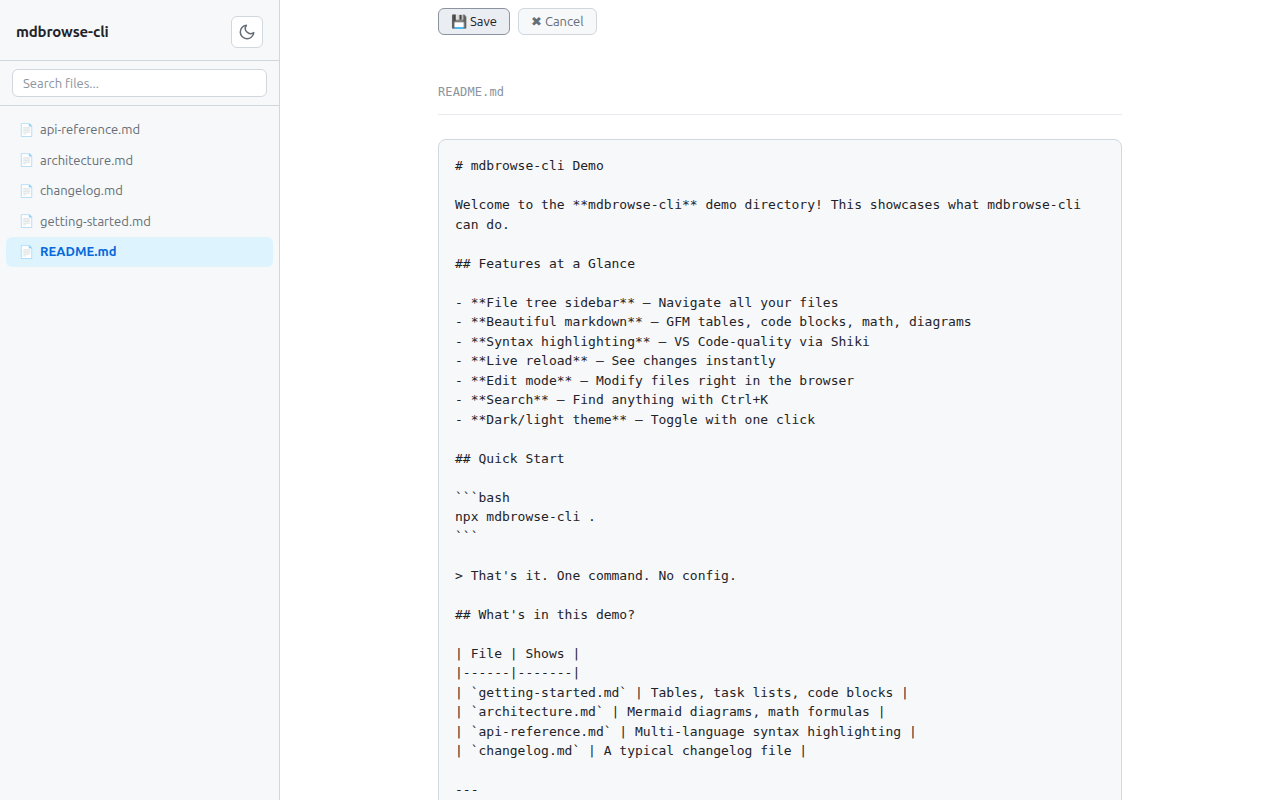
Edit mode
Toggle to edit any file, Ctrl+S to save, with tab indentation support.
Full feature list:
- 📁 File tree sidebar — browse all files in the directory
- 📝 Markdown rendering — GFM tables, task lists, strikethrough, and more
- 🎨 Syntax highlighting — VS Code-quality code blocks via Shiki
- 🔢 Math & diagrams — LaTeX math (KaTeX) and Mermaid diagrams
- 📋 Frontmatter — YAML frontmatter displayed as a clean table
- 🔴 Live reload — auto-refreshes when files change on disk
- ✏️ Edit mode — toggle to edit, Ctrl+S to save, tab indentation
- 🔍 Search — filename + content search, Ctrl+K to open
- 🌗 Dark / light theme — auto-detects system preference, with toggle
- 🌐 Cloudflare Tunnel — instant public URL with
--tunnel - 🔒 Basic auth — protect access with
--auth user:pass - 🚫 Read-only mode — disable editing with
--read-only
CLI flags
| Flag | Default | Description |
|------|---------|-------------|
| [directory] | . | Directory to serve |
| -p, --port <number> | 3000 | Port to listen on |
| --host <address> | 0.0.0.0 | Host to bind to |
| --tunnel | off | Expose via Cloudflare Tunnel (requires cloudflared) |
| --auth <user:pass> | off | Require basic HTTP authentication |
| --read-only | off | Disable file editing |
| --no-ignore | off | Show all files (don't respect .gitignore) |
If the port is in use, mdbrowse-cli automatically tries the next available port.
Configuration
mdbrowse-cli supports a config file and environment variables so you don't have to pass flags every time.
Priority chain: CLI args > Environment variables > .mdbrowse.json > Built-in defaults
Config file (.mdbrowse.json)
Place a .mdbrowse.json in the directory you're serving:
{
  "port": 4000,
  "host": "0.0.0.0",
  "tunnel": false,
  "auth": "admin:secret",
  "readOnly": true,
  "noIgnore": false
}
Environment variables
| Variable | Maps to | Example |
|----------|---------|---------|
| MDBROWSE_PORT | --port | MDBROWSE_PORT=8080 |
| MDBROWSE_HOST | --host | MDBROWSE_HOST=localhost |
| MDBROWSE_TUNNEL | --tunnel | MDBROWSE_TUNNEL=1 |
| MDBROWSE_AUTH | --auth | MDBROWSE_AUTH=admin:secret |
| MDBROWSE_READ_ONLY | --read-only | MDBROWSE_READ_ONLY=1 |
| MDBROWSE_NO_IGNORE | --no-ignore | MDBROWSE_NO_IGNORE=1 |
See docs/configuration.md for full details, examples, and shell profile setup.
Use cases
Remote / headless servers — Working on a cloud dev box or VPS? Run npx mdbrowse-cli . --tunnel to get a public URL and view rendered markdown from any browser.
AI coding tools — Using Claude Code, Codex, or similar tools that generate lots of markdown? Browse their output rendered, not raw.
Documentation browsing — Point it at your docs/ folder for a quick local docs site with search, live reload, and edit support.
Try the demo
git clone https://github.com/saleehk/mdbrowse.git
cd mdbrowse && npm install
npx mdbrowse-cli docs/
Tech stack
Hono server, unified/remark markdown pipeline, Shiki syntax highlighting, KaTeX math, Mermaid diagrams, chokidar file watching, vanilla JS frontend — no build step.