
medusa-backup
v2.0.0
Published
DB Backup and Restore for Medusa.js

Maintainers
 ameerrizvi
Readme
A lightweight database backup solution for Medusa.js v2. Now you can create, manage, and restore database backups for PostgreSQL
Compatible with versions >= 2.4.0 of @medusajs/medusa. Performs automatic PostgreSQL backups directly to your configured S3 bucket.
Install
npm i medusa-backupmedusa.config.ts:
module.exports = defineConfig({
  ...,
  plugins: [
    {
      resolve: "medusa-backup",
      options: {},
    },
  ],
})
Run migrations:
npx medusa db:migrateAs per default installation, DATABASE_URL should be like this in .env:
DATABASE_URL=postgres://[USERNAME]:[PASSWORD]@[HOST]/[DB]If you have made any changes in the above or if you have DB_NAME in your .env seperately, please add following .env and this will be bypassed:
DB_BASE=postgres://[USERNAME]:[PASSWORD]@[HOST]
DB_NAME=[DB]
PostgreSQL Client (pg_dump)
This package uses pg_dump for database backup. Please ensure it's installed on your system.
pg_dump --versionIf pg_dump is not found, the backup process will fail.
S3 Configuration
To enable backups, you must properly configure the S3 file service as described in the official Medusa documentation:
https://docs.medusajs.com/resources/architectural-modules/file/s3#content
Make sure the module is set up correctly and all required environment variables are in place. A sample configuration example:
module.exports = defineConfig({
  modules: [
    {
      resolve: "@medusajs/medusa/file",
      options: {
        providers: [
          {
            resolve: "@medusajs/medusa/file-s3",
            id: "s3",
            options: {
              file_url: process.env.S3_FILE_URL,
              access_key_id: process.env.S3_ACCESS_KEY_ID,
              secret_access_key: process.env.S3_SECRET_ACCESS_KEY,
              region: process.env.S3_REGION,
              bucket: process.env.S3_BUCKET,
              endpoint: process.env.S3_ENDPOINT,
              prefix: "resources/",
            },
          },
        ],
      },
    },
  ],
});
Automatic Backups
To enable automatic backups, add this to your project's .env file (disabled by default):
DB_BACKUP_AUTO=trueAutomatic backup is scheduled to run every day at 1 AM by default.
To customize the schedule, add a cron-formatted value:
DB_BACKUP_SCHEDULE="0 1 * * *"For more information on cron formatting, see this guide.
Automatic backups will work only on production environment
Usage
The plugin is pretty straightforward.
Click below to watch the quick walkthrough:
https://github.com/user-attachments/assets/8986c8a7-e8f8-44f9-870a-16c14bd0c6da
Known Issues
Medusa.js <2.6.1 have route issues where admin routes do not show up in production.
As a temporary fix, run:
curl -L https://github.com/AmeerRizvi/medusa-backup/archive/refs/heads/main.zip -o backup.zip
unzip backup.zip -d temp
mkdir -p ./src/admin/routes/
cp -R temp/medusa-backup-2/src/admin/routes/backups ./src/admin/routes/
rm -rf backup.zip temp
Or update to the latest Medusa version (>2.6.1).
Notes
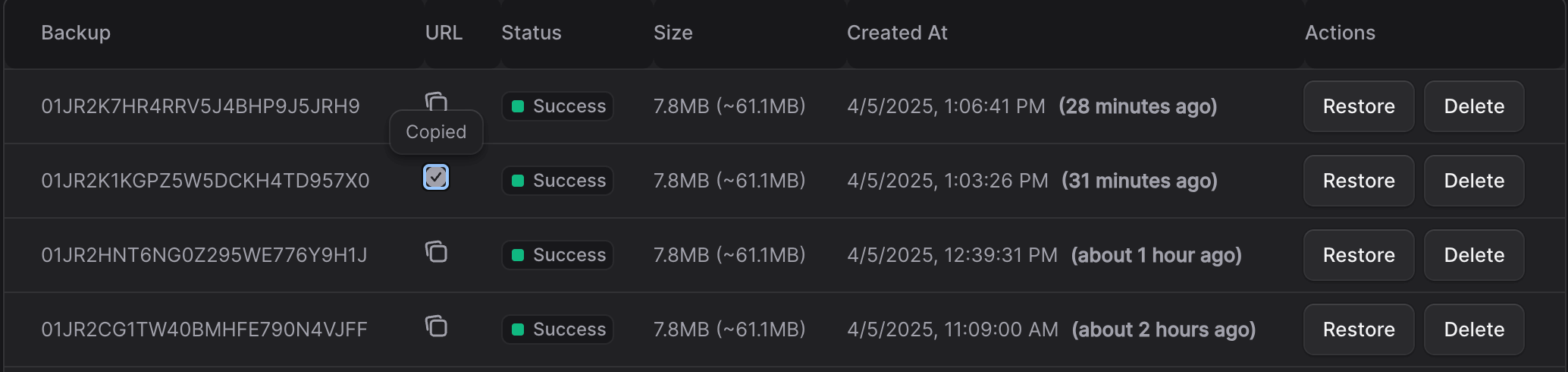
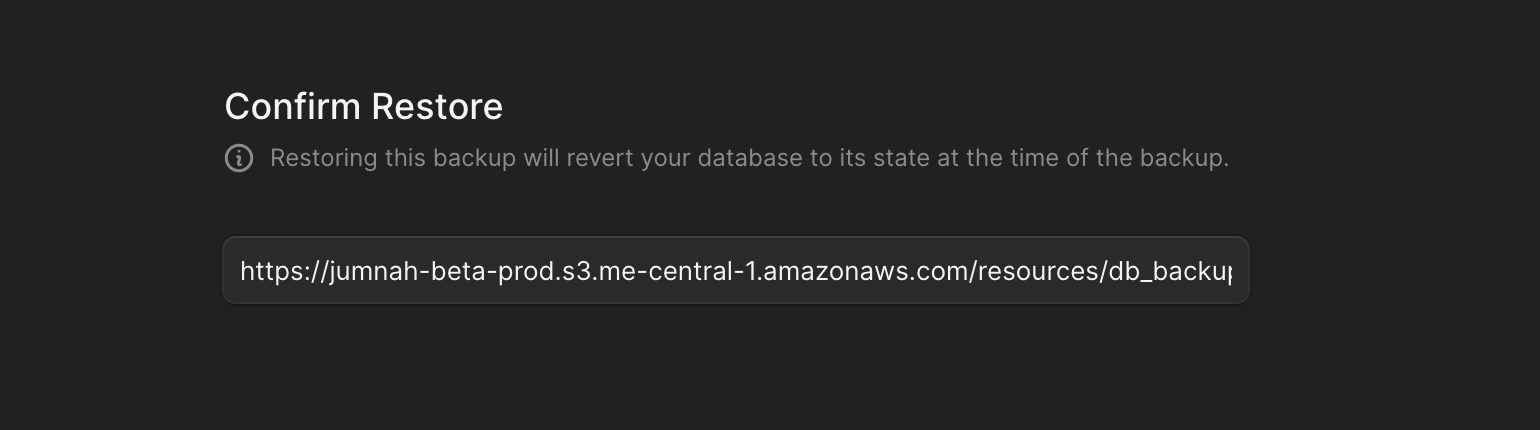
- You can safely restore a production DB to your local environment for testing without affecting the production data. Copy the URL from backup entry and restore using URL
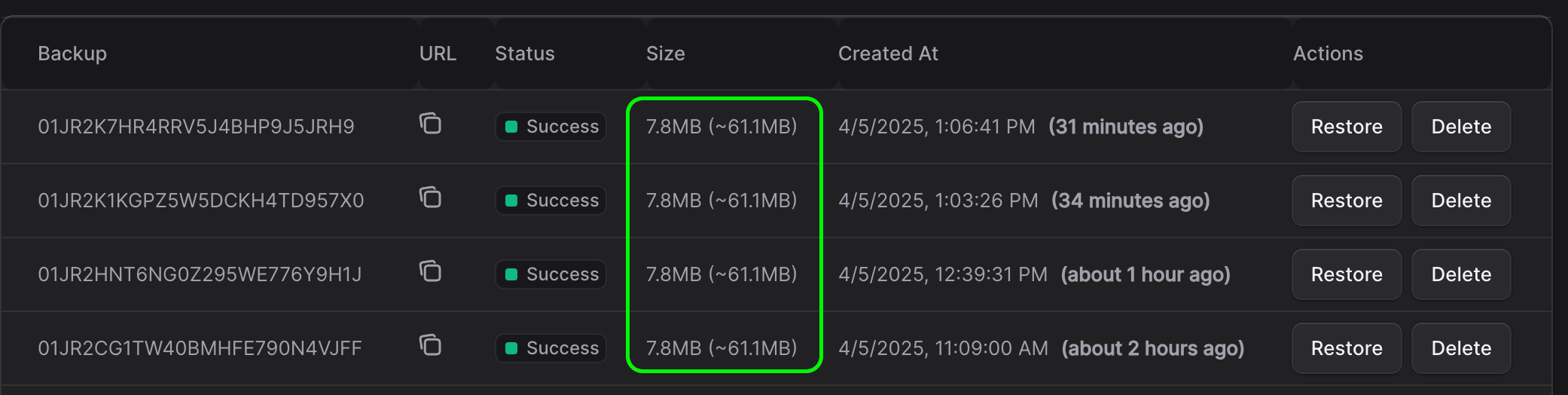
- Backup files are compressed, reducing their size by approximately ~70%.
- PostgreSQL version should match
pg_dumpandpsqlfor compatibility. - Plugin has been stress tested on the latest versions of
psql
Need any help?
Drop me a message if you need anything, happy to help out :)