
mermaid-3d
v0.1.4
Published
Drop-in replacement for Mermaid.js that renders diagrams in isometric 3D style with floating shadows, pan, zoom, and fly-to interactions

Maintainers
 sunnydark
Readme
mermaid-3d




Drop-in replacement for Mermaid.js that renders any diagram in an isometric 3D style — floating shadows, vector-crisp zoom, pan, and fly-to animations. Swap one import and your flat diagrams become isometric.
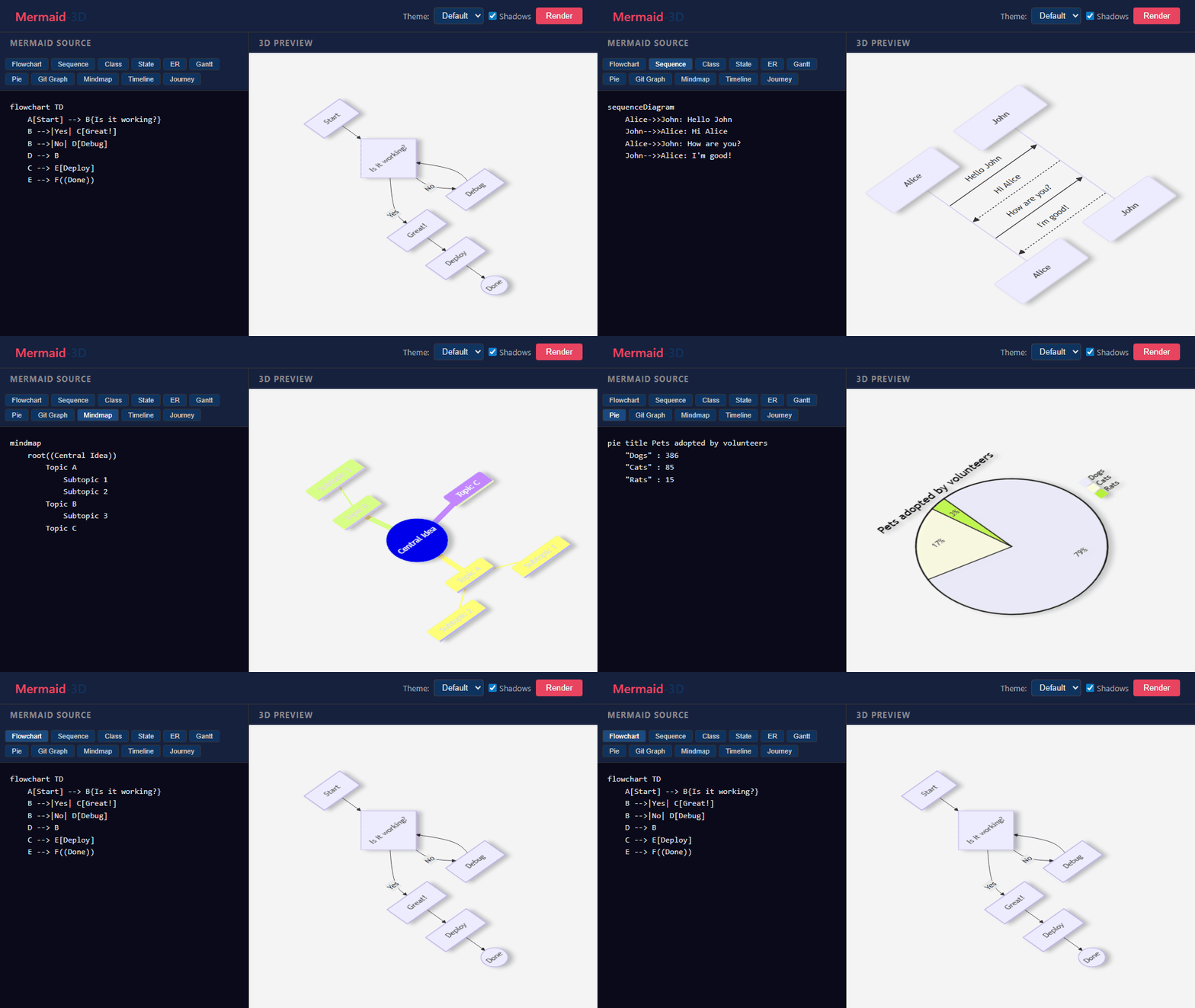
Features
- Isometric projection — orthographic 45° rotation applied as an SVG matrix transform (no CSS 3D, no rasterization)
- Floating shadows — configurable drop shadows on nodes, actors, tasks, commits, pie slices, and more
- Vector zoom — viewBox-based zoom keeps the SVG sharp at any magnification
- Pan & zoom — mouse drag to pan, scroll wheel to zoom, touch support for mobile
- Fly-to — double-click any node to smoothly animate the viewport to it
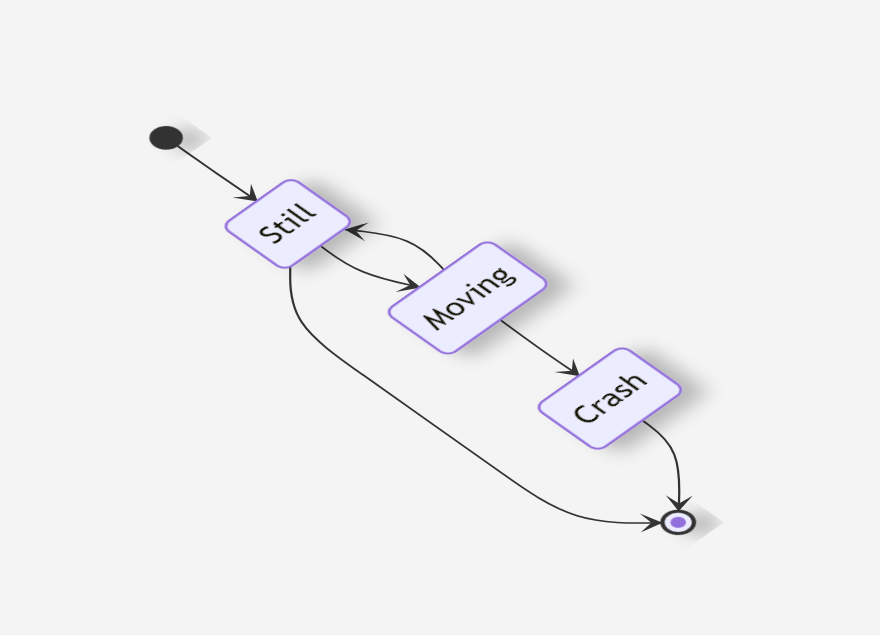
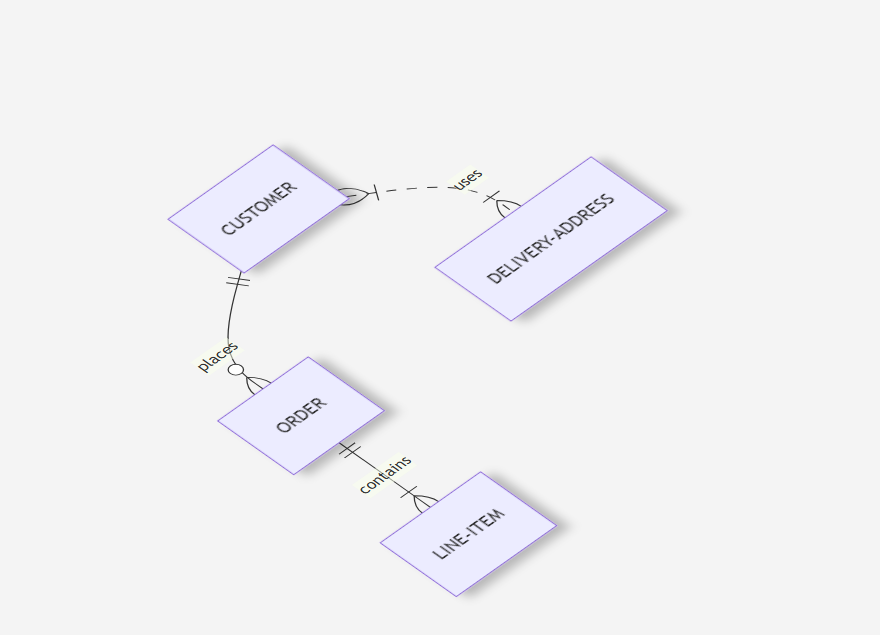
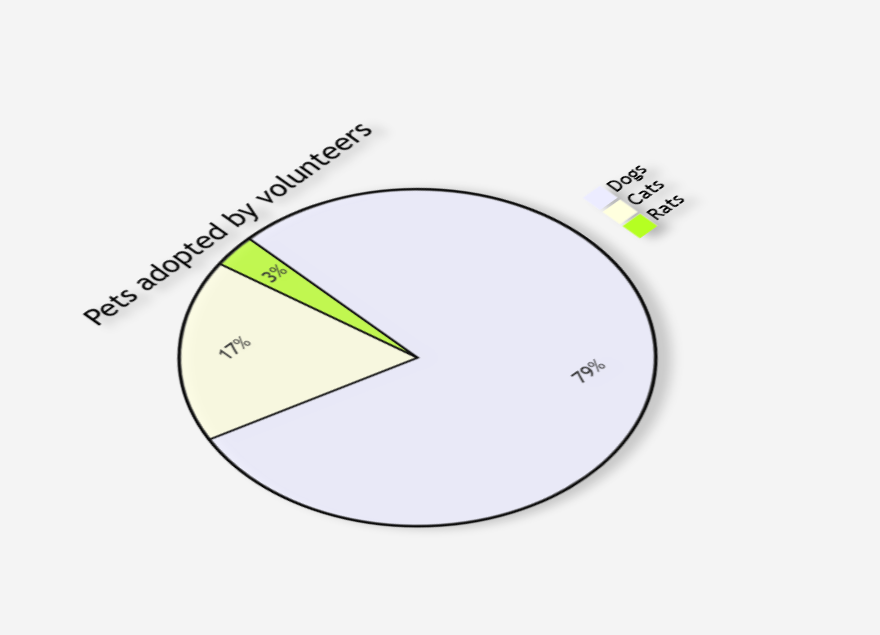
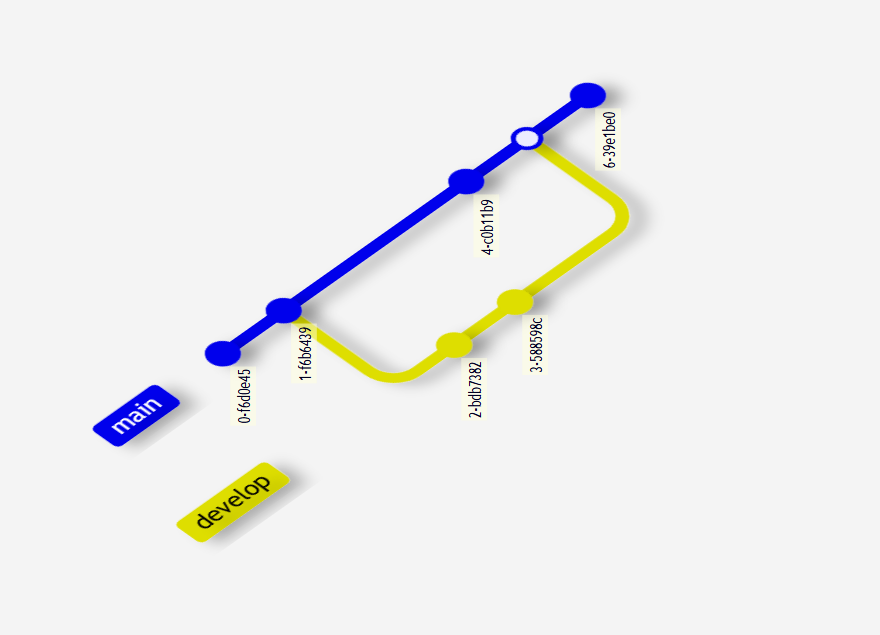
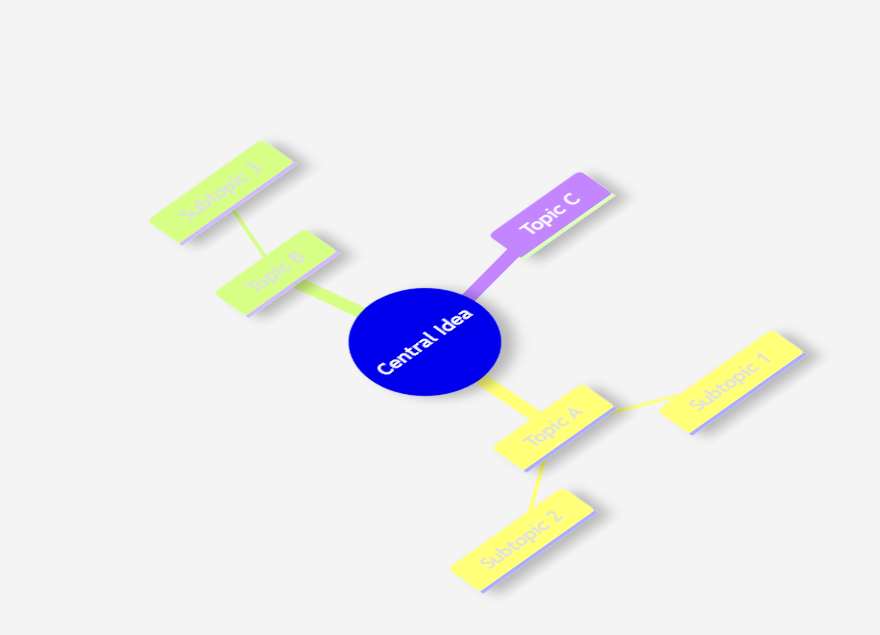
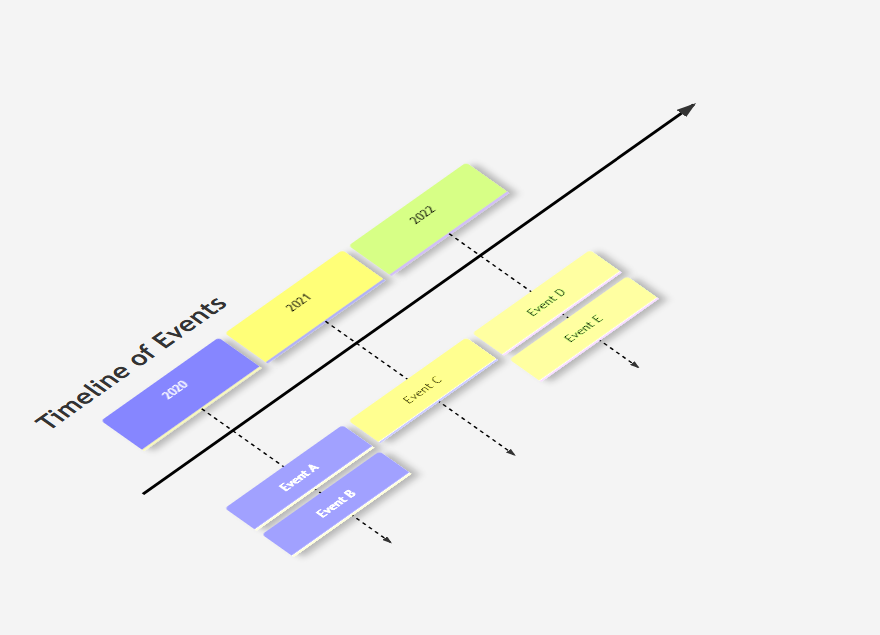
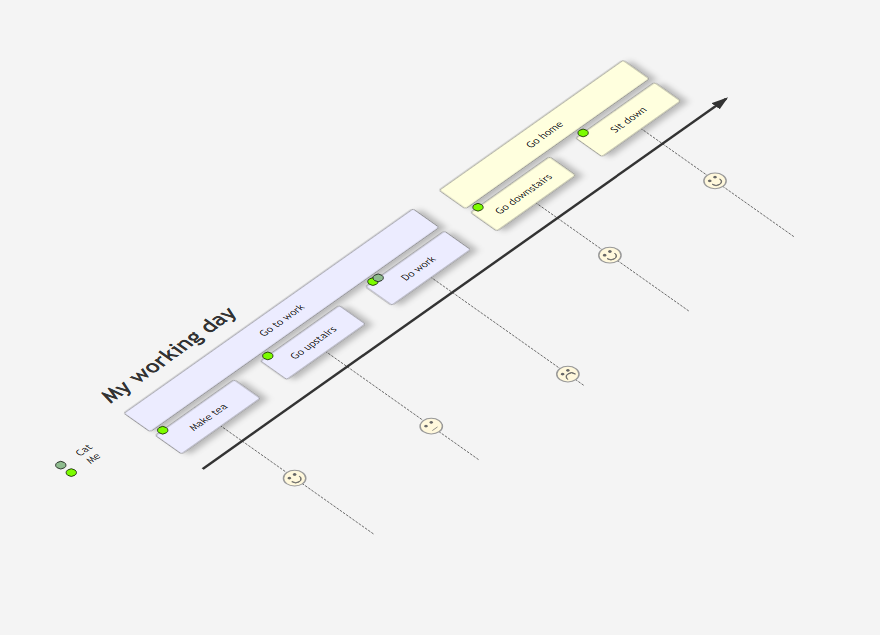
- All diagram types — flowchart, sequence, class, state, ER, gantt, pie, git graph, mindmap, timeline, journey
- Theme support — all five Mermaid themes (default, dark, forest, neutral, base)
- Drop-in API — same
initialize(),render(),run(), andparse()methods as Mermaid - Tiny — ~10 KB bundled (ESM + UMD), zero runtime dependencies
Install
npm install mermaid-3d mermaidmermaid is a peer dependency (>= 10.0.0). You must install it alongside mermaid-3d.
Quick Start
Replace your Mermaid import
- import mermaid from 'mermaid';
+ import mermaid from 'mermaid-3d';
Everything else stays the same — initialize(), render(), and run() work identically.
Render to a container
import mermaid from 'mermaid-3d';

mermaid.initialize({ theme: 'default', shadows: true });

const container = document.getElementById('diagram');
await mermaid.render('my-diagram', `
  flowchart TD
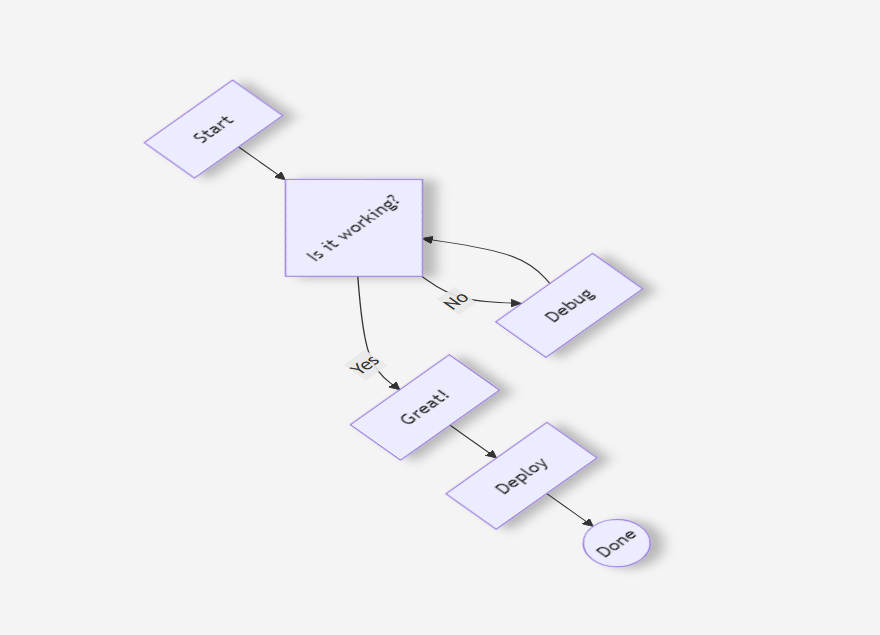
    A[Start] --> B{Is it working?}
    B -->|Yes| C[Great!]
    B -->|No| D[Debug]
    D --> B
`, container);
Auto-render <pre class="mermaid"> blocks
import mermaid from 'mermaid-3d';

mermaid.initialize({ theme: 'default' });
await mermaid.run();
<pre class="mermaid">
sequenceDiagram
Alice->>Bob: Hello
Bob-->>Alice: Hi back
</pre>API
mermaid.initialize(config)
Configure the renderer. Accepts all standard Mermaid configuration options plus:
| Option | Type | Default | Description |
|--------|------|---------|-------------|
| shadows | boolean | true | Enable floating drop shadows on diagram elements |
| theme | string | 'default' | Mermaid theme: 'default', 'dark', 'forest', 'neutral', 'base' |
mermaid.initialize({
  theme: 'dark',
  shadows: true,
  securityLevel: 'loose',
});
mermaid.render(id, text, container?)
Render a diagram from Mermaid markup.
id— unique identifier for this diagramtext— Mermaid diagram source textcontainer(optional) — DOM element to append the rendered diagram to
Returns Promise<{ svg: string, element: HTMLDivElement, bindFunctions: Function }>.
const { svg, element } = await mermaid.render('demo', 'graph TD; A-->B;');
document.body.appendChild(element);
mermaid.run(options?)
Find and render all Mermaid blocks in the page.
| Option | Type | Description |
|--------|------|-------------|
| querySelector | string | CSS selector for elements to render (default: 'pre.mermaid, div.mermaid, .mermaid') |
| nodes | ArrayLike<HTMLElement> | Explicit list of elements to render |
| postRenderCallback | (id: string) => void | Called after each diagram renders |
| suppressErrors | boolean | Suppress console error output |
mermaid.parse(text)
Parse Mermaid text without rendering. Returns Promise<{ diagramType: string }>.
const { diagramType } = await mermaid.parse('graph TD; A-->B;');
console.log(diagramType); // 'flowchart'
Interactions
| Action | Effect | |--------|--------| | Scroll wheel | Zoom in/out towards cursor | | Click + drag | Pan the viewport | | Double-click a node | Fly-to: smooth zoom animation centering on the node | | Pinch (touch) | Two-finger zoom | | Drag (touch) | One-finger pan |
Supported Diagrams
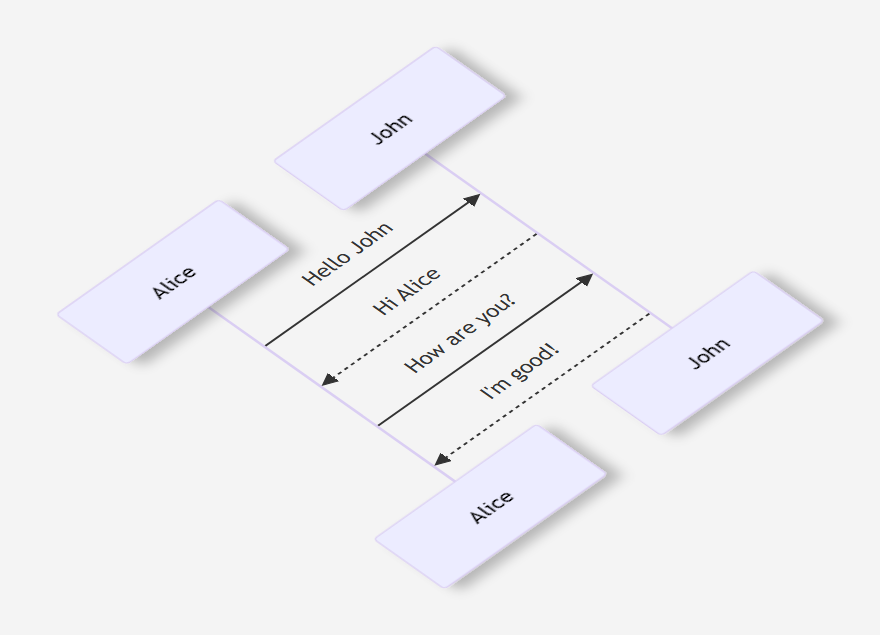
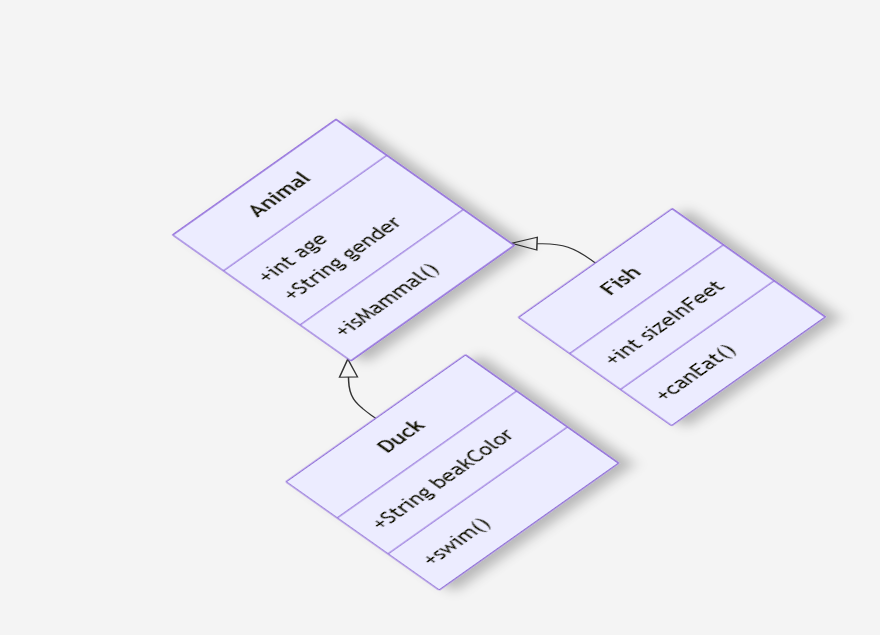
All Mermaid diagram types render in isometric 3D:
| | |
|:---:|:---:|
| Flowchart | Sequence Diagram |
|  |
|  |
| Class Diagram | State Diagram |
|
|
| Class Diagram | State Diagram |
|  |
|  |
| Entity Relationship | Gantt Chart |
|
|
| Entity Relationship | Gantt Chart |
|  |
|  |
| Pie Chart | Git Graph |
|
|
| Pie Chart | Git Graph |
|  |
|  |
| Mindmap | Timeline |
|
|
| Mindmap | Timeline |
|  |
|  |
| User Journey | |
|
|
| User Journey | |
|  | |
| |
How It Works
- Parse & render — Mermaid generates a standard SVG diagram
- Shadow filter — An SVG
<filter>(offset + gaussian blur + flood composite) is injected and applied to diagram-specific elements (.nodegroups, actor rects, task bars, pie slices, commit circles, etc.) - Isometric transform — All SVG content is wrapped in a
<g transform="matrix(0.707 -0.5 0.707 0.5 0 0)">— the 2D orthographic projection of a 45° isometric rotation. No CSS 3D transforms, so the SVG stays vector at all zoom levels - ViewBox zoom — Pan and zoom manipulate the SVG
viewBoxattribute directly, so the browser re-rasterizes at native resolution on every frame
Development
git clone https://github.com/sunnydark/mermaid-3d.git
cd mermaid-3d
npm install
npm run dev
Open http://localhost:5174 to see the interactive demo with all diagram types.
Build
npm run buildProduces dist/mermaid-3d.es.js (ESM) and dist/mermaid-3d.umd.js (UMD).
CDN Usage
<script src="https://cdn.jsdelivr.net/npm/mermaid/dist/mermaid.min.js"></script>
<script src="https://cdn.jsdelivr.net/npm/mermaid-3d/dist/mermaid-3d.umd.js"></script>
<script>
  mermaid3d.default.initialize({ theme: 'default' });
  mermaid3d.default.run();
</script>