
mermaid-mcp-app
v0.4.4
Published
MCP App that renders Mermaid diagrams in an interactive viewer with pan, zoom, and a built-in source editor

Maintainers
 finfin
Readme
Mermaid MCP App
English | 繁體中文
一款 MCP App,可在互動式檢視器中渲染 Mermaid 圖表,支援平移、縮放,並內建原始碼編輯器。直接在分割檢視編輯器中編輯圖表,並將更新後的原始碼傳回 LLM,讓對話延續你的修改。適用於 Claude Desktop、VS Code 及任何相容 MCP App 的主機。
使用方式
設定完成後,直接請 LLM 畫圖:
「畫一個使用者驗證流程的流程圖」

「建立一個 API 請求生命週期的序列圖」

「渲染這個 mermaid 圖表:`graph TD; A-->B; B-->C`」
也可以明確指定主題:
「用亮色主題畫一個類別圖」
功能
與 AI 互動
在分割檢視編輯器中直接編輯圖表原始碼,然後傳回 LLM 繼續對話。
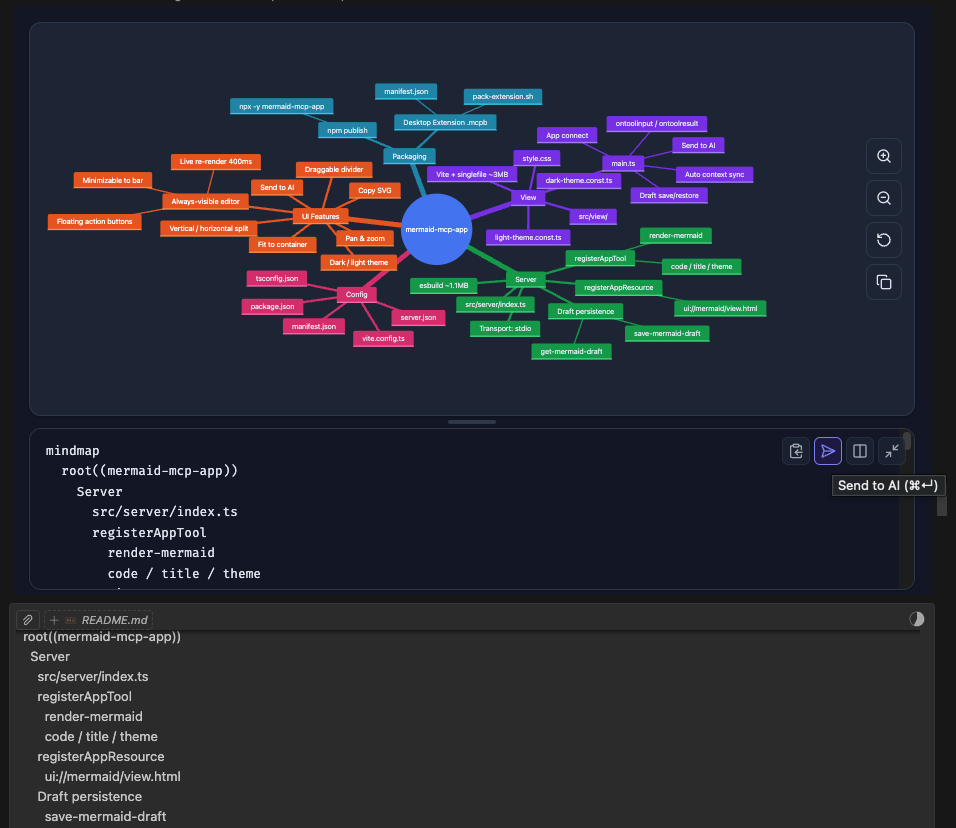
- 傳送至 AI — 將編輯後的圖表原始碼傳回 LLM,觸發回應
- 自動同步上下文 — 輸入時自動更新 LLM 上下文(防抖處理);LLM 在下一則訊息中總是能看到你最新的原始碼
圖表類型(支援 13 種)
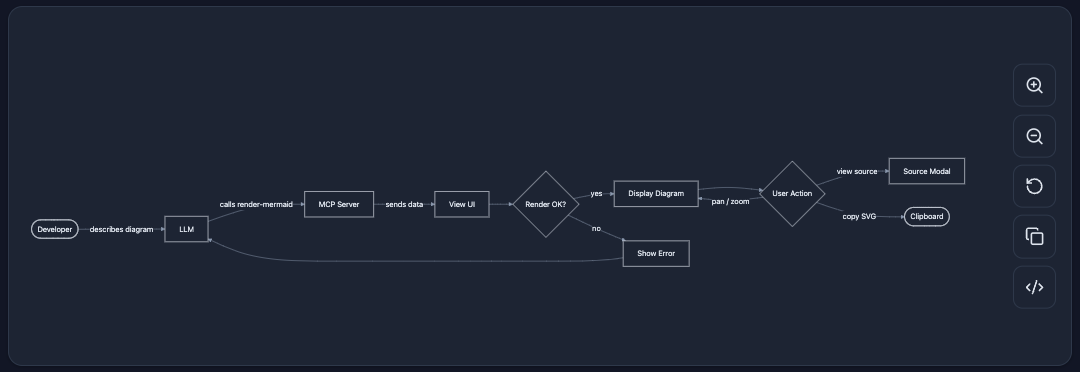
流程圖
flowchart — 通用有向圖。支援由上而下、由左而右的佈局、子圖及各種節點形狀。
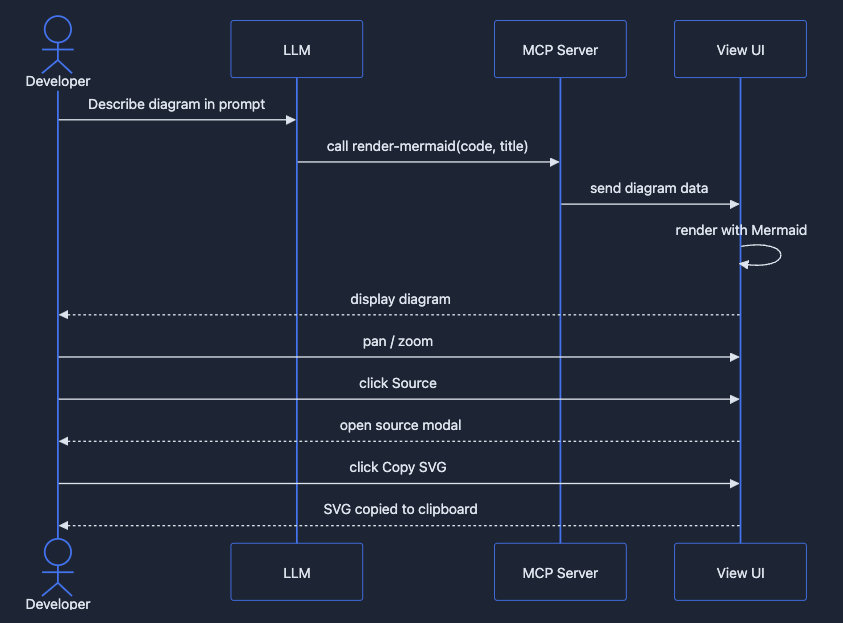
序列圖
sequenceDiagram — 參與者之間隨時間的互動。顯示訊息、迴圈及替代流程。
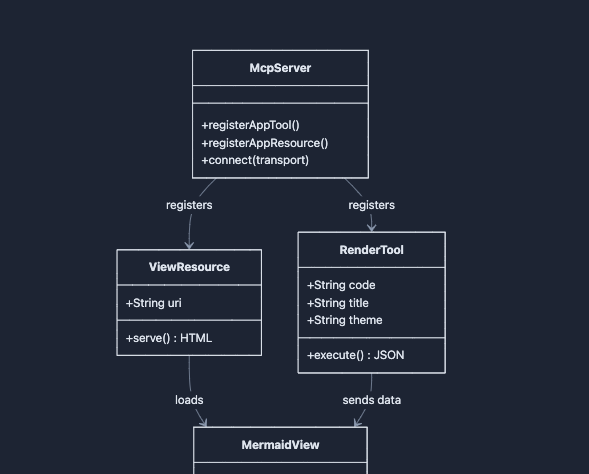
類別圖
classDiagram — 物件導向的類別結構,包含屬性、方法及關係(繼承、組合等)。
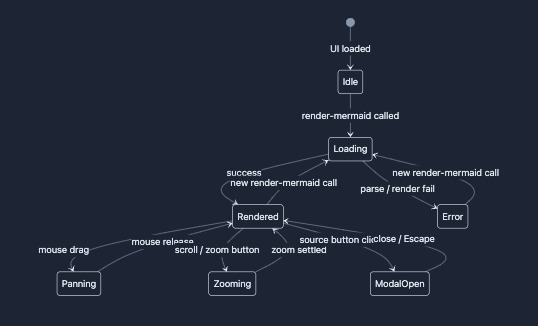
狀態圖
stateDiagram-v2 — 有限狀態機,含轉換、複合狀態及並行性。
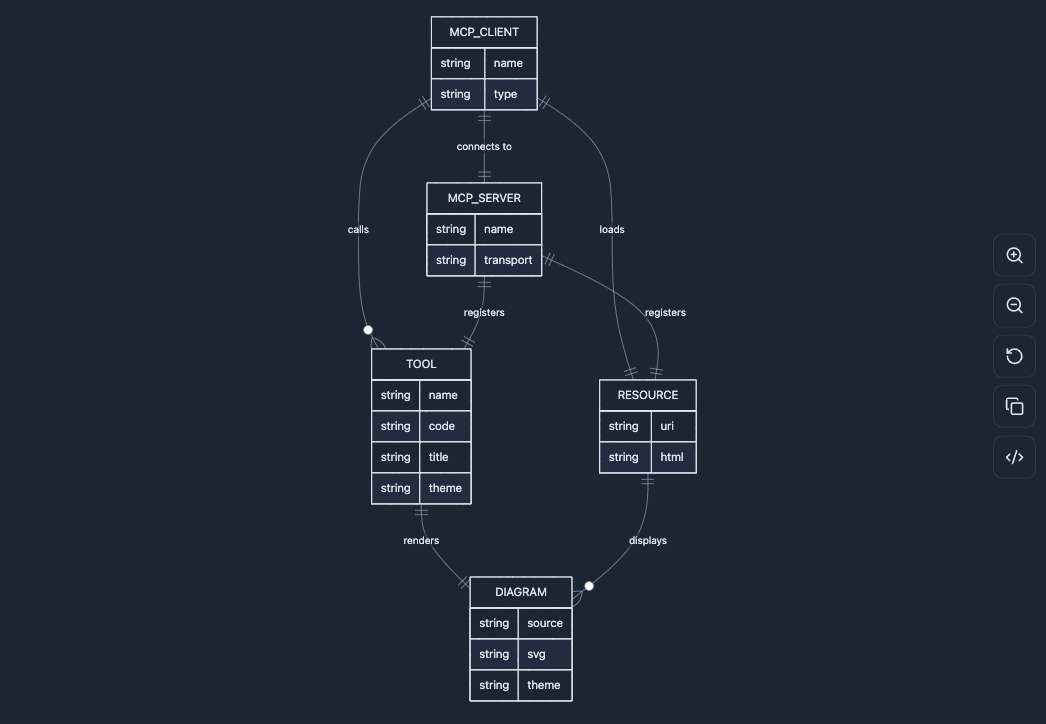
ER 圖
erDiagram — 實體關聯圖,用於資料建模,含基數標註。
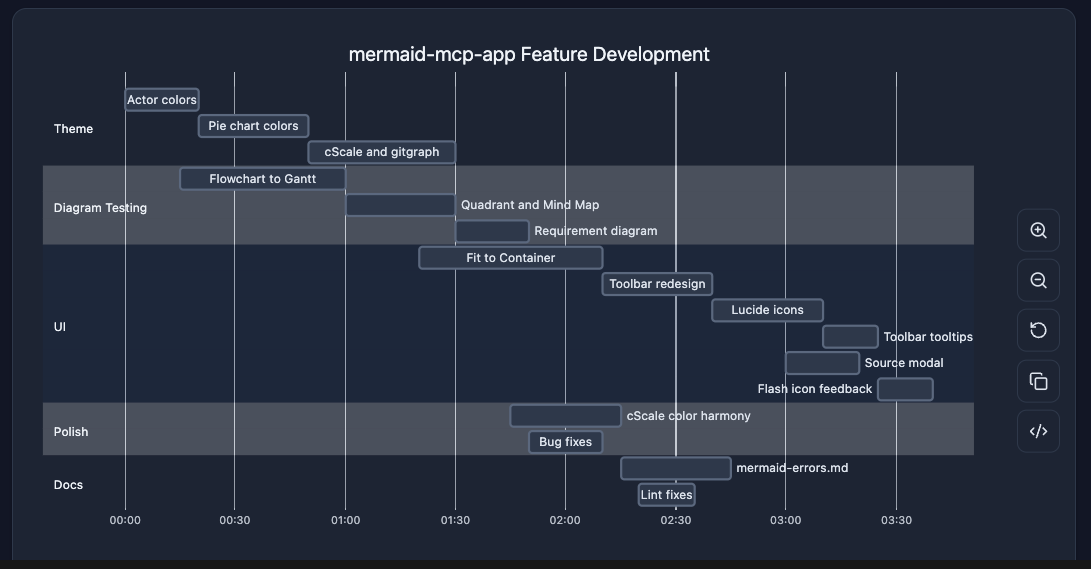
甘特圖
gantt — 專案時程,含任務、里程碑、相依性及關鍵路徑。
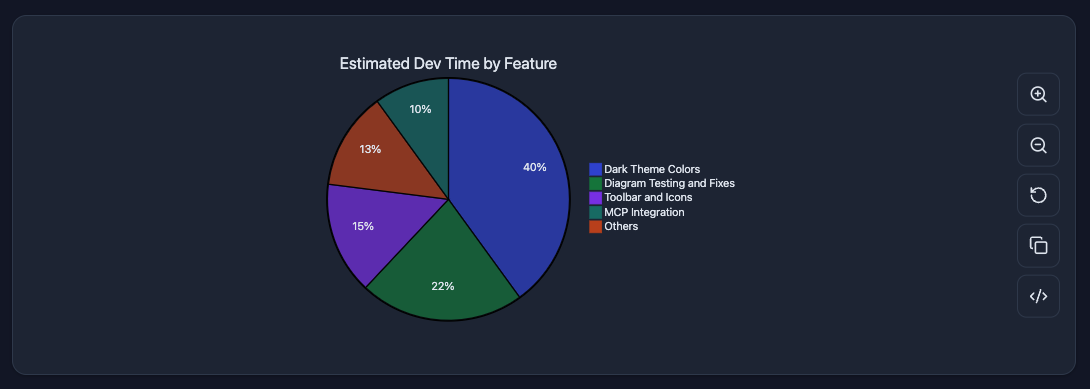
圓餅圖
pie — 以扇形呈現比例資料,含百分比標籤。
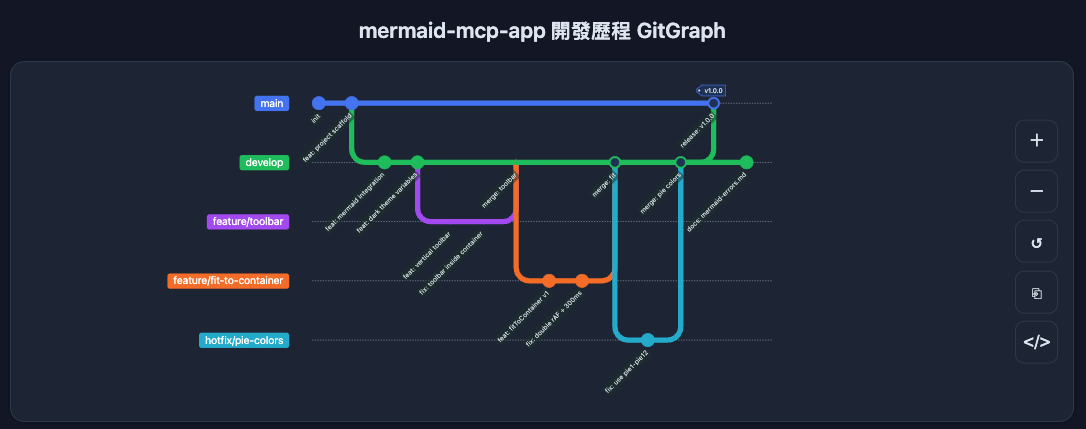
Git 圖
gitGraph — Git 分支與提交歷史視覺化,含合併及 cherry-pick 流程。
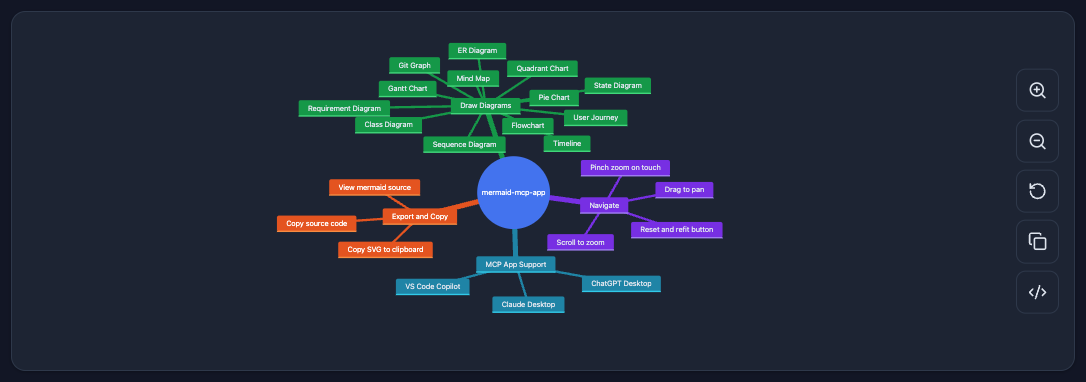
心智圖
mindmap — 從中心根節點向外輻射的階層式想法樹。
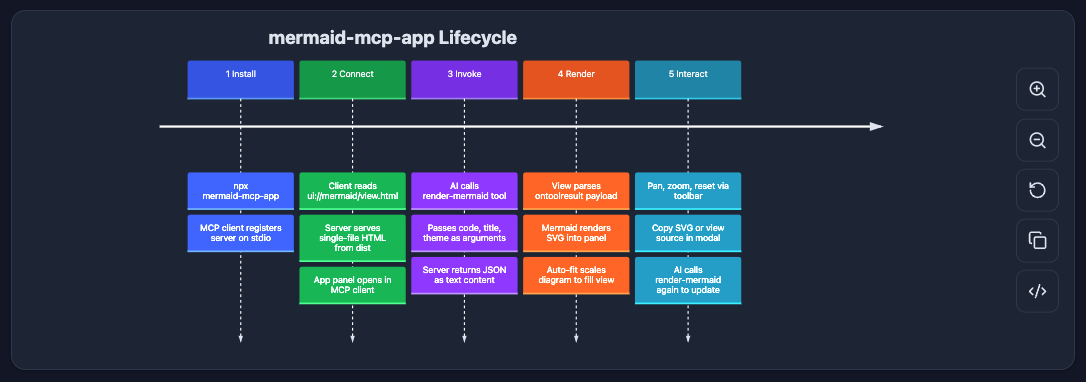
時間線
timeline — 按時間區段分組的事件年表。
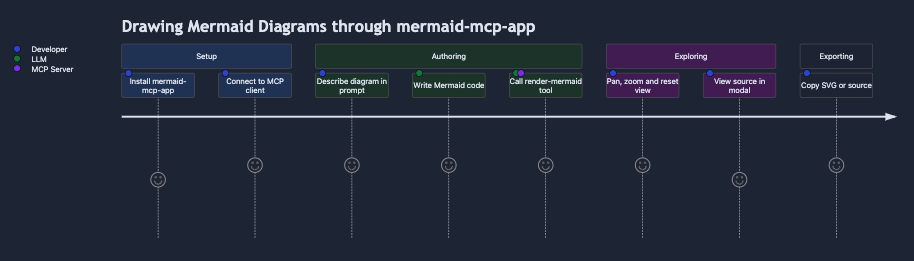
使用者旅程
journey — 使用者體驗流程,按區段和角色評分滿意度。
需求圖
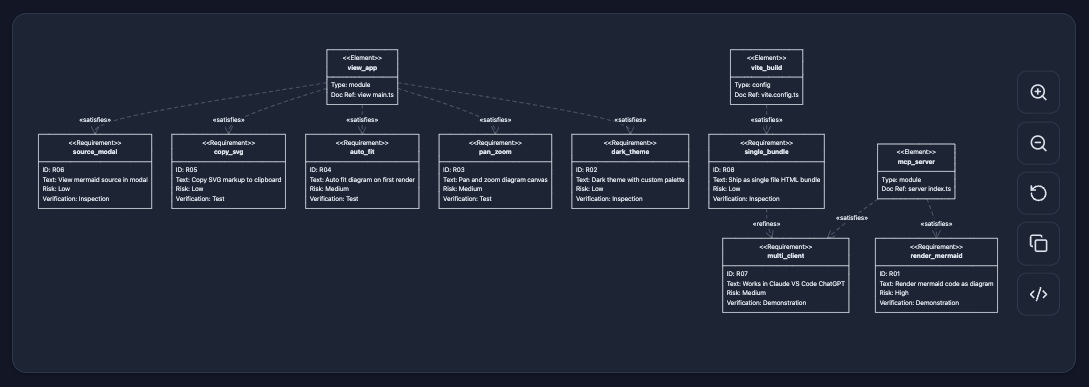
requirementDiagram — 系統需求,含類型、風險及驗證方法,連結至設計元素。
象限圖
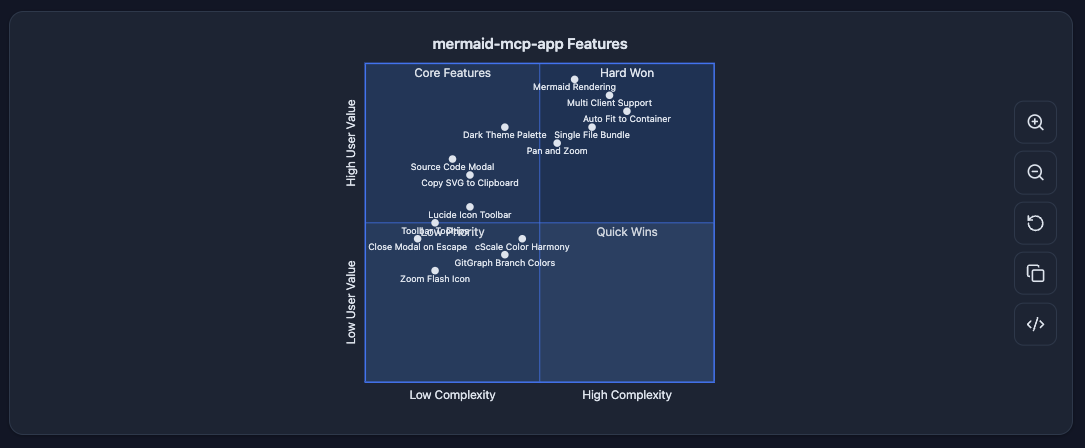
quadrantChart — 四象限散佈圖,用於優先排序及定位分析。
介面
- 平移與縮放 — 滑鼠拖曳平移、滾輪縮放、觸控裝置支援雙指縮放
- 自適應容器 — 渲染時自動適應大小;重置按鈕可恢復適應狀態
- 複製 SVG — 將渲染後的 SVG 複製到剪貼簿
- 分割檢視原始碼編輯器 — 常駐可見的編輯面板,即時重新渲染(400ms 防抖)
- 可最小化編輯器 — 收合為底部精簡列;一鍵展開
- 垂直 / 水平佈局切換 — 原始碼在下方(垂直)或右側(水平);最小化時固定在底部
- 主題支援 —
dark(自動偵測系統偏好)及light
安裝
Claude Desktop — 擴充功能(推薦)
從 GitHub Releases 下載最新的 .mcpb 檔案,雙擊即可安裝。無需終端機或任何設定。
Claude Desktop — 手動設定
加入 ~/Library/Application Support/Claude/claude_desktop_config.json:
{
  "mcpServers": {
    "mermaid": {
      "command": "npx",
      "args": ["-y", "mermaid-mcp-app", "--stdio"]
    }
  }
}
VS Code
加入 .vscode/mcp.json 或使用者設定:
{
  "mcpServers": {
    "mermaid": {
      "command": "npx",
      "args": ["-y", "mermaid-mcp-app", "--stdio"]
    }
  }
}
開發
# 安裝相依套件
npm install

# 建置(檢視 + 伺服器)
npm run build

# 監聽模式(僅檢視)
npm run dev

# 啟動伺服器
npm start