
mesh-gradient-ts
v1.0.6
Published
A lightweight and customizable mesh gradient animation (or static image) generator for web applications. With configurable colors, movements and effects.
Downloads
205

Maintainers
 rmnng
rmnngReadme
Mesh gradient 🎨
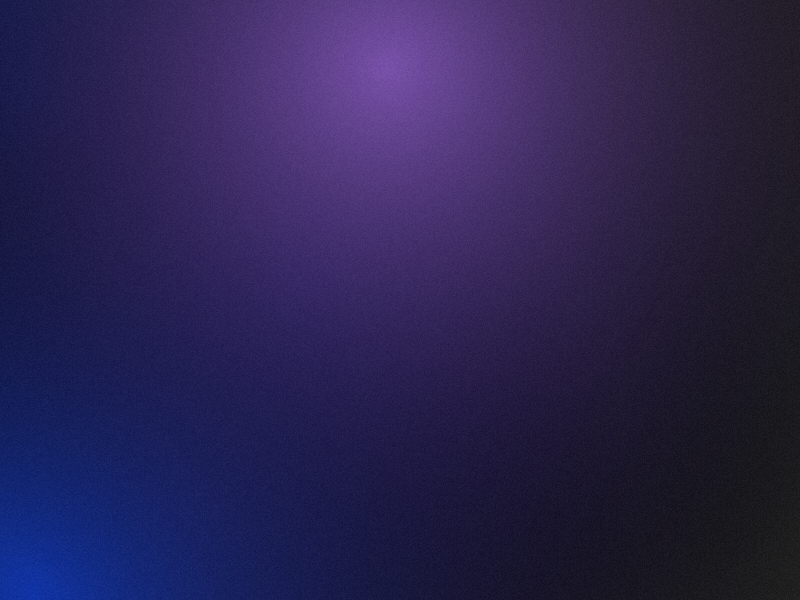
A lightweight and customizable mesh gradient animation (or static image) generator for web applications.
With configurable colors, movements and effects.
Description
This package provides a simple way to create animated mesh gradients using HTML5 Canvas. It generates smooth, organic-looking gradients that can animate and morph between colors. Perfect for modern web designs, hero backgrounds, or any UI element requiring dynamic visual background.
Preview
Installation
npm install mesh-gradient-tsUsage
import { MeshGradient } from 'mesh-gradient-ts';

const gradient = new MeshGradient(canvas, {
  backgroundColor: '#222222',
  colors: ['#1034a6', '#7851a9', '#191970'],
  density: 10,
  radius: 1000,
  blurAmount: 100,
  noiseIntensity: 10,
  speed: 10,
  morphSpeed: 0.02,
  isStatic: false
});
Configuration Options
The MeshGradient constructor accepts the following options:
| Parameter | Type | Default | Description |
|-----------|------|---------|-------------|
| backgroundColor | string | '#222222' | Background color in hex format |
| colors | string[] | ['#1034a6', '#7851a9', '#191970'] | Array of colors in hex format that will be used for the gradient points |
| density | number | 5 | Number of gradient points to generate (max 20) |
| radius | number | 1000 | Radius of each gradient point |
| blurAmount | number | 100 | Blur intensity of the gradients |
| noiseIntensity | number | 10 | Intensity of the noise effect (0-255) |
| speed | number | 10 | Movement speed of the gradient points |
| morphSpeed | number | 0.02 | Speed at which colors morph between each other (0-1) |
| isStatic | boolean | false | If true, generates a static gradient instead of an animation |
Methods
Control Methods
| Method | Parameters | Description |
|--------|------------|-------------|
| pause() | None | Pauses the animation |
| resume() | None | Resumes the animation |
| setBackgroundColor() | color: string | Updates the background color (hex format) |
| setColors() | colors: string[] | Updates the gradient colors |
| setDensity() | density: number | Updates the number of gradient points |
| setRadius() | radius: number | Updates the radius of gradient points |
| setBlurAmount() | blurAmount: number | Updates the blur effect amount |
| setSpeed() | speed: number | Updates the movement speed of gradient points |
| setNoiseIntensity() | noiseIntensity: number | Updates the noise intensity (0-255) |
| setMorphSpeed() | speed: number | Updates the morphing speed (0-1) |
| exportImage() | format?: 'png' \| 'jpeg' quality?: number width?: number height?: number | Exports the current gradient as an image |
Dependencies
This package uses:
- Canvas API
- OffscreenCanvas
- RequestAnimationFrame
Build
npm run build
npx tsc --declaration --emitDeclarationOnly --outDir dist
License
MIT
About
Made by Romain Nugou.