
meteor-shower-webcomponent
v1.1.3
Published
Beautiful meteor shower animation as a Web Component. Perfect for backgrounds in landing pages, portfolios, and interactive websites.
Downloads
8

Maintainers
 00rss
00rssReadme
🌟 Meteor Shower Web Component
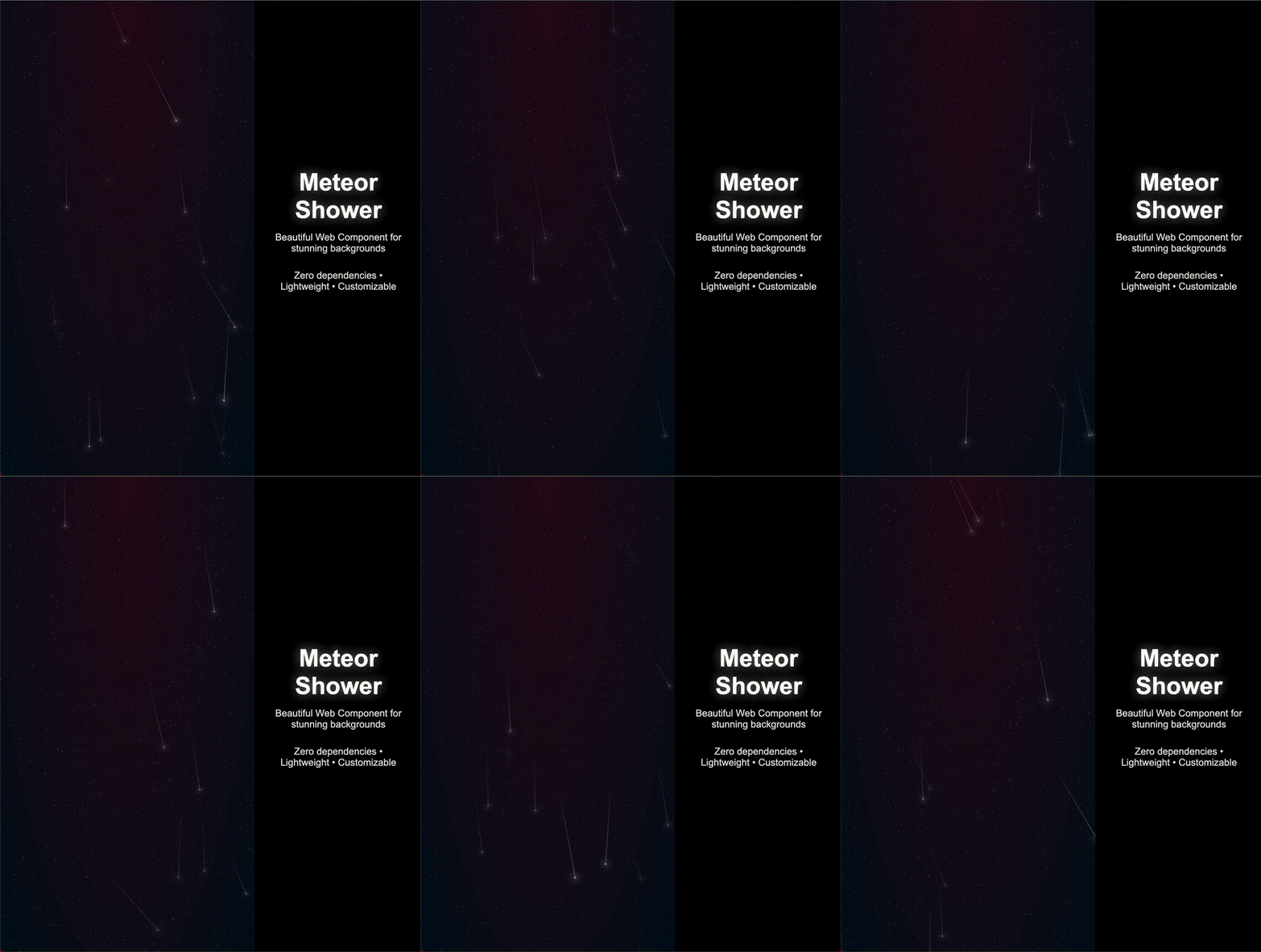
A beautiful, lightweight meteor shower animation as a Web Component. Perfect for creating stunning backgrounds in landing pages, portfolios, and interactive websites.
✨ Features
- 🚀 Zero dependencies - Pure vanilla JavaScript
- 📦 Lightweight - Less than 15KB minified
- 🎨 Highly Customizable - Control meteors count, stars count, sizes, colors and black hole
- 🌈 Custom colors - Personalize gradient background colors
- 📏 Size control - Adjust stars, meteors and tail sizes independently
- 🔧 Easy to use - Just one HTML tag
- 📱 Responsive - Adapts to any container size
- 🌐 Universal - Works in all modern browsers
- 🎭 Isolated - Uses Shadow DOM, no style conflicts
🎮 Try it Live
🔗 Interactive Demo
View Live Demo - See all examples and interactive playground
⚡ Quick Try on StackBlitz

🚀 Installation
Via NPM
npm install meteor-shower-webcomponent// In your JavaScript file
import 'meteor-shower-webcomponent';Via CDN
<script src="https://unpkg.com/meteor-shower-webcomponent@latest/dist/meteor-shower.min.js"></script>📖 Usage
Basic Usage
<meteor-shower></meteor-shower>High Intensity with Black Hole
<meteor-shower
  meteors="80"
  stars="600"
  show_black_hole="true"
>
</meteor-shower>
With Custom Styling
<meteor-shower
  meteors="15"
  stars="300"
  style="height: 60vh; border-radius: 15px;">
</meteor-shower>
Fully Customized
<meteor-shower
  meteors="50"
  stars="400"
  show_black_hole="true"
  style="
    --primary: #ff0066;
    --secondary: #0066ff;
    --size-star: 2px;
    --size-meteor: 8px;
    --size-tail-meteor: 150px;
  ">
</meteor-shower>
Using as Background
<div style="position: relative; height: 100vh;">
  <meteor-shower style="position: absolute; top: 0; left: 0; width: 100%; height: 100%;"></meteor-shower>
  <div style="position: relative; z-index: 1;">
    <h1 style="font-size: 30px; color: blue;">Your content here</h1>
  </div>
</div>
⚙️ Attributes
| Attribute | Type | Default | Description |
|-----------|------|---------|-------------|
| meteors | Number | 10 | Number of meteors to display |
| stars | Number | 300 | Number of background stars |
| show_black_hole | Boolean | false | Enable black hole |
🎨 Customization
The component uses CSS custom properties that you can override:
meteor-shower {
  --primary: #2a0919;           /* Primary gradient color */
  --secondary: #030d1b;         /* Secondary gradient color */
  --size-star: 1px;             /* Size of background stars */
  --size-meteor: 5px;           /* Size of meteor heads */
  --size-tail-meteor: 100px;    /* Length of meteor tails */
}
🌐 Browser Support
- Chrome 54+
- Firefox 63+
- Safari 10.1+
- Edge 79+
📝 Examples
Landing Page Background
<!DOCTYPE html>
<html>
<head>
  <script src="https://unpkg.com/meteor-shower-webcomponent@latest/dist/meteor-shower.min.js"></script>
  <style>
    body { margin: 0; font-family: Arial, sans-serif; }
    .hero { position: relative; height: 100vh; display: flex; align-items: center; justify-content: center; }
    .content { position: relative; z-index: 1; text-align: center; color: white; }
  </style>
</head>
<body>
  <div class="hero">
    <meteor-shower meteors="15" stars="400"></meteor-shower>
    <div class="content">
      <h1>Welcome to the Future</h1>
      <p>Experience the magic of meteor showers</p>
    </div>
  </div>
</body>
</html>
🤝 Contributing
- Fork the repository
- Create your feature branch (
git checkout -b feature/amazing-feature) - Commit your changes (
git commit -m 'Add some amazing feature') - Push to the branch (
git push origin feature/amazing-feature) - Open a Pull Request
📄 License
MIT License - feel free to use this in your projects!
🐛 Issues
Found a bug? Please open an issue on GitHub.
🌟 Show Your Support
If you like this project, please give it a ⭐ on GitHub!
Made with ❤️ by Ronny García