mobile_bridge_js
v0.0.9
Published
[](//npmjs.com/package/mobile_bridge_js)


Readme
mobile_bridge_js

mobile_bridge_js is a simple tool for Native and Javascript in Webview to communicate to each other.
Import
// esm
import MobileBridge from 'mobile_bridge_js'

// cjs
const MobileBridge = require('mobile_bridge_js').default
// static
<script src="dist/umd/mobile_bridge_js.umd.min.js">Usage
Webview
const mobileBridge = new MobileBridge() // simple bridge
const data = {
  test: 123
}

// send request msg and wait for reply
mobileBridge.request(data, true)
.then(res => {
  // Native Response, and errCode === 0
})
.catch(err => {
  // Native Response, and errCode !== 0
})

// simply wait for Native Notify message
mobileBridge.on('notify', event => {
  // do something...
})
Native
Primary Key = MobileBridgeNative
iOS
window.webkit.messageHandlers.MobileBridgeBridge.postMessage({
  // ......message body
})
# receive message let webConfiguration = WKWebViewConfiguration() let contentController = WKUserContentController() contentController.add(self, name: "MobileBridgeNative") webConfiguration.userContentController = contentController; webView = WKWebView(configuration: webConfiguration) // plus any other settings func userContentController(_ userContentController: WKUserContentController, didReceive message: WKScriptMessage) { if (message.name == "eventHandler"){ let data = message.body as! NSDictionary // use data } } # send message self.webView.evaluateJavaScript("mobileBridge.sendXXXMessage('\(message)');", completionHandler: { (result, error) in // handle errors accordingly });Android
window['MobileBridgeNative'].postMessage('message', '*')class Bridge { @JavascriptInterface public boolean postMessage(String json) { parent.postMessage(json, "*") } } // And when initializing the webview... webView.addJavascriptInterface(new Bridge(), "MobileBridgeNative");
Build
# build all
$ npm run build

# build es module
$ npm run build:esm

# build commonjs
$ npm run build:cjs

# build umd
$ npm run build:umd
playground
# generate file
$ npm run build:umd

# dev serve
$ npm run dev:test

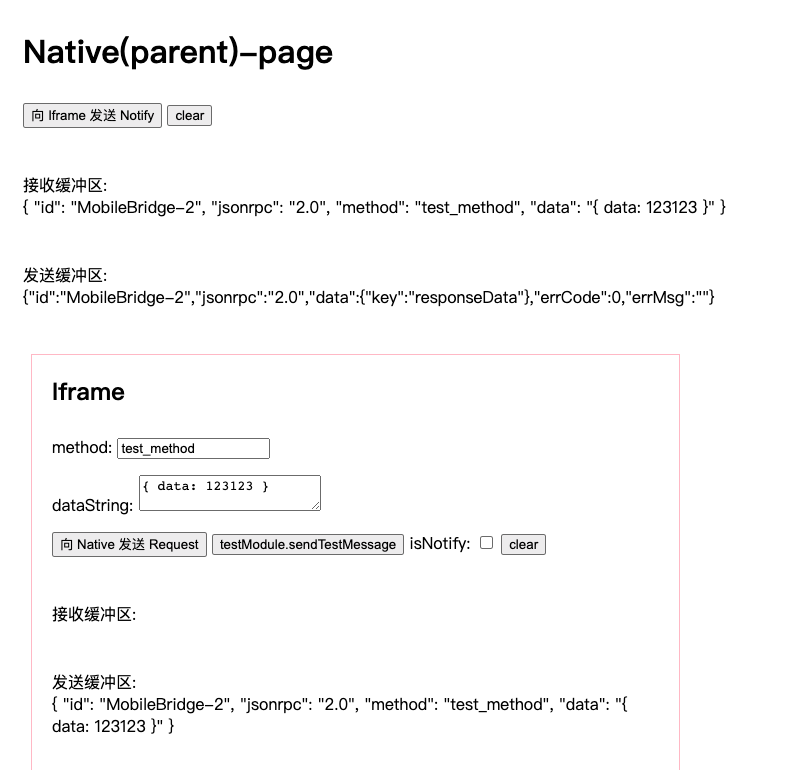
open localhost:1024/umd/index.html