
modularjs-framework
v2.5.0
Published
ModularJS (MJS) — framework front compile-time : réactivité résolue à la compilation (sans Proxy au runtime), Custom Elements + Shadow DOM, syntaxe .mjs (Civet par défaut). Compilateur + runtime + CLI dev/HMR.
Downloads
509

Maintainers
 matrixfr
Readme
ModularJS (MJS)
🇫🇷 English below ⬇️
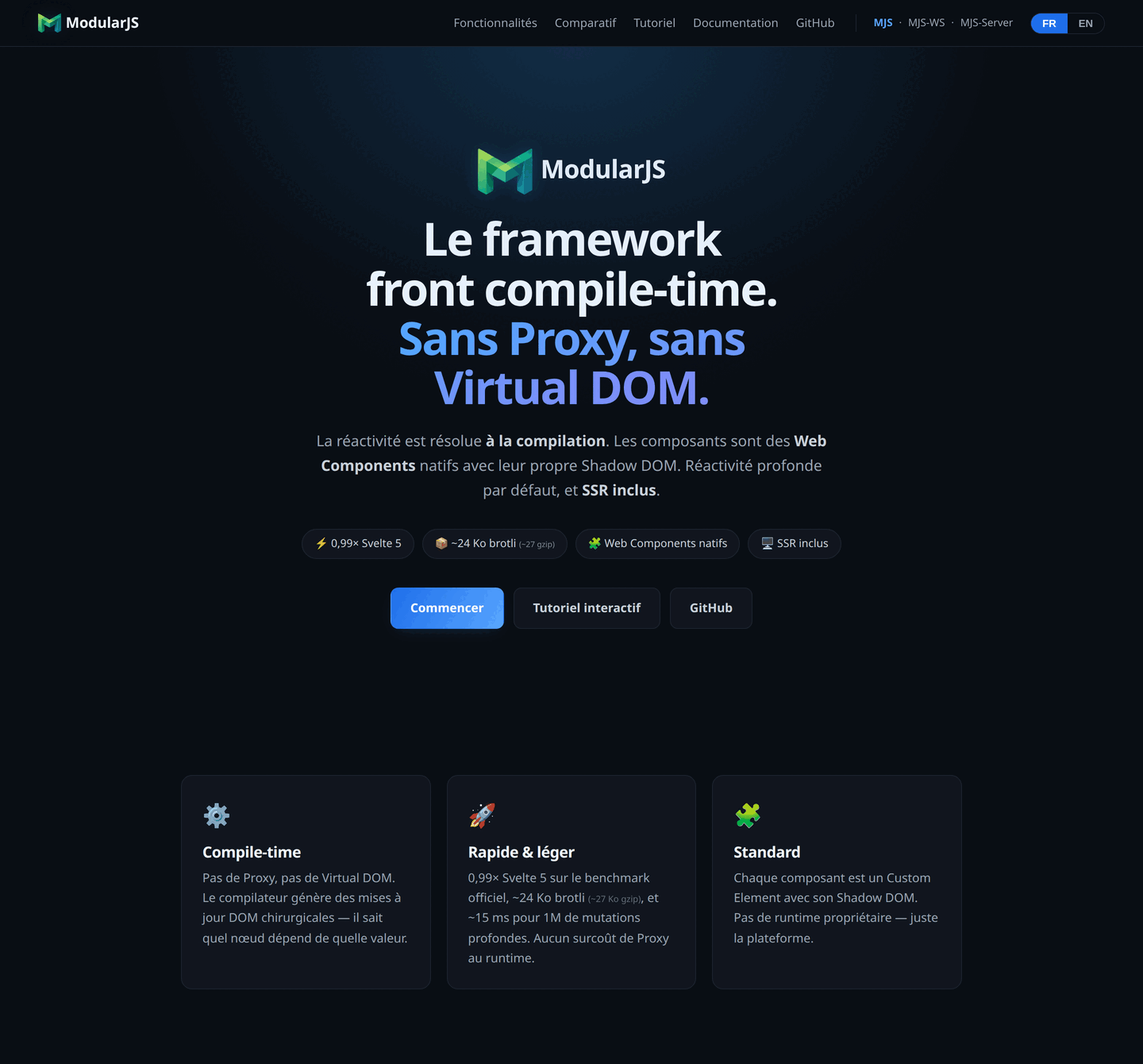
Un framework front compile-time : la réactivité est résolue à la compilation, pas au runtime. Pas de Proxy ni de Virtual DOM — chaque composant est un Custom Element avec son Shadow DOM, et le compilateur génère des mises à jour DOM chirurgicales.



<script>
  $count = 0
  increment = -> $count += 1
</script>

<button @click={increment}>
  Cliqué {$count} fois
</button>
Tout tourne en ligne sur le site officiel — mjs.rapturestudio.fr : la documentation, le tutoriel interactif et une vitrine de composants qui s'exécutent dans la page. Le site est lui-même écrit en MJS.
Pourquoi MJS
- Rapide. Performances au niveau de Svelte (parité sur le benchmark officiel), et meilleures sur la sélection de ligne et le vidage de liste ; pas de Proxy au runtime → renders à liaisons lourdes ~10× plus légers.
- Idiomatique. Une syntaxe
.mjsconcise (Civet par défaut) :$xréactif, dérivés automatiques, blocs{if}/{for}/{await}/{key}, liaisonsvalue=!{$x}, événements@click, transitions, stores, contexte, router. - Isolé par design. Chaque composant vit dans son Shadow DOM : styles scopés, pas de collision.
- Thémable. Des variables de thème (
$$brand) qui cascadent à travers les composants, même par-delà le Shadow DOM ; le plus proche gagne. - Équipé. Une bibliothèque de modules cœur prêts à l'emploi (
<@select>,<@field>,<@checkbox>…), personnalisable sans forker le source. - International. Traduction et pluriel intégrés (
µt,@i18n), dictionnaires chargés à la demande.
Installation
npm install modularjs-frameworkColoration dans l'éditeur
.mjs est aussi l'extension des modules JavaScript de Node : sans rien faire, l'éditeur lit un composant MJS comme du JavaScript et le souligne en erreurs de bout en bout. L'extension VS Code du dépôt règle ça — installation et réglage par chemin dans editors/vscode/.
Premiers pas
Un composant est un fichier .mjs en kebab-case (mon-compteur.mjs → balise <mjs-mon-compteur>) :
<script>
  $count = 0
</script>

<button @click={$count++}>{$count}</button>

<style>
  button
    font-size: 1.4rem
</style>
Compiler un projet, ou lancer le serveur de dev avec rechargement à chaud (HMR) :
npx mjs build --root /chemin/vers/app      # compile .mjs → .js
npx mjs dev --port 3939                     # dev + HMR
<!-- snippet HMR à inclure en mode dev -->
<script src="http://127.0.0.1:3939/__mjs_hmr/client.js"></script>Documentation
- 📖 Référence du langage — 36 sections : le langage (réactivité, blocs, bindings, événements, transitions, stores, contexte, router, cycle de vie, SSR, temps réel, navigation, i18n, pièges…), une fiche d'aide-mémoire condensée, et l'outillage — ligne de commande et configuration, harnais de test des applications, panneau d'inspection, images, application installable. Chaque page : référence dense + encarts dépliables Pour débutants.
- 🎓 Tuto interactif — 144 leçons avec éditeur live (le parcours d'apprentissage pas-à-pas).
Configuration — mjs.config.json
À la racine du projet (le bundler le cherche en remontant depuis le dossier courant) :
{
  "sourceDir": "app/assets/modularJS",
  "outputDir": "public/assets/modularJS_compiled",
  "manifestPath": "app/assets/javascripts/bundle_modular.js",
  "lang": "fr",
  "defaultScriptLang": "civet",
  "minify": false
}
Les flags CLI (--output, --manifest) ont la priorité sur le fichier de config.
Langages source
<script lang="…"> accepte civet (défaut), coffee, ts, js ; <style> accepte SASS (indenté) ou SCSS.
<script lang="ts">
  $count: number = 0
</script>

<button @click={$count++}>{$count}</button>
Contribuer
git clone https://github.com/RaptureStudio42/modularjs-framework.git
cd modularjs-framework
npm install
npm run build:self   # construit le compilateur (dist/)
npm test             # suite de tests
Une faille de sécurité à signaler ? Voir SECURITY.md.
Licence
MIT © Matrix
🇬🇧 English
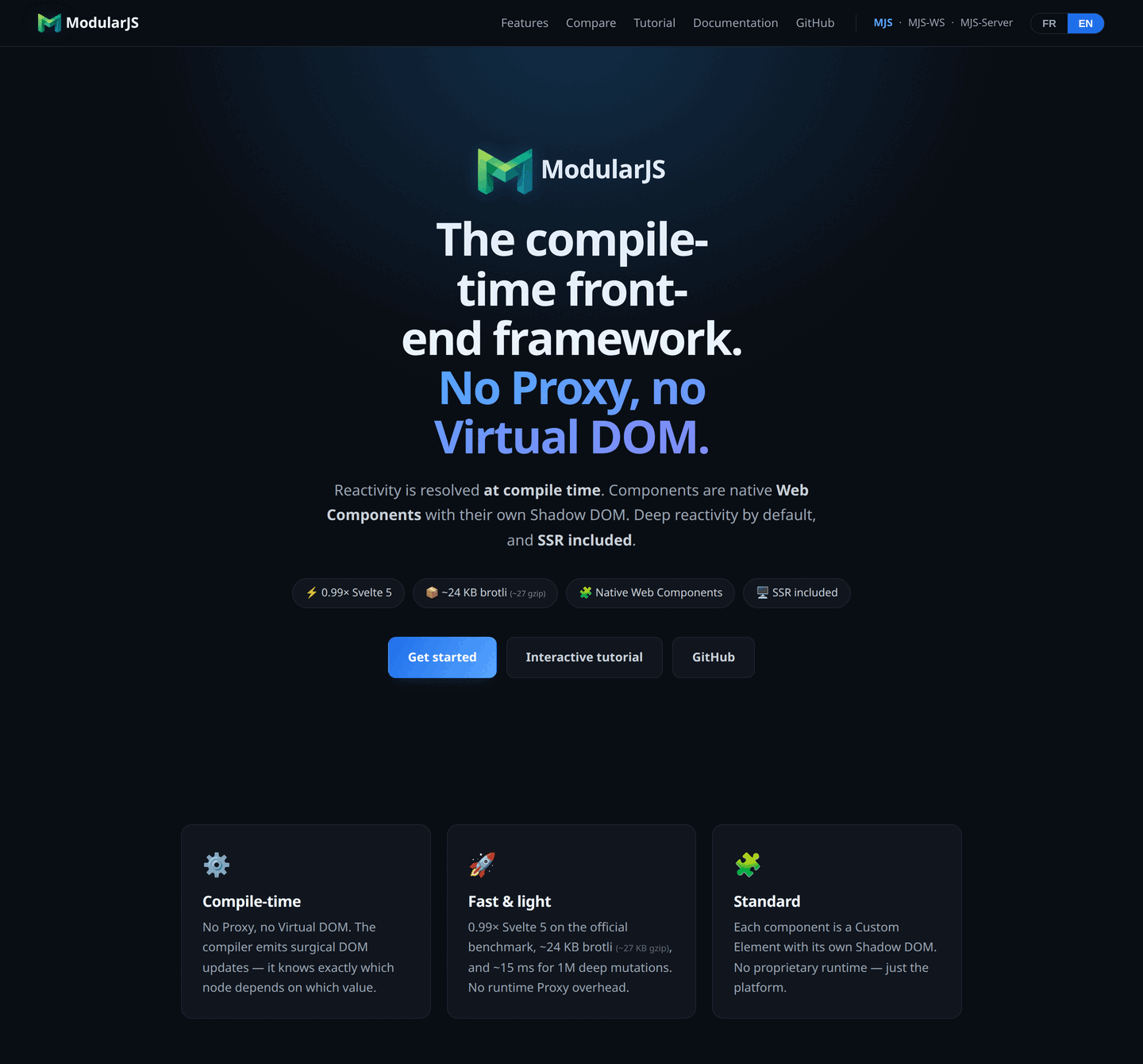
A compile-time front-end framework: reactivity is resolved at compile time, not at runtime. No Proxy, no Virtual DOM — every component is a Custom Element with its own Shadow DOM, and the compiler generates surgical DOM updates.

<script>
  $count = 0
  increment = -> $count += 1
</script>

<button @click={increment}>
  Clicked {$count} times
</button>
Everything runs online on the official site — mjs.rapturestudio.fr: the documentation, the interactive tutorial and a showcase of components executing right in the page. The site itself is written in MJS.
Why MJS
- Fast. Svelte-level performance (parity on the official benchmark), and better on row selection and list clearing ; no runtime Proxy → heavily-bound renders ~10× lighter.
- Idiomatic. A concise
.mjssyntax (Civet by default): reactive$x, automatic derived values,{if}/{for}/{await}/{key}blocks,value=!{$x}bindings,@clickevents, transitions, stores, context, router. - Isolated by design. Every component lives in its own Shadow DOM: scoped styles, no collisions.
- Themeable. Theme variables (
$$brand) that cascade through components, even across the Shadow DOM boundary; the closest one wins. - Batteries included. A ready-to-use core module library (
<@select>,<@field>,<@checkbox>…), customizable without forking the source. - International. Built-in translation and pluralization (
µt,@i18n), dictionaries loaded on demand.
Installation
npm install modularjs-frameworkEditor syntax highlighting
.mjs is also Node's JavaScript module extension: out of the box, editors read an MJS component as plain JavaScript and underline it end to end with errors. The repo's VS Code extension fixes this — install and setup instructions in editors/vscode/.
Getting started
A component is a kebab-case .mjs file (my-counter.mjs → tag <mjs-my-counter>):
<script>
  $count = 0
</script>

<button @click={$count++}>{$count}</button>

<style>
  button
    font-size: 1.4rem
</style>
Compile a project, or start the dev server with hot module reload (HMR):
npx mjs build --root /path/to/app      # compiles .mjs → .js
npx mjs dev --port 3939                # dev + HMR
<!-- HMR snippet to include in dev mode -->
<script src="http://127.0.0.1:3939/__mjs_hmr/client.js"></script>Documentation
- 📖 Language reference — 36 sections: the language (reactivity, blocks, bindings, events, transitions, stores, context, router, lifecycle, SSR, real-time, navigation, i18n, pitfalls…), a condensed cheat sheet, and the tooling — command line and configuration, app test harness, inspector panel, images, installable app. Each page: dense reference + collapsible For beginners boxes.
- 🎓 Interactive tutorial — 144 lessons with a live editor (a step-by-step learning path).
Configuration — mjs.config.json
At the project root (the bundler looks for it walking up from the current directory):
{
  "sourceDir": "app/assets/modularJS",
  "outputDir": "public/assets/modularJS_compiled",
  "manifestPath": "app/assets/javascripts/bundle_modular.js",
  "lang": "fr",
  "defaultScriptLang": "civet",
  "minify": false
}
CLI flags (--output, --manifest) take priority over the config file.
Source languages
<script lang="…"> accepts civet (default), coffee, ts, js ; <style> accepts SASS (indented) or SCSS.
<script lang="ts">
  $count: number = 0
</script>

<button @click={$count++}>{$count}</button>
Contributing
git clone https://github.com/RaptureStudio42/modularjs-framework.git
cd modularjs-framework
npm install
npm run build:self   # builds the compiler (dist/)
npm test             # test suite
Found a security issue? See SECURITY.md.
License
MIT © Matrix