
moin
v1.2.0
Published
a Simple Microservice Server

Maintainers
 torben.hartmann
Readme
moin

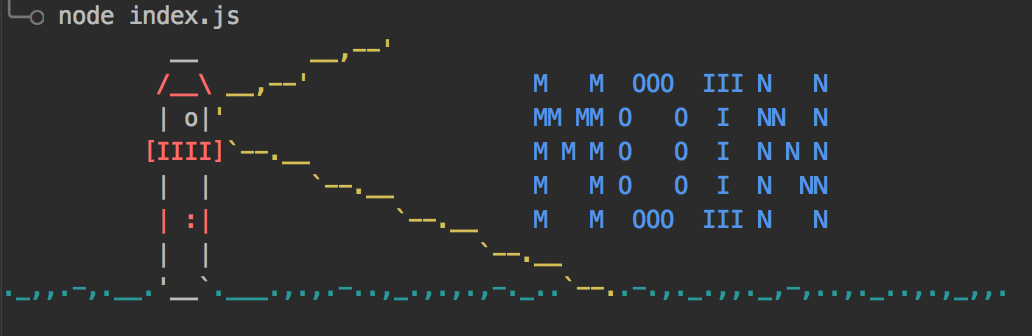
Moin (pronounced [ˈmɔɪn]) is a German greeting meaning "hello" and in some places "goodbye".
Moin is an event-driven microservice application server written in behalf of my bachelor thesis at the FH-Kiel.
#What is it good for ##Reloading of Code Imagine you set up a simple express Webserver. When you make changes to a route, you have to restart the whole application in order to see the changes. Moin watches your service directory and reloads your Module when something was changed. It automatically stops all your self-set timers, so you don't have to.
##Advanced Event System
Ever wanted to have more control over the Event filtering? In any normal Node Application you can only listen on event names.
In Moin, you can filter the events on any property. You can even define dynamic checks like {event:"httpRequest",method:(m)=>m=="get"||m=="post"}.
When you emit an event you can register for the return values of the handlers. This is utilized in the example below.
#Installation Just install Moin as a global Package.
npm install -g moinTo ease the generation of configs and the creation of services you can use the yeoman generator:
npm install -g yo generator-moinTo initialize the current directory for the use of moin just execute:
yo moinTo create a new service you can use:
yo moin:service#Docs You can read the docs at moinjs.github.io #Sample: a small Webserver ###webserver/index.js
let app = require("express")();
let server = app.listen(3000, function () {
    console.log("Webserver started")
});

//Send out an event for every get Reguest
app.get("*", function (req, res) {
    moin.emit("httpRequest", {
        method: "get",
        path: req.path
    }, 30000).then(({values,errors,stats})=> {
        //See how many Listeners have responded.
        switch(values.length){
            case 0:
                res.send(404,"Not Found");
                break;
            default:
                res.send(200,values.join("<br/>"));
        }
    })
});

moin.registerUnloadHandler(()=>server.close());
###hello/index.js
moin.on({event: "httpRequest", method: "get"}, (event)=> {
    return `Moin, ${event.path}!`;
});
This example opens an express Webserver and emits an event, when a url is accessed. The hello service registeres for these events and returns a response, which is then served to the Browser.