
mysql-ddl-scout
v1.0.1
Published
CLI tool to inspect MySQL DDL files for Claude Code and scripts

Maintainers
 marceloxp
Readme
mysql-ddl-scout
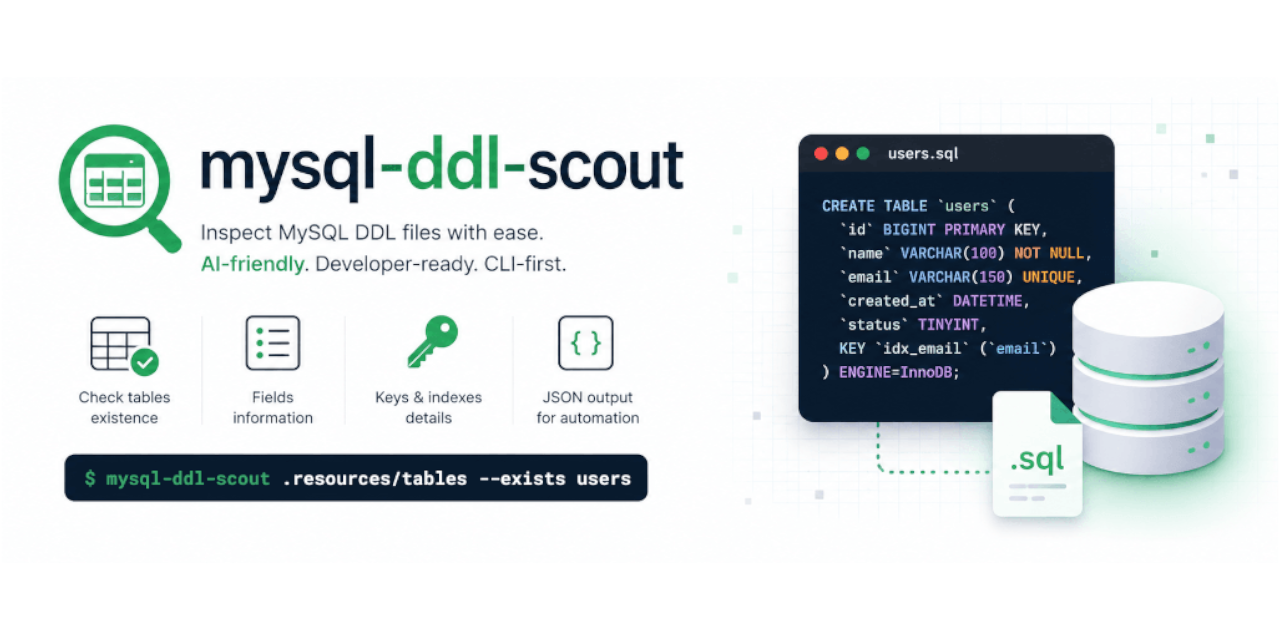


A blazing fast, lightweight Node.js CLI tool designed to parse MySQL DDL scripts and instantly extract structured metadata as clean JSON.
Built specifically for developers, automation scripts, and LLM Agents (such as Claude Code and Cursor IDE) to inspect, validate, and understand complex database schemas entirely offline, without requiring a running MySQL instance.
Features
- 100% Pure JSON Output: No text clutter, banners, or emojis in
stdout. Perfectly parseable for backend scripts and AI agents. - Table Existence Checking: Scan one or more tables and get absolute file paths when found.
- Quick Column Listing: Get just the column names for one or more tables in a single compact call — no metadata noise.
- Granular Field Inspection: Extract column data types, lengths, ENUM/SET values, nullability, and defaults.
- Relational Map Engine: Primary keys, indexes (including UNIQUE), prefix indexes, and foreign keys with composite column mapping.
- AST Dump: Output the
node-sql-parserAST for debugging and advanced inspection.
Installation
Install globally with npm:
npm install -g mysql-ddl-scoutAfter installation, the CLI will be available system-wide:
mysql-ddl-scout <folder_path> [options]Usage Without Installation
You can also run the latest published version directly with npx:
npx mysql-ddl-scout <folder_path> [options]Agent Skill
Install the agent skill so coding agents (Cursor, Claude Code, Codex, and others) know when and how to invoke this CLI. The skill is distributed via the open agent skills ecosystem using the skills CLI:
npx skills add marceloxp/mysql-ddl-scoutThe CLI auto-detects installed agents and prompts you to choose installation scope (project or global) and target agents interactively.
Optional flags (your choice):
--skill mysql-ddl-scout— install only this skill (useful if the repo contains multiple skills)-g,--global— install to your user directory instead of the current project-a <agent>— advanced override to target a specific agent; omit for multi-agent compatibility--list— preview available skills without installing
The skill teaches agents how to call the CLI; you still need the CLI itself (npm install -g mysql-ddl-scout or npx mysql-ddl-scout). Discover more skills at skills.sh.
1. Locate Table Schema Files (--exists)
Verifies whether one or more table DDL files exist in the target folder. Accepts multiple table names separated by spaces. Always exits with code 0; each result includes exists and path (null when not found).
mysql-ddl-scout .resources/tables --exists customers customer_addresses missing_tableStdout Response (JSON):
[
  {"table":"customers","exists":true,"path":"/path/to/project/.resources/tables/customers.sql"},
  {"table":"customer_addresses","exists":true,"path":"/path/to/project/.resources/tables/customer_addresses.sql"},
  {"table":"missing_table","exists":false,"path":null}
]
2. List Column Names (--fields)
Returns just the column names for one or more tables — no metadata, minimal output. Ideal when an agent only needs to know which fields a table has. Accepts multiple table names separated by spaces; each result is {"name":...,"fields":[...]} with names in DDL order. A table that is missing or unparseable becomes {"name":...,"error":...} instead of aborting the whole call, and the command exits with code 1.
mysql-ddl-scout .resources/tables --fields customers customer_addresses missing_tableStdout Response (JSON) [Exit Code: 1 — one table missing]:
[
  {"name":"customers","fields":["id","company_id","external_id","name","status","created_at"]},
  {"name":"customer_addresses","fields":["customer_id","company_id","address_type","zipcode"]},
  {"name":"missing_table","error":"File for table 'missing_table' not found."}
]
When all tables resolve, the command exits with code 0.
3. Inspect Column Metadata (--fields_info)
Extracts attributes for specified columns of a single table, or all columns when only the table name is given. Format: table_name or table_name:column1,column2,column3. Results follow DDL order when returning all fields, or the requested field order when specific columns are listed. Unknown fields are included as {"field":"...","exists":false} and the command exits with code 1.
mysql-ddl-scout .resources/tables --fields_info customersStdout Response (JSON): all columns in DDL order (truncated):
[
  {"field":"id","type":"CHAR","nullable":false,"default":null,"length":36},
  {"field":"company_id","type":"CHAR","nullable":false,"default":null,"length":36},
  {"field":"status","type":"ENUM","nullable":false,"default":"pending","values":["pending","active","blocked","deleted"]}
]
Specific fields with a missing column:
mysql-ddl-scout .resources/tables --fields_info customers:id,name,opaStdout Response (JSON) [Exit Code: 1]:
[
  {"field":"id","type":"CHAR","nullable":false,"default":null,"length":36},
  {"field":"name","type":"VARCHAR","nullable":false,"default":null,"length":255},
  {"field":"opa","exists":false}
]
4. Extract Relational Key Footprints (--keys_info)
Maps primary keys, indexes, unique constraints, and foreign keys for a single table. Unique indexes include "unique": true. Prefix indexes preserve the length suffix (e.g. "name(20)").
mysql-ddl-scout .resources/tables --keys_info customersStdout Response (JSON):
{
  "primary_keys":["id"],
  "indexes":[
    {"name":"customers_external_unique","columns":["company_id","external_id"],"unique":true},
    {"name":"customers_name_unique","columns":["company_id","name"],"unique":true},
    {"name":"idx_customers_status","columns":["status"]},
    {"name":"idx_customers_created_status","columns":["created_at","status"]},
    {"name":"idx_customers_name_prefix","columns":["name(20)"]}
  ],
  "foreign_keys":[
    {
      "name":"customers_company_id_foreign",
      "local_columns":["company_id"],
      "referenced_table":"companies",
      "referenced_columns":["id"],
      "on_delete":"CASCADE",
      "on_update":"CASCADE"
    }
  ]
}
Composite keys example:
mysql-ddl-scout .resources/tables --keys_info customer_addresses{
"primary_keys":["customer_id","company_id","address_type"],
"indexes":[],
"foreign_keys":[
{
"name":"fk_customer_addresses_customer",
"local_columns":["customer_id","company_id"],
"referenced_table":"customers",
"referenced_columns":["id","company_id"],
"on_delete":"CASCADE",
"on_update":"CASCADE"
}
]
}5. Parser AST (--ast)
Returns the node-sql-parser AST for a single table DDL. Useful for debugging parser output or building custom tooling on top of the AST.
mysql-ddl-scout .resources/tables --ast customer_addressesStdout Response (JSON): the full CREATE TABLE AST node (truncated example):
{
  "type":"create",
  "table":[{"db":null,"table":"customer_addresses","as":null}],
  "create_definitions":[...],
  "table_options":[...]
}
Error Pipeline
If an operational error occurs (e.g., folder not found, empty DDL file, table file missing for --fields_info/--keys_info/--ast, or invalid MySQL syntax), mysql-ddl-scout writes a structured JSON diagnostic to stderr and exits with code 1.
mysql-ddl-scout .resources/tables --keys_info missing_tableStderr Response (JSON) [Exit Code: 1]:
{"error":"File for table 'missing_table' not found."}Development
Clone the repository and install dependencies:
git clone [email protected]:marceloxp/mysql-ddl-scout.git
cd mysql-ddl-scout

npm install
npm link
The npm link command exposes the local development version globally on your machine.
Contributing
Contributions, bug tracking, and architectural enhancements are welcome! Feel free to open an Issue or submit a Pull Request to help improve the tool's parser compliance.
License
Distributed under the MIT License. See LICENSE for more information.